
9 AI Screen Recorders That Edit Your Videos for You
Record your screen once and let AI handle titles, cuts and captions.

Key Takeaways
- Best for teams: Loom
- Best for editing by text: Descript
- Best free open-source pick: Cap
- Best for how-to guides: Guidde
These are the 9 best AI screen recorders in 2026 for founders, teachers and teams who want clear screen videos without hours of editing.
Top 9 AI screen recorders at a glance
| Tool | Best for | Free plan |
|---|---|---|
| 1. Loom | Team video messages | Yes |
| 2. Descript | Editing by transcript | Yes, 60 min a month |
| 3. Tella | Polished product demos | No, 7-day trial |
| 4. Cap | Open-source recording | Yes, personal use |
| 5. Zight | Screenshots plus video | Yes, 5-min videos |
| 6. ScreenPal | Low-cost plans | Yes, 15-min recordings |
| 7. Screencastify | Classroom videos | Yes, 10 videos |
| 8. Guidde | Step-by-step guides | Yes, 25 videos |
| 9. VEED | Browser-only recording | Yes, with watermark |
Jump toLoomDescriptTellaCapZightScreenPalScreencastifyGuiddeVEED
The 9 best AI screen recorders in 2026
1. Loom
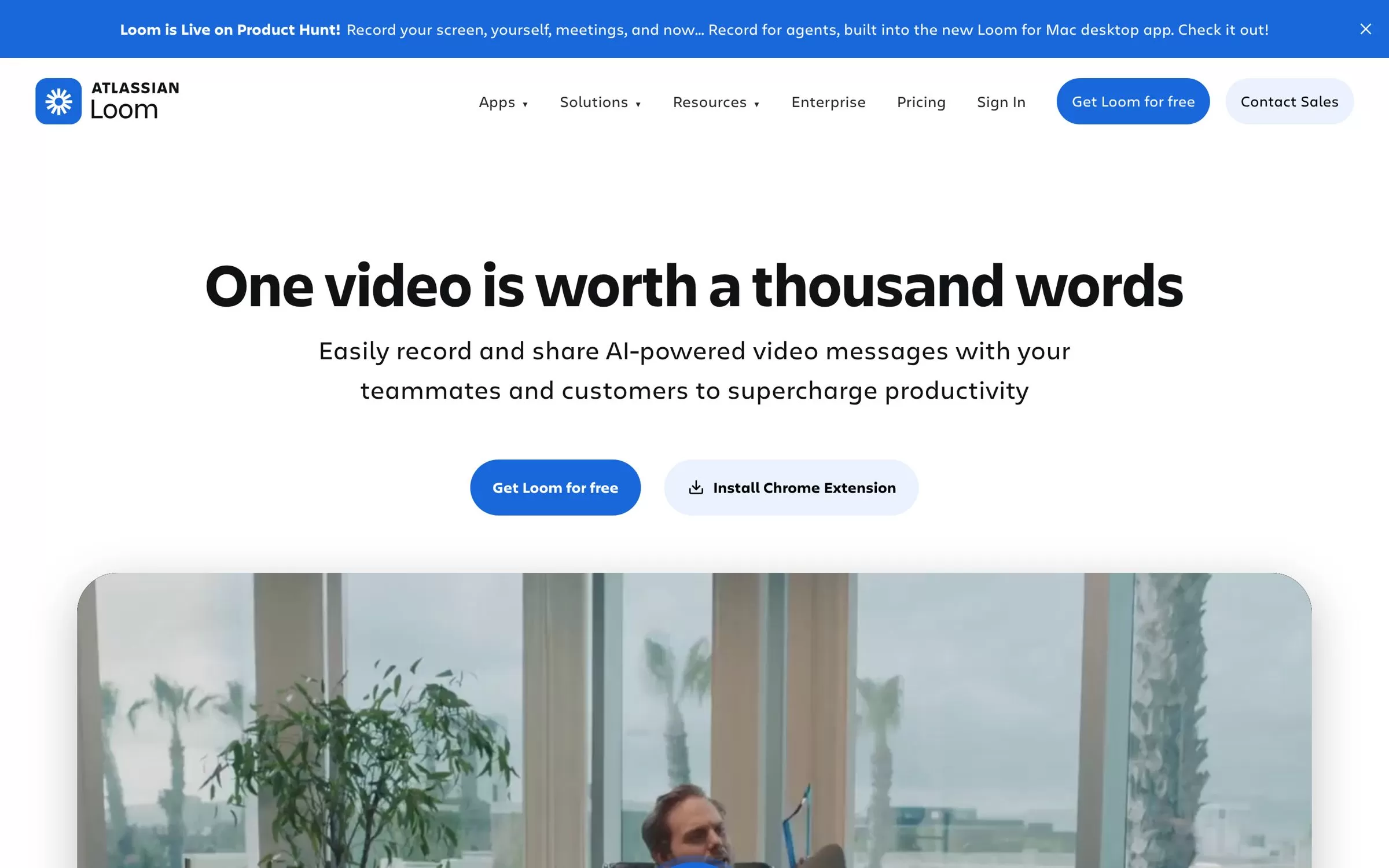
Loom records your screen and camera, then shares the video as a link your team can watch and comment on. Its AI adds auto titles, summaries and chapters, and removes filler words, on the Business + AI plan.
Best for: Team video messages
Free plan: Yes, 25 videos of up to 5 minutes each
Price: Business at $18 per user a month billed monthly; Business + AI at $24 per user a month billed monthly
Works on: Chrome extension, Mac, Windows, iOS and Android
Website: loom.com
2. Descript
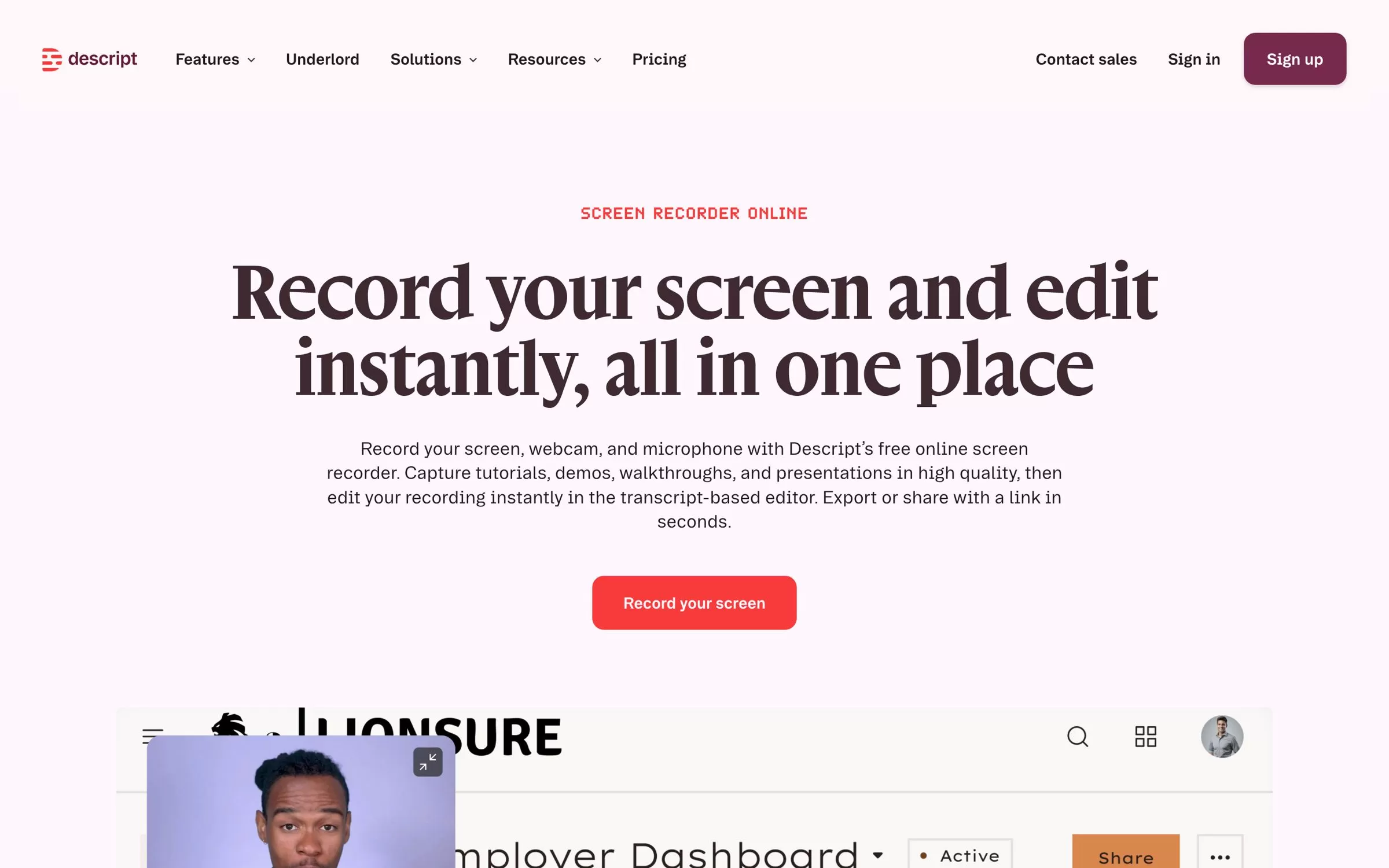
Descript records your screen, webcam and microphone, then lets you edit the recording by editing its transcript like a document. Remove Filler Words and Studio Sound clean up your talk on the paid plans.
Best for: Editing by transcript
Free plan: Yes, 60 minutes of media a month with 720p export
Price: Hobbyist at $16 per person a month billed annually, or $24 billed monthly
Works on: Mac, Windows and browser
Website: descript.com
3. Tella
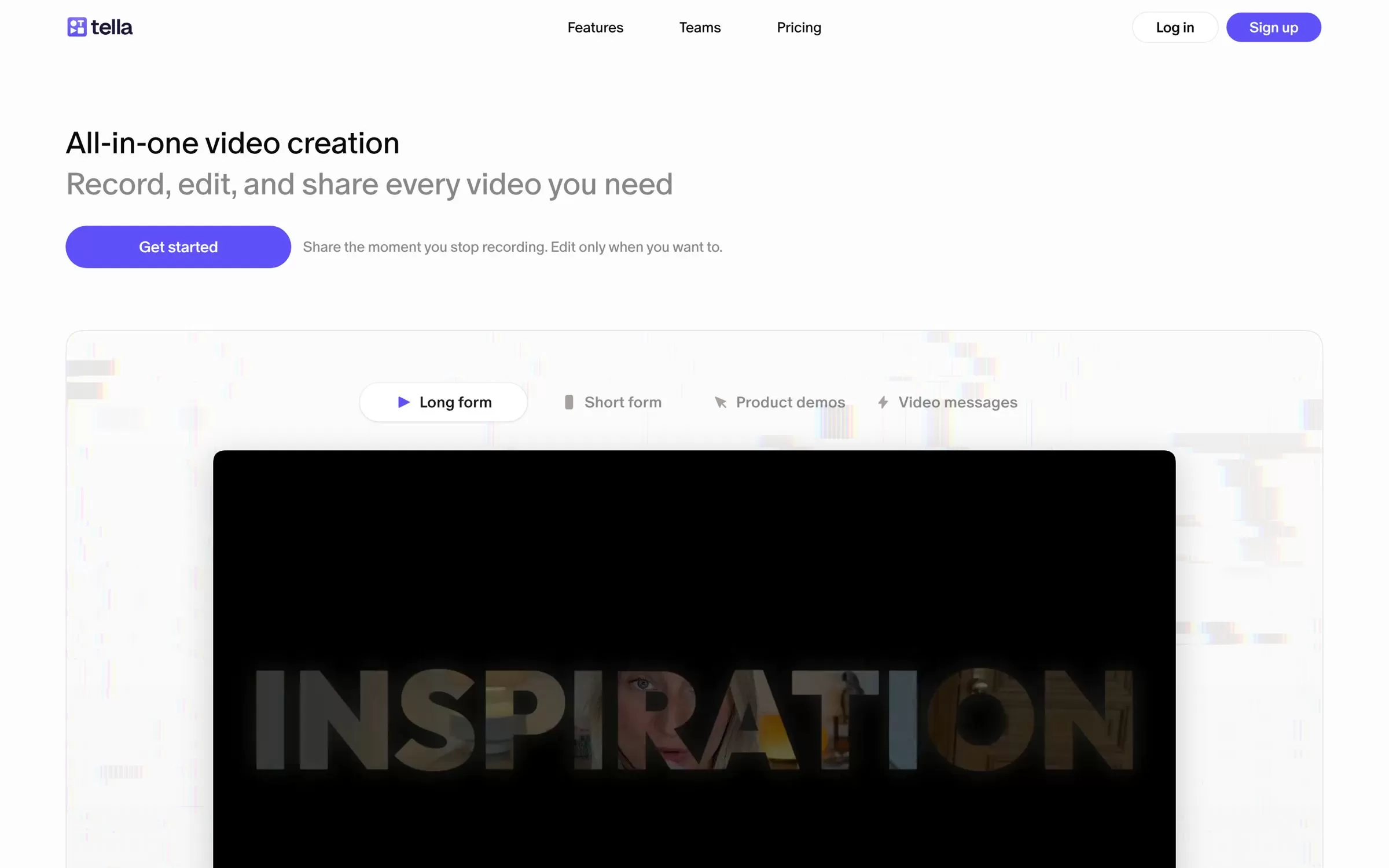
Tella is built for good-looking demos, tutorials and course videos, with layouts, zooms and backgrounds. AI removes filler words and silences, adds auto zoom and transcribes in 106 languages.
Best for: Polished product demos
Free plan: No free plan; a 7-day free trial of Pro with no credit card
Price: Pro at $13 per user a month billed annually, or $26 billed monthly
Works on: Web, Mac, Windows and Chrome extension
Website: tella.com
4. Cap
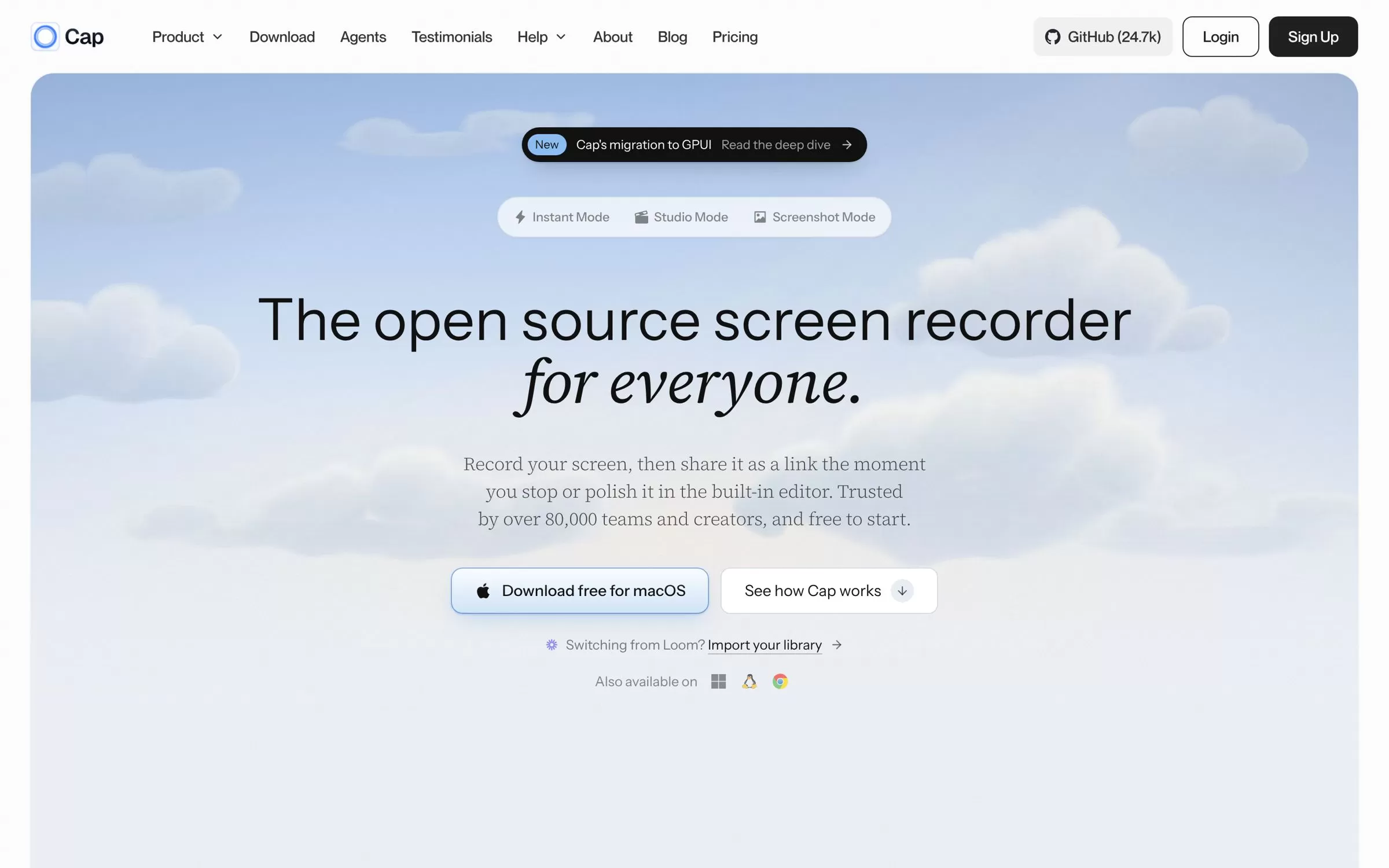
Cap is an open-source screen recorder with a quick Instant Mode for share links and a Studio Mode for polished videos. Cap AI writes titles, summaries and chapters and transcribes your videos on Cap Pro.
Best for: Open-source recording
Free plan: Yes, for personal use, with 25 share links a month of up to 5 minutes each
Price: Desktop License at $29 a year or $58 lifetime; Cap Pro with AI at $12 per user a month, or $8.16 a month billed annually
Works on: Mac, Windows (beta) and Linux
Website: cap.so
5. Zight
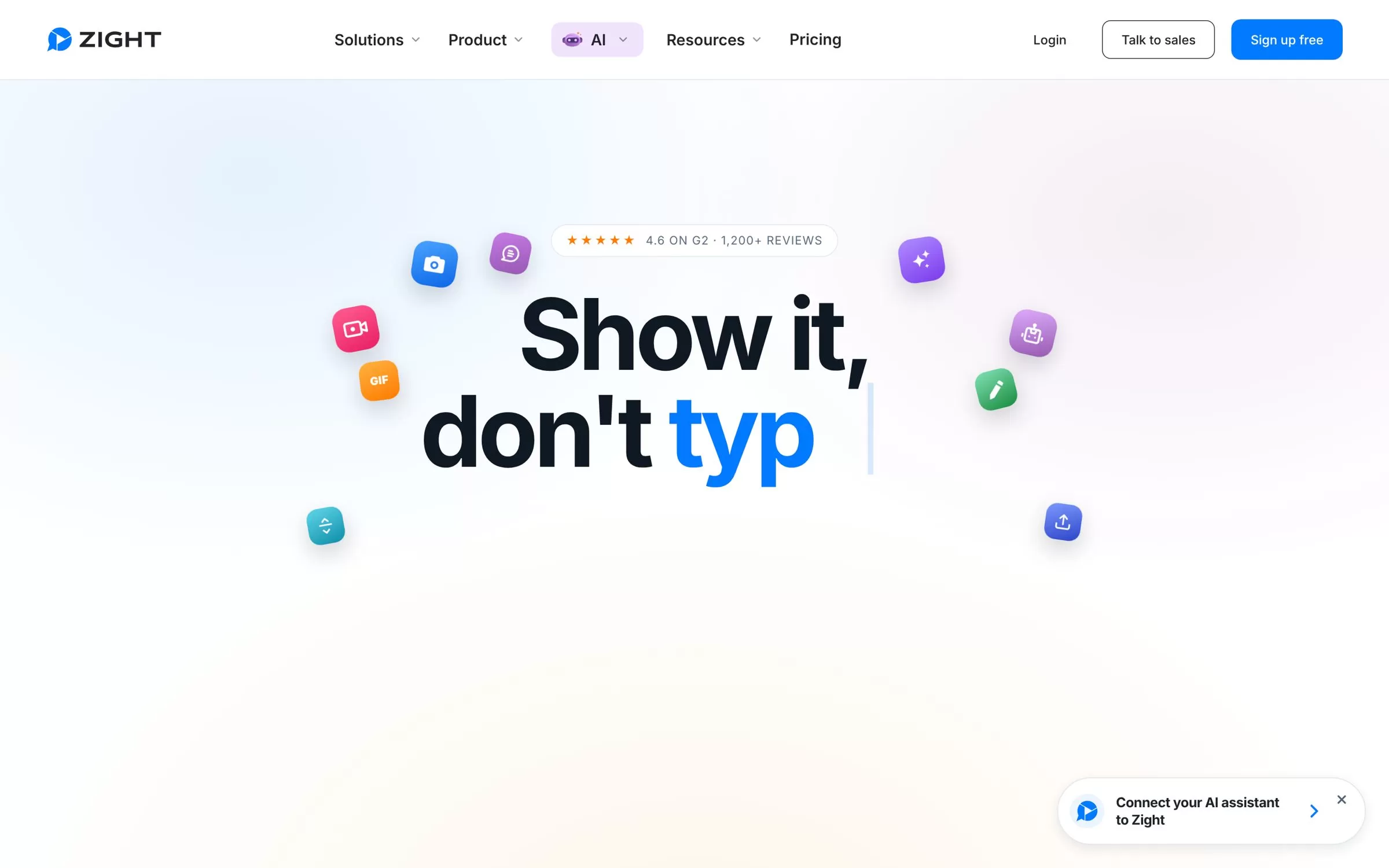
Zight captures screen recordings, screenshots and GIFs and shares them by link. Its AI adds titles, captions, summaries and chapters, and transcribes in 50+ languages.
Best for: Screenshots plus video
Free plan: Yes, the Share plan with 5-minute recordings at up to 720p
Price: Create at $9.95 per user a month billed annually, or $12.95 billed monthly
Works on: Mac, Windows, Chrome extension, iOS and Android
Website: zight.com
6. ScreenPal
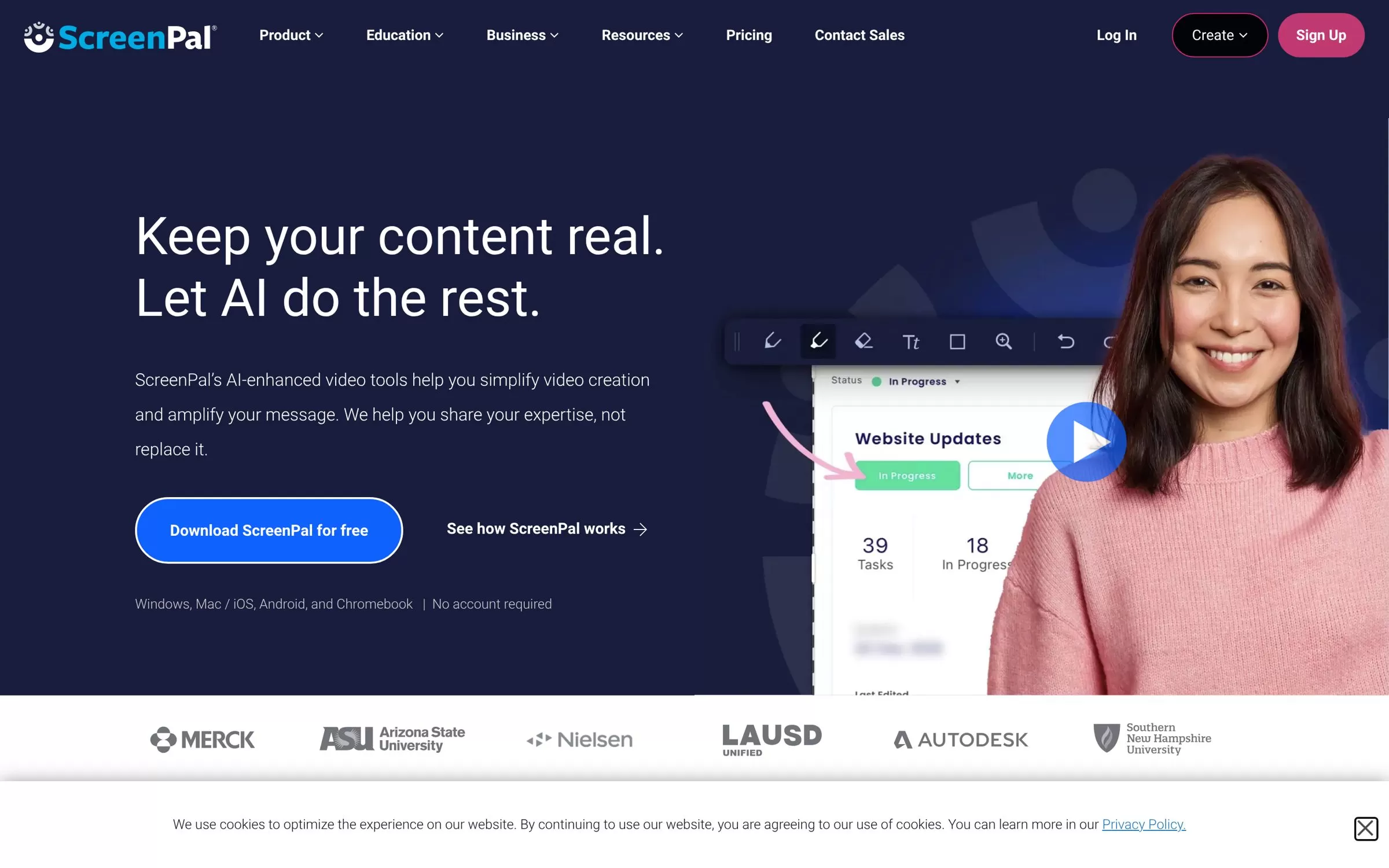
ScreenPal pairs a screen and webcam recorder with a video editor, hosting and video quizzes. Its AI suite adds auto titles and summaries, captions, a quiz generator and translation into 140+ languages.
Best for: Low-cost plans
Free plan: Yes, free forever, with 15-minute recordings and 10 hosted videos
Price: Solo Deluxe at $4 a month paid annually; the full AI suite is in Solo Max at $10 a month paid annually
Works on: Windows, Mac, iOS, Android and Chromebook
Website: screenpal.com
7. Screencastify
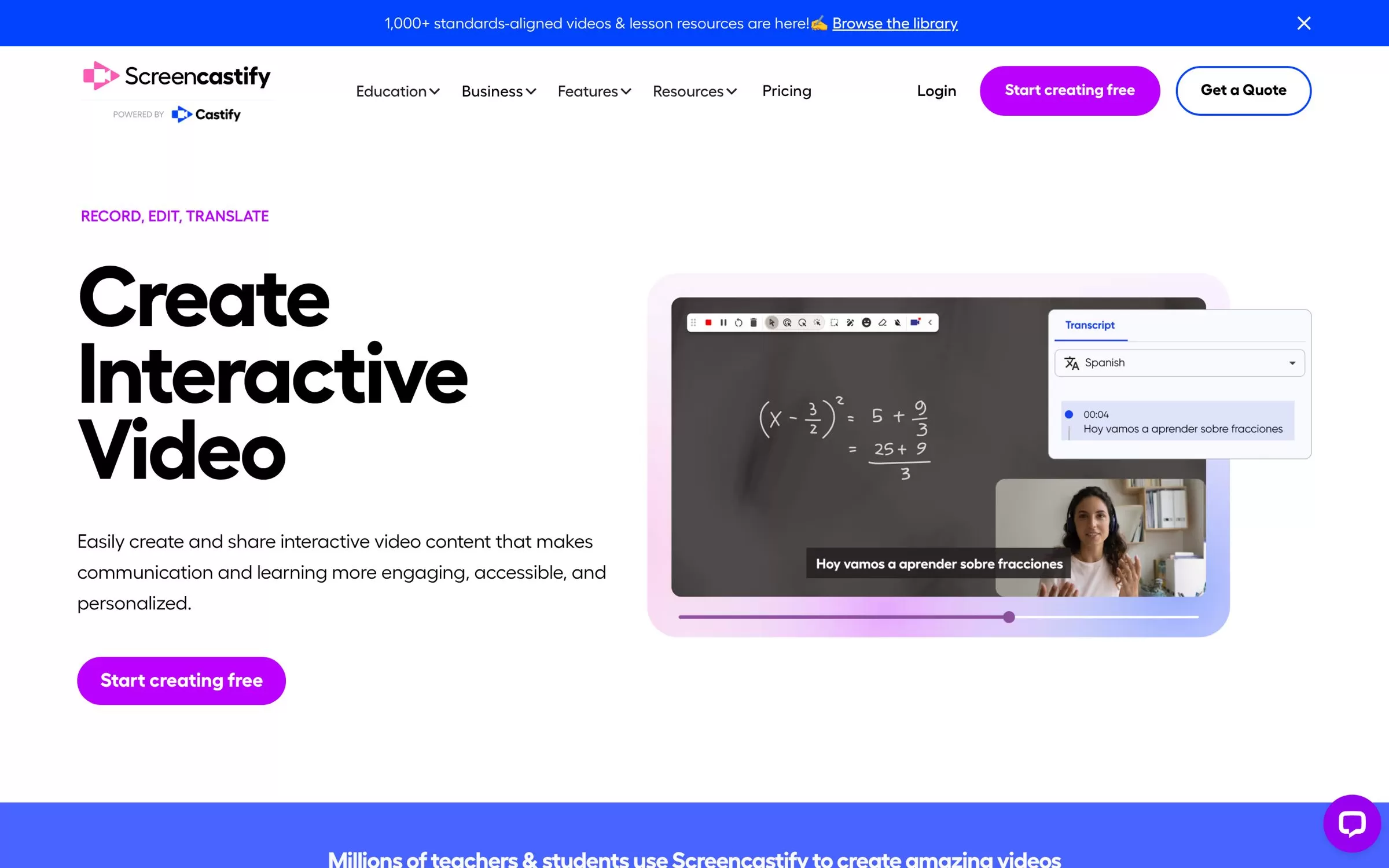
Screencastify is a browser extension screen recorder made for teachers and interactive lessons. Its AI writes scripts, adds questions to videos and translates captions into 99+ languages (beta).
Best for: Classroom videos
Free plan: Yes, up to 10 videos of up to 30 minutes, with a watermark
Price: Starter at $7 per user a month billed annually, or $18 billed monthly; AI features are on Pro at $10 per user a month billed annually
Works on: Chrome and Edge extensions
Website: screencastify.com
8. Guidde
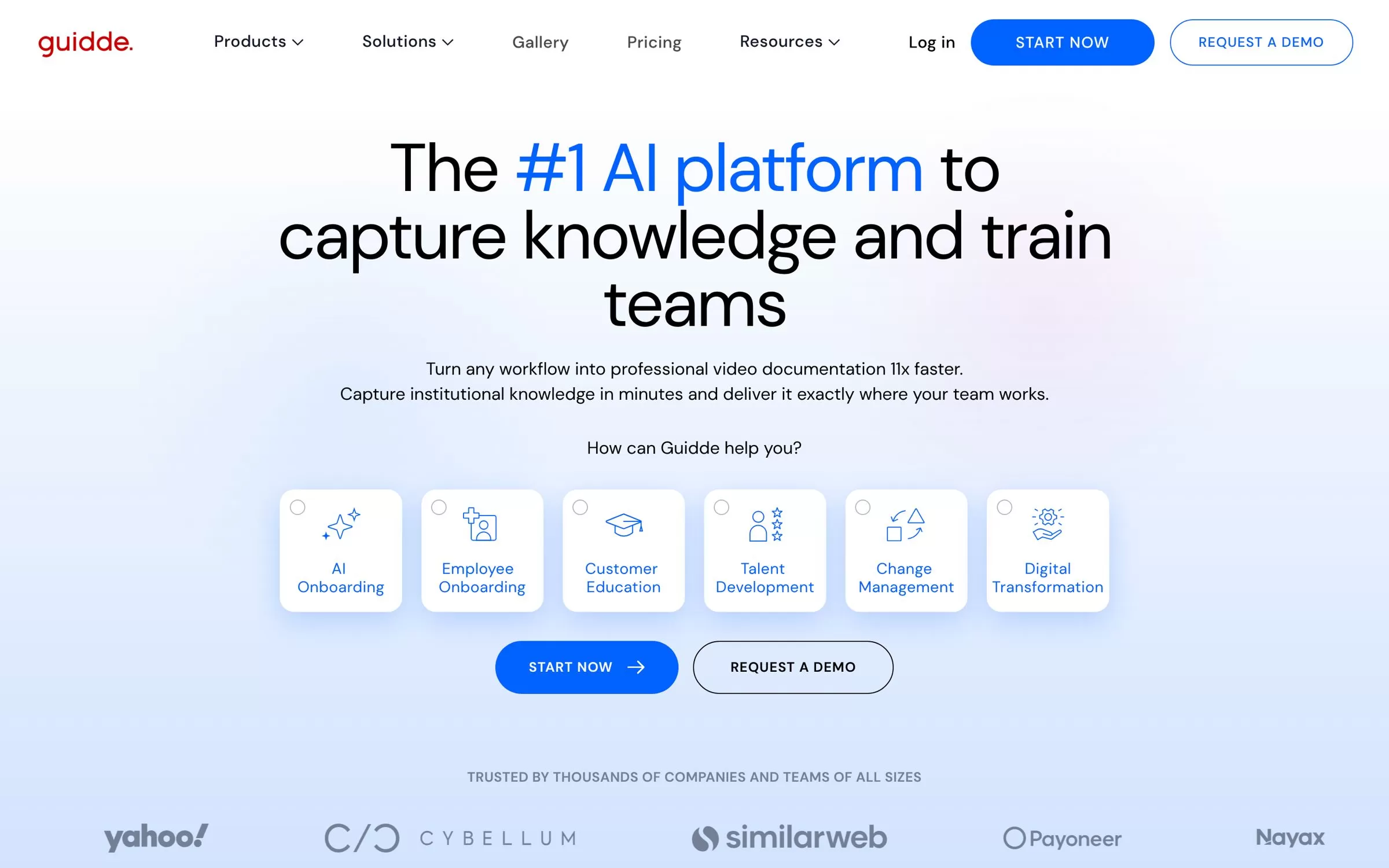
Guidde captures a workflow in your browser and turns it into a step-by-step how-to video and guide. AI voiceovers in 50+ languages come with the Business plan.
Best for: Step-by-step guides
Free plan: Yes, up to 25 how-to videos
Price: Pro at $19 per creator a month billed annually
Works on: Chrome extension and Edge add-on, plus a desktop app on Business
Website: guidde.com
9. VEED
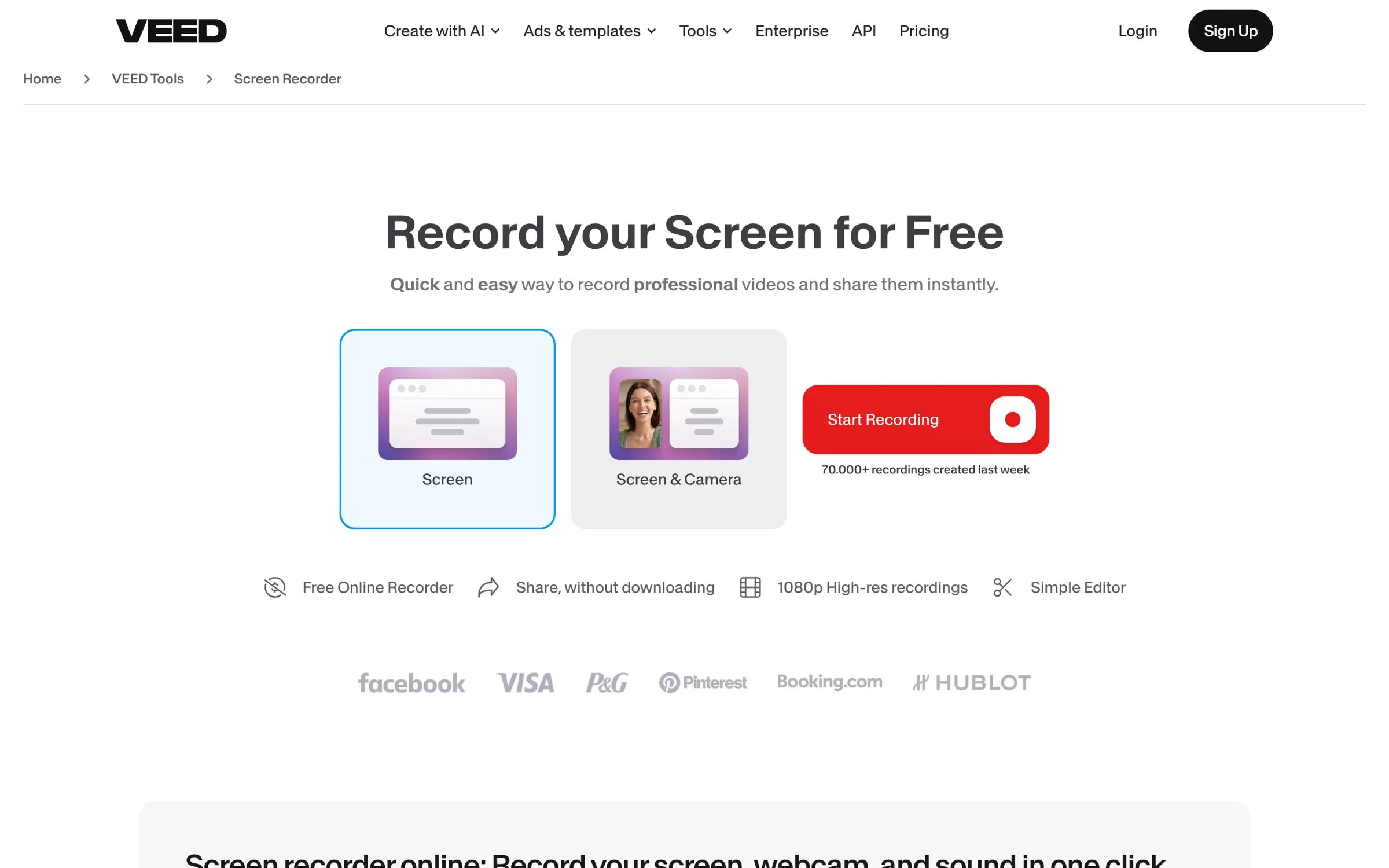
VEED records your screen, webcam and audio in the browser and drops the clip straight into its online editor. AI tools remove filler words and silences and add subtitles, with translation into 50+ languages on Pro.
Best for: Browser-only recording
Free plan: Yes, with a watermark, 720p and 10-minute exports
Price: Creator at $12.25 per seat a month billed yearly, or $25 billed monthly
Works on: Web browser
Website: veed.io
Free AI screen recorder and AI screen recording software options
Loom, Descript, Cap, Zight, ScreenPal, Screencastify, Guidde and VEED all have a free plan. Tella has a 7-day free trial instead. Free plans cap video length or count, and most keep the AI features for paid plans.
AI screen recorder Chrome extension or desktop app?
Screencastify and Guidde run as browser extensions, and VEED runs in the browser with nothing to install. Loom, Tella and Zight offer both a Chrome extension and desktop apps. Descript, Cap and ScreenPal give you desktop apps for PC and Mac.
Final verdict
Pick Loom for quick video messages to your team, Descript if you want to edit by text, and Tella for polished demos. Want it free and open source? Start with Cap, whose Desktop License at $29 a year is also the lowest paid plan here. For AI captions on a budget, ScreenPal Solo Deluxe costs $4 a month paid annually. Record a short test video on the free plan before you pay.


