
7 AI Diagram Makers That Turn Text Into Visuals
Flowcharts, mind maps and system maps from a simple prompt.

Key Takeaways
- Best free start: Napkin AI
- Best for architecture: Eraser
- Best for teams: Miro
- Diagrams as code: Mermaid
The 7 best AI diagram makers in 2026 turn a plain description into a flowchart, mind map or system diagram in seconds. We compared each one using its official website.
Top 7 AI diagram makers at a glance
| Tool | Best for | Free plan |
|---|---|---|
| 1. Miro | Team workshops | Yes |
| 2. Whimsical | Clean flowcharts | Yes |
| 3. Eraser | Software architecture | Yes |
| 4. Napkin AI | Text to visuals | Yes |
| 5. Mermaid | Diagrams as code | Yes |
| 6. Creately | Process maps and org charts | Yes |
| 7. GitMind | Mind maps and UML | Free trial |
Jump toMiroWhimsicalEraserNapkin AIMermaidCreatelyGitMind
The 7 best AI diagram makers in 2026
1. Miro

Miro is a shared online canvas where AI can generate diagrams, tables and summaries. It suits teams that plan and map ideas together.
Best for: Team workshops
Free plan: Yes, 3 editable boards
Price: Starter $8 per member per month billed yearly; Business $20 per member per month billed yearly
Website: miro.com
2. Whimsical

Whimsical turns a text prompt into flowcharts, mind maps and wireframes. It is built for quick diagrams from a prompt.
Best for: Clean flowcharts
Free plan: Yes
Price: Pro $10 and Business $20 per editor per month on the annual view
Website: whimsical.com
3. Eraser
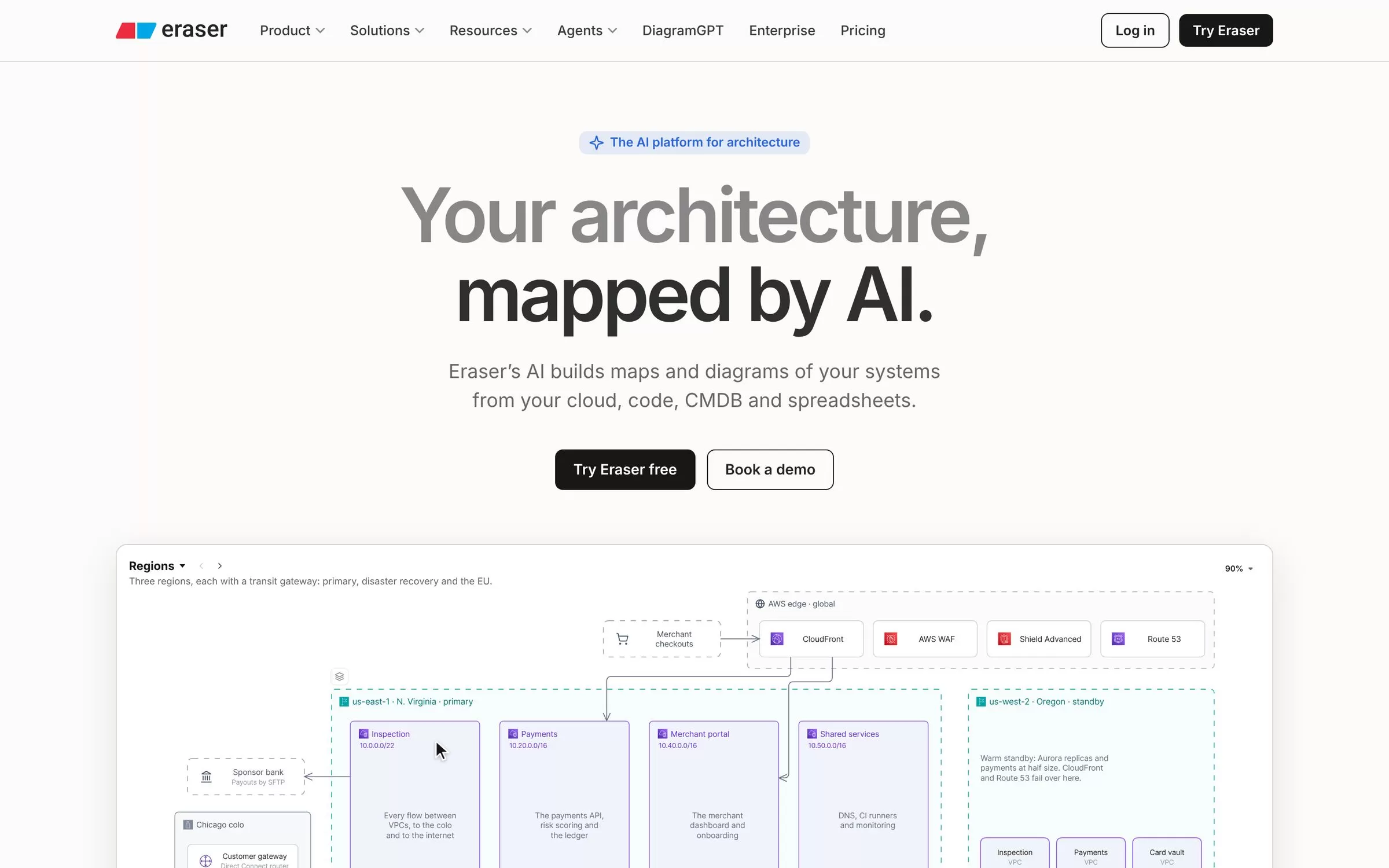
Eraser creates diagrams from a description or pasted code, such as cloud architecture and database diagrams. It is built for engineers.
Best for: Software architecture
Free plan: Yes, 3 files and 3 AI credits
Price: Business $45 per member per month billed annually, or $60 billed monthly
Website: eraser.io
4. Napkin AI
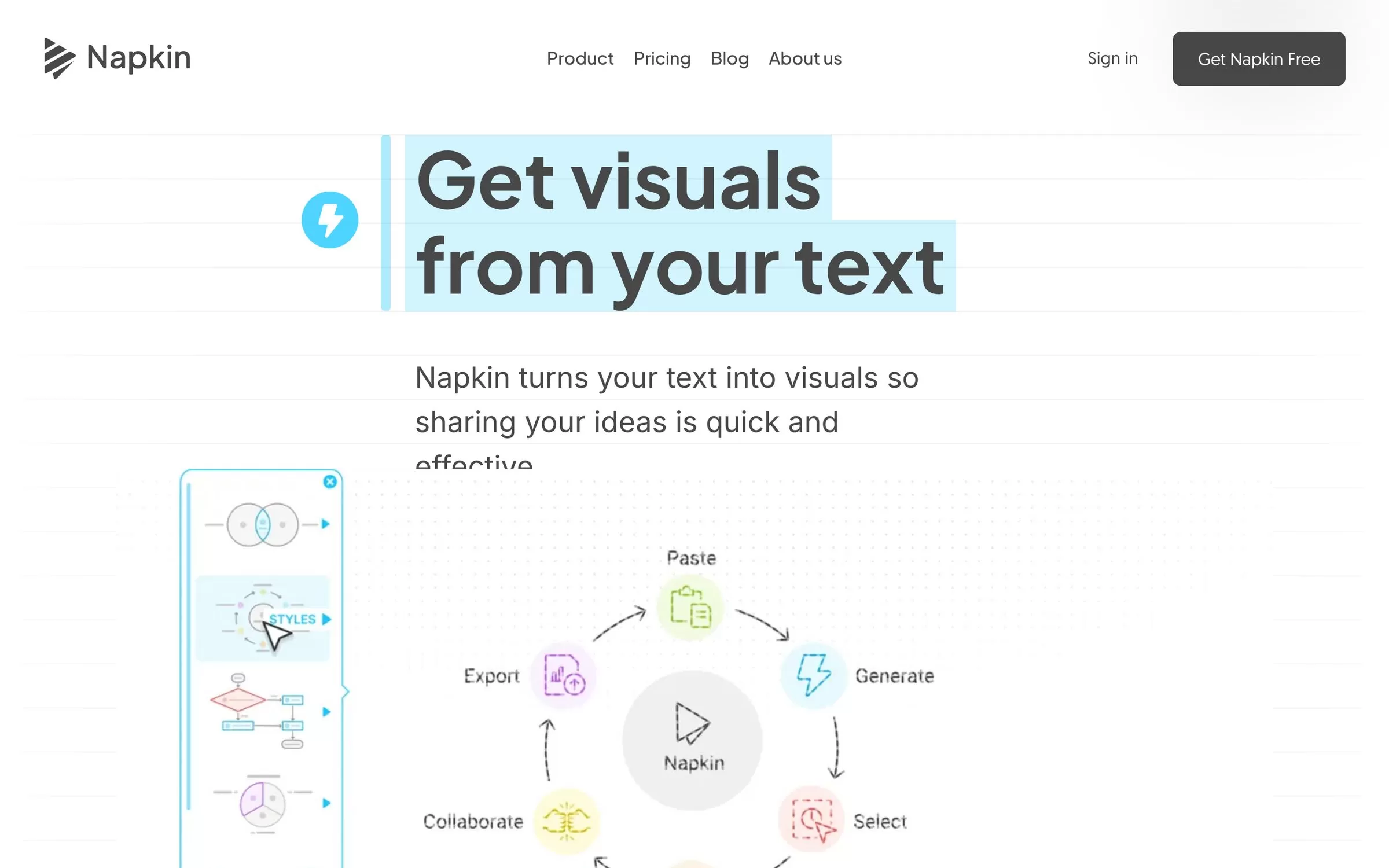
Napkin AI turns pasted text into diagrams, flowcharts, mind maps and infographics. It also makes visuals in 60+ languages.
Best for: Text to visuals
Free plan: Yes, 500 AI credits per week
Price: Plus $9 per person per month
Website: napkin.ai
5. Mermaid
Mermaid builds diagrams from a chat prompt or from Mermaid code. You can also use its visual editor.
Best for: Diagrams as code
Free plan: Yes, Basic plan with 15 AI credits
Price: Plus $10 and Premium $20 per user per month, annual billing only
Website: mermaid.ai
6. Creately
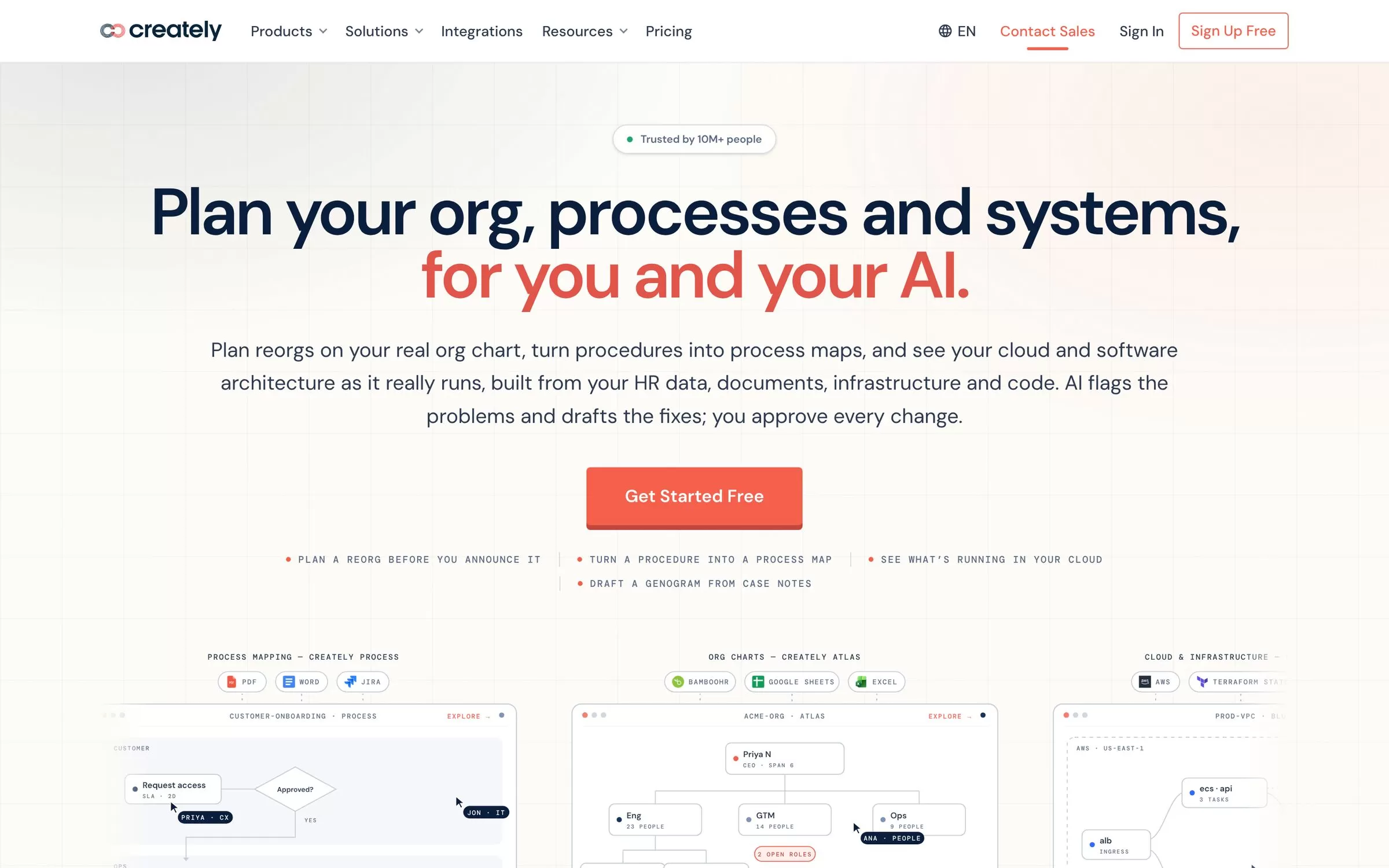
Creately gives you an AI first draft from a plain description. It can turn a procedure document into a flowchart.
Best for: Process maps and org charts
Free plan: Yes, up to 45 shapes per diagram
Price: Pro, Business and Enterprise plans are listed on the Creately plans page
Website: creately.com
7. GitMind
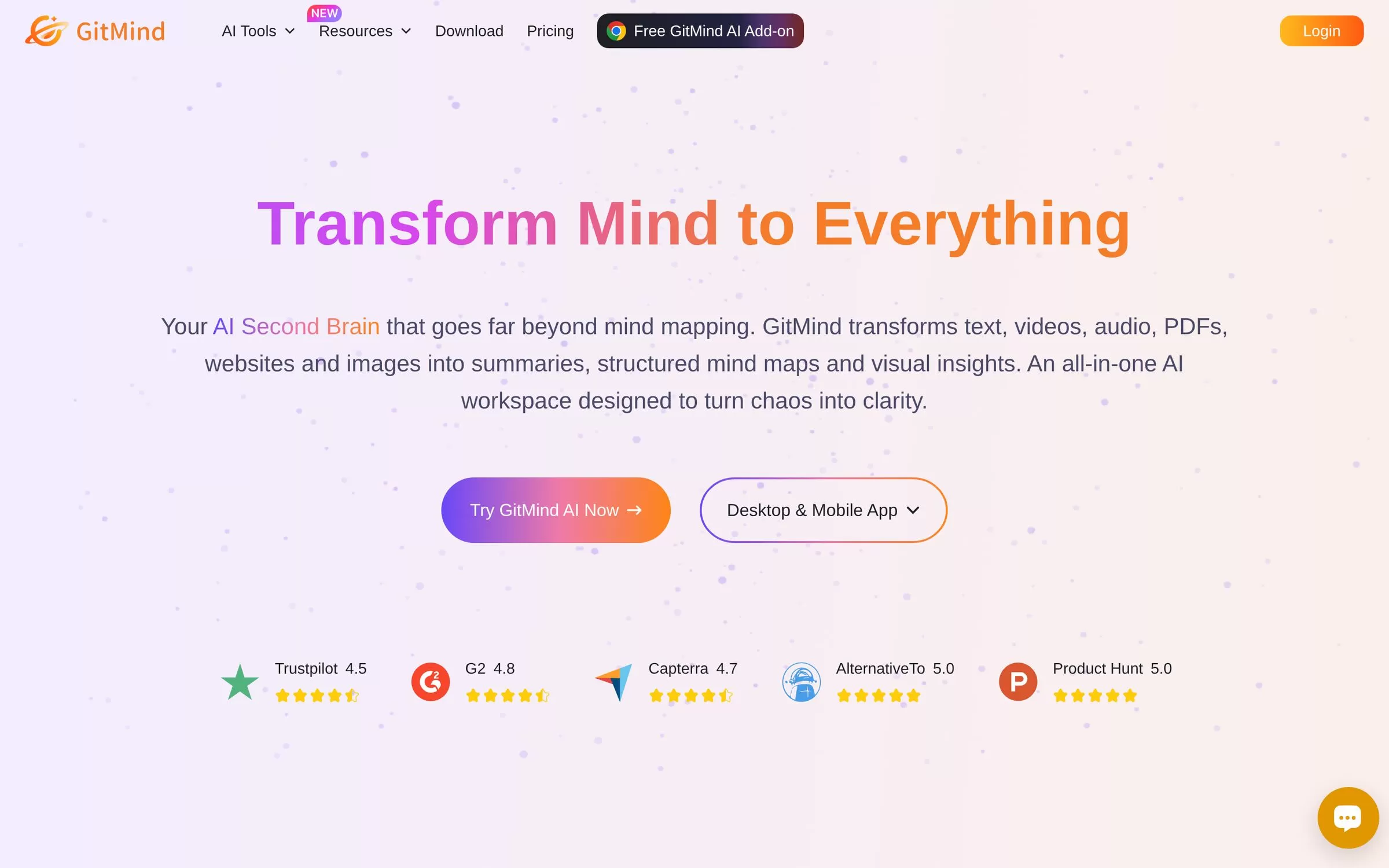
GitMind has AI generators for flowcharts, class diagrams and ERDs. It also turns text and files into mind maps.
Best for: Mind maps and UML
Free plan: Free trial, 10 free chats after registration
Price: Premium and Ultimate plans are listed on the GitMind pricing page
Website: gitmind.com
AI diagram maker free plans
Every tool in this list has a free way to start. Napkin AI gives 500 AI credits per week and lets you export PNG and PDF. Miro gives 3 editable boards. Creately allows up to 45 shapes per diagram, and Eraser gives 3 files with 3 AI credits. Mermaid Basic includes 15 AI credits, and GitMind offers a free trial with 10 chats. Free plans have limits, so test one real diagram before you pay.
AI diagram maker from text: how to choose
Start with the kind of diagram you need. If you want visuals from pasted text, try Napkin AI. If you draw software systems, try Eraser or Mermaid, which both work from code or code-like input. If your team plans together on one board, try Miro or Whimsical. For process maps, org charts and mind maps, look at Creately and GitMind. Then compare the free plan limits and the paid prices listed on each pricing page.
Final verdict
Pick Napkin AI if you want visuals from text with a free plan. Pick Eraser for software architecture, Miro for team workshops and Mermaid if you like diagrams as code. Start with the free plan of two tools and keep the one you open most.


