
10 AI Interior Design Tools That Restyle Any Room From a Photo or Plan
Snap your room, pick a style and see the makeover in seconds.

Key Takeaways
- Best free pick: RoomsGPT
- Shoppable designs: REimagineHome
- Full 3D home plans: Coohom
- Floor plan from a scan: RoomSketcher
Most of these 10 AI interior design tools let you upload a photo of any room and see it redesigned in a new style, often in under a minute.
Top 10 AI interior design tools at a glance
| Tool | Best for | Free plan |
|---|---|---|
| 1. Interior AI | Fast photo restyles | No |
| 2. RoomsGPT | Free daily designs | Yes |
| 3. Decor8 AI | Unlimited redesigns | No |
| 4. REimagineHome | Real, shoppable products | 5 free designs |
| 5. HomeDesigns AI | Rooms, exteriors and gardens | Not listed |
| 6. mnml.ai | Architects and designers | 100 free credits |
| 7. Visualizee | Edit by plain words | Free trial |
| 8. Coohom | Full 3D home design | Yes |
| 9. Planner 5D | DIY floor plans | Yes |
| 10. RoomSketcher | Floor plans from a scan | Yes |
Jump toInterior AIRoomsGPTDecor8 AIREimagineHomeHomeDesigns AImnml.aiVisualizeeCoohomPlanner 5DRoomSketcher
The 10 best AI interior design tools
The first five work like an AI interior design app for photos: snap your room and pick a style. The rest suit people who start from a floor plan or a 3D model.
1. Interior AI
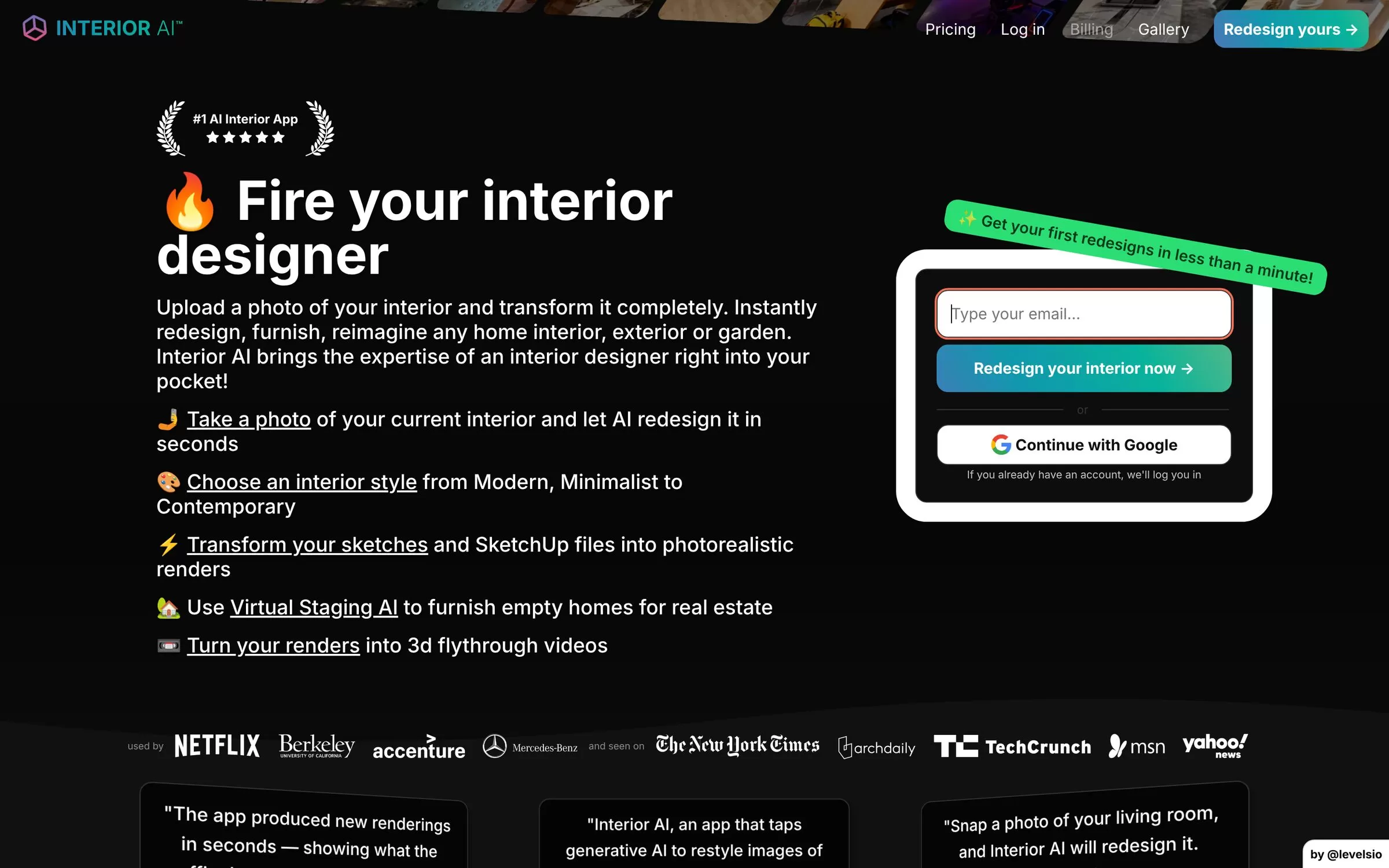
Interior AI lets you upload a photo of your room and redesign it in a new style in seconds. It also has a virtual staging mode that fills empty rooms with furniture, which helps landlords and sellers.
Best for: Quick restyles of a room from one photo
Free plan: No
Price: Pro at $49 a month, or $29 a month billed yearly ($349 a year)
Website: interiorai.com
2. RoomsGPT
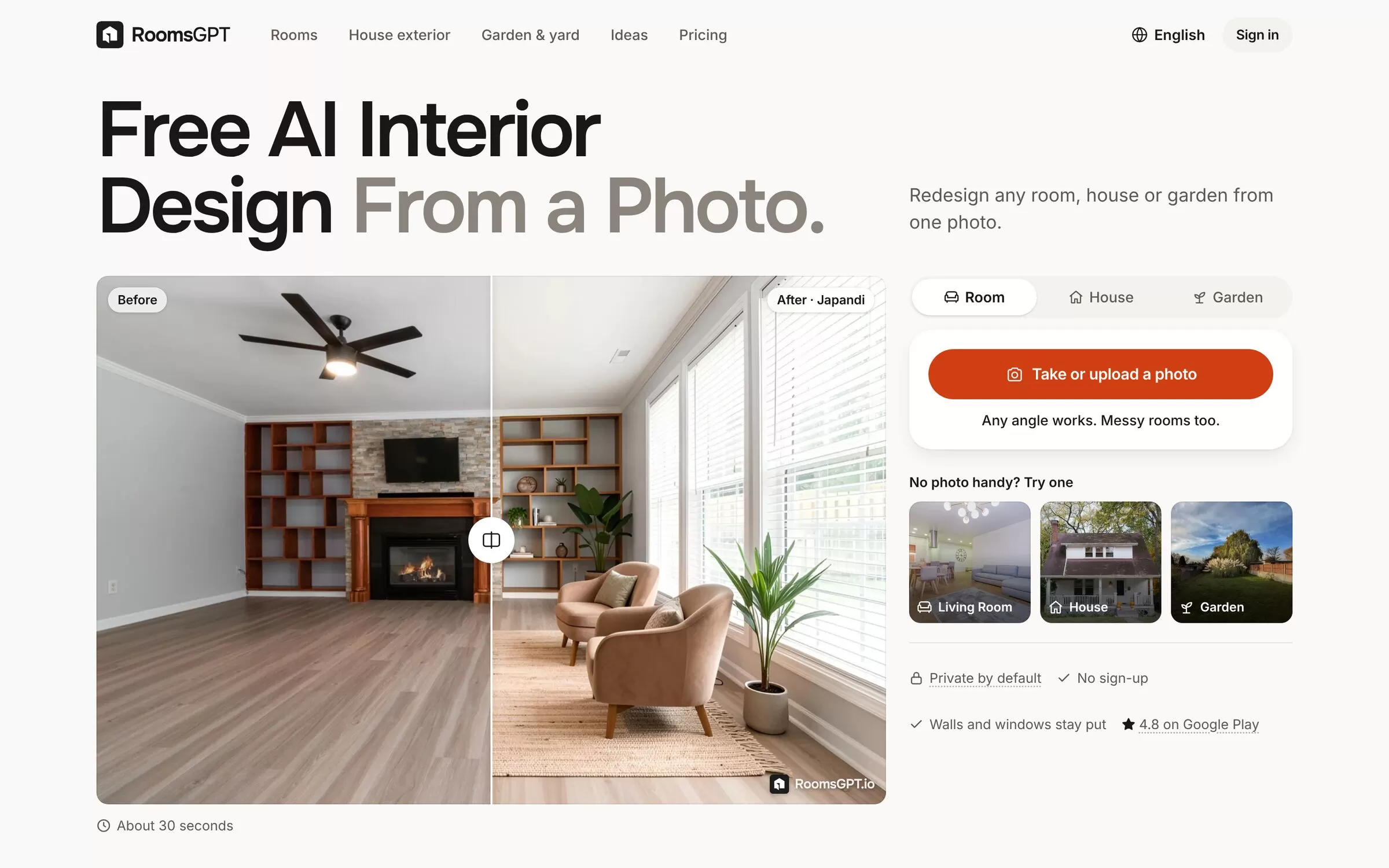
RoomsGPT redesigns a room, house exterior or garden from one photo, and a slider shows the before and after. It offers 61+ styles in 26 languages, and you can start without an account.
Best for: Free AI room design from a photo
Free plan: Yes, 3 designs a day as a guest, 4 with a free account (watermarked)
Price: Plus at $4.99 a month or $39 a year (prices depend on billing country)
Website: roomsgpt.io
3. Decor8 AI
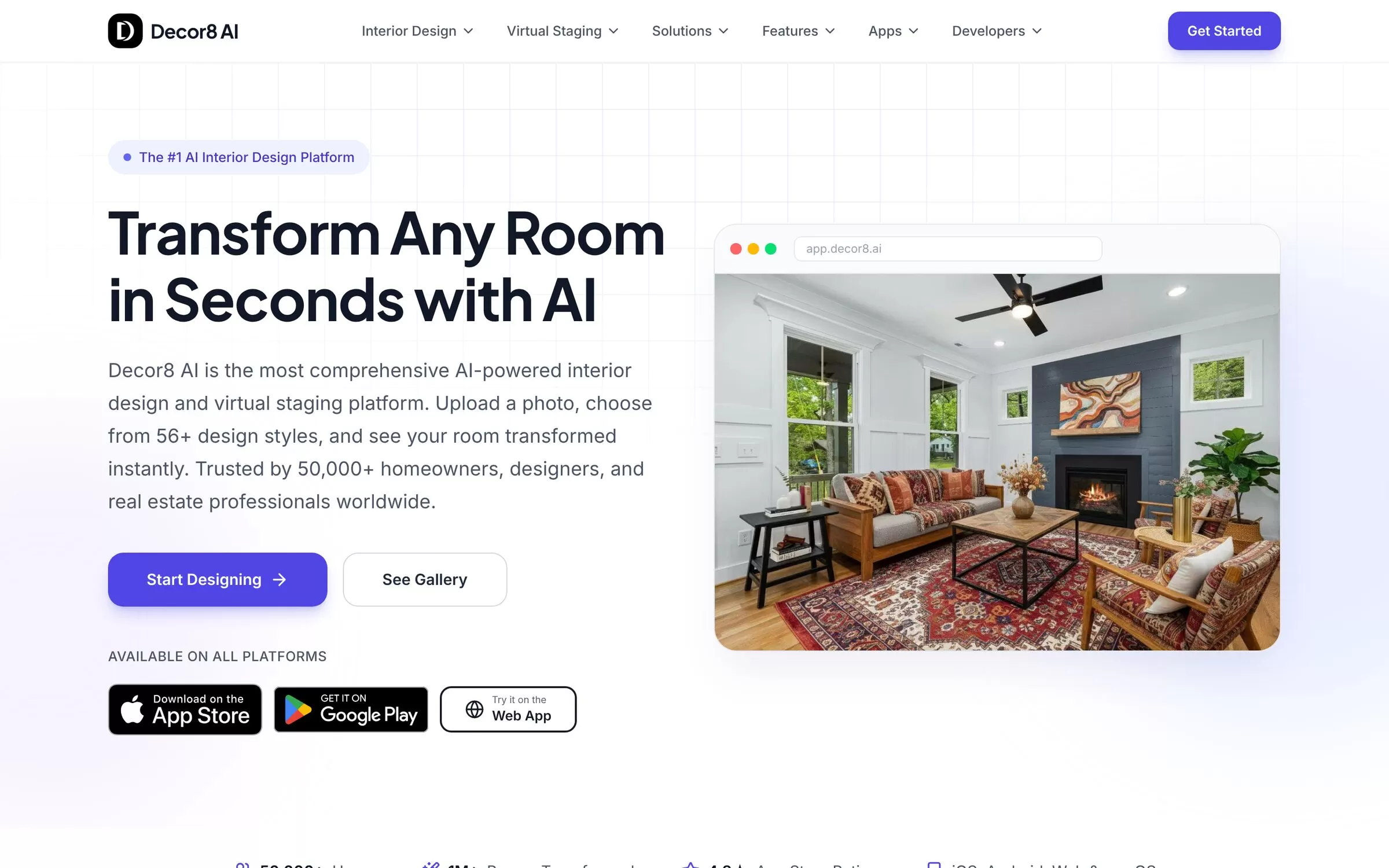
Decor8 AI restyles a room from a photo and also does virtual staging for empty spaces. Its paid plan gives unlimited room redesigns across 56+ interior design styles.
Best for: Unlimited redesigns for homeowners and agents
Free plan: No free plan listed
Price: Unlimited at $14.99 a month, billed monthly
Website: decor8.ai
4. REimagineHome
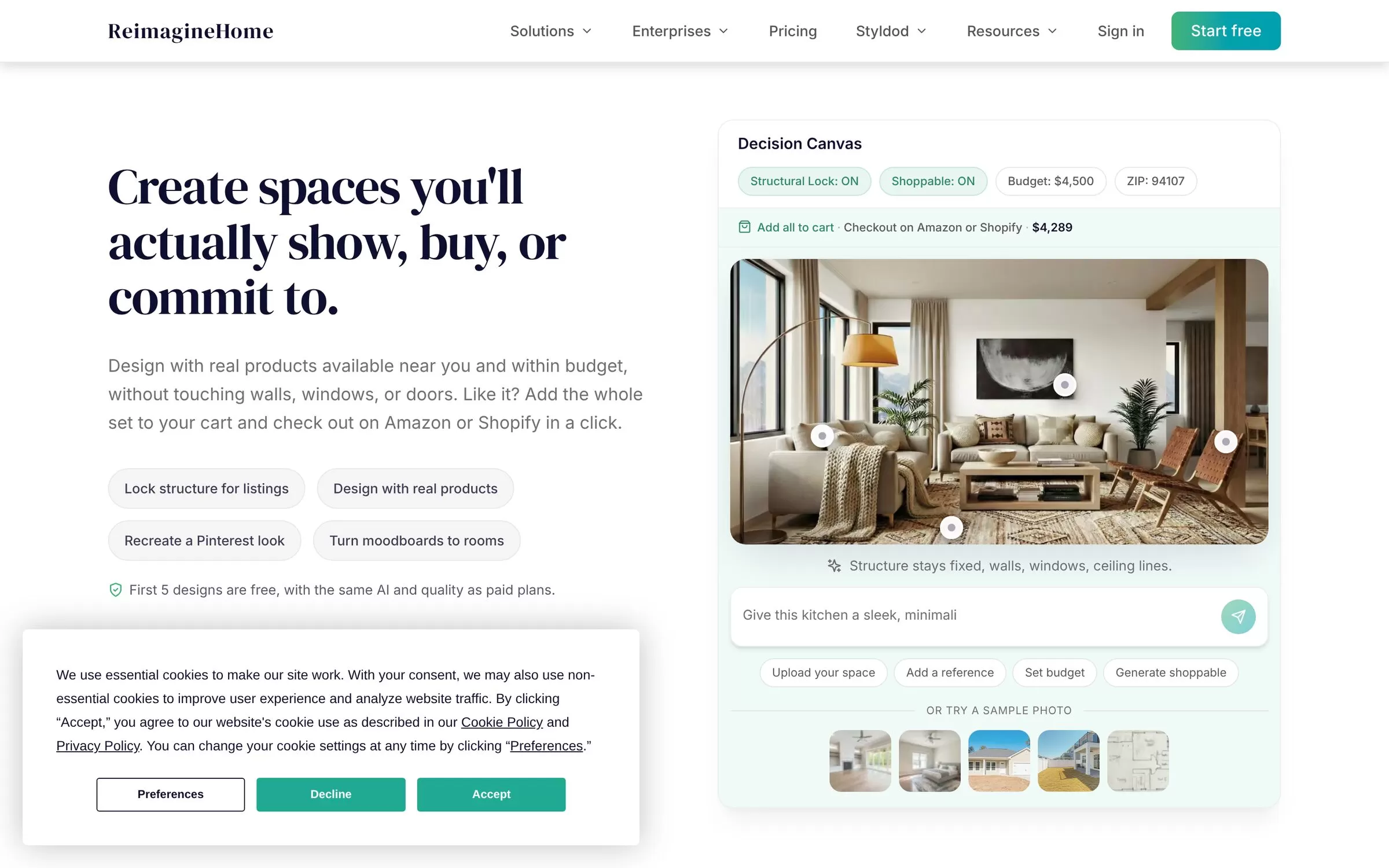
REimagineHome redesigns your room with real products you can actually buy, and lets you set a budget. It can also lock the room's structure and turn a moodboard into a room.
Best for: Designs you can shop within a budget
Free plan: Yes, 5 free designs, no card required
Price: Paid plans from $14 to $99 a month
Website: reimaginehome.ai
5. HomeDesigns AI
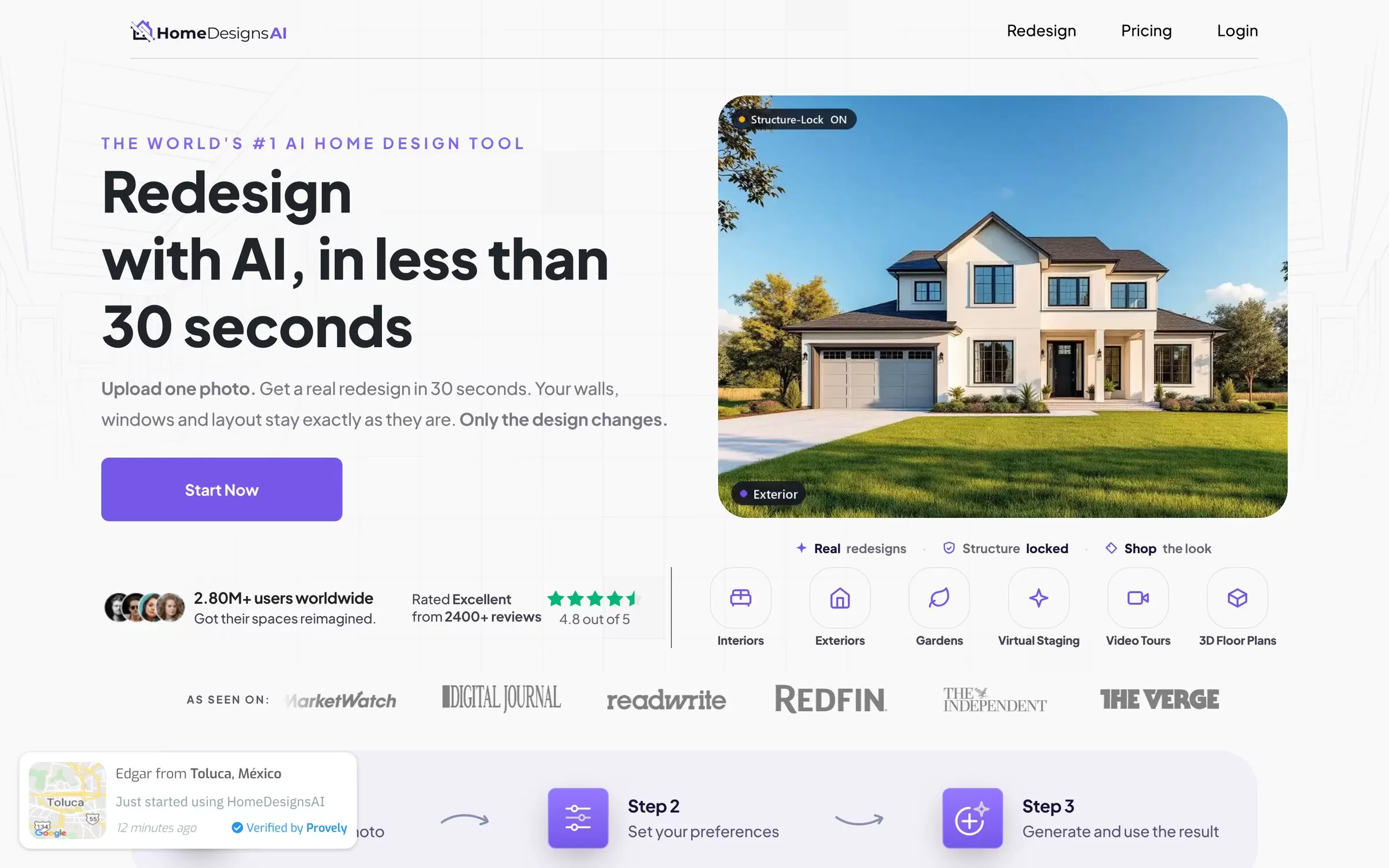
HomeDesigns AI redesigns interiors, exteriors and gardens from a single photo. It also offers tools such as 2D to 3D floor plans.
Best for: Redesigning a whole home from photos
Free plan: No free plan listed
Price: Listed on the HomeDesigns AI website
Website: homedesigns.ai
6. mnml.ai
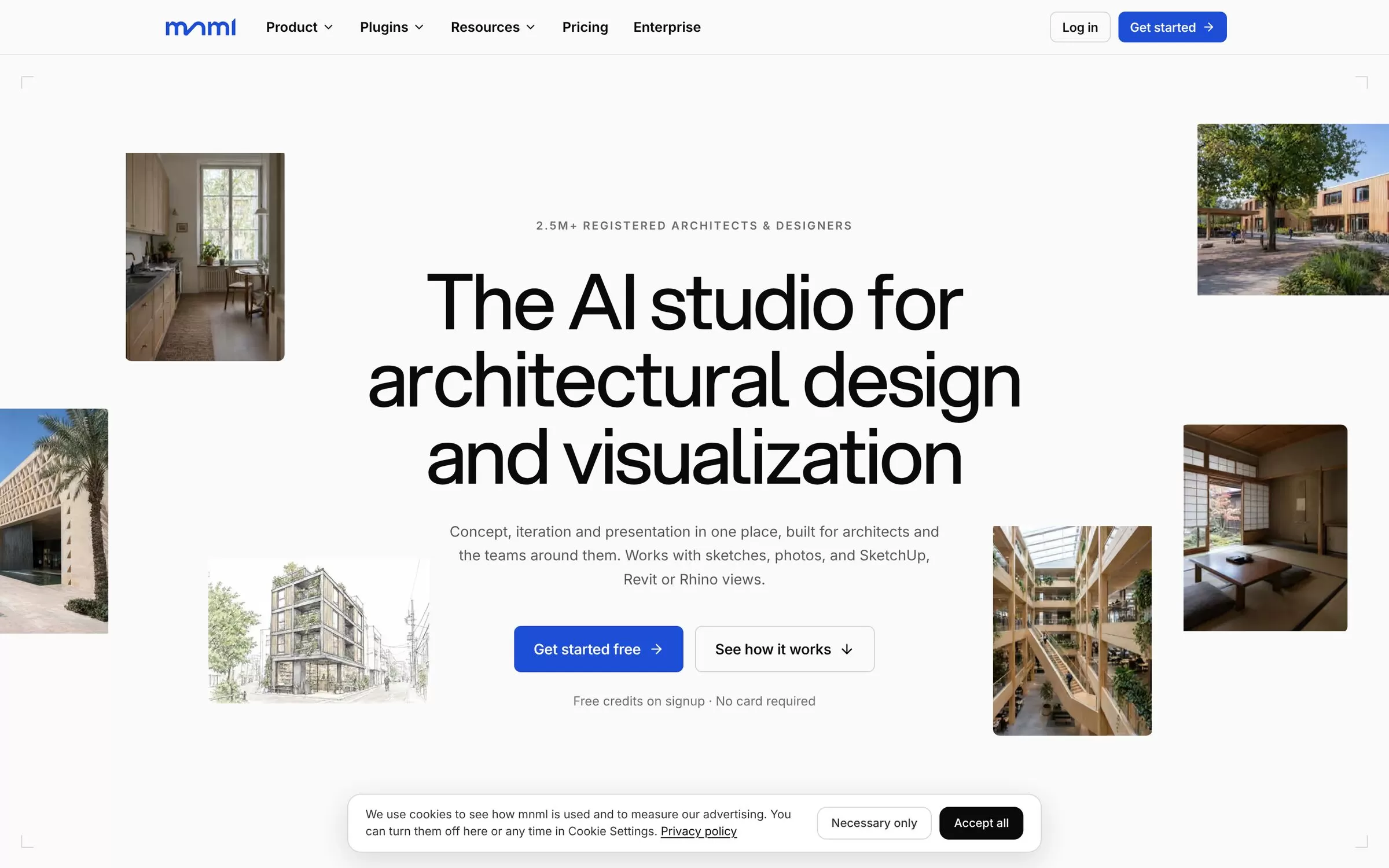
mnml.ai turns a room photo, sketch or model view into a restyled render of that same space. It offers 20+ interior styles, or you can describe your own.
Best for: Designers who start from sketches or 3D models
Free plan: Yes, 100 free credits on sign-up, no card needed
Price: Lite at $29 a month
Website: mnml.ai
7. Visualizee
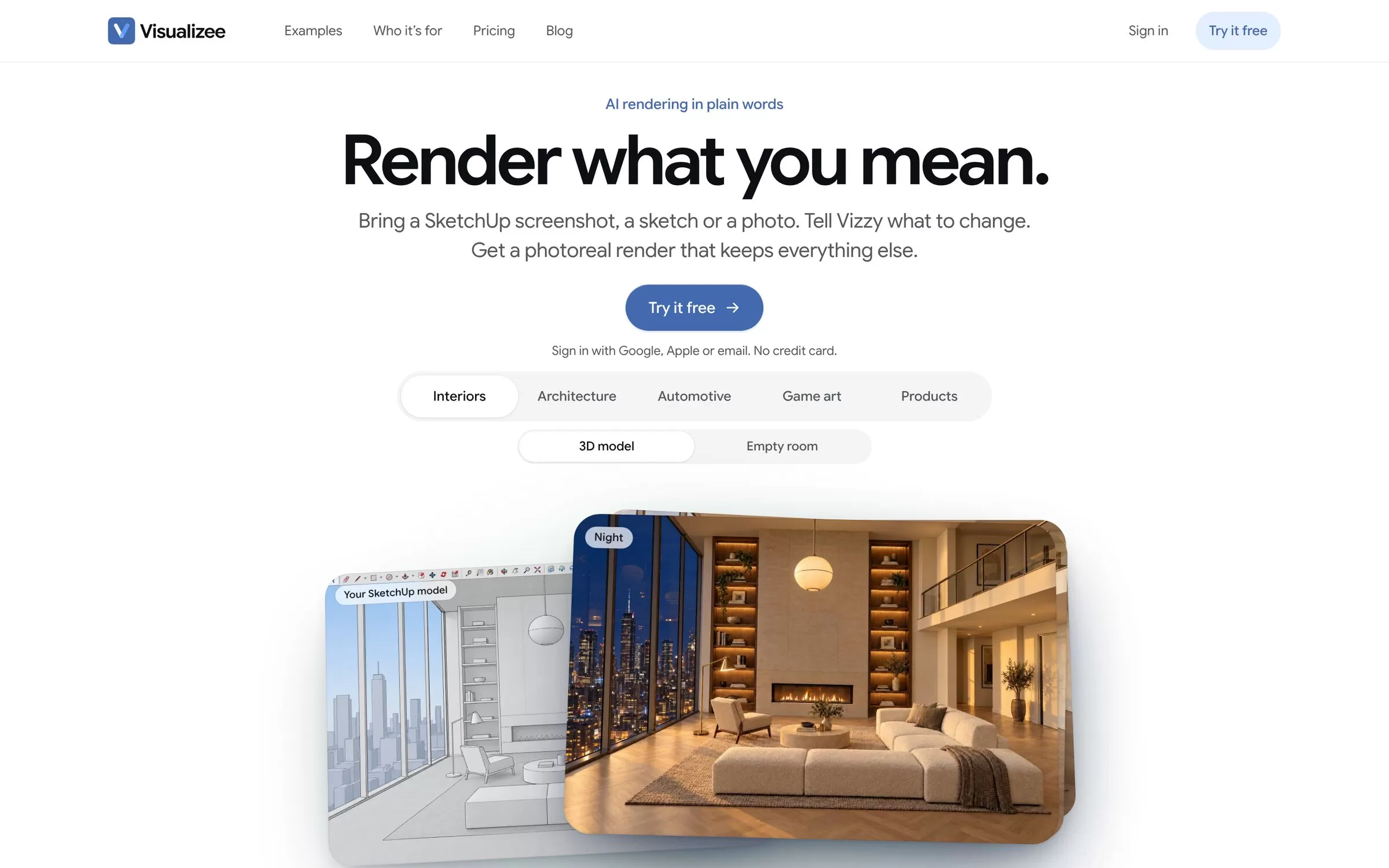
Visualizee makes photoreal renders from a model screenshot, a sketch or a photo, and you simply say what to change. You can draw a box to edit one area, such as the sofa or the floor.
Best for: Photoreal renders you edit with words
Free plan: Free trial only, no card needed (watermarked, personal use)
Price: Hobby at $20 a month, or $15 a month billed yearly
Website: visualizee.ai
8. Coohom
Coohom is a browser-based tool to plan, design and visualize a home in 3D, with AI rendering. It accepts UPI payments in India, which makes paying easy for Indian users.
Best for: Detailed 3D design and renders
Free plan: Yes, Basic plan with up to 3 design projects
Price: Pro at $29 a month, or $25 a month billed yearly
Website: coohom.com
9. Planner 5D
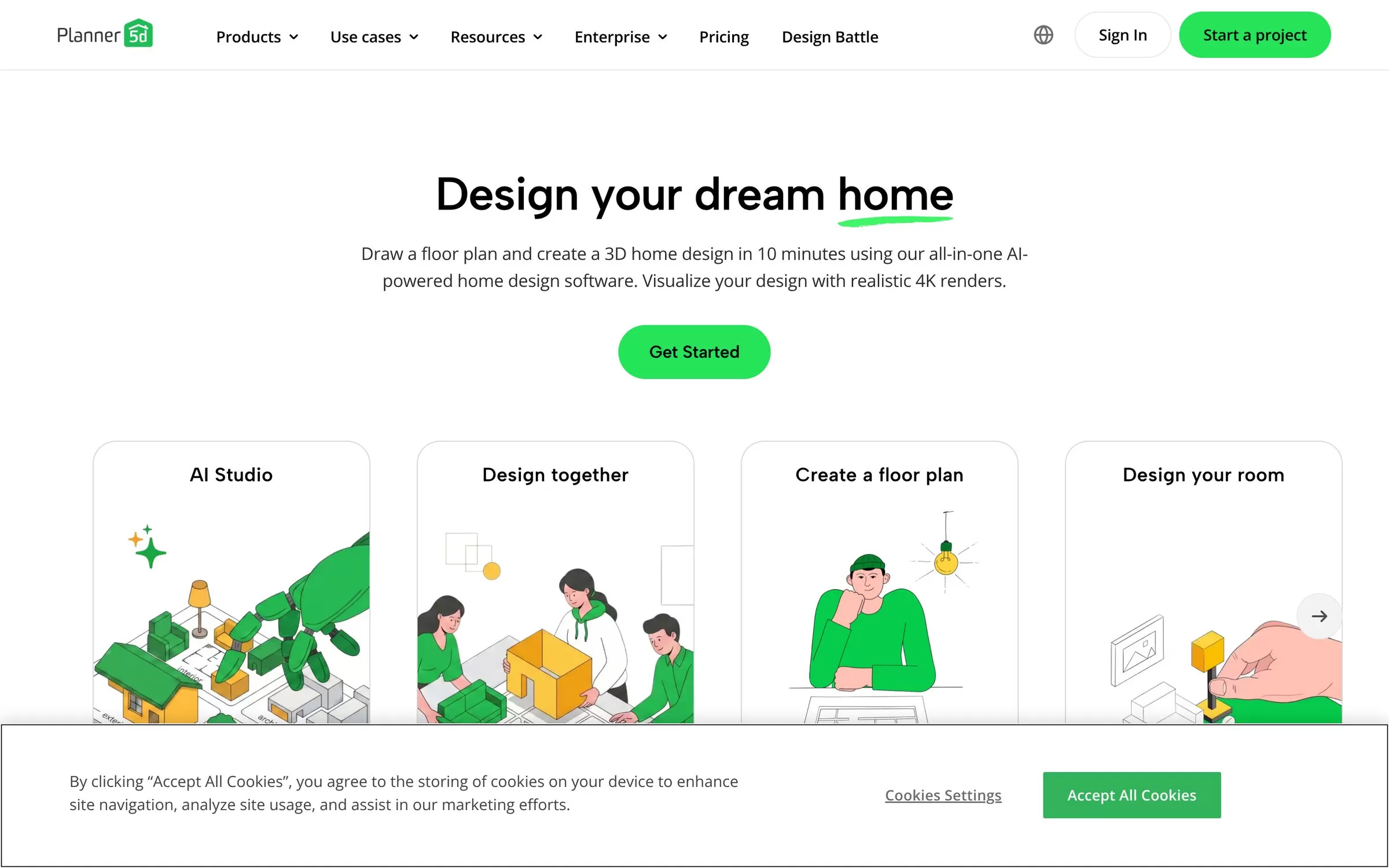
Planner 5D lets you draw a floor plan and turn it into a 3D home design. Its Premium plan can turn an uploaded floor plan into a 3D project.
Best for: Homeowners planning a full layout
Free plan: Yes, $0 with unlimited projects
Price: Premium at $19.99 a month, or $59.99 billed yearly
Website: planner5d.com
10. RoomSketcher
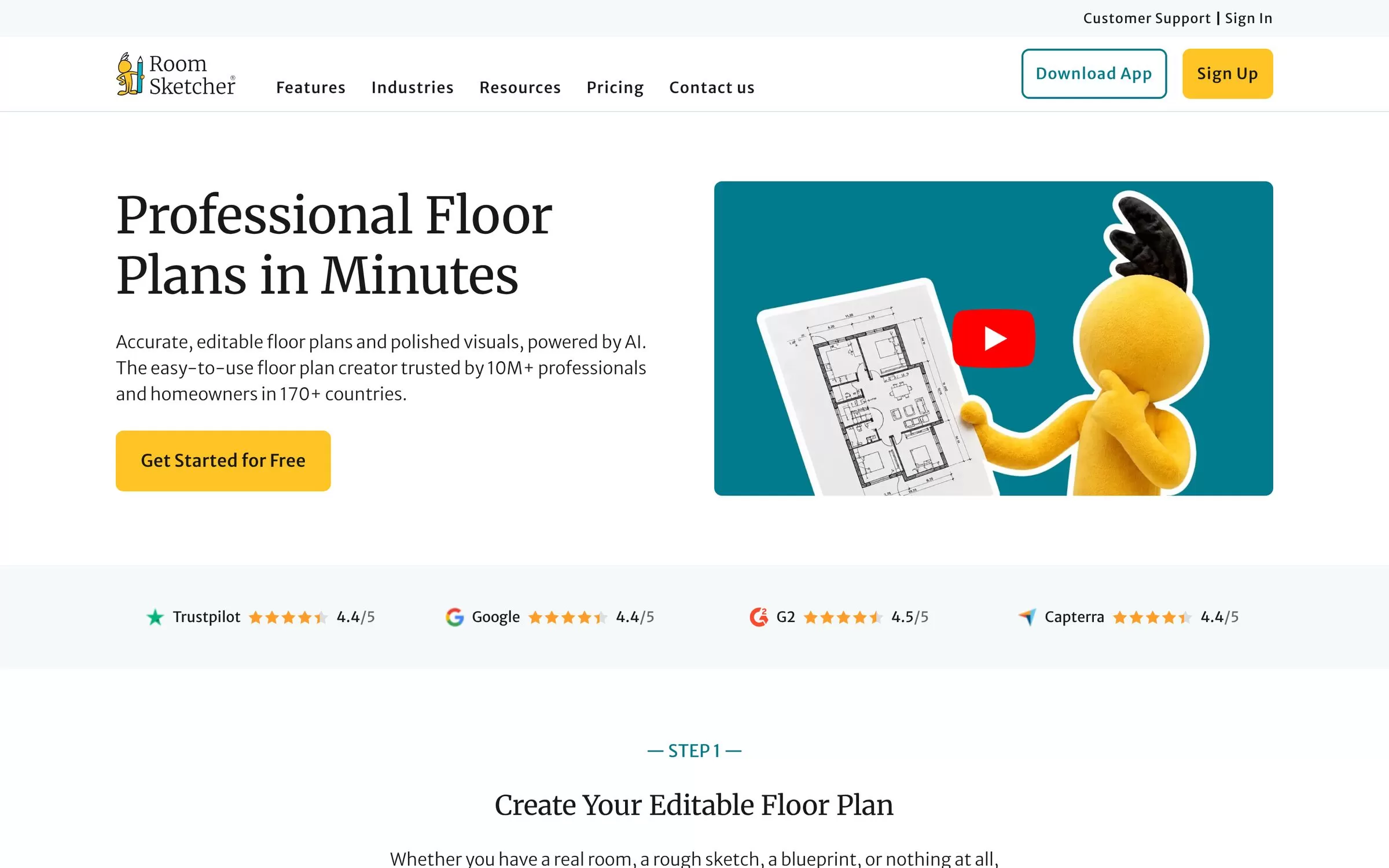
RoomSketcher creates 2D and 3D floor plans, and its AI Convert feature turns a PDF, image or scan into an editable project. AI Render then makes photorealistic images of the space.
Best for: Turning an old plan into 2D and 3D
Free plan: Yes, no credit card required
Price: Pro at $24 a month, or $12 a month billed yearly ($144 a year)
Website: roomsketcher.com
AI interior design tools free to start
RoomsGPT gives free designs every day, mnml.ai gives 100 free credits, and REimagineHome gives 5 free designs. Coohom, Planner 5D and RoomSketcher have free plans for floor plans and 3D layouts.
Photo or floor plan: where to start
AI interior design from photo
If you have a photo of a room, start with RoomsGPT, Interior AI, Decor8 AI or HomeDesigns AI.
AI interior design from floor plan
If you have a floor plan, Planner 5D, RoomSketcher and Coohom turn it into a 3D layout you can furnish.
Final verdict
For a quick, free makeover idea, try RoomsGPT first. If you want designs you can buy and build, use REimagineHome, and for a full 3D plan of your flat, pick Coohom or Planner 5D.
Take a clear, well-lit photo of your room, test two or three styles on a free plan, and pay only when one tool fits how you work.


