
9 AI Scheduling Assistants That Plan Your Week and Book Meetings
Let AI protect your focus time and book meetings for you.

Key Takeaways
- Best free pick: Reclaim
- Best booking link: Cal.com
- Best daily planner: Sunsama
- Best for AI calls: Cal.ai
The 9 best AI scheduling assistants in 2026 plan your week, protect your focus time and book meetings without the back and forth.
Top 9 AI scheduling assistants at a glance
| Tool | Best for | Free plan |
|---|---|---|
| 1. Reclaim | Auto-scheduling habits and focus time | Yes (Lite) |
| 2. Motion | Auto-planning tasks and projects | No (free trial) |
| 3. Calendly | Client booking with AI follow-ups | Yes |
| 4. Cal.com | Flexible scheduling and AI calls | Yes |
| 5. Akiflow | Time blocking with an AI assistant | No (7-day trial) |
| 6. Sunsama | Planning one focused day | No (14-day trial) |
| 7. SavvyCal | Booking links with calendar overlay | No (30-day refund) |
| 8. Lindy | Meetings plus wider busywork | Free credits |
| 9. TidyCal | Cheap booking and payments | Yes |
Jump toReclaimMotionCalendlyCal.comAkiflowSunsamaSavvyCalLindyTidyCal
The 9 best AI scheduling assistants in 2026
1. Reclaim
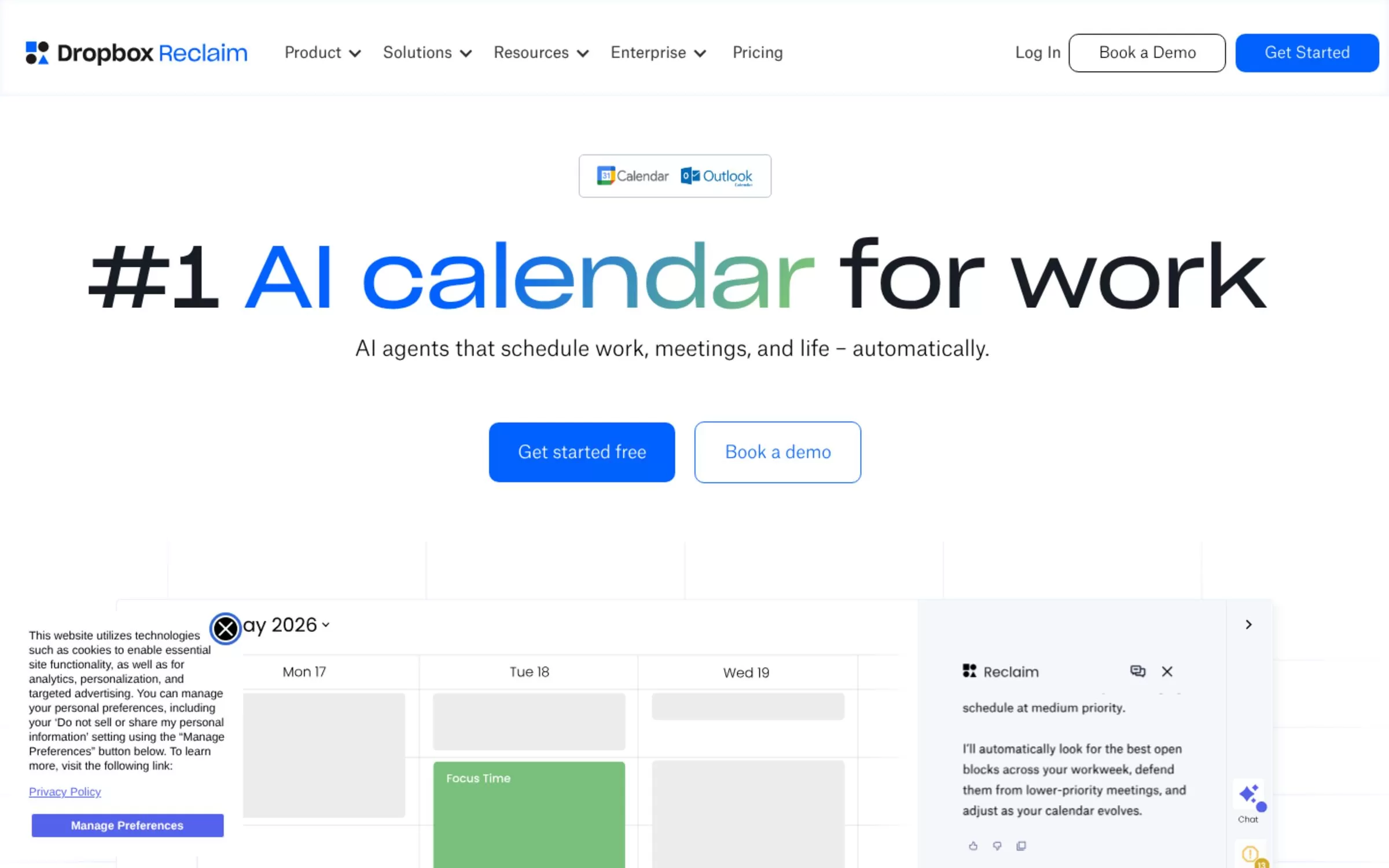
Reclaim is an AI calendar that uses AI agents to schedule work, meetings and life automatically. Its agents cover Focus Time, Habits, Buffer Time, Smart Meetings and Meeting Quality, and it works with Google Calendar and Outlook.
Best for: Protecting focus time
Free plan: Yes, the Lite plan is free forever for one user (5 AI Agents)
Price: Starter $10 per seat per month billed yearly ($12 billed monthly); 14-day free trial
Website: reclaim.ai
2. Motion
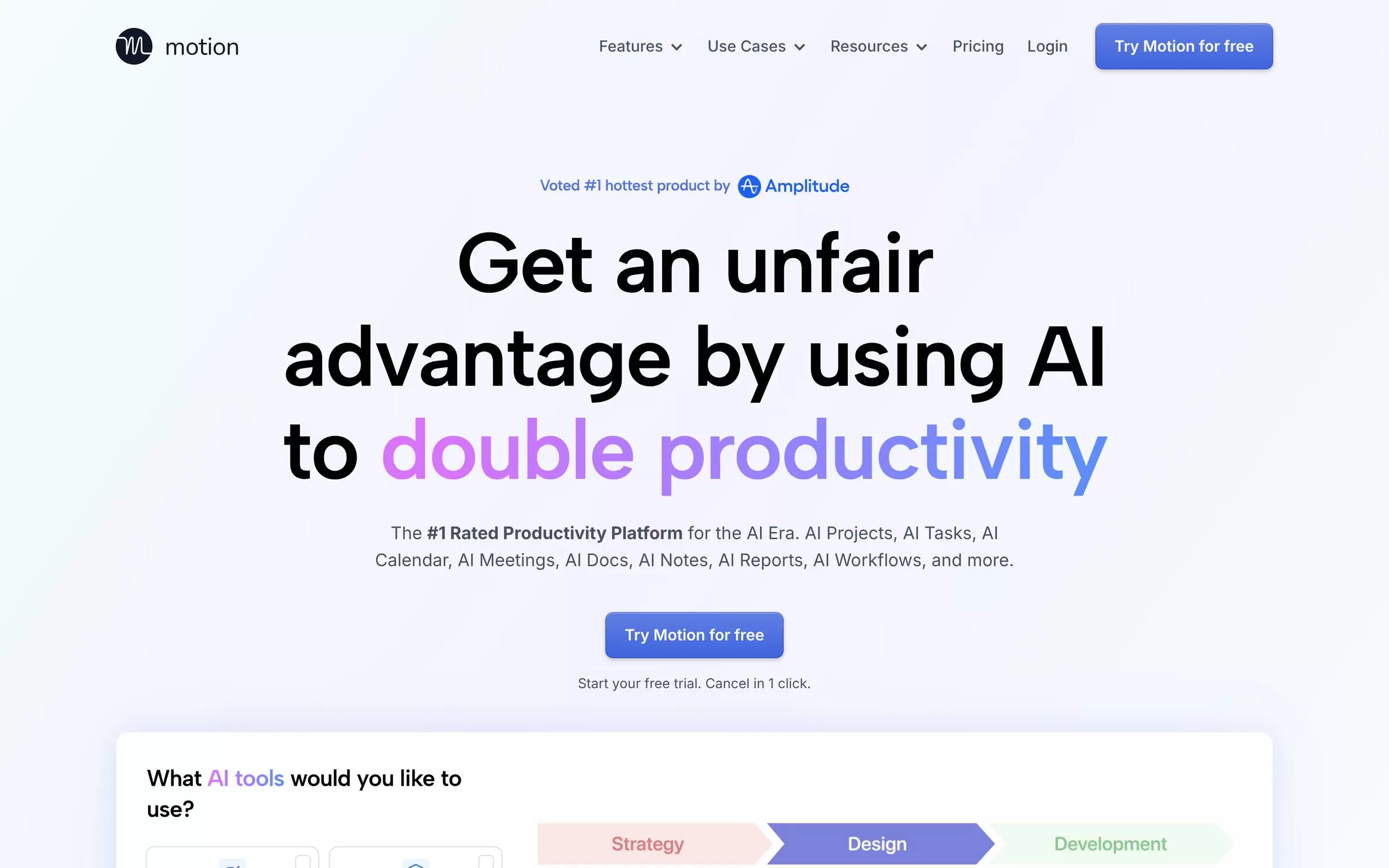
Motion combines task management, projects, a calendar and meeting notes in one AI app. It places your tasks into time blocks and re-optimizes the plan dozens of times a day, and it also offers booking pages.
Best for: Tasks and calendar in one app
Free plan: No free plan listed; a free trial is offered
Price: Pro AI and Business AI plans, priced per seat
Website: usemotion.com
3. Calendly
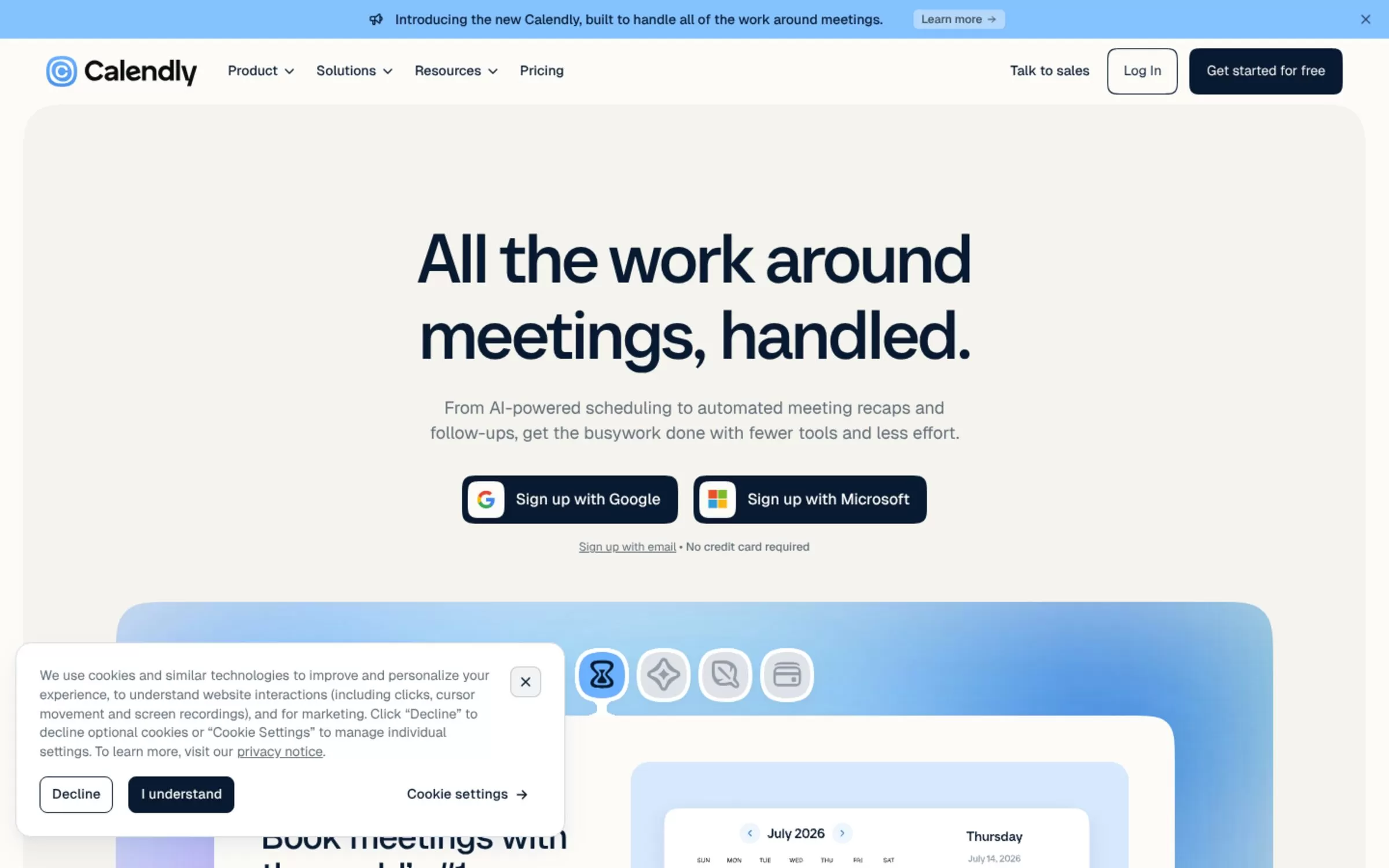
Calendly lets people book time with you from a shared link. Its AI assistant Callie schedules meetings over email (beta), and its Notetaker writes meeting recaps.
Best for: Booking links for clients
Free plan: Yes, free forever: one event type, one calendar connection, one-on-one scheduling
Price: Standard and Teams plans priced per seat; Notetaker and Callie are an add-on, English only
Website: calendly.com
4. Cal.com
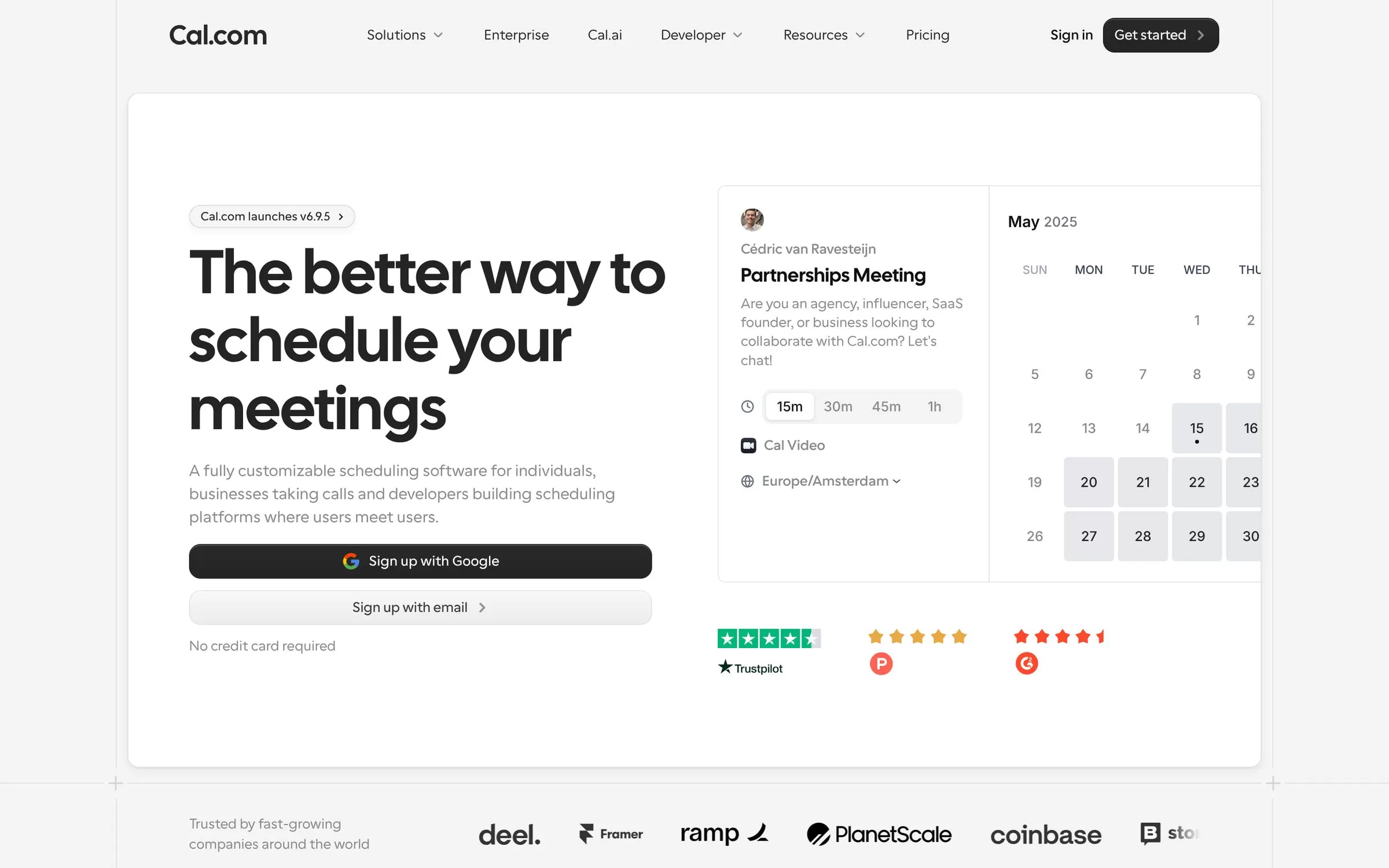
Cal.com is customizable scheduling software for individuals and teams. Its Cal.ai phone agent makes calls to book meetings, send reminders and follow up with leads, and the site also offers a self-hosting option.
Best for: Custom scheduling for teams
Free plan: Yes, free forever for one user with unlimited event types and calendars
Price: Teams $12 per user per month billed yearly (14-day free trial); Cal.ai calls cost $0.29 per minute
Website: cal.com
5. Akiflow
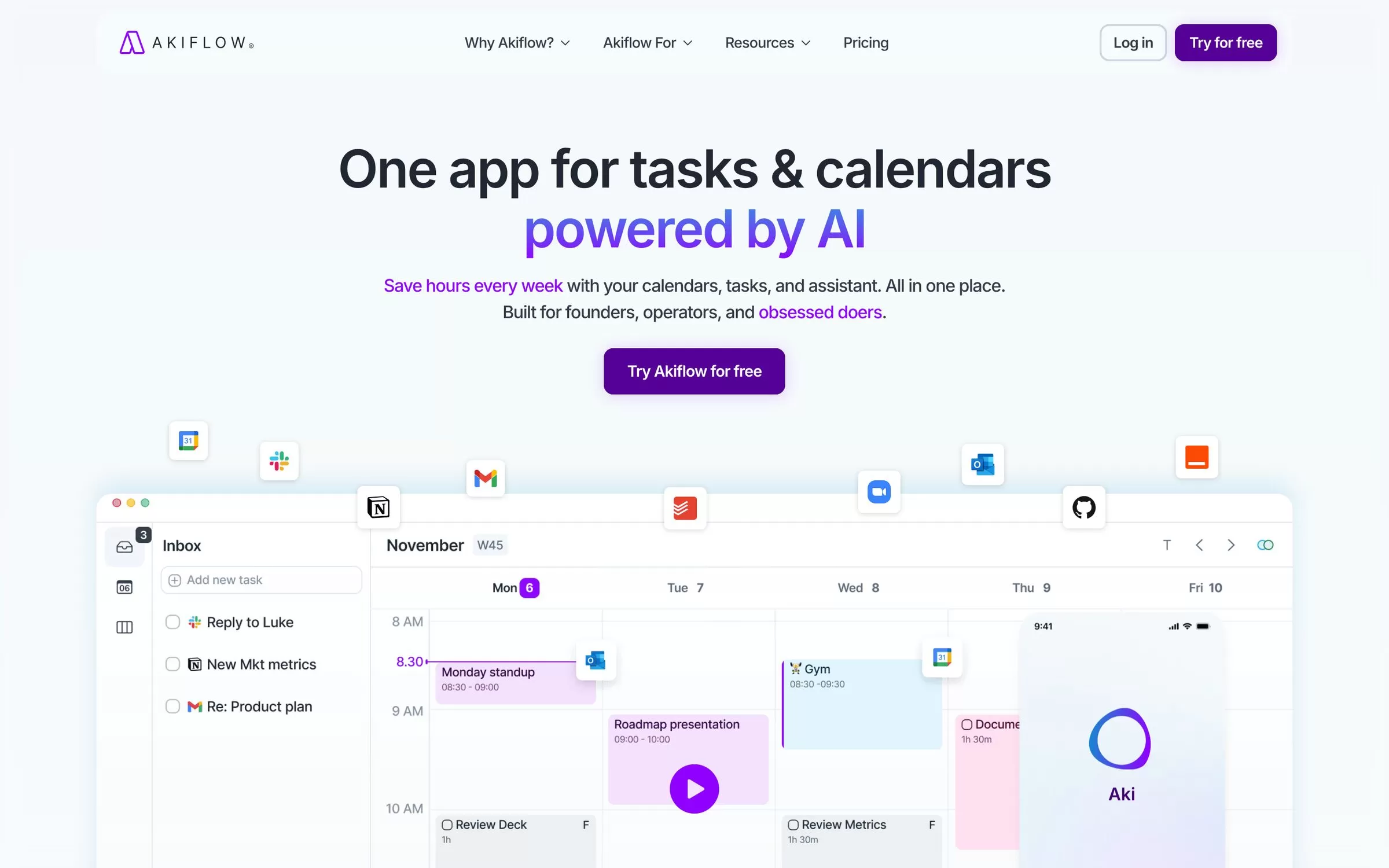
Akiflow is a time-blocking planner that brings your calendars, tasks and inbox into one place. Its AI assistant Aki helps plan and prioritize your day, and apps are available for iOS, Android and Apple Watch.
Best for: Time blocking tasks
Free plan: No free plan; 7-day trial, card required
Price: Pro $34 per month billed monthly or $19 per month billed yearly
Website: akiflow.com
6. Sunsama
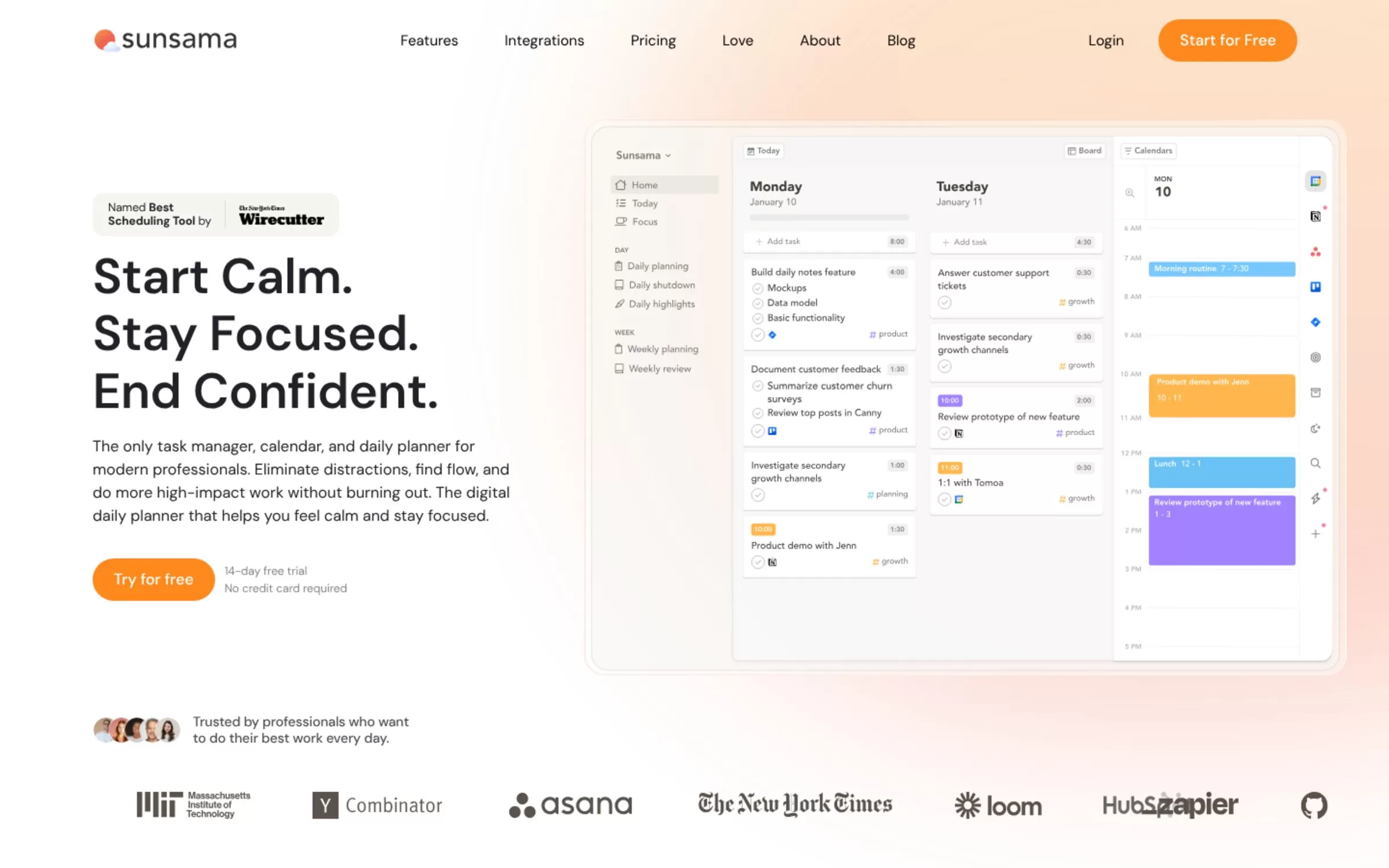
Sunsama is a daily planner that joins a task manager and a calendar. It syncs with Google, Outlook and Apple calendars and pulls in tasks from tools such as Asana, Trello and Jira.
Best for: A calm daily plan
Free plan: No free plan; 14-day free trial, no credit card needed
Price: Pro $17 per month billed yearly or $22 billed monthly
Website: sunsama.com
7. SavvyCal
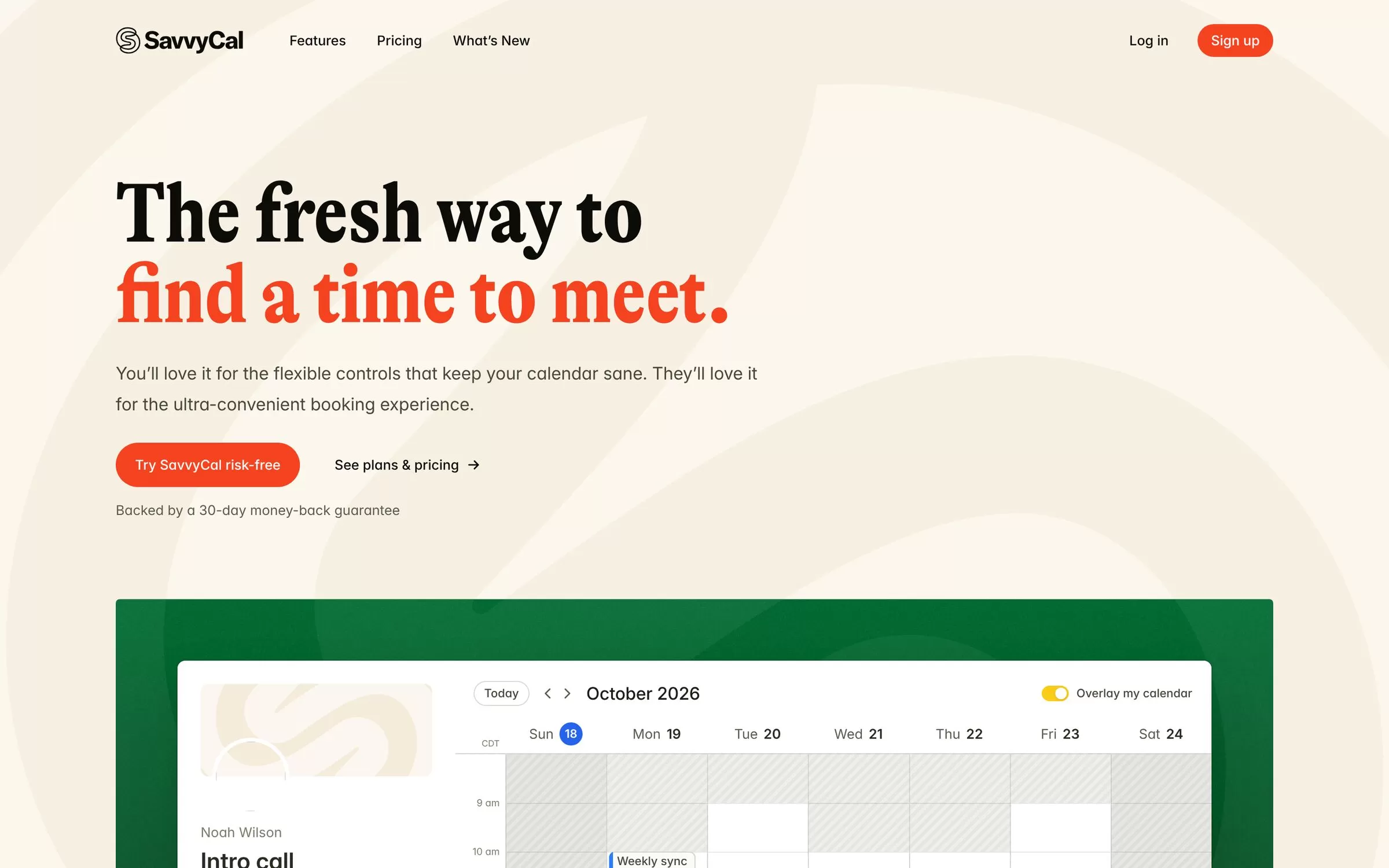
SavvyCal gives invitees a week-view booking page where they can overlay their own calendar to spot free times. Through MCP you can connect Claude or ChatGPT to check your calendar, find open times and book or cancel meetings.
Best for: Friendly booking links
Free plan: No free booking; setting up links is free, and there is a 30-day money-back guarantee
Price: Basic $10 per user per month billed yearly ($12 monthly); Premium $17 yearly ($20 monthly)
Website: savvycal.com
8. Lindy

Lindy is an AI employee you can hand whole jobs to. Its included features list meeting scheduling, prep and follow-up, plus meeting recording and notes.
Best for: An AI assistant for many tasks
Free plan: Yes, $50 in free credits (they last 7 days), no credit card required
Price: Team plan from $29.99 per month for 3,000 credits
Website: lindy.ai
9. TidyCal
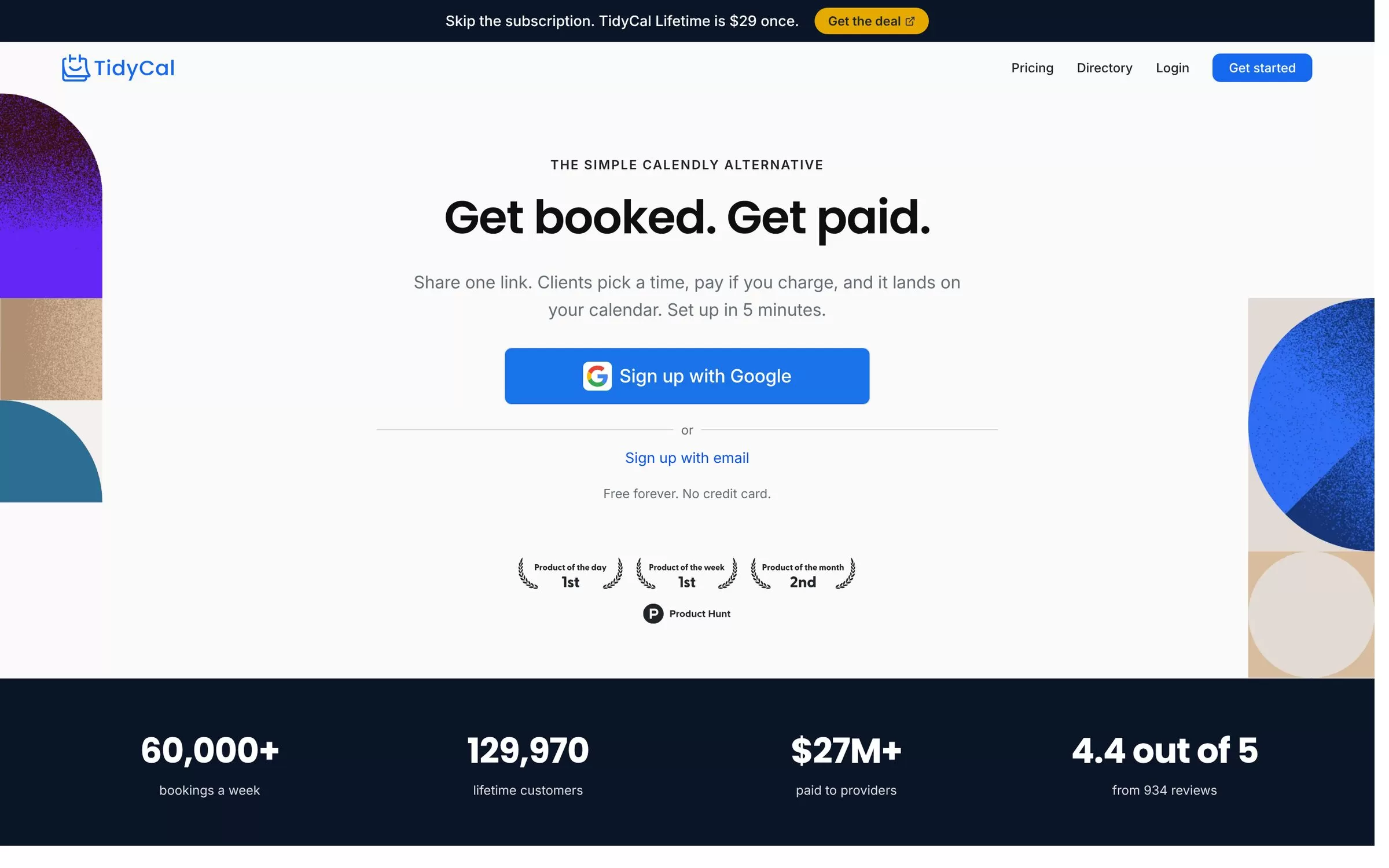
TidyCal gives you a shareable booking page for free or paid services, with payments through Stripe or PayPal. It syncs with Google, Microsoft and Apple calendars to prevent double bookings, and its pricing page lists an AI booking assistant on paid and lifetime plans.
Best for: Low-cost booking page
Free plan: Yes, free forever (one calendar, 1% fee on Stripe payments)
Price: Pro $12 per month or $99 per year; Individual Lifetime $29 one-time via AppSumo
Website: tidycal.com
Which is the best AI calendar app for you?
Some tools plan your own time and some book meetings with other people. Reclaim, Motion, Akiflow and Sunsama plan your day. Calendly, Cal.com, SavvyCal and TidyCal handle booking links, and Lindy covers scheduling alongside other tasks. Pick one job first, then check the pricing page, because plans change often.
Final verdict
Start with a free plan: Reclaim to protect focus time, or Cal.com or Calendly to take bookings. Try a paid trial of Motion, Akiflow or Sunsama only if you want a full daily planner. Keep one tool for a month before you add another.


