
8 AI Dubbing Tools That Turn One Video Into Many Languages
Dub videos into Hindi and more without a studio or voice actors.

Key Takeaways
- Most languages: HeyGen, 175+
- Indian languages: Dubverse
- Natural voices: ElevenLabs
- Built in: YouTube auto dubbing
The 8 best AI dubbing tools in 2026 can turn one video into many languages, so your audience hears it in their own voice.
Top 8 AI dubbing tools at a glance
| Tool | Best for | Free plan |
|---|---|---|
| 1. ElevenLabs | Natural voices | Yes |
| 2. HeyGen | Lip sync | Yes |
| 3. Rask AI | Many languages | Free trial with 3 minutes |
| 4. Dubverse | Indian languages | No |
| 5. Kapwing | Edit and dub | Yes |
| 6. Vozo | On-screen text | Yes |
| 7. Synthesia | Business videos | Yes |
| 8. YouTube auto dubbing | YouTube creators | Built in |
Jump toElevenLabsHeyGenRask AIDubverseKapwingVozoSynthesiaYouTube auto dubbing
The 8 best AI dubbing tools in 2026
1. ElevenLabs
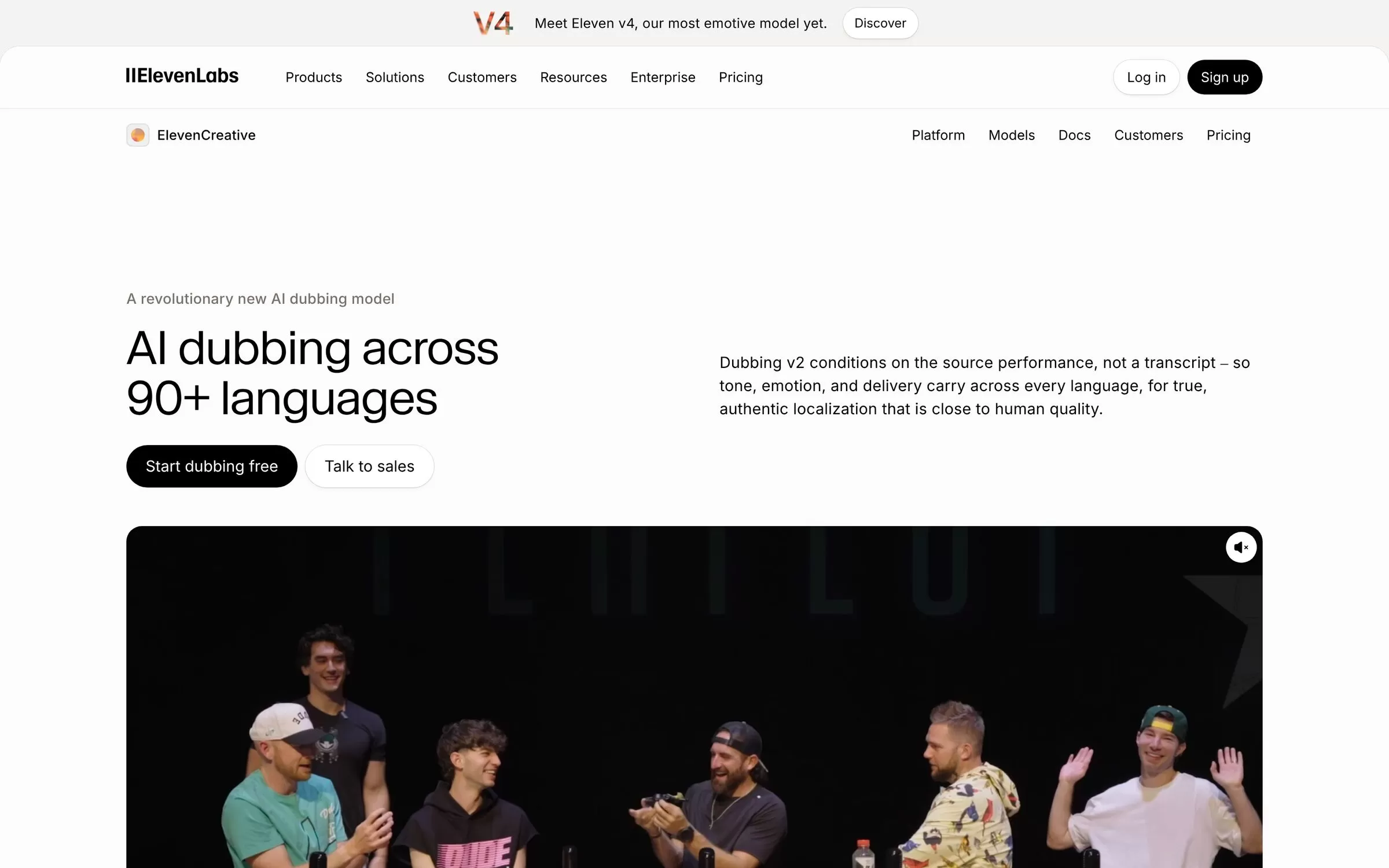
ElevenLabs dubs video in 90+ languages and accents with Dubbing v2. It clones the original speaker's voice automatically, and Hindi is on its language list. Dubbing Studio is included from the Starter plan, not on Free.
Best for: Natural, emotional voices
Free plan: Yes, 10,000 credits a month
Price: Paid plans start with Starter; see the pricing page
Website: elevenlabs.io/dubbing
2. HeyGen
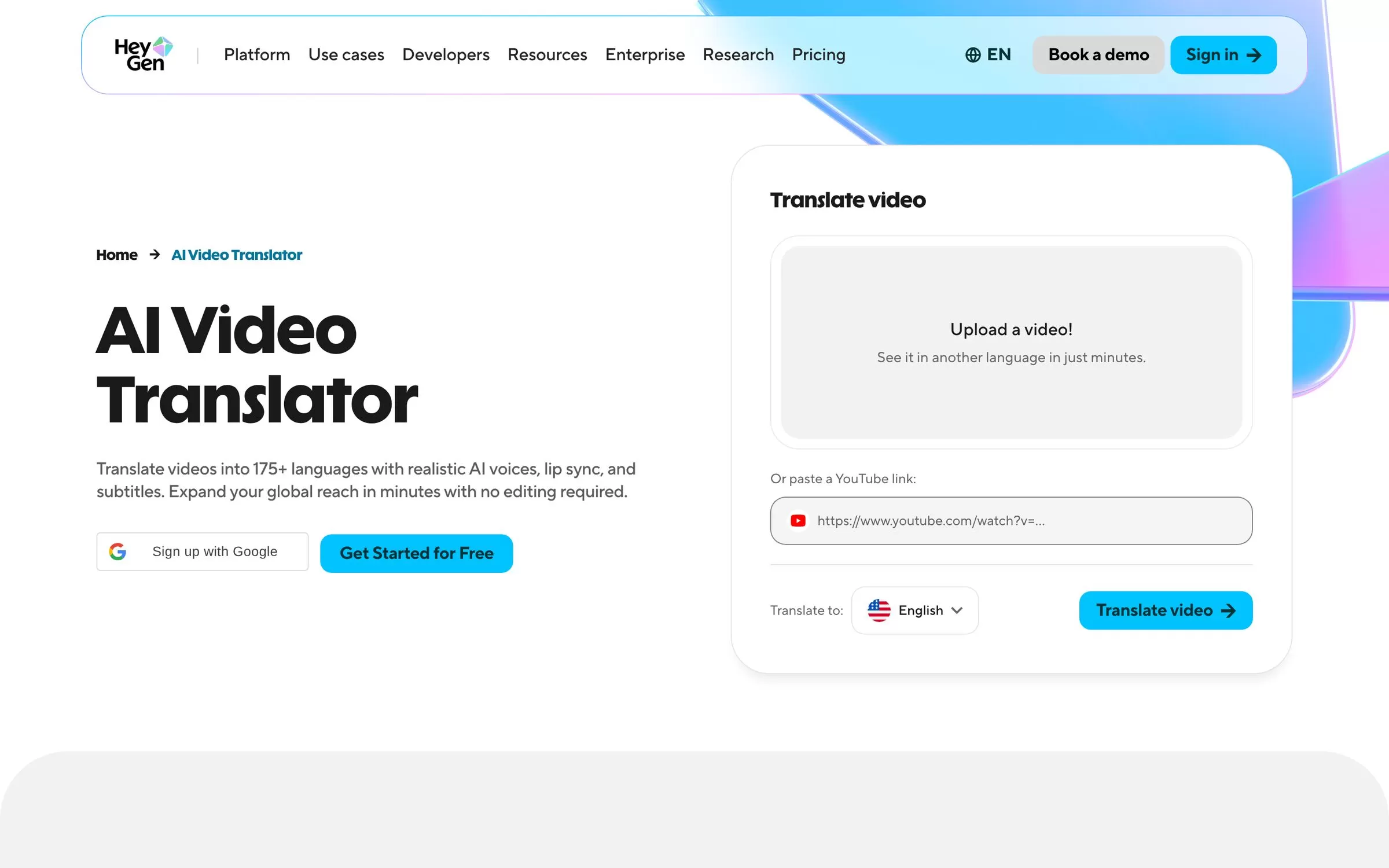
HeyGen translates videos into 175+ languages with AI voices, lip sync and subtitles. You can upload a file or paste a YouTube link. On the Free plan, translated videos can run up to 1 minute, while Creator allows up to 30 minutes.
Best for: Lip-synced translation
Free plan: Yes, 3 watermarked videos a month, no card
Price: Creator $29 a month ($24 a month billed yearly)
Website: heygen.com/translate
3. Rask AI
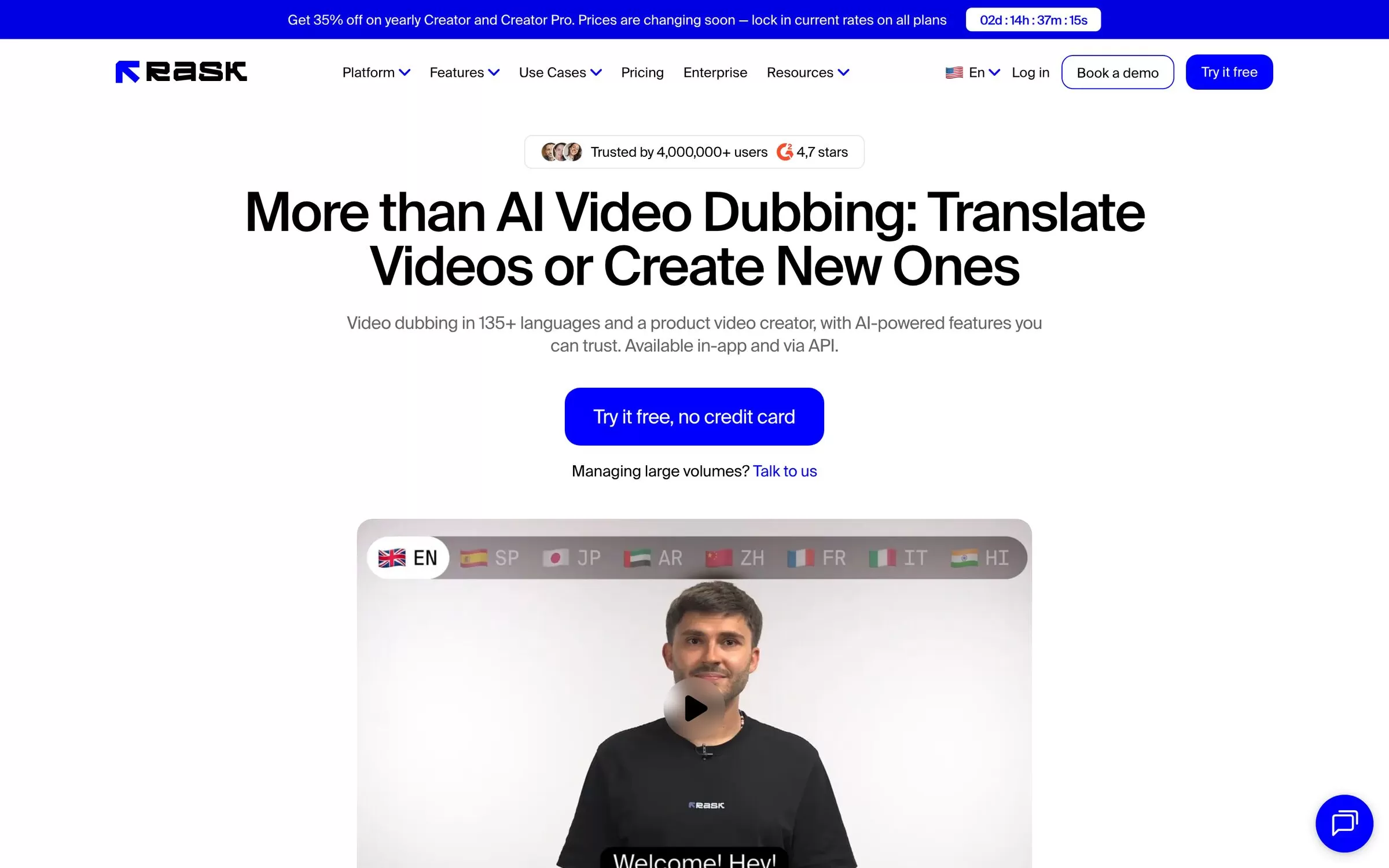
Rask AI dubs videos in 135+ languages and is available in the app and through an API. Voice cloning is available in 57 languages, and the free trial does not include lip sync.
Best for: Many-language dubbing
Free plan: Free trial with 3 minutes, no card
Price: Creator $39 a month; lip sync from Creator Pro at $99 a month
Website: rask.ai
4. Dubverse
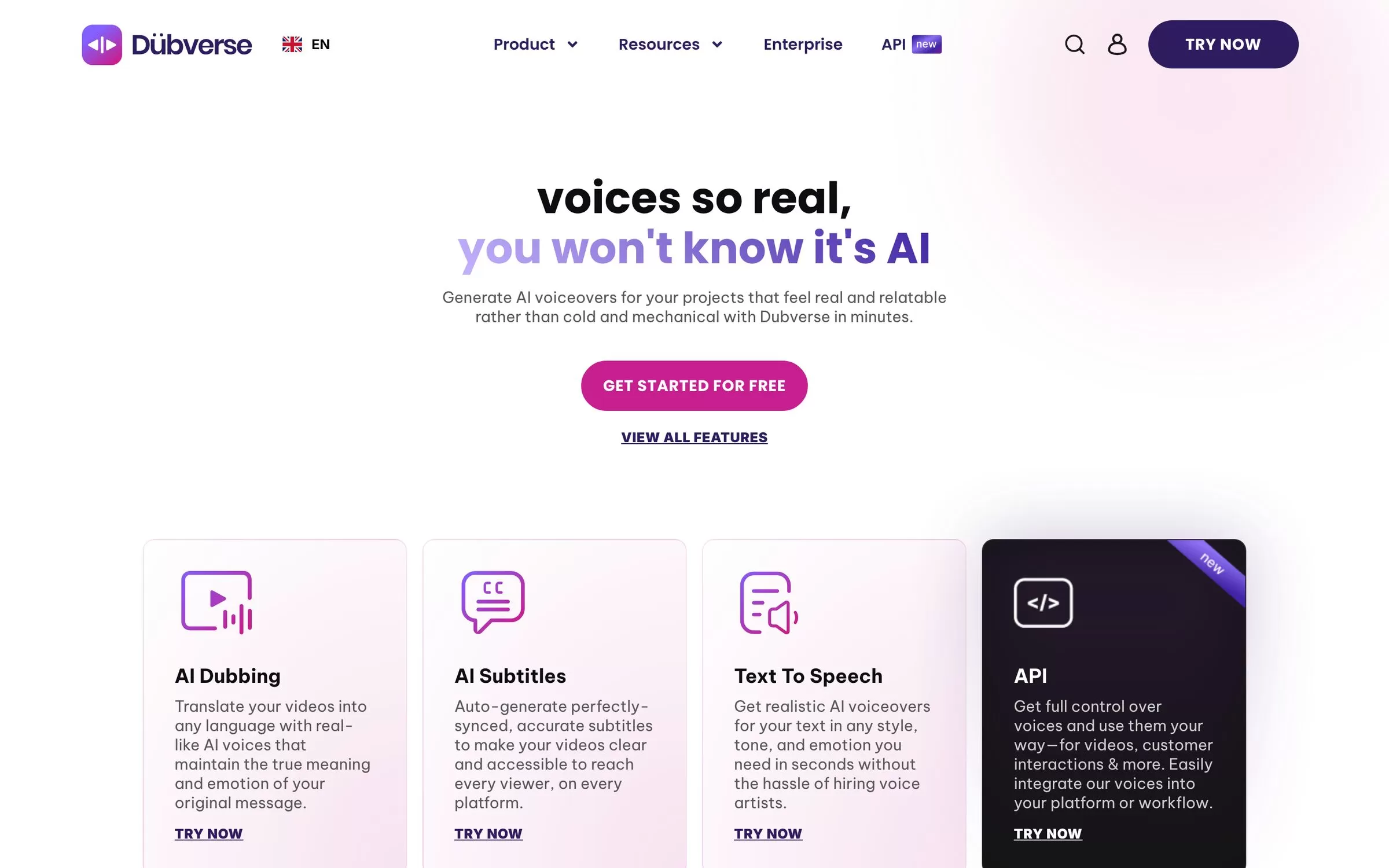
Dubverse is an AI platform for localising videos, with dubbing, subtitles and text to speech. Dubbing costs 4 credits a minute and subtitles cost 1 credit a minute. Its language list includes Hindi, Bengali, Gujarati, Kannada, Malayalam and Marathi.
Best for: Indian languages
Free plan: No, 2-day free trial, no card
Price: Pro ₹800 a month, Supreme ₹1,100 a month (50 credits each); dubbing uses 4 credits a minute
Website: dubverse.ai
5. Kapwing
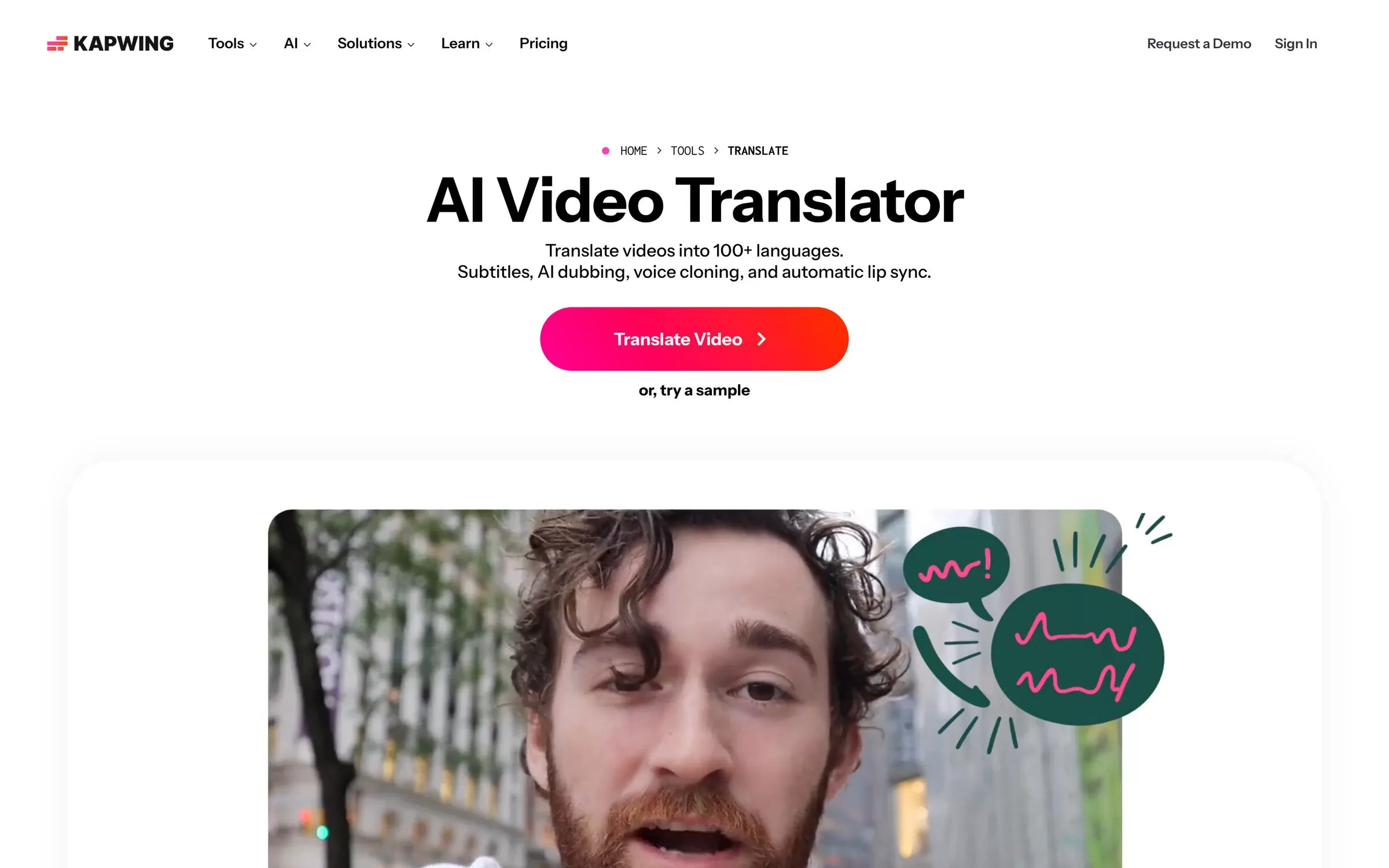
Kapwing's video translator offers subtitles, AI dubbing, voice cloning and automatic lip sync. It translates videos into 100+ languages and dubs into 40+. Free exports carry the Kapwing watermark.
Best for: Edit and dub together
Free plan: Yes, free plan with watermark
Price: Paid Pro and Business plans; see the pricing page
Website: kapwing.com/tools/translate
6. Vozo
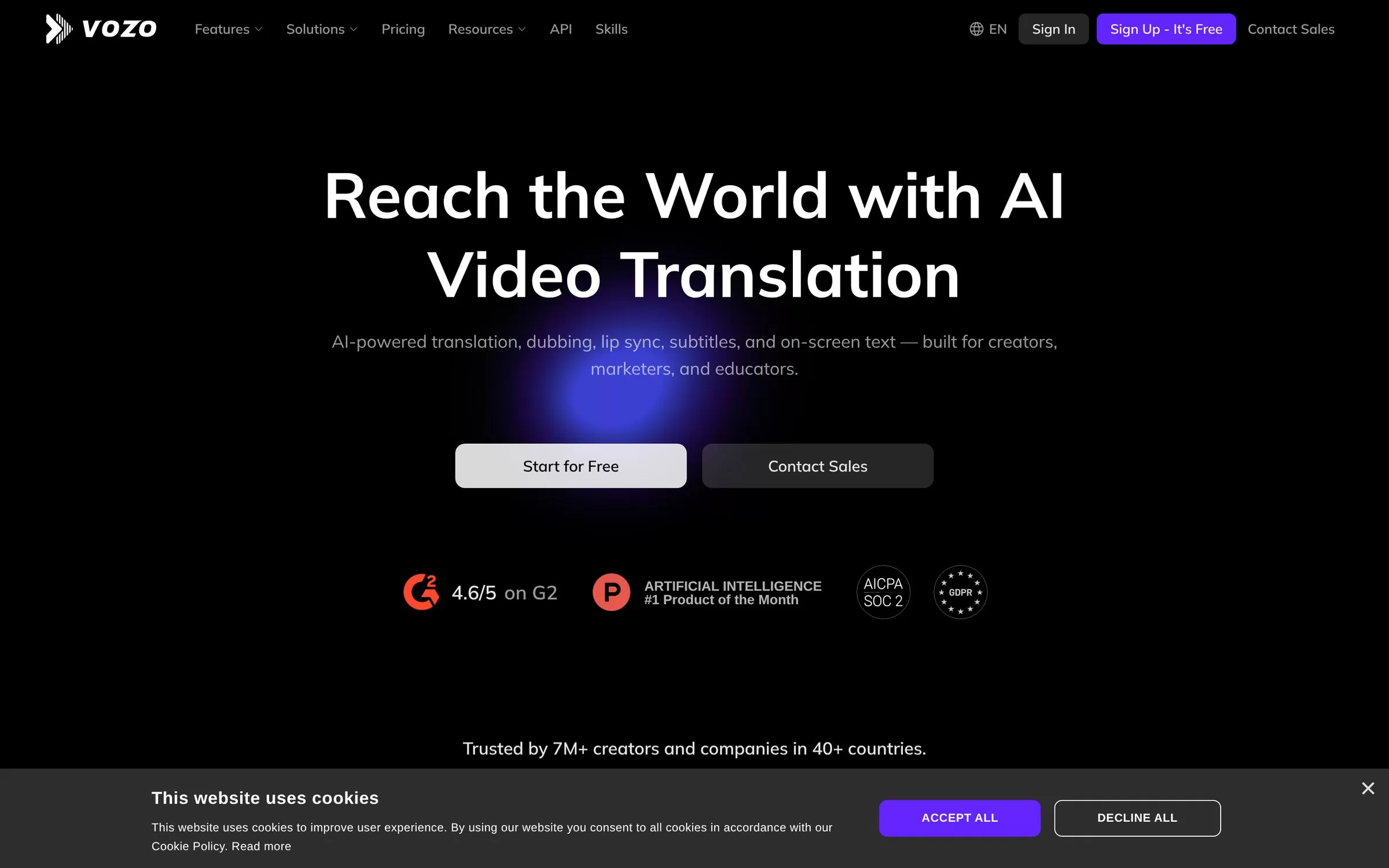
Vozo covers translation, dubbing, lip sync, subtitles and on-screen text. Its Translate and Dub tool lists 113 source and 165 target languages. The free plan covers about 6 AI dubbing minutes and videos up to 20 minutes.
Best for: Translating on-screen text
Free plan: Yes, 20 free AI points
Price: Creator $29 a month, Studio $99 a month
Website: vozo.ai
7. Synthesia
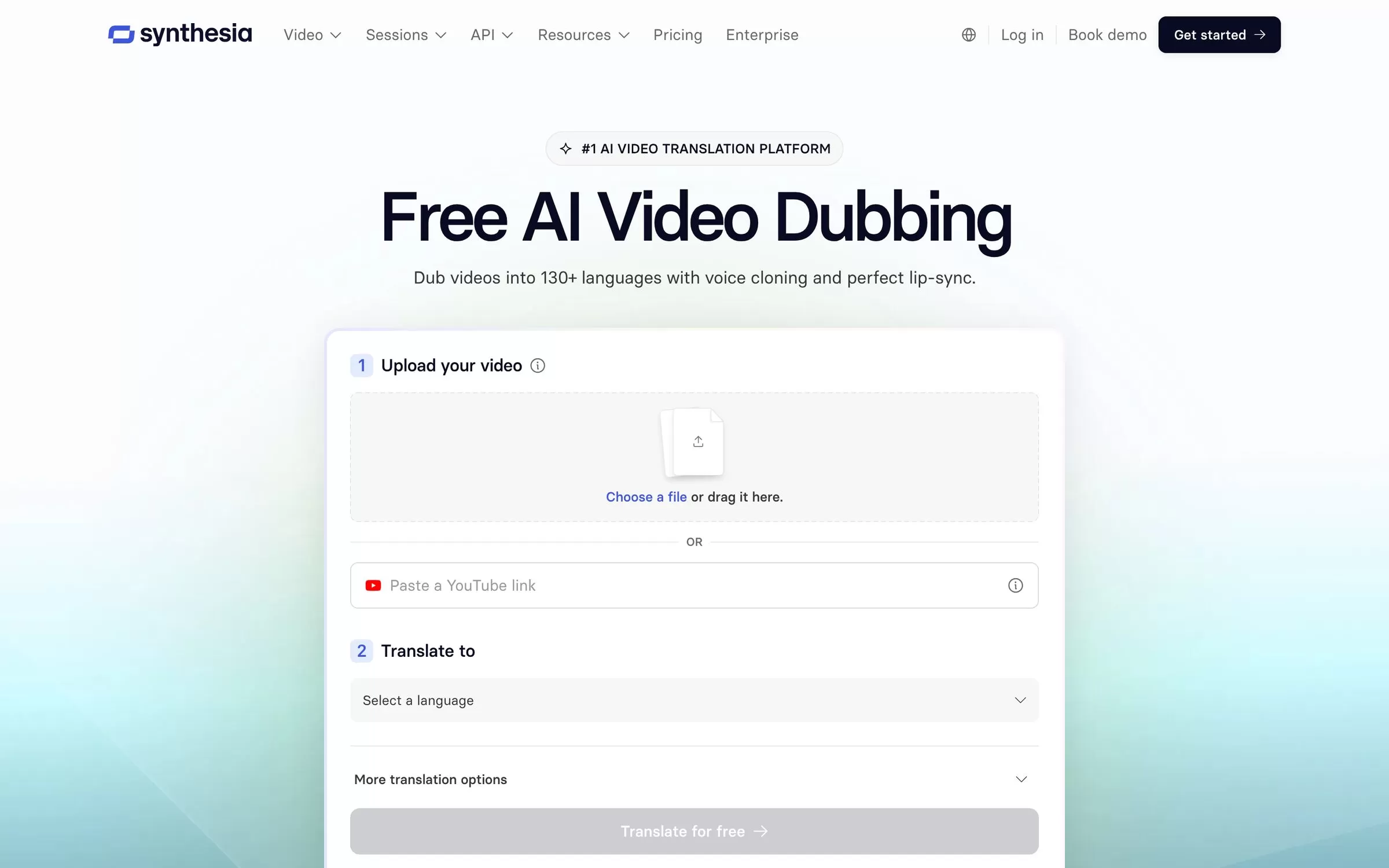
Synthesia dubs videos with voice cloning and lip-sync. You can upload a file or paste a YouTube link. Videos made on the free Basic plan carry a Synthesia watermark.
Best for: Polished business videos
Free plan: Yes, free plan with watermark
Price: Starter $19 a month on monthly billing
Website: synthesia.io
8. YouTube auto dubbing
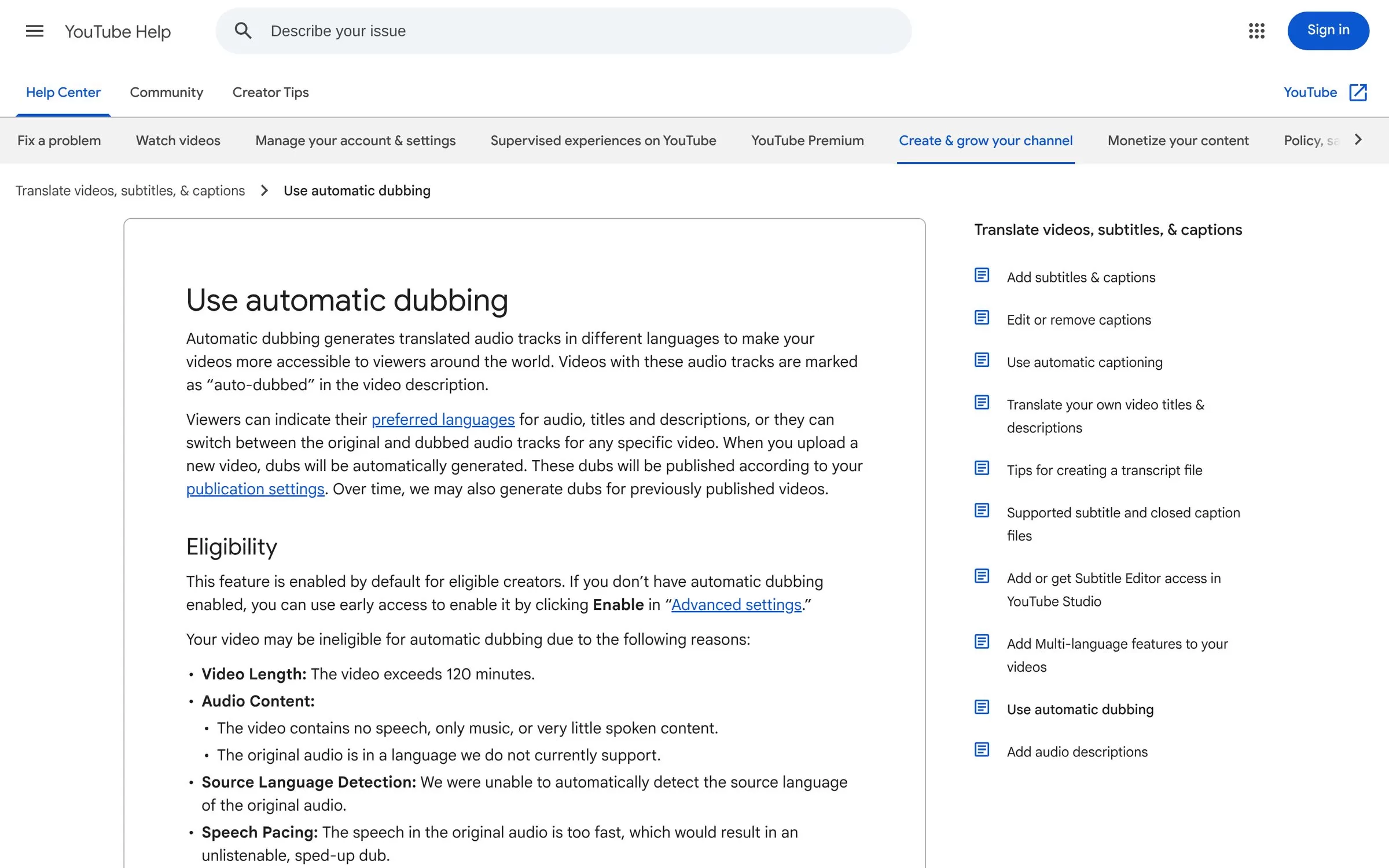
YouTube's automatic dubbing creates translated audio tracks for your uploads. English videos can be dubbed into several languages, including Hindi. Dubbed videos are marked as auto-dubbed in the description, and you cannot edit the dubs.
Best for: YouTube creators
Free plan: Built in, on by default for eligible creators
Price: No separate plan listed on the help page
Website: support.google.com/youtube
Final verdict
For Hindi, try Dubverse or ElevenLabs first, or YouTube auto dubbing if your videos live on YouTube. Test your own short clip on a free plan or trial before you pay.


