

Key Takeaways
- Best text editing: Descript
- Best remote recording: Riverside
- Best filler word removal: Cleanvoice
- Best for clips: Opus Clip
The 7 best AI podcast tools in 2026 help you record, clean, edit and share an episode without a big team.
Top 7 AI podcast tools at a glance
| Tool | Best for | Free plan |
|---|---|---|
| 1. Descript | Text-based editing | Yes |
| 2. Riverside | Remote interviews | Yes |
| 3. Cleanvoice | Filler word removal | Free trial |
| 4. Zencastr | Recording and hosting | Yes |
| 5. Opus Clip | Short video clips | Yes |
| 6. Castmagic | Repurposing episodes | Not listed |
| 7. Auphonic | Audio post-production | Yes |
Jump toDescriptRiversideCleanvoiceZencastrOpus ClipCastmagicAuphonic
The 7 best AI podcast tools in 2026
1. Descript
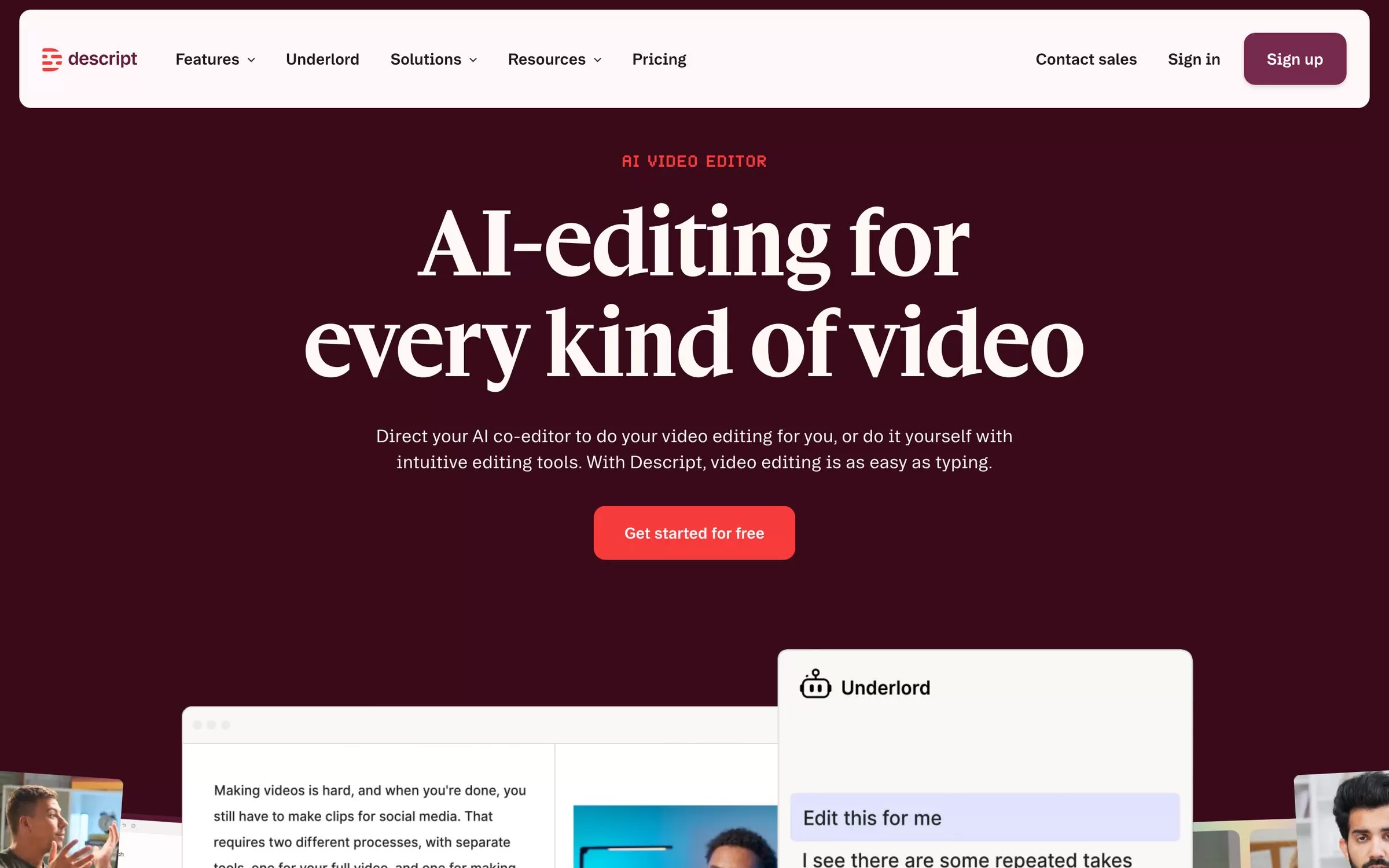
Descript turns your recording into a transcript, so you cut words and the audio follows. It also has Studio Sound, captions and translation.
Best for: Text-based editing
Free plan: Yes: 60 media minutes a month, no card needed
Price: Hobbyist is $16 a month billed annually, or $24 billed monthly
Website: descript.com
2. Riverside
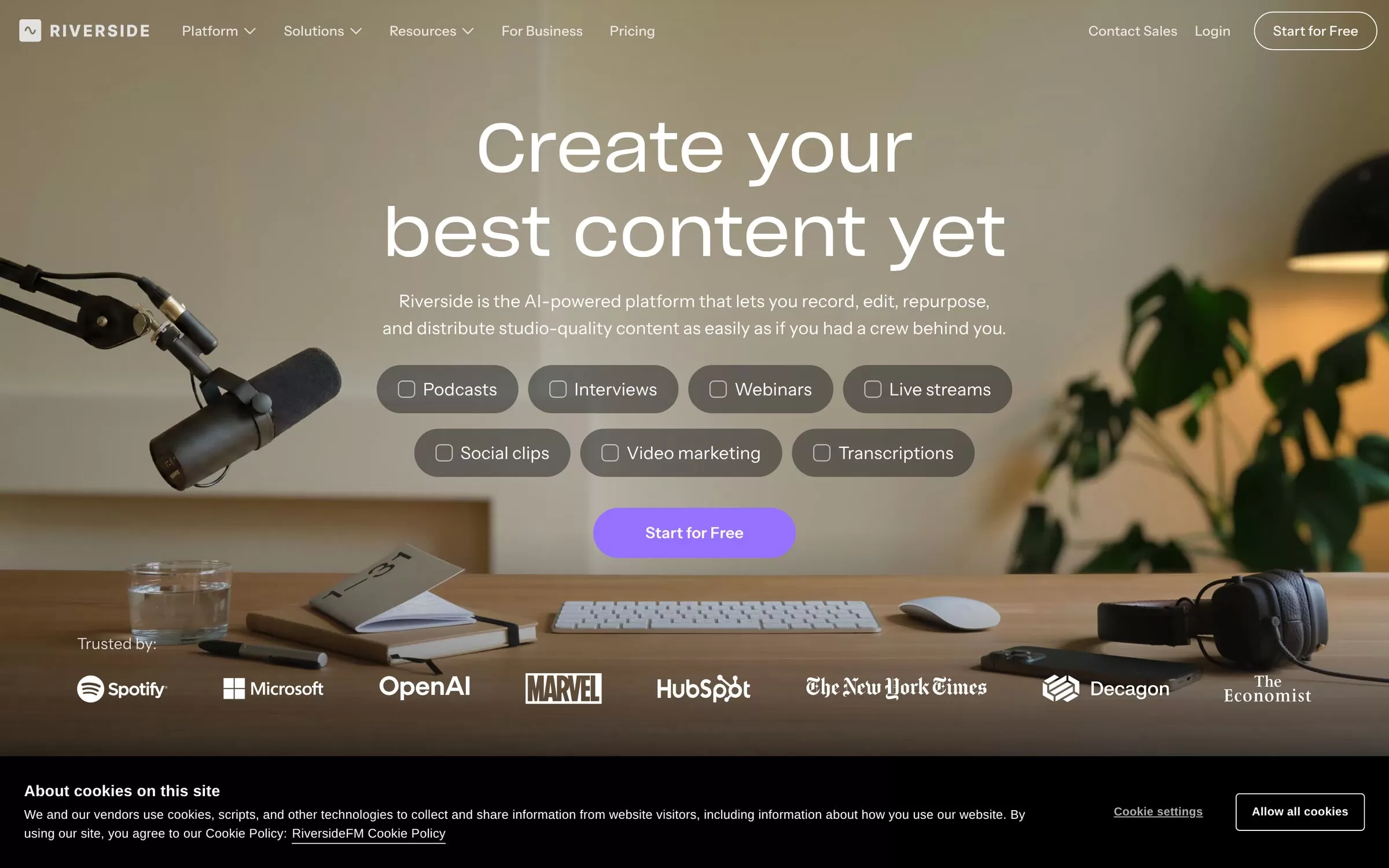
Riverside records podcasts and interviews, then helps you edit and turn them into clips. Its free plan includes Magic Clips.
Best for: Remote interviews
Free plan: Yes: 2 hours of multitrack recording, with a Riverside watermark
Price: Paid plans are listed on the Riverside website
Website: riverside.com
3. Cleanvoice
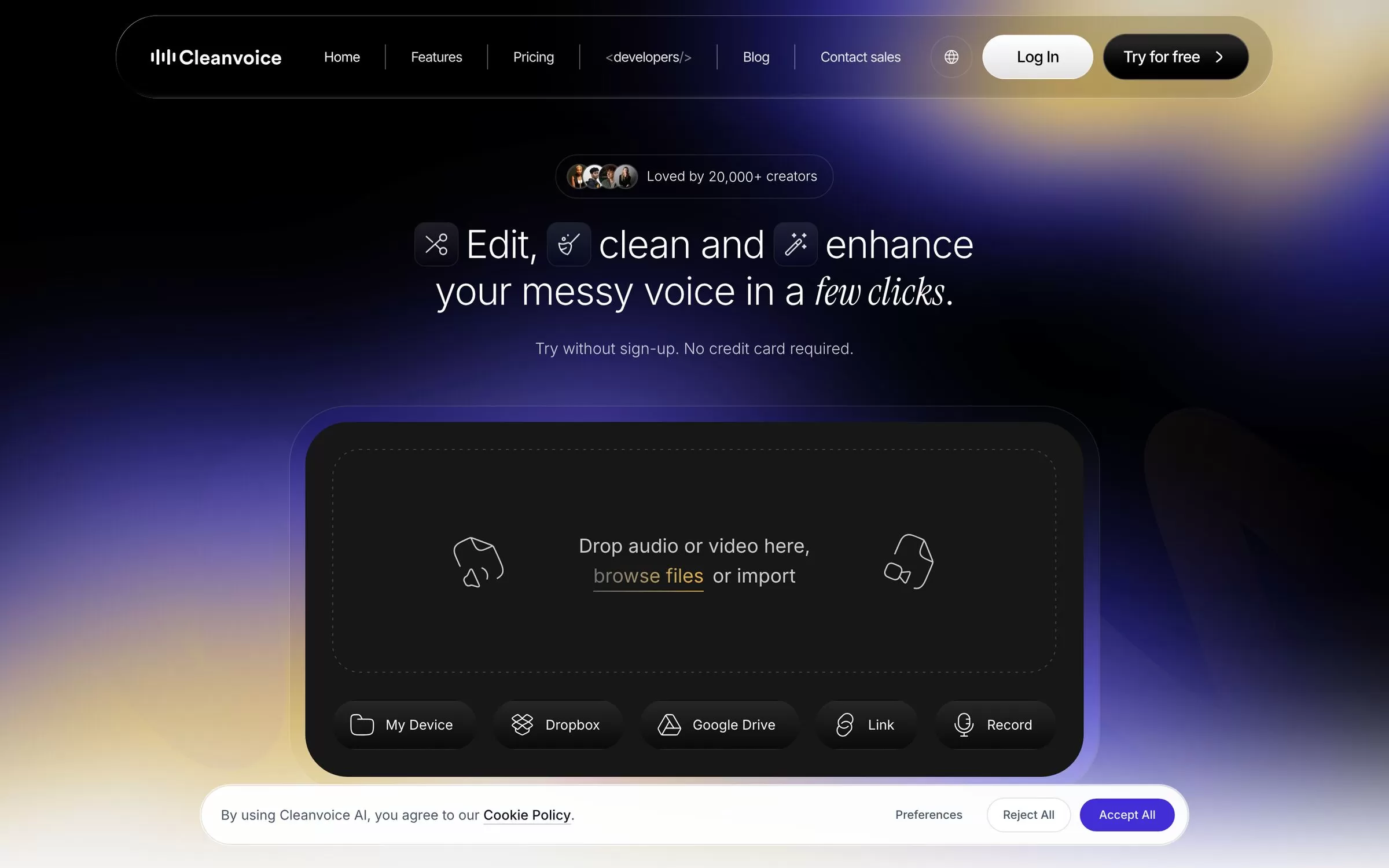
Cleanvoice removes filler words, silences, mouth sounds and background noise from your audio. Drop in a file and get a cleaner version back.
Best for: Filler word removal
Free plan: Free trial: clean 30 minutes, no credit card required
Price: Pay as you go starts at $11 for 5 hours of audio
Website: cleanvoice.ai
4. Zencastr
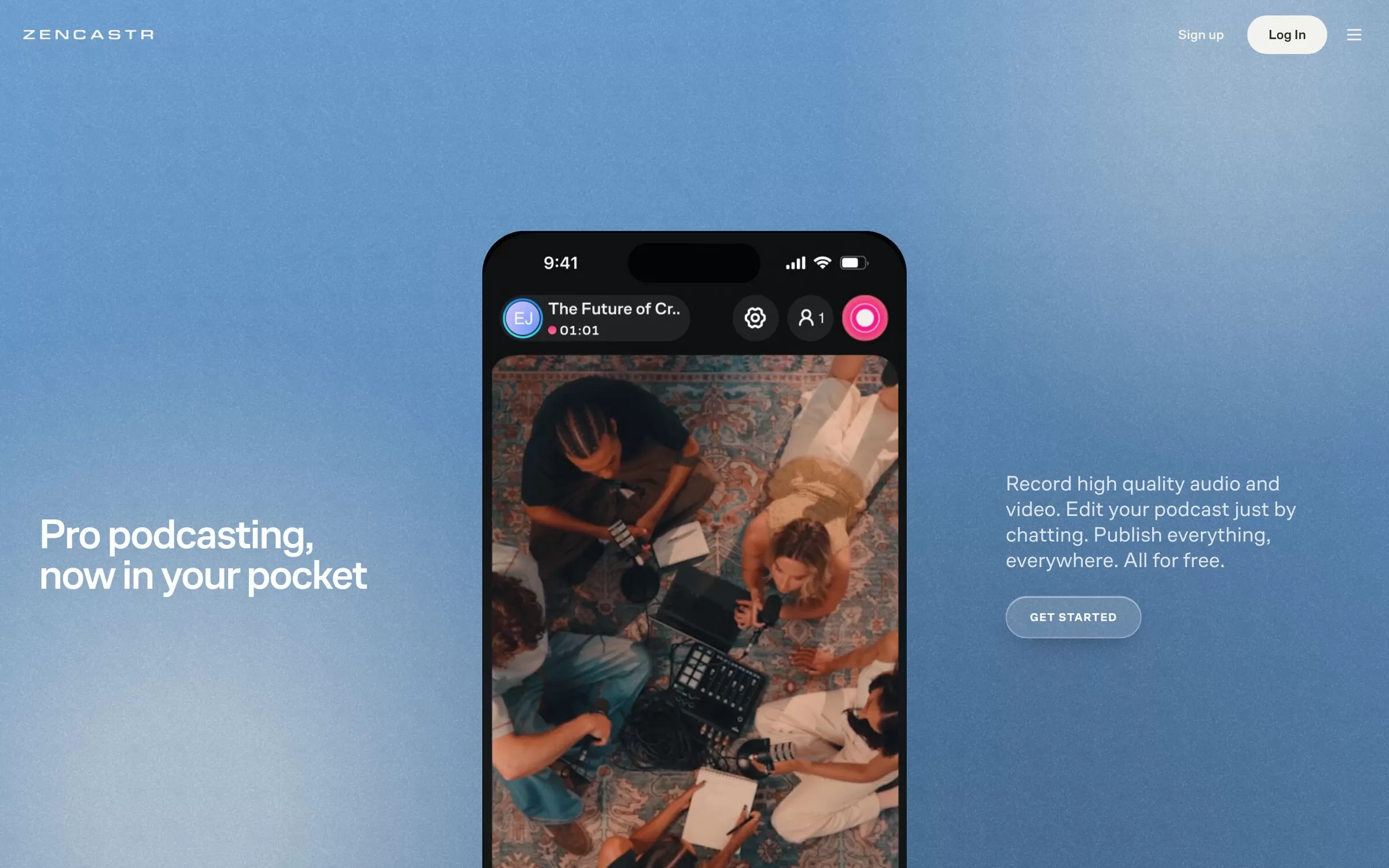
Zencastr is a studio for recording podcasts with up to 4K video and 48kHz audio. It also hosts and distributes your show.
Best for: Recording and hosting
Free plan: Yes: unlimited recording and hosting, 5 podcast shows
Price: See the Zencastr pricing page for paid options
Website: zencastr.com
5. Opus Clip
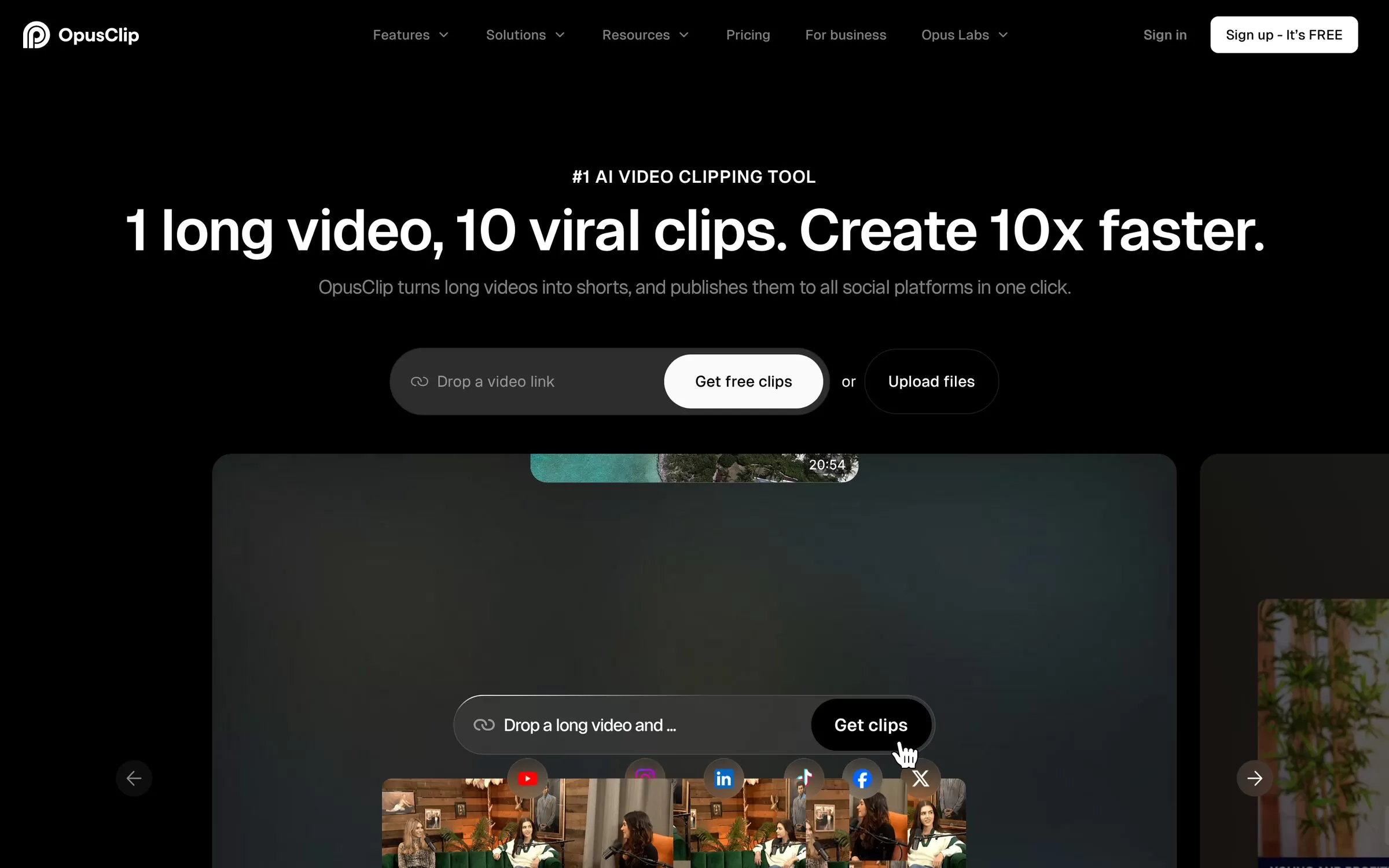
Opus Clip turns long videos into short clips with AI captions and reframing. Use it to share your best podcast moments on social media.
Best for: Short video clips
Free plan: Yes: $0 plan
Price: Starter is $15 a month and Pro is $29 a month
Website: opus.pro
6. Castmagic
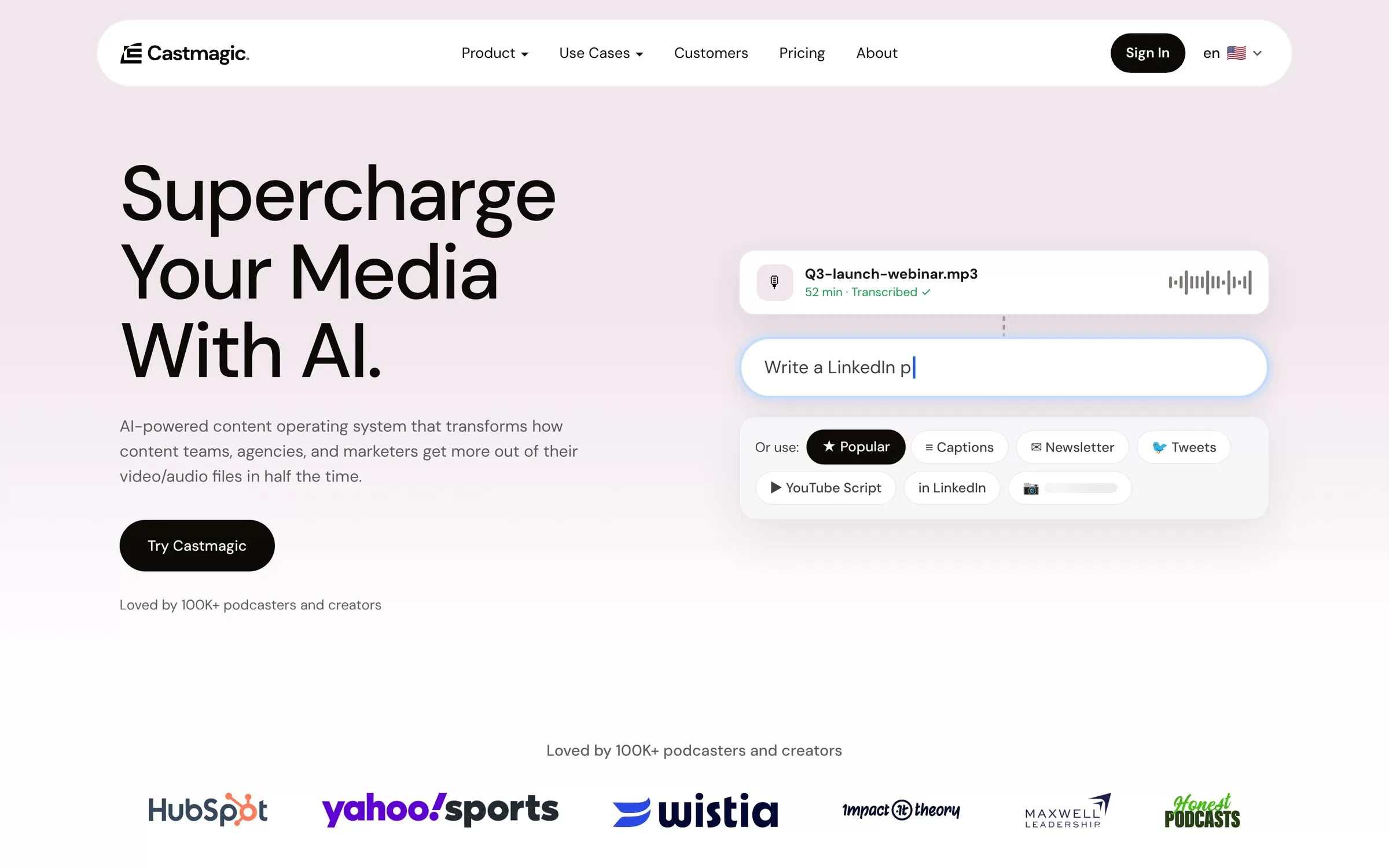
Castmagic transcribes your recording, then writes show notes, newsletters and social posts from it. It supports 60+ languages, including Hindi.
Best for: Repurposing episodes
Free plan: Not listed on the pricing page
Price: Hobby is $19 a month billed annually
Website: castmagic.io
7. Auphonic
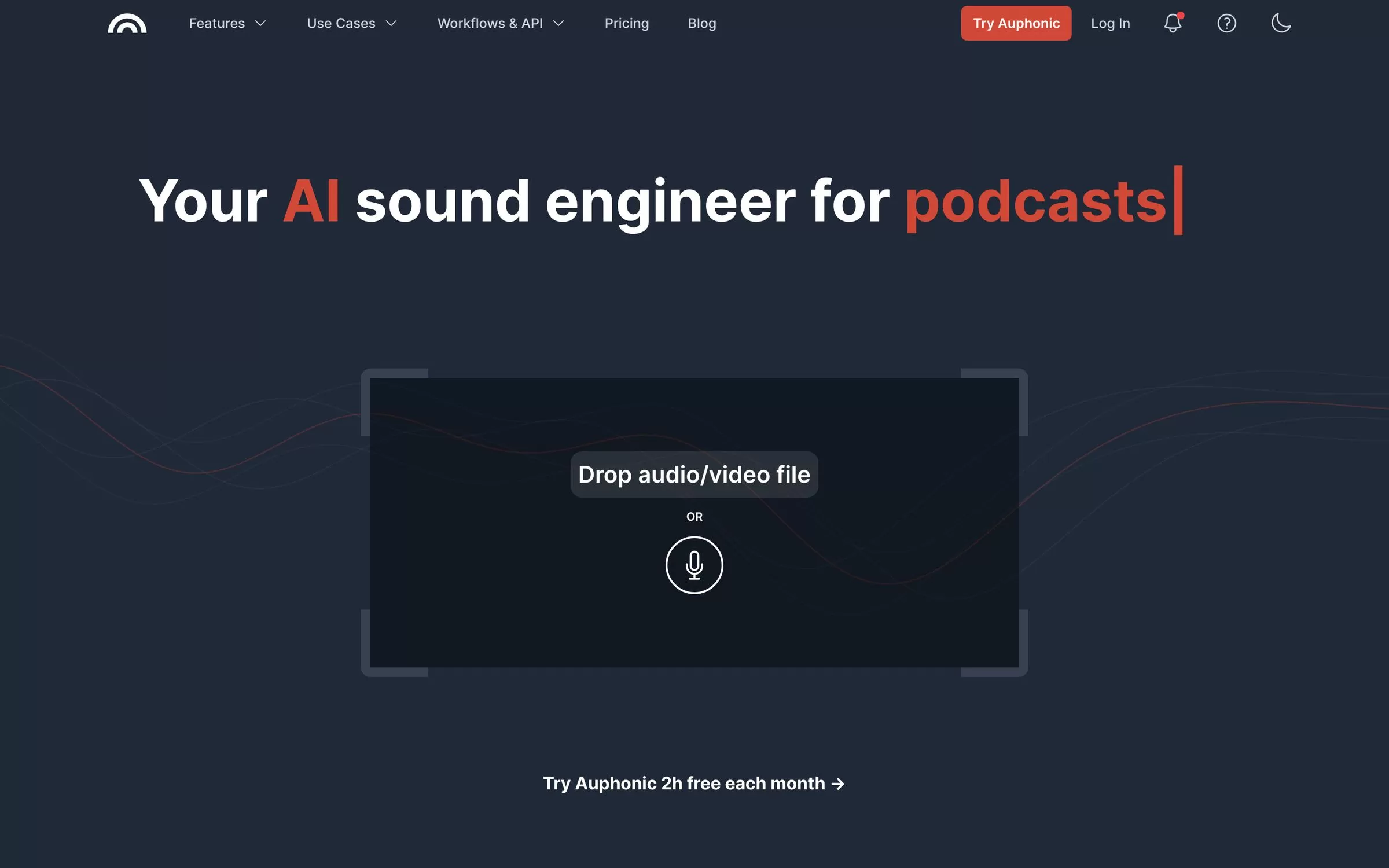
Auphonic is an audio post production tool for podcasts. It levels volume, reduces noise and sets loudness automatically.
Best for: Audio post-production
Free plan: Yes: 2 hours of processed audio a month
Price: Monthly credit plans from S (9 hours) up, with 20% off yearly billing
Website: auphonic.com
AI podcast editing tools: which one to use for what
If you want to edit by reading, Descript lets you edit your recording as text. You work on the transcript, and Descript also lists Studio Sound and filler word removal. Its free plan gives 60 media minutes a month.
If your problem is messy audio, Cleanvoice and Auphonic both clean up noise. Cleanvoice removes filler words, silences, mouth sounds and background noise, and lets you clean 30 minutes free. Auphonic levels volume, reduces noise and sets loudness, with 2 hours of processed audio free each month.
If you record with guests, look at Riverside and Zencastr. Riverside records podcasts and interviews and includes Magic Clips on its free plan. Zencastr lists up to 4K video and 48kHz audio, and its free plan covers unlimited recording and hosting for 5 podcast shows.
If you want to share episodes after recording, Opus Clip cuts long videos into short clips with captions and reframing, and its Starter plan is $15 a month. Castmagic writes show notes, newsletters and social posts from your transcript in 60+ languages, including Hindi, and its Hobby plan is $19 a month billed annually.
Most podcasters do not need all seven. Pick one tool for recording or editing, one for cleaning audio, and one for sharing, then try the free plans before you pay for anything.
Free AI podcast tools
Descript, Riverside, Zencastr, Opus Clip and Auphonic each have a free plan. Cleanvoice offers a free trial.
Final verdict
Pick Descript if you want to edit by text, or Riverside if you record remote guests. Cleanvoice or Auphonic can polish audio, and Opus Clip or Castmagic can repurpose episodes for sharing.


