
9 AI Email Assistants That Draft Replies and Clear Your Inbox
Draft replies, sort mail and summarize threads in less time.

Key Takeaways
- Free plans: Shortwave, Fyxer, Spark
- Best for teams: Missive
- Rupee pricing: Outlook
- Cleans any inbox: SaneBox
The 9 best AI email assistants in 2026 help you sort your inbox, summarize long threads and draft replies, so you spend less time on email.
Top 9 AI email assistants at a glance
| Tool | Best for | Free plan |
|---|---|---|
| 1. Superhuman | Fast, polished inbox | No free plan listed |
| 2. Shortwave | AI search and writing | Yes |
| 3. Fyxer AI | Drafts in your tone | Yes |
| 4. Spark Mail | Mail on every device | Yes |
| 5. Gmail with Gemini | Gmail users | Gmail is free; Gemini needs an eligible plan |
| 6. Outlook with Copilot | Outlook users | Yes, free Outlook account |
| 7. SaneBox | Decluttering any inbox | No, 7-day free trial |
| 8. Mailbutler | Tracking and follow-ups | No, 14-day free trial |
| 9. Missive | Team shared inboxes | No, 30-day free trial |
Jump toSuperhumanShortwaveFyxer AISpark MailGmail with GeminiOutlook with CopilotSaneBoxMailbutlerMissive
The 9 best AI email assistants in 2026
1. Superhuman

Superhuman is a premium email app built around speed, with AI built in. The Business plan adds auto drafts and Ask AI, so it suits busy founders who live in email.
Best for: Fast, polished inbox
Free plan: No free plan listed
Price: Starter $25 and Business $33 per member a month, billed annually
Website: superhuman.com
2. Shortwave
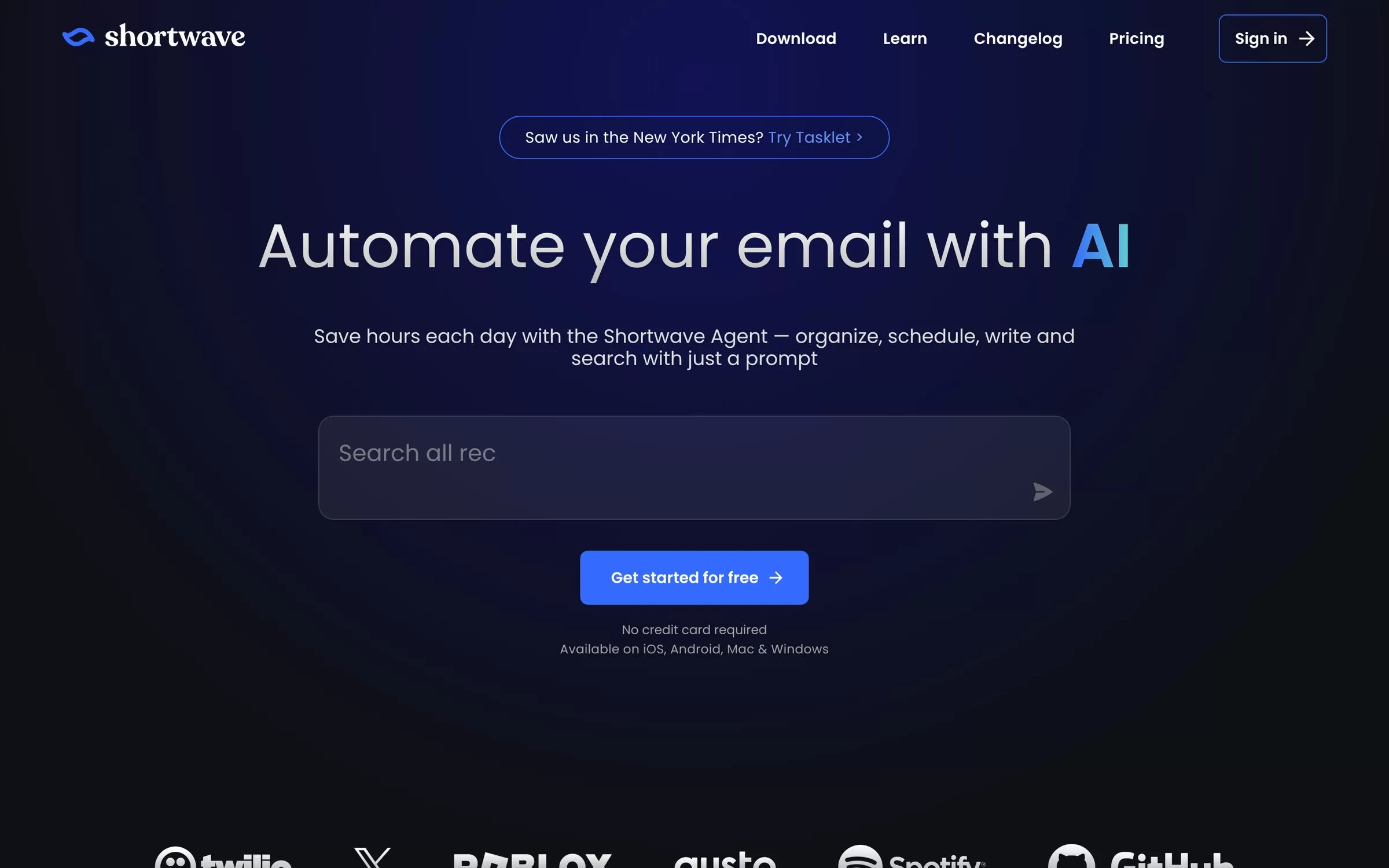
Shortwave lets you organize, schedule, write and search email with a prompt. Paid plans add AI search, summaries and autocomplete, and every paid plan starts with a 14-day free trial.
Best for: AI search and writing
Free plan: Yes
Price: Pro $18 and Business $30 per seat a month; Premier $45 and Max $120 are higher tiers
Website: shortwave.com
3. Fyxer AI
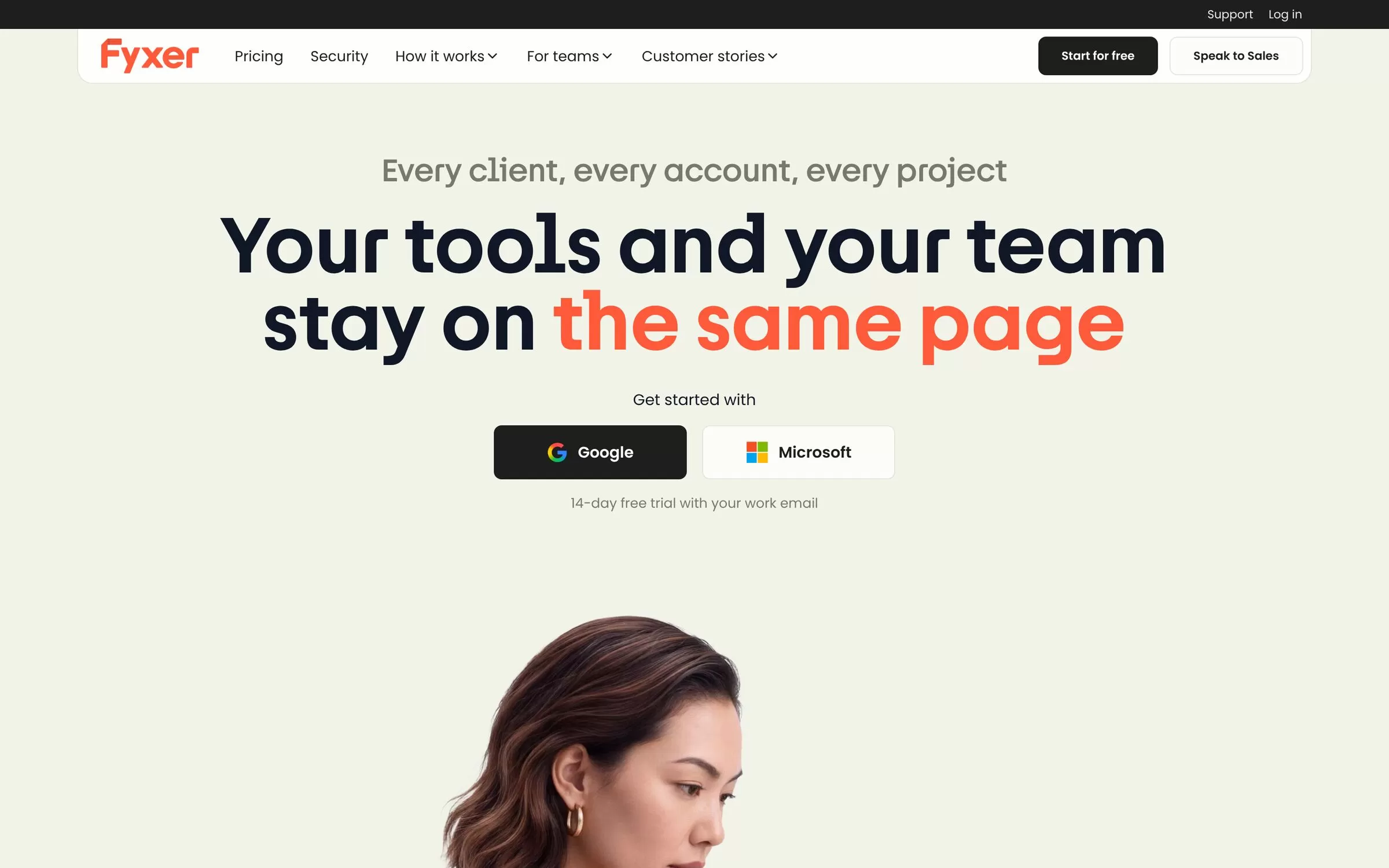
Fyxer sorts and labels your inbox and drafts replies in your tone. You can sign up with a Google or Microsoft account, and the Team plan comes with a 14-day free trial.
Best for: Drafts in your tone
Free plan: Yes
Price: Pro $37 a person a month billed annually ($49 billed monthly)
Website: fyxer.com
4. Spark Mail
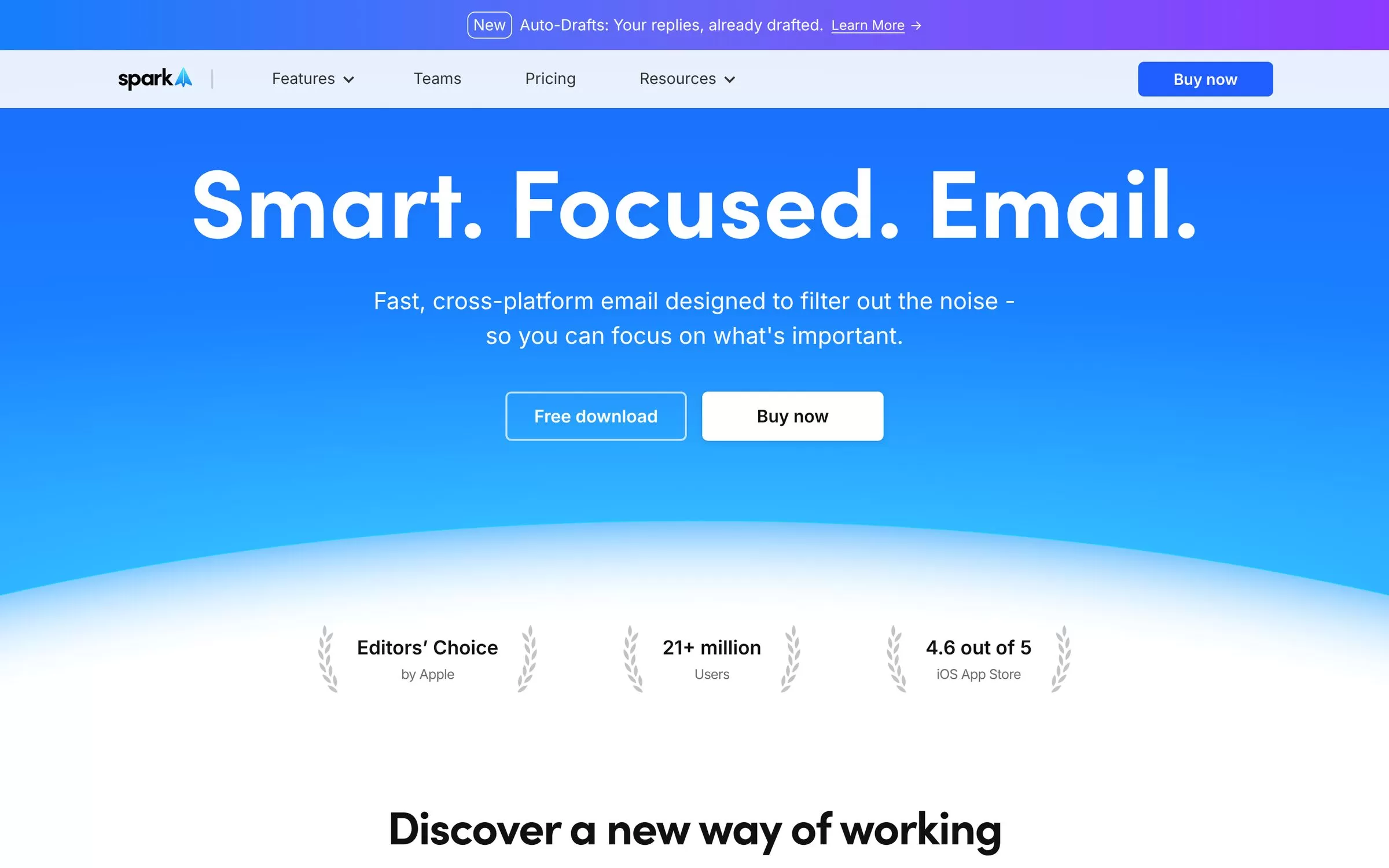
Spark is a smart inbox app for Mac, iOS, Windows and Android. Its Spark +AI tools write, reply to and summarize email, and Plus and Pro include a seven-day free trial.
Best for: Mail on every device
Free plan: Yes
Price: Plus $10 and Pro $20 a month on monthly billing
Website: sparkmailapp.com
5. Gmail with Gemini
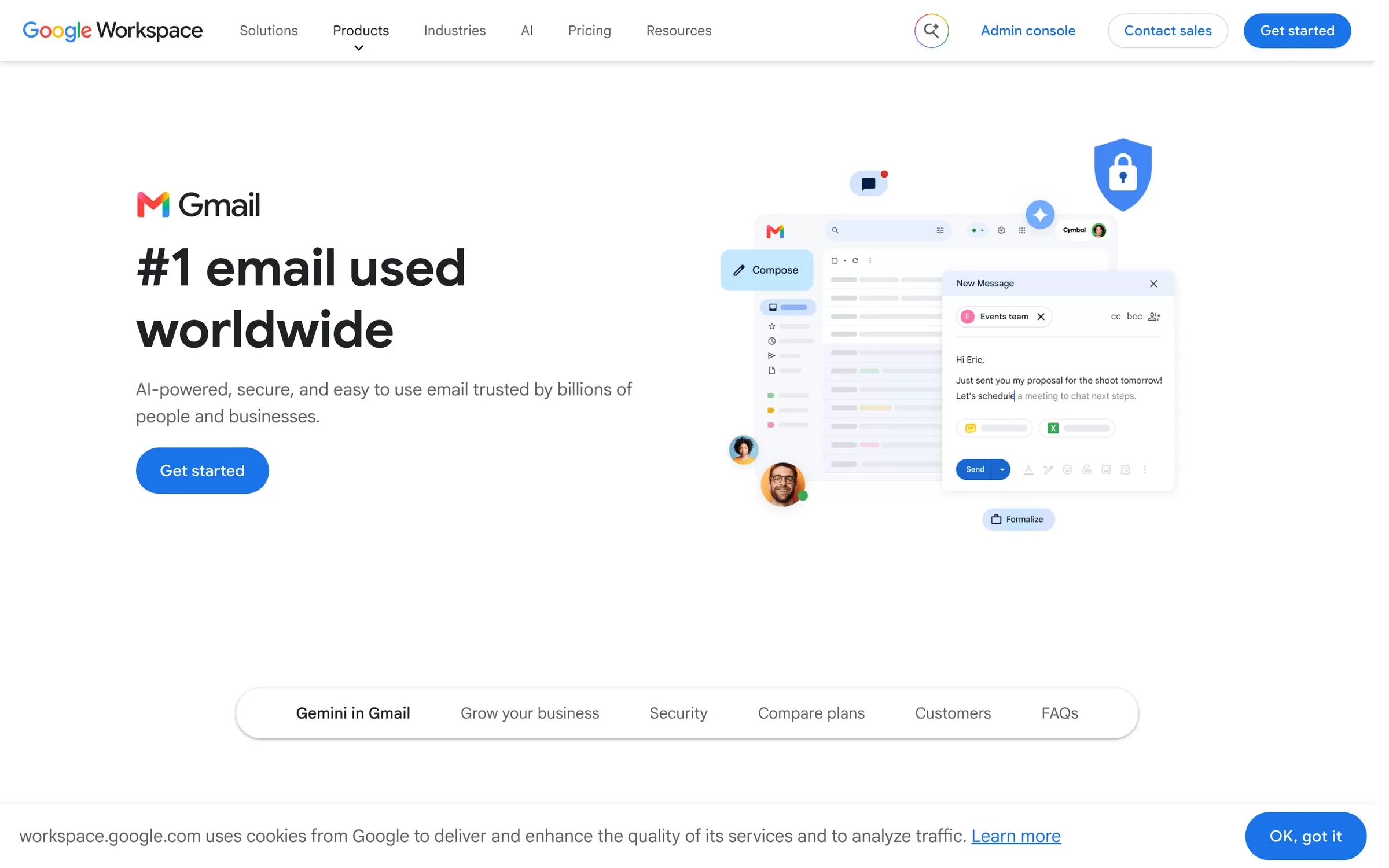
Gemini in Gmail is a side-panel assistant that can summarize long threads, draft and refine emails, search your mail and propose meeting times from Google Calendar. It needs an eligible Google Workspace or Google AI plan.
Best for: Gmail users
Free plan: Gmail is free; Gemini needs an eligible plan
Price: Listed on Google's Workspace and Google AI plan pages
Website: workspace.google.com/products/gmail
6. Outlook with Copilot
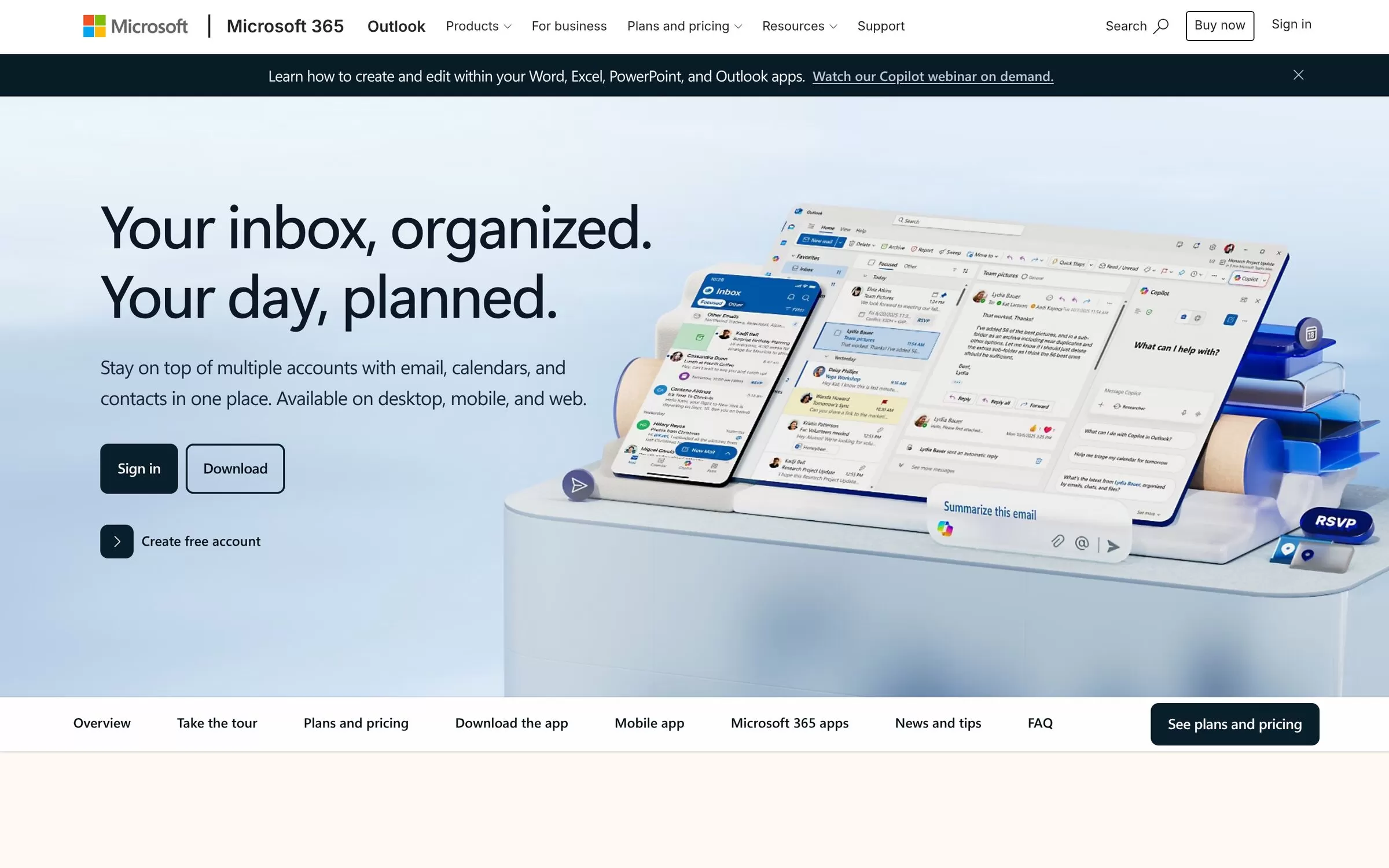
Copilot in Outlook summarizes long email threads, drafts messages and coaches your writing. Microsoft lists rupee prices for its Microsoft 365 plans in India.
Best for: Outlook users
Free plan: Yes, free Outlook account
Price: Microsoft 365 Basic ₹1,499 a year; Personal ₹6,899 a year
Website: microsoft.com/outlook
7. SaneBox
SaneBox cleans up your inbox and sorts what matters, and it works with every email client. The 7-day free trial needs no credit card.
Best for: Decluttering any inbox
Free plan: No, 7-day free trial
Price: Snack from $4.54 a month billed every 2 years; Lunch $7.46; Dinner $22.04
Website: sanebox.com
8. Mailbutler
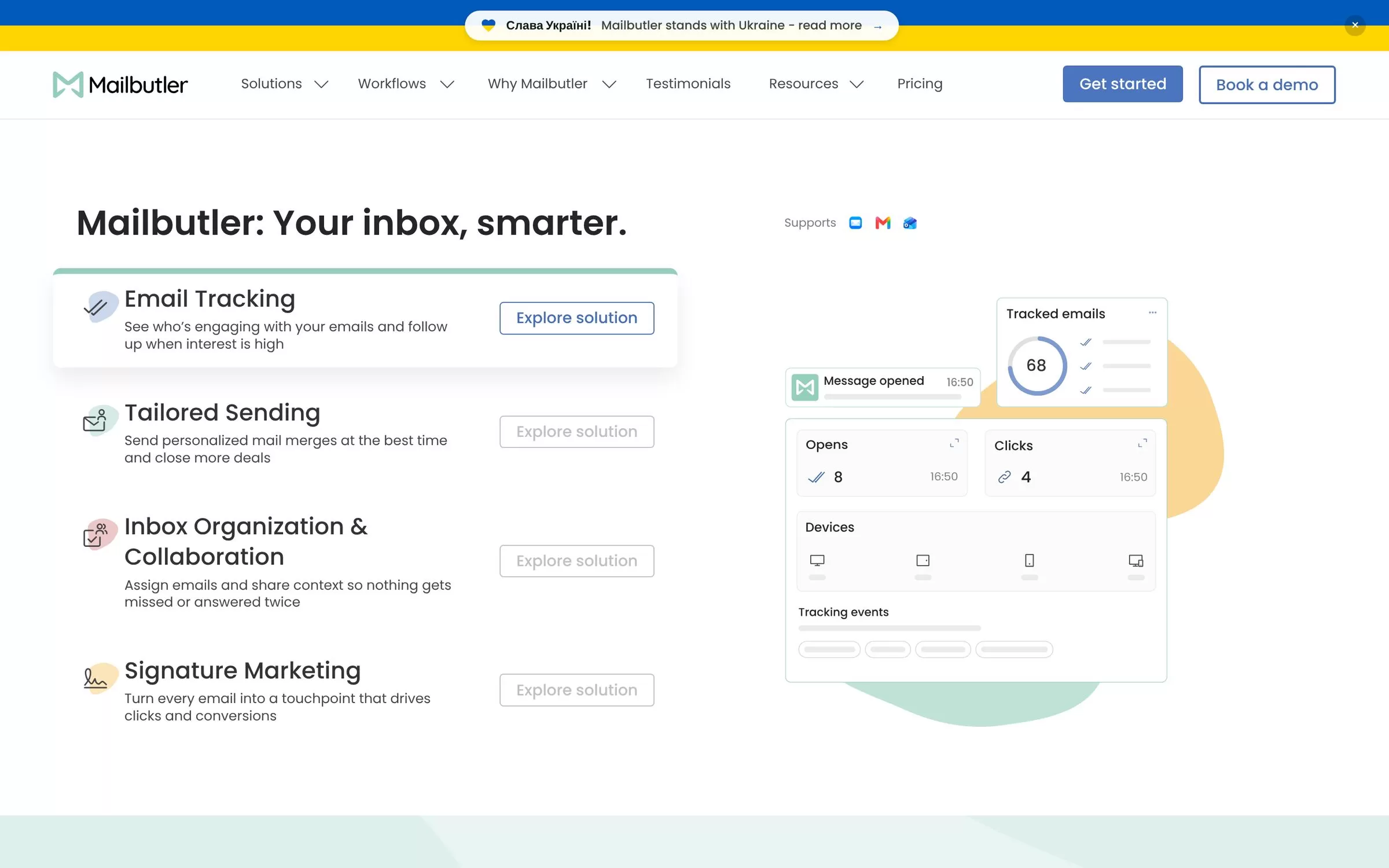
Mailbutler adds email tracking, templates, tasks and AI Smart Assistant tools such as Smart Compose, Smart Replies and Smart Summarize. The 14-day free trial includes all features and needs no credit card.
Best for: Tracking and follow-ups
Free plan: No, 14-day free trial
Price: Starter $4, Professional $7, Smart $11, Business $24 per user a month with yearly billing
Website: mailbutler.io
9. Missive
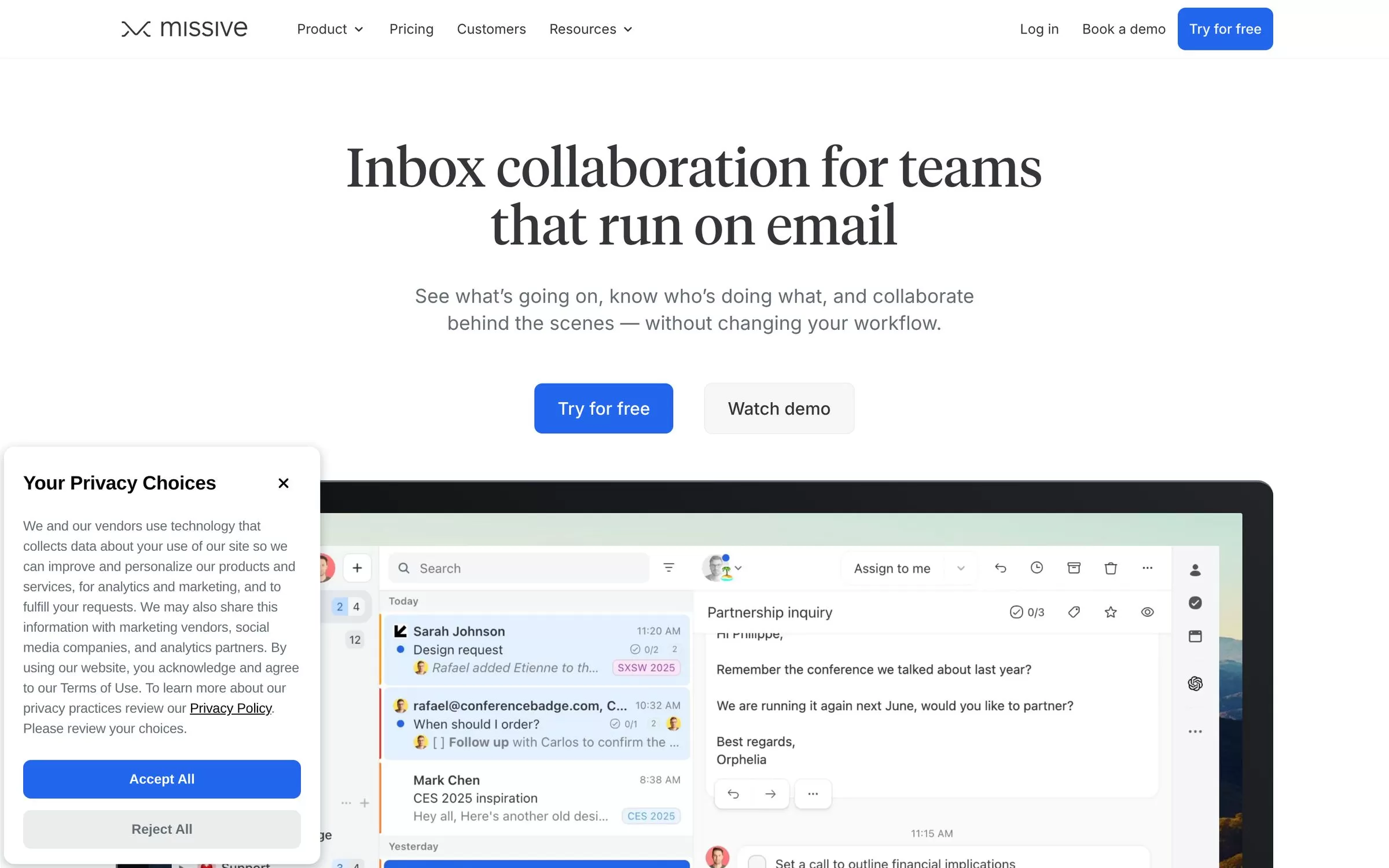
Missive is a shared inbox for teams that run on email, with assignments, internal threads and AI editing. You can try it free for 30 days without a credit card.
Best for: Team shared inboxes
Free plan: No, 30-day free trial
Price: Starter $14, Productive $24, Business $36 per user a month billed yearly
Website: missiveapp.com
Free AI email assistants
Shortwave, Fyxer AI and Spark Mail each list a free plan, and Outlook has a free account. SaneBox, Mailbutler and Missive offer free trials instead.
Final verdict
Pick Gmail with Gemini or Outlook with Copilot if you already live in one of them. Choose Fyxer AI, Shortwave or Spark Mail for a free start, and Missive if your team shares an inbox. Try two for a week and keep the one that saves you time.


