
10 AI Image Upscalers That Make Blurry Photos Sharp
Make small, blurry photos crisp enough for print and online stores.

Key Takeaways
- Best free upscaler: Upscayl
- Best for print: Let's Enhance
- Best for pros: Topaz Gigapixel
- Free online, no watermark: Pixelcut
These 10 AI image upscalers turn small or blurry pictures into sharp, high-resolution images for print, ecommerce and social media, from free open source apps to pro desktop software.
Top 10 AI image upscalers at a glance
| Tool | Best for | Free plan |
|---|---|---|
| 1. Topaz Gigapixel | Pro photographers | No |
| 2. Let's Enhance | Print-ready images | 10 credits |
| 3. Upscayl | Free offline use | Yes |
| 4. Krea | Upscaling AI art | Yes, limited |
| 5. Pixelcut | Quick 4K upscales | 3 downloads/day |
| 6. Picsart | Social media photos | Low-res download |
| 7. VanceAI | Big enlargements | 10 credits |
| 8. Upscale.media | Phone and API use | 3 credits/month |
| 9. Imgupscaler | Simple online upscaling | 50 credits/month |
| 10. Bigjpg | Anime and artwork | 20 pictures/month |
Jump toTopaz GigapixelLet's EnhanceUpscaylKreaPixelcutPicsartVanceAIUpscale.mediaImgupscalerBigjpg
The 10 best AI image upscalers
1. Topaz Gigapixel
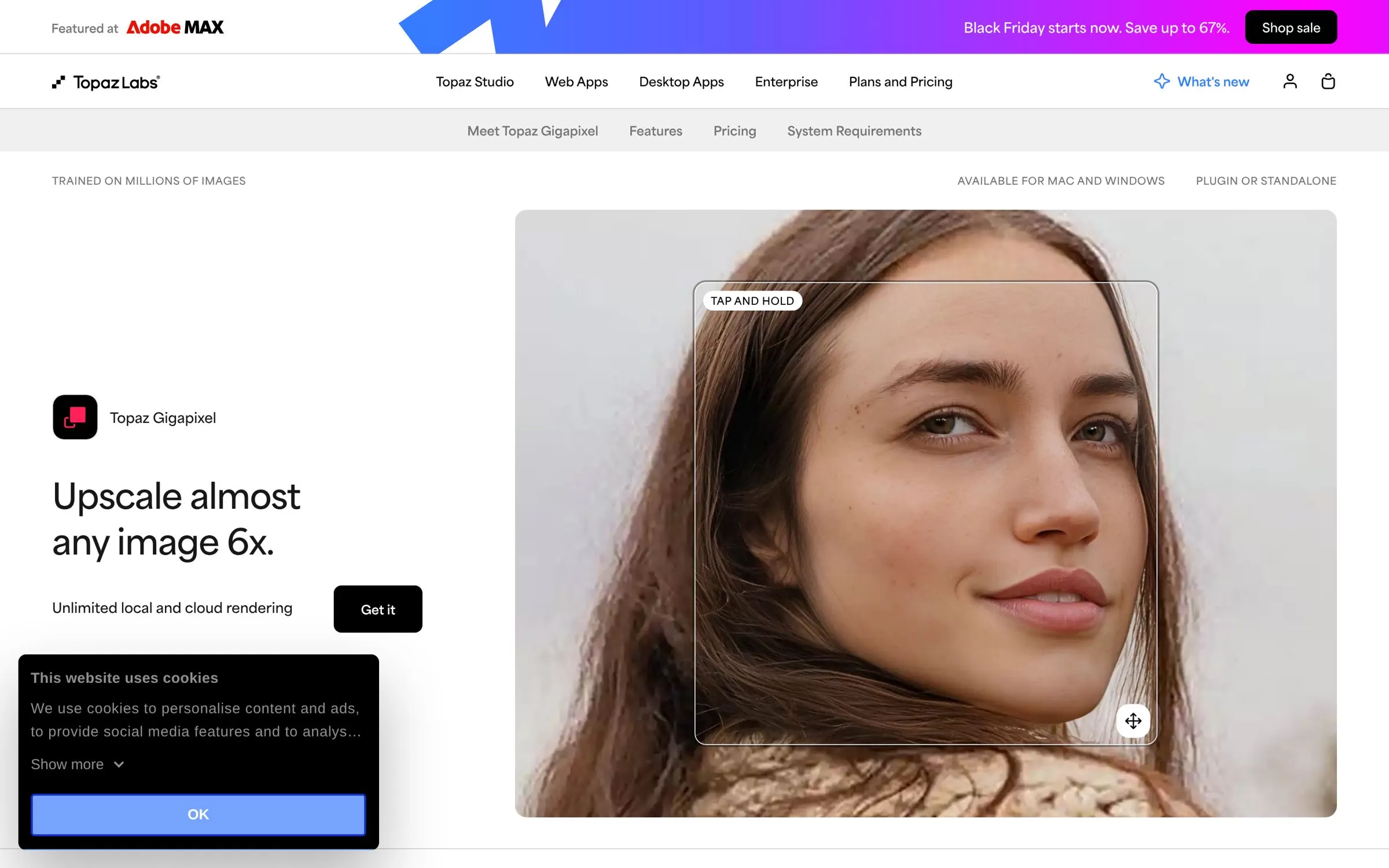
Topaz Gigapixel is an AI image upscaling app that can upscale almost any image 6x. It runs on Mac and Windows, as a standalone app or as a plugin for Photoshop and Lightroom Classic.
Best for: Pro photographers
Free plan: No
Price: Personal plan at $29/month on monthly billing; Pro plan at $499 billed annually
Website: topazlabs.com
2. Let's Enhance
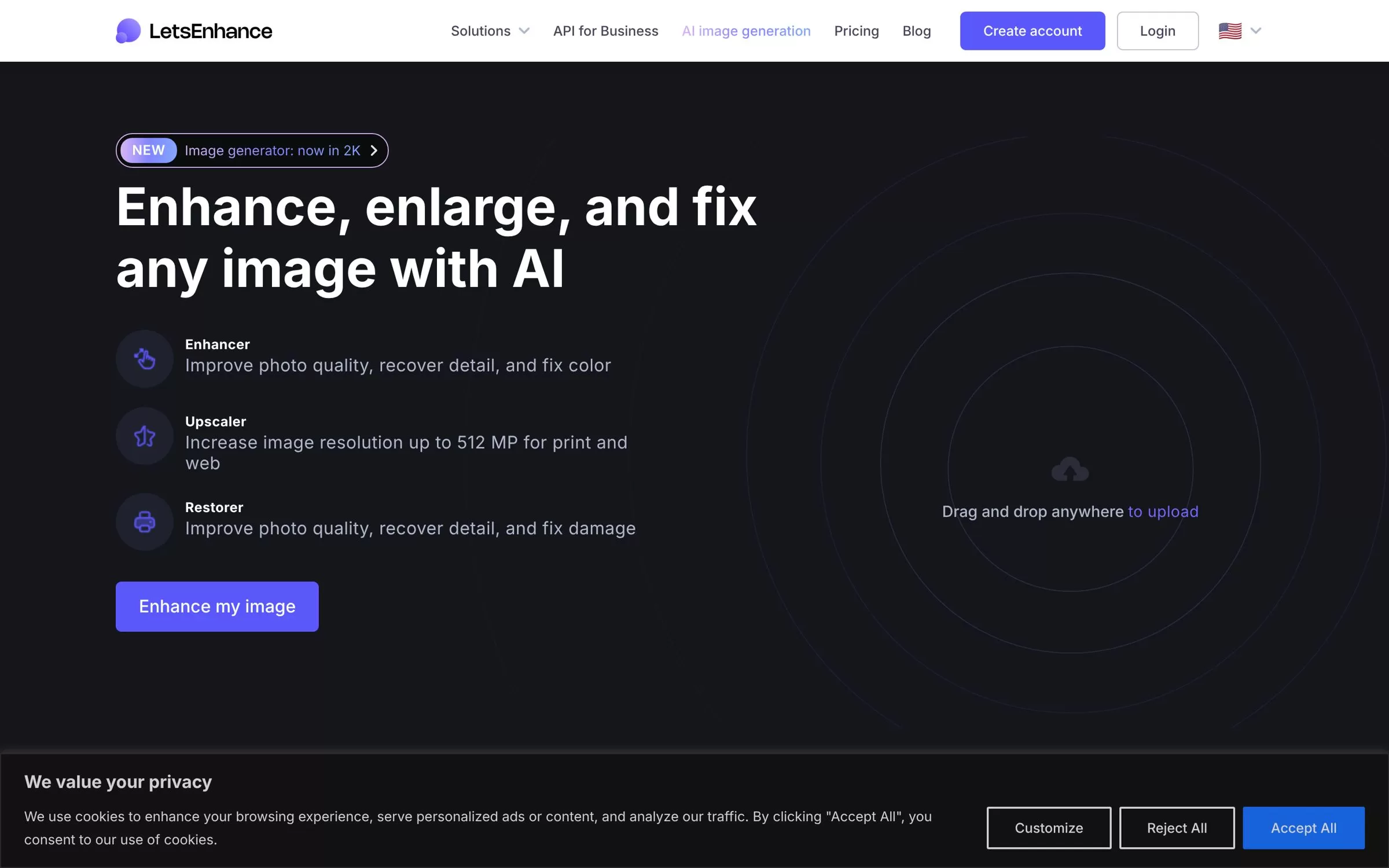
Let's Enhance increases image resolution up to 16x, with output up to 512 megapixels for print and web. You can edit 20 images at once.
Best for: Print-ready images
Free plan: 10 free credits when you sign up, no credit card needed
Price: Starter at $9/month billed annually, or $12/month billed monthly, for 100 credits a month
Website: letsenhance.io
3. Upscayl
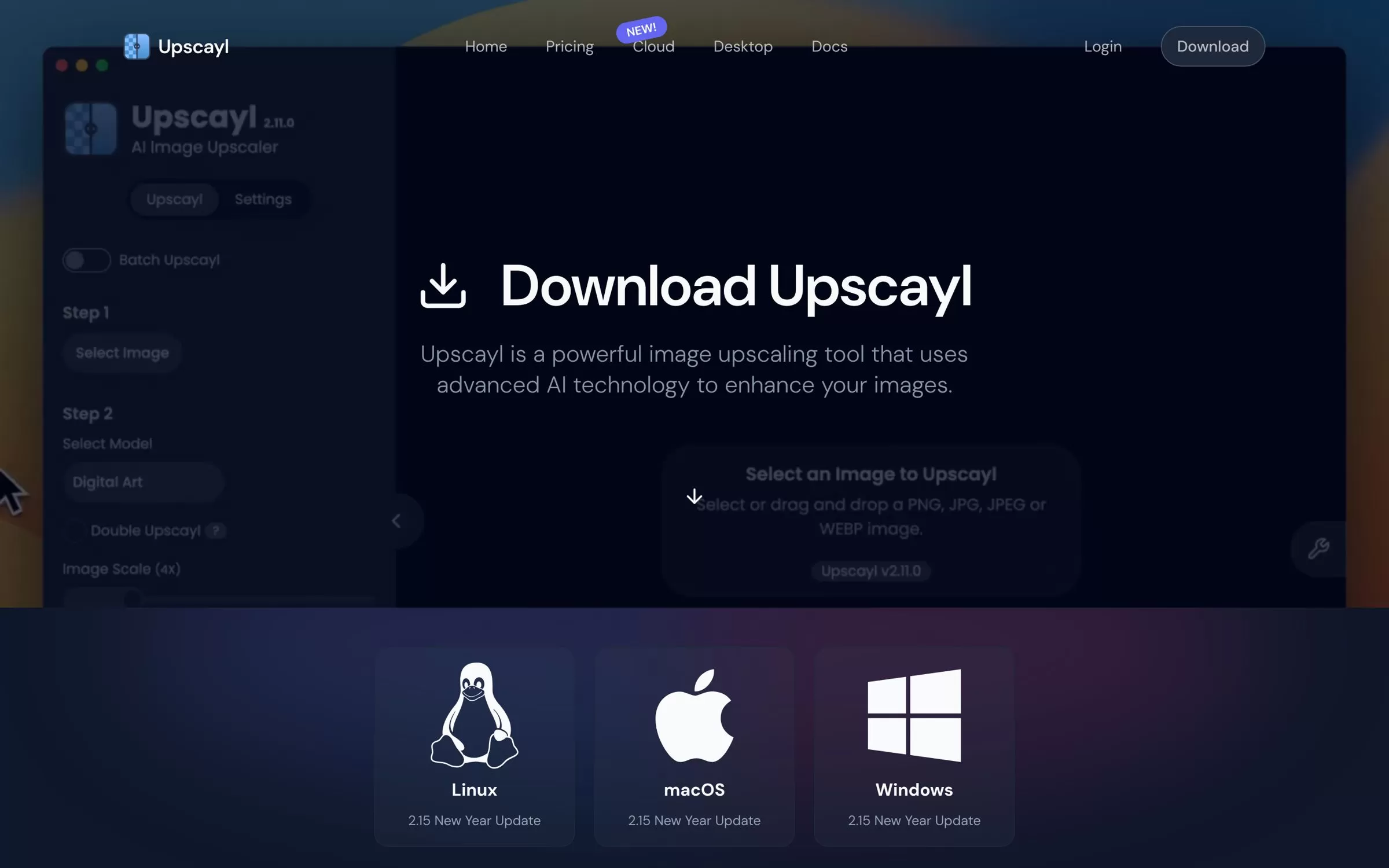
Upscayl is a free and open source AI image upscaler that upscales images up to 16x. The desktop app runs on Linux, macOS and Windows and processes images on your own computer.
Best for: Free offline use
Free plan: Yes, the desktop app is free and open source
Price: Desktop app free; Upscayl Cloud has paid plans
Website: upscayl.org
4. Krea
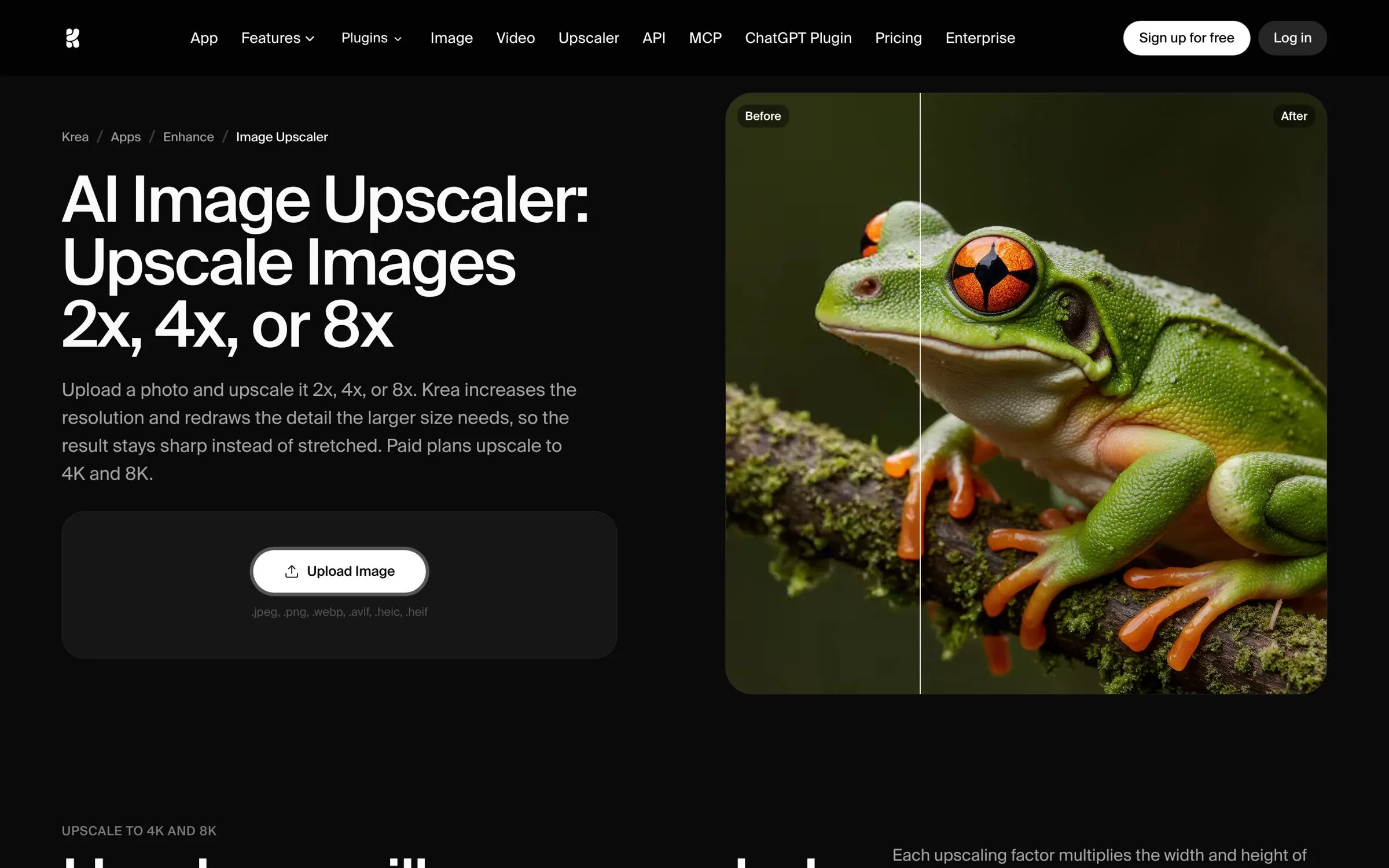
Krea upscales images 2x, 4x or 8x, and paid plans upscale to 4K and 8K. It also upscales video.
Best for: Upscaling AI art
Free plan: Yes, with limited image upscaling (free use is capped at 2048 pixels on the longest side)
Price: Basic at $9/month
Website: krea.ai
5. Pixelcut
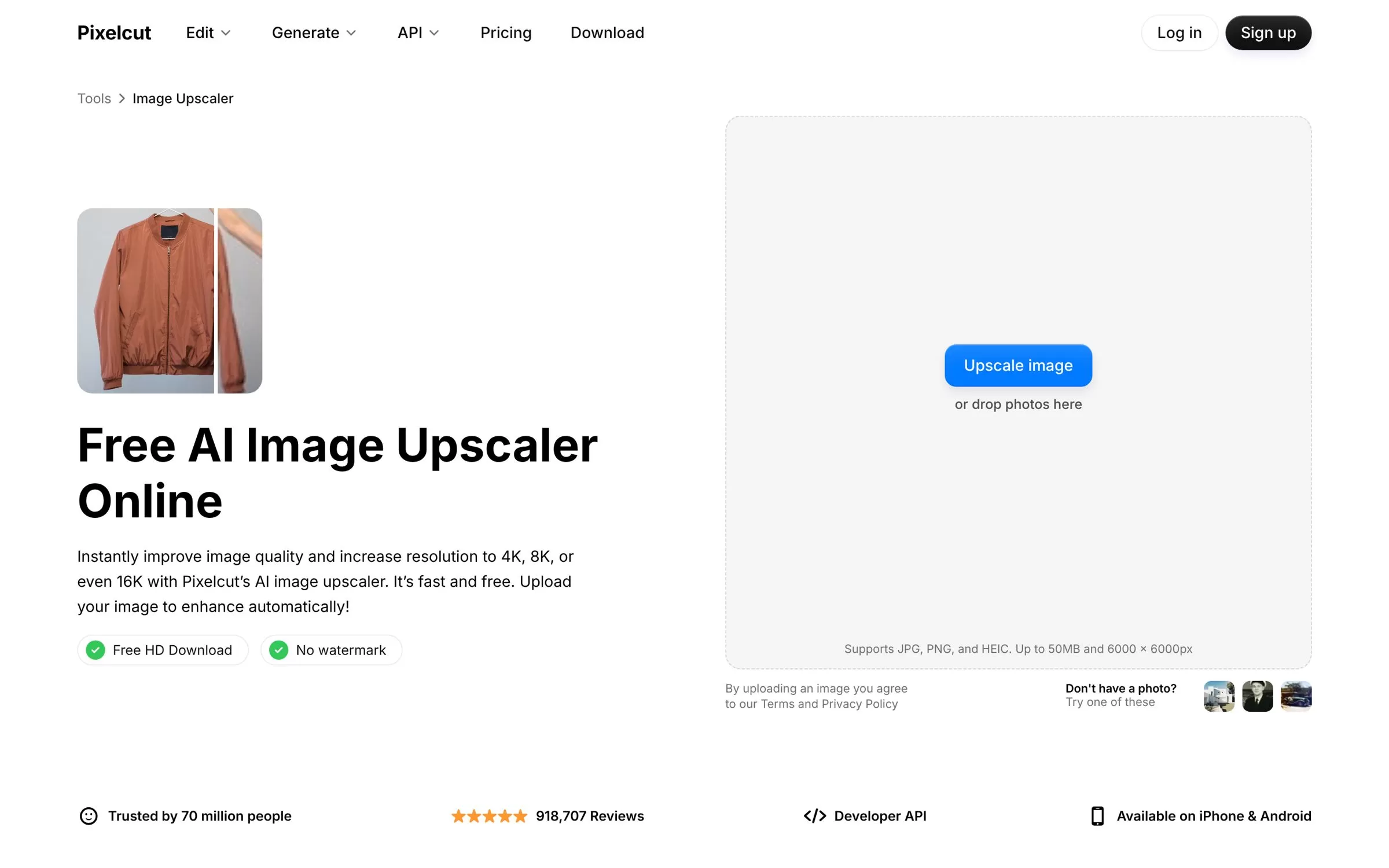
Pixelcut's AI image upscaler increases resolution to 4K, 8K or even 16K. It works in the browser and has iPhone and Android apps.
Best for: Quick 4K upscales
Free plan: Free for up to 3 downloads a day, with no watermark
Price: Pro at $10/month, or $8/month billed yearly
Website: pixelcut.ai
6. Picsart
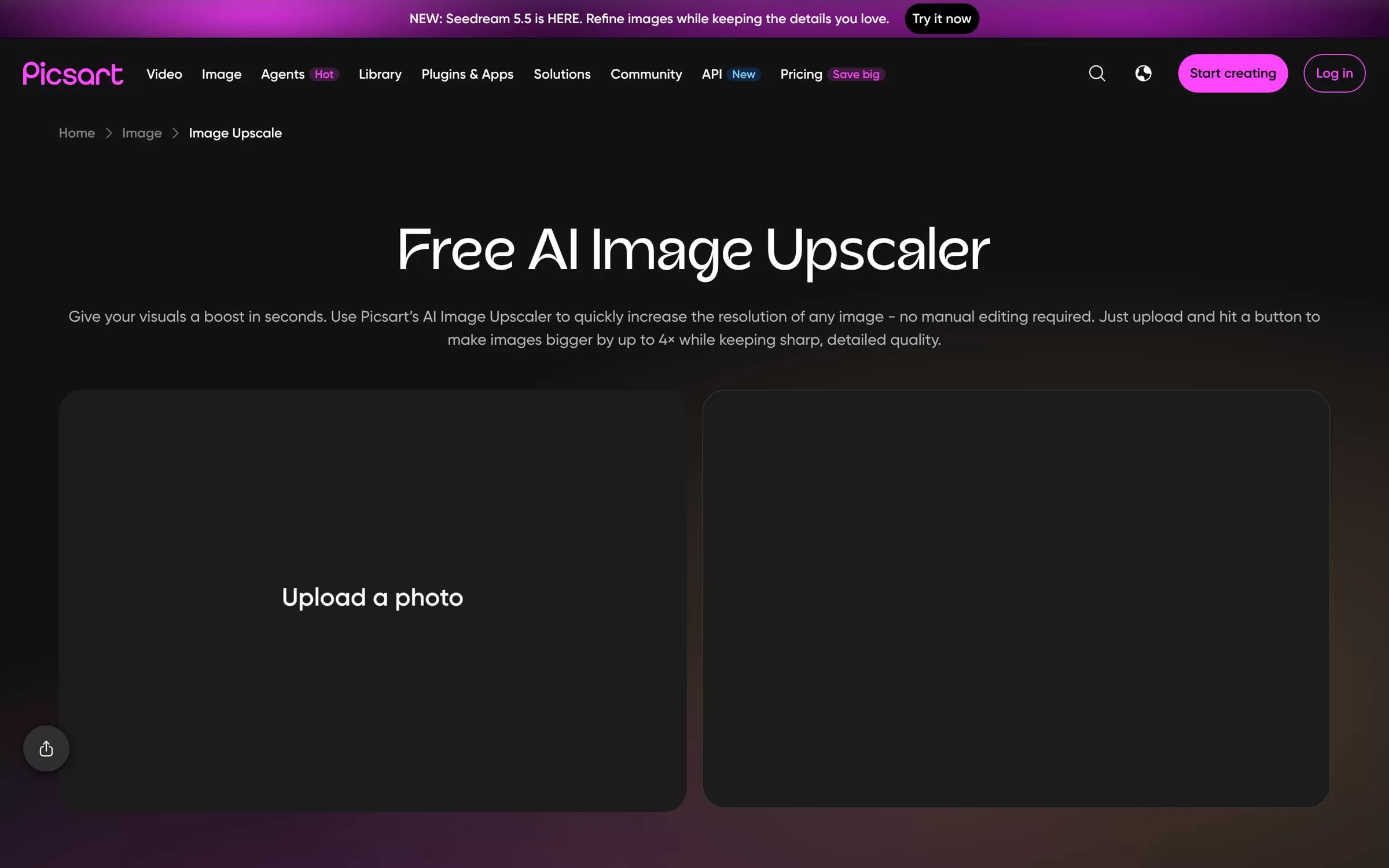
Picsart's AI Image Upscaler offers 2x and 4x instant upscales, with a limit of 4096px after upscaling. It can upscale several photos in one go.
Best for: Social media photos
Free plan: Yes, download a low-resolution version for free
Price: Pro at $15/month, or $10.5/month billed yearly
Website: picsart.com
7. VanceAI
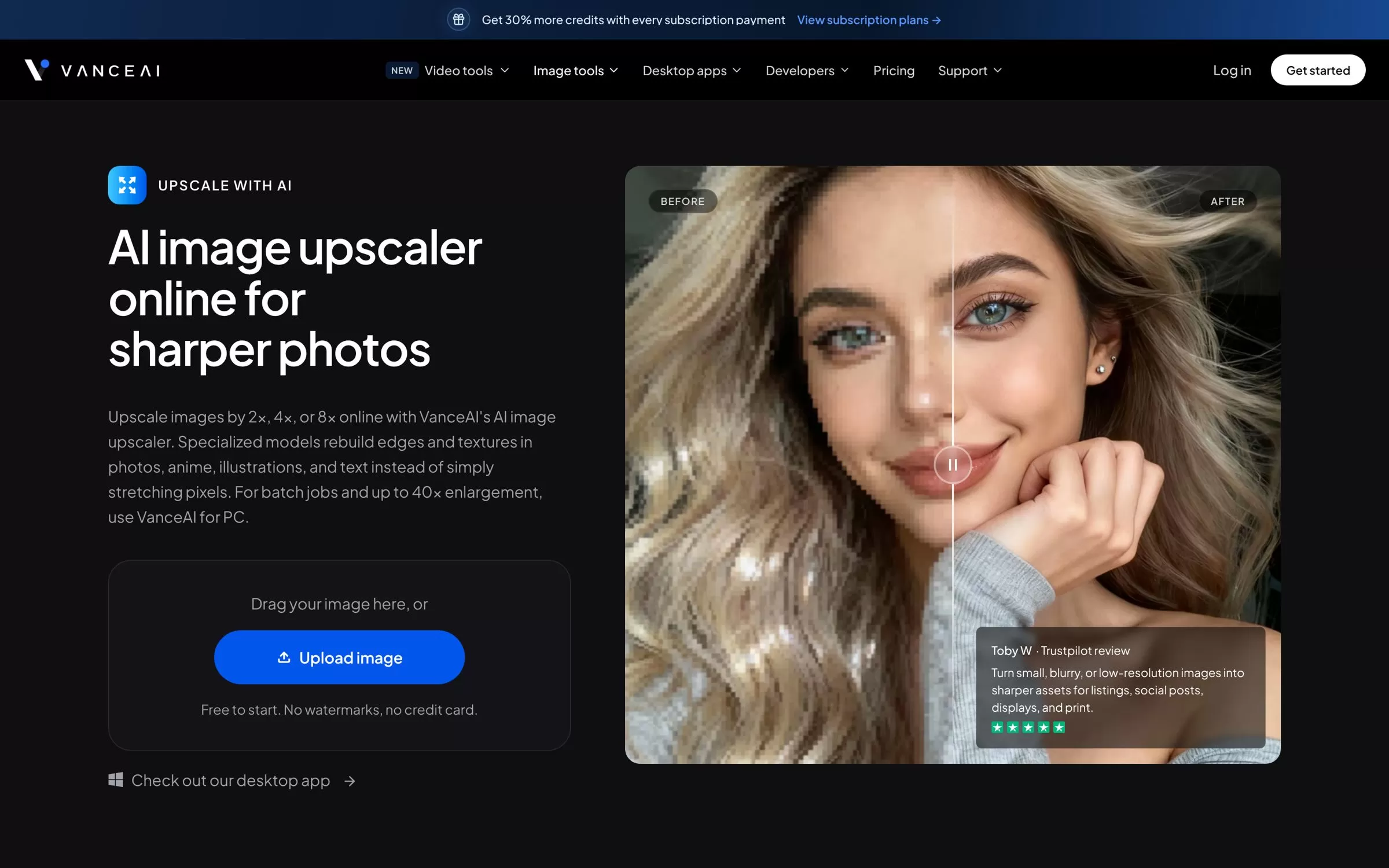
VanceAI upscales images by 2x, 4x or 8x online. Its Windows app, VanceAI for PC, handles batch jobs and enlargements up to 40x.
Best for: Big enlargements
Free plan: Try free with 10 credits
Price: Starter at $15/month ($180 billed annually)
Website: vanceai.com
8. Upscale.media
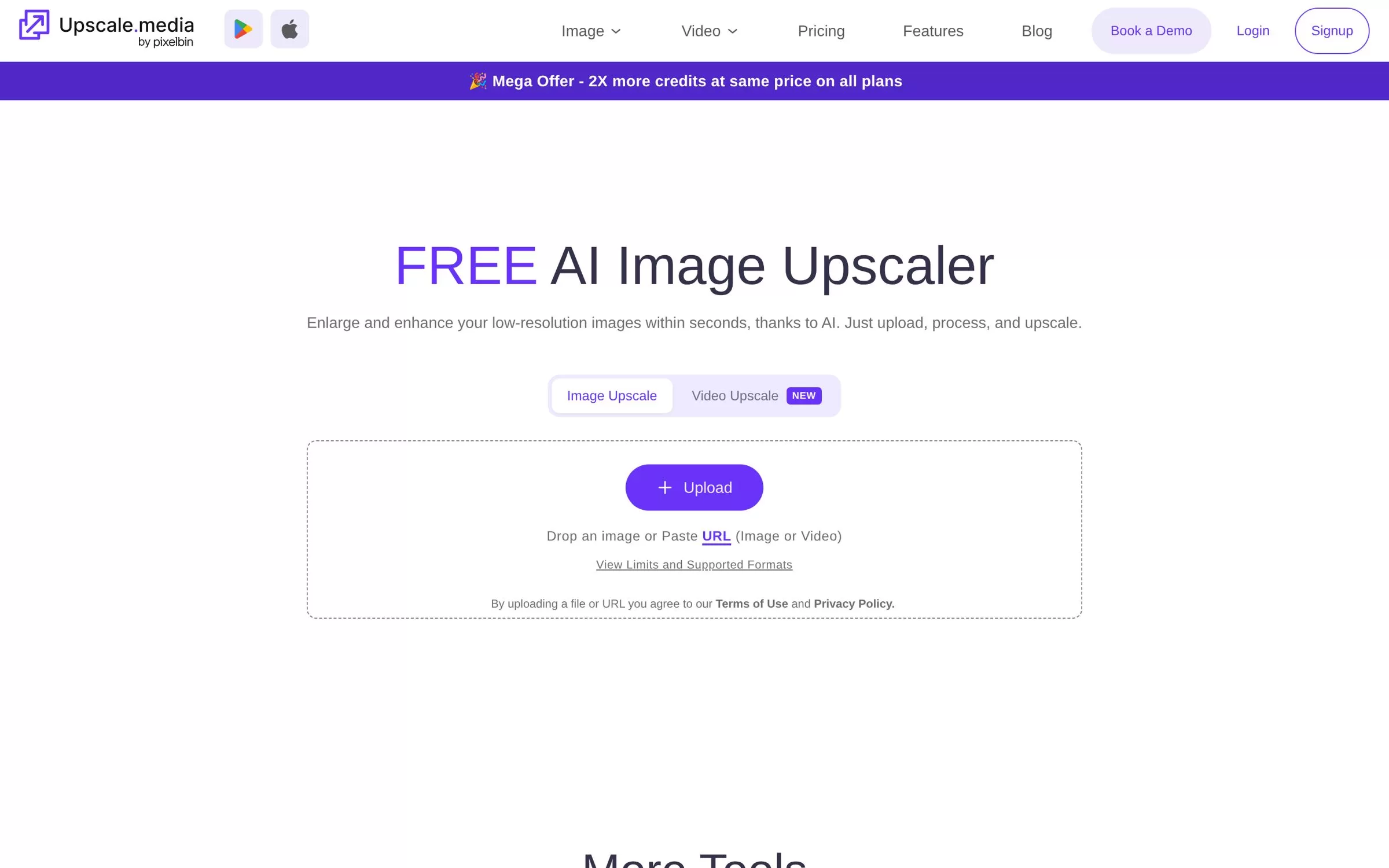
Upscale.media upscales images up to 8x without losing clarity. It has Android and iOS apps and an API for bulk work.
Best for: Phone and API use
Free plan: 3 free credits and 3 free downloads every month
Price: 60 credits for $7.99, billed once
Website: upscale.media
9. Imgupscaler
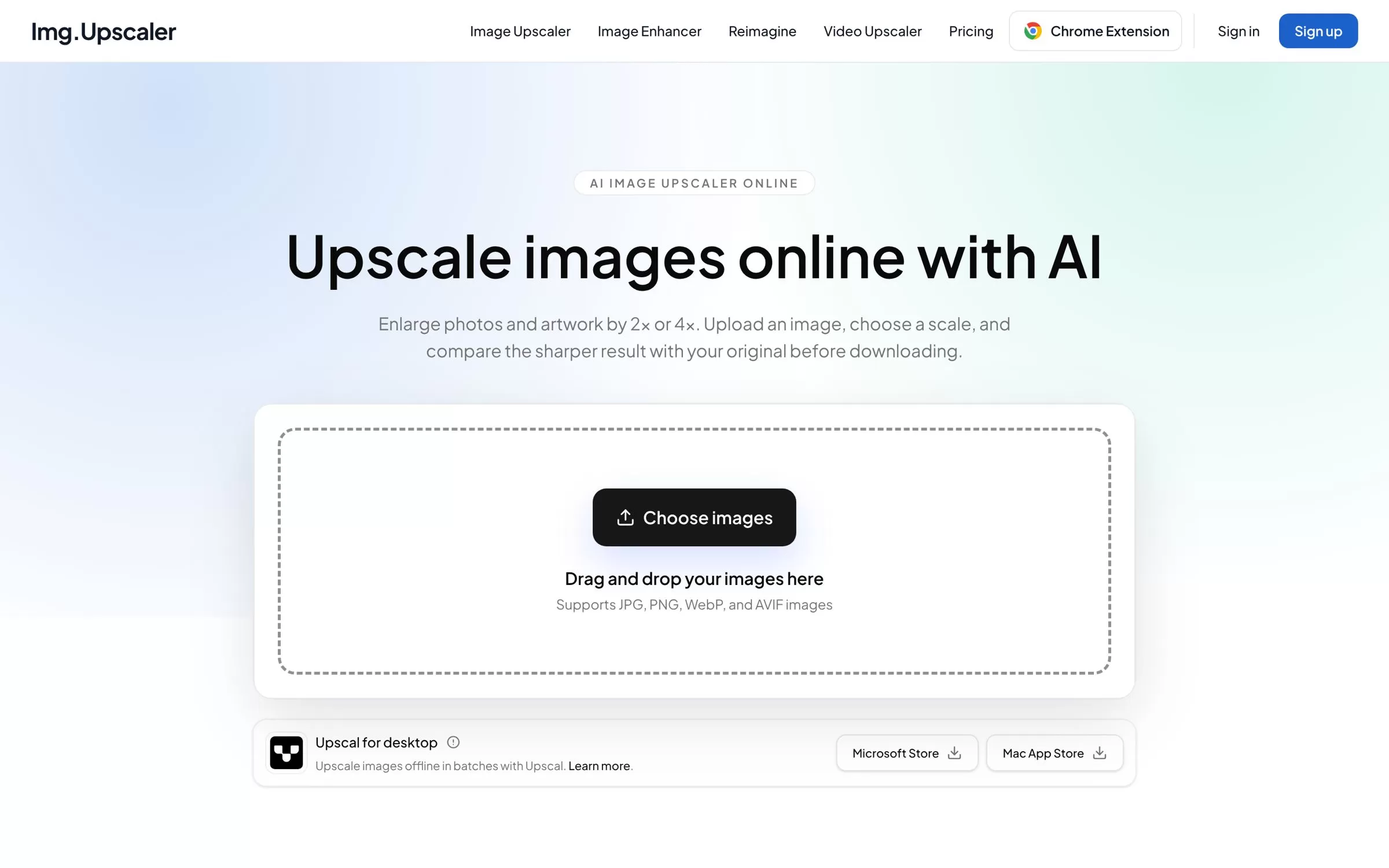
Imgupscaler enlarges photos and artwork by 2x or 4x using AI. It also has a Chrome extension.
Best for: Simple online upscaling
Free plan: Yes, 50 credits a month
Price: Premium at $9.90/month for 500 credits a month
Website: imgupscaler.com
10. Bigjpg
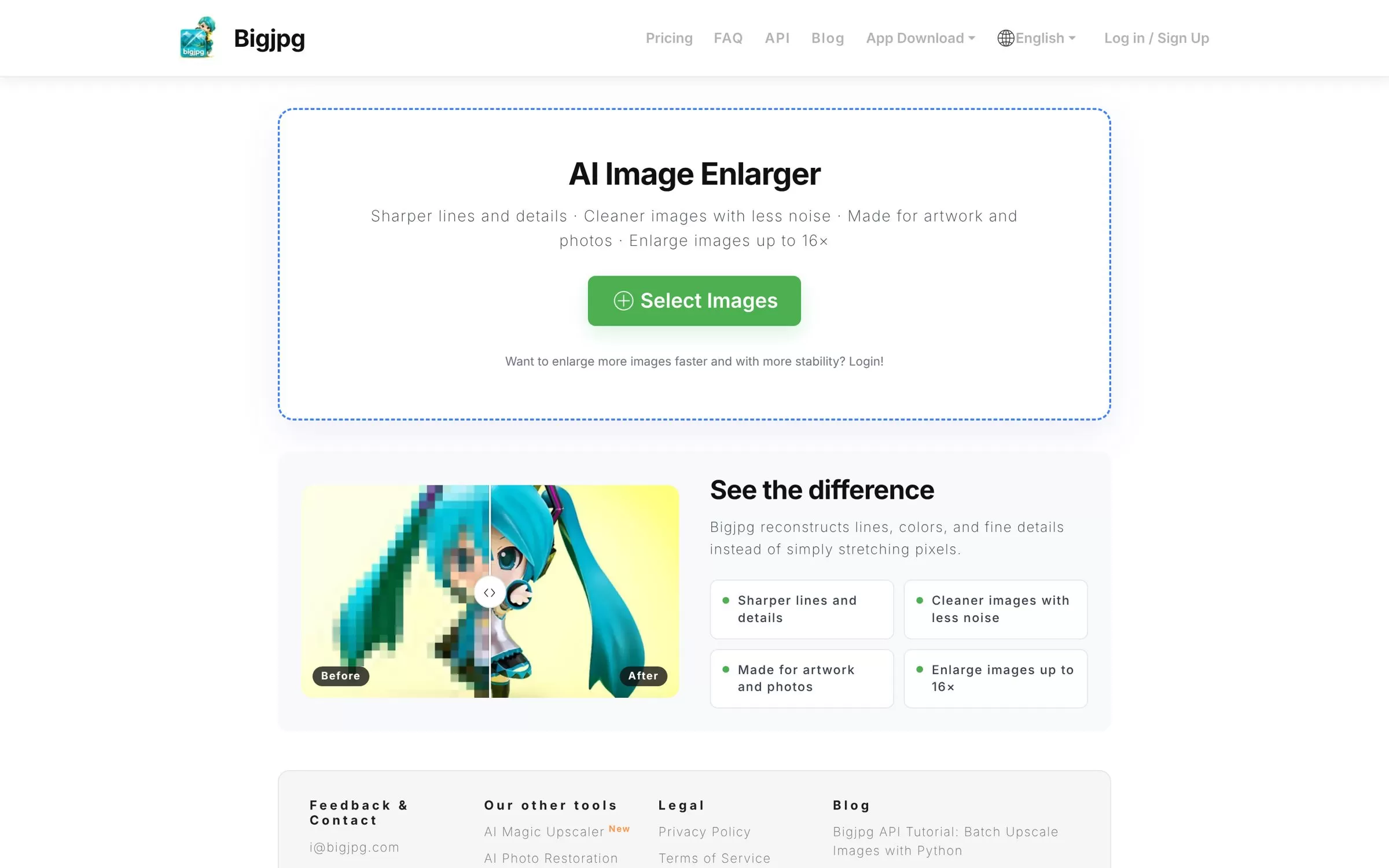
Bigjpg is an AI image enlarger made for artwork and photos, and it can enlarge images up to 16x. It has apps for Windows, Mac, iOS and Android.
Best for: Anime and artwork
Free plan: Yes, 20 pictures a month, up to 4x
Price: Basic at $6 for 2 months
Website: bigjpg.com
Is there an AI image upscaler free to use?
Upscayl is free to download and use on your own computer. Pixelcut gives 3 free downloads a day with no watermark, Imgupscaler gives 50 free credits a month, and Bigjpg gives 20 free pictures a month.
How to use an AI image upscaler online
Open an upscaler online, upload your JPG or PNG, pick a scale such as 2x or 4x, and download the result. For 4K output, Pixelcut and paid Krea plans go to 4K and beyond.
Final verdict
Want it free? Download Upscayl. Need print-size files? Try Let's Enhance, and if you edit photos for a living, Topaz Gigapixel is the pick. Upload one blurry photo to two tools and keep the sharper result.


