
9 AI Audio Enhancers That Make Any Mic Sound Like a Studio
Remove background noise and echo from your recordings in one click.

Key Takeaways
- Best free cleanup: Adobe Podcast
- Best for podcasts: Auphonic
- Best for video: Clipchamp
- Best for live calls: Krisp
These 9 AI audio enhancers clean up noisy voice recordings, removing background noise and echo so podcasts, reels and calls sound studio quality.
Top 9 AI audio enhancers at a glance
| Tool | Best for | Free plan |
|---|---|---|
| 1. Adobe Podcast | Free one-click cleanup | Yes |
| 2. Auphonic | Podcasters | Yes, 2 hours a month |
| 3. Cleanvoice AI | Removing filler words | Free trial (30 minutes) |
| 4. Descript | Editing plus cleanup | Yes, limited |
| 5. ElevenLabs Voice Isolator | Noisy outdoor recordings | Yes, personal use |
| 6. Audo | Pay as you go | First minute, 3 times a day |
| 7. Riverside Magic Audio | Remote interviews | No, paid plans |
| 8. Clipchamp | Free video audio fixes | Yes |
| 9. Krisp | Live calls and meetings | 7-day free trial |
Jump toAdobe PodcastAuphonicCleanvoice AIDescriptElevenLabs Voice IsolatorAudoRiverside Magic AudioClipchampKrisp
The 9 best AI audio enhancers in 2026
1. Adobe Podcast
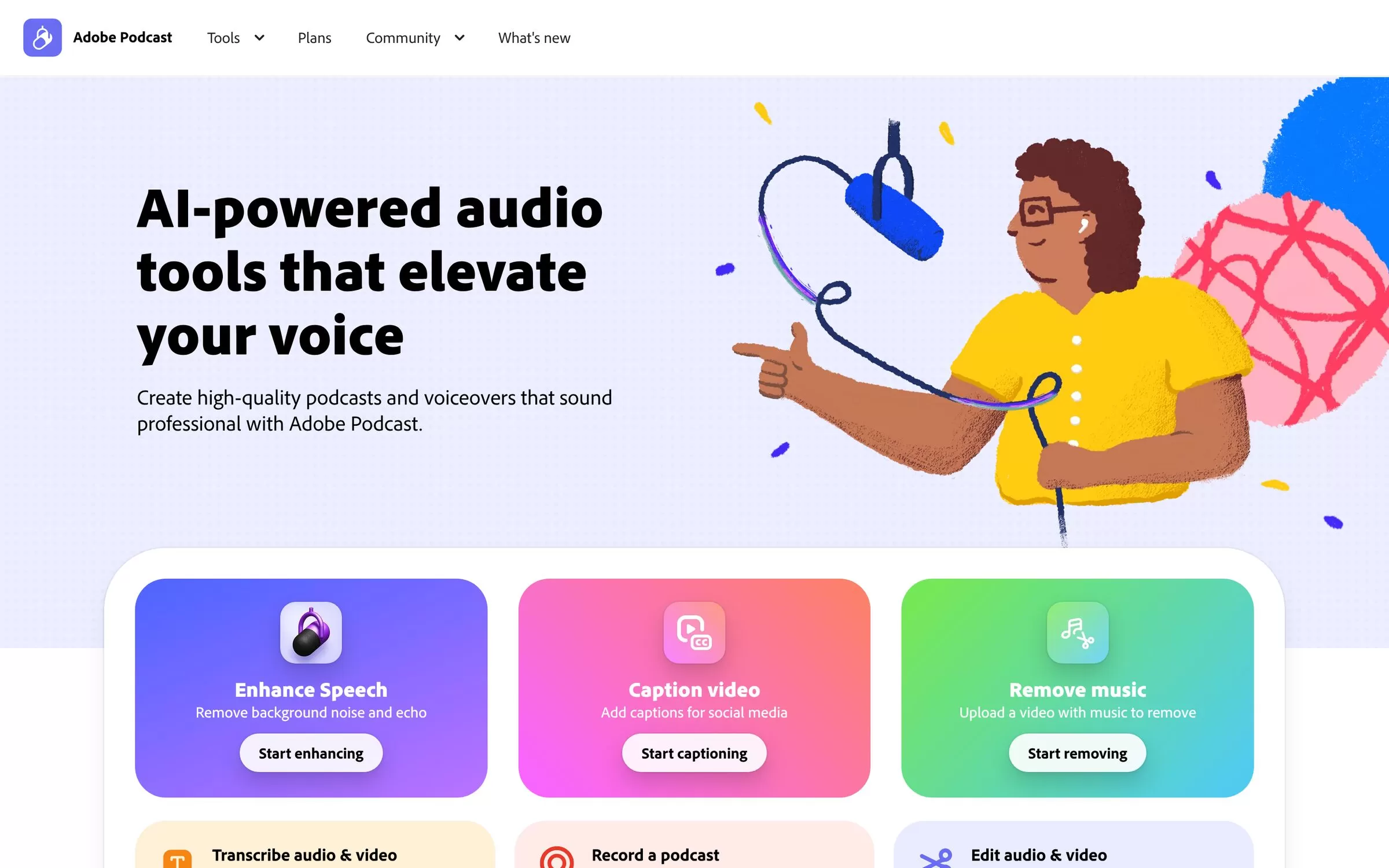
Adobe Podcast's Enhance Speech removes background noise and echo from voice recordings right in your browser, with no software to install. Upload a file and it makes your voice sound as if it was recorded in a studio.
Best for: Quick, free voice cleanup in the browser
Free plan: Yes: files up to 30 minutes (500 MB), up to 1 hour a day, audio only, one file at a time
Price: Premium plan (up to 4 hours a day, files up to 2 hours, video support and bulk upload), included with the Adobe Firefly Pro plan
Website: podcast.adobe.com
2. Auphonic
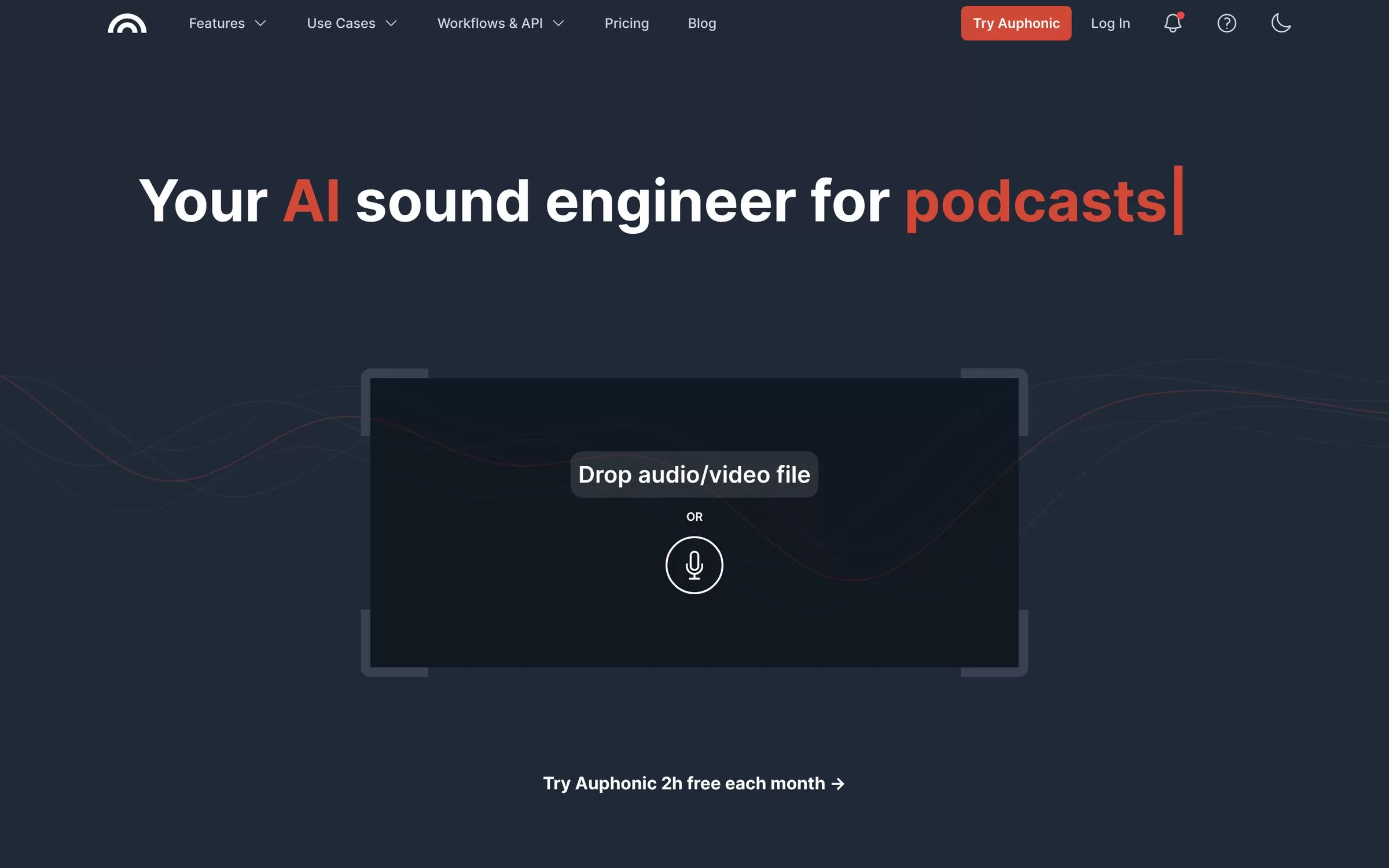
Auphonic works like an AI sound engineer: it reduces noise and reverb, levels loudness and can cut filler words, coughs and silence. It also has an API and a command-line tool for teams that publish a lot of episodes.
Best for: Podcasters who want levelled, clean audio every episode
Free plan: Yes: 2 hours of processed audio a month (free productions come with a jingle)
Price: Auphonic S: 9 hours a month for $13 a month, or $11 a month paid yearly
Website: auphonic.com
3. Cleanvoice AI
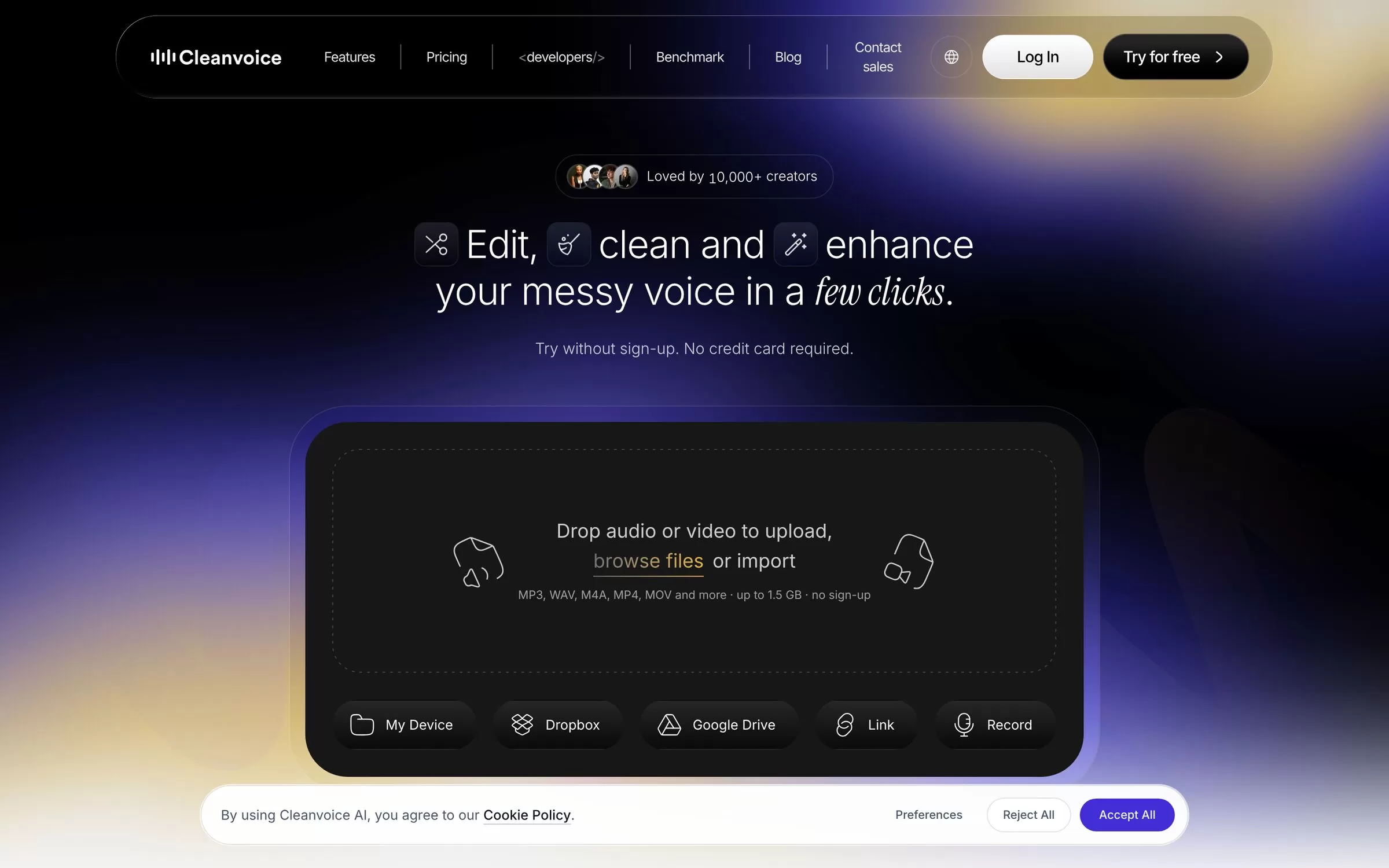
Cleanvoice removes filler words, background noise, long silences, mouth sounds and breaths, and has a Studio Sound audio enhancer. Every plan includes every feature, so you only choose how many hours you need.
Best for: Cleaning up talk recordings full of ums and pauses
Free plan: Free trial: 30 minutes of processed audio, no credit card required
Price: $11 a month for 10 hours of processed audio, or pay as you go at $11 for 5 hours
Website: cleanvoice.ai
4. Descript
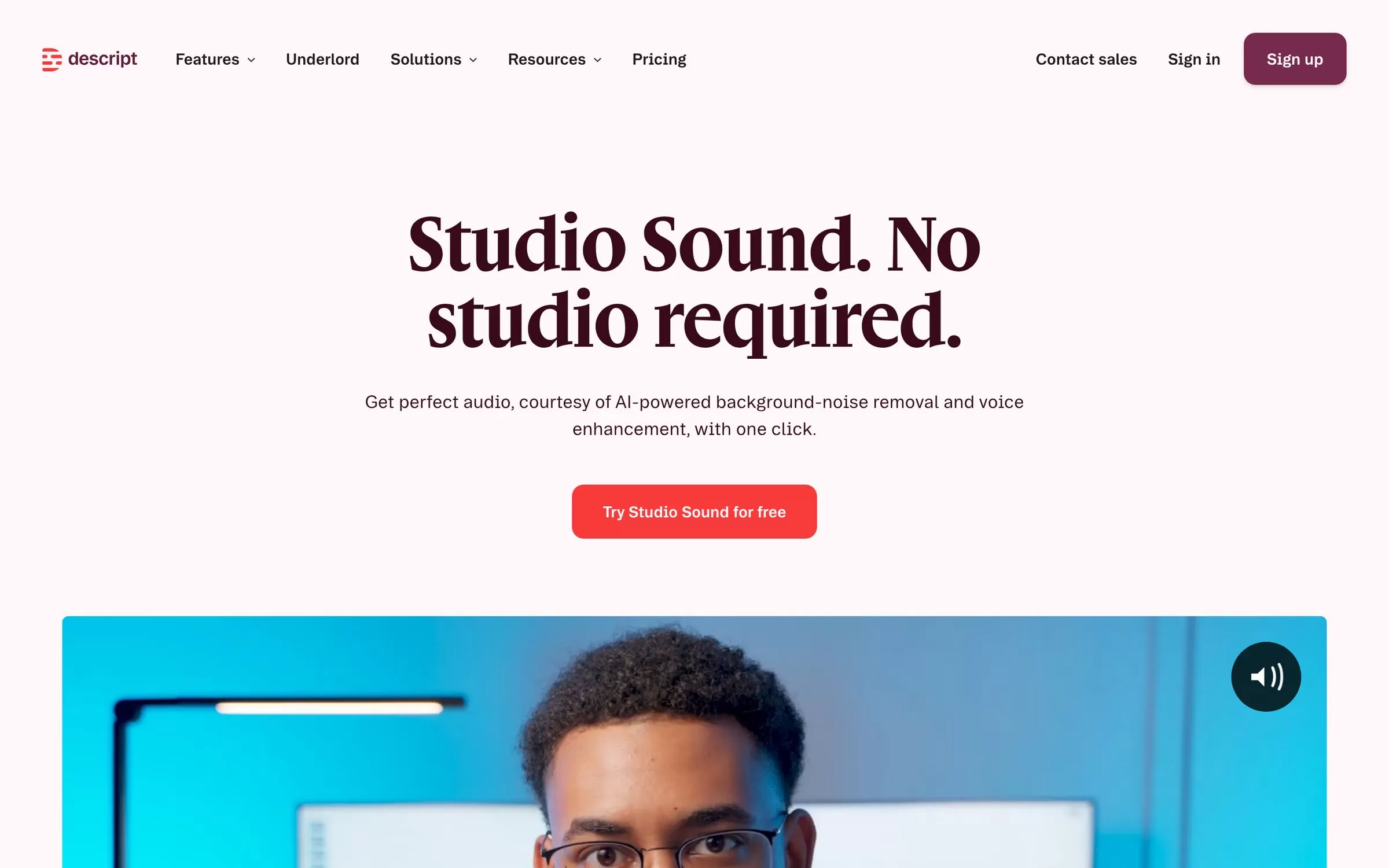
Descript's Studio Sound removes background noise and enhances speech with one click, inside a full audio and video editor. It suits creators who want to clean and edit their recording in the same app.
Best for: Creators who edit and clean audio in one place
Free plan: Yes: 1 media hour a month, with Studio Sound limited
Price: Hobbyist: $16 per person a month paid yearly, or $24 paid monthly
Website: descript.com
AI audio enhancer to remove background noise
If your problem is loud traffic, fans or chatter behind your voice, the next tools focus on pulling clean speech out of busy recordings.
AI noise remover for video and voice
5. ElevenLabs Voice Isolator
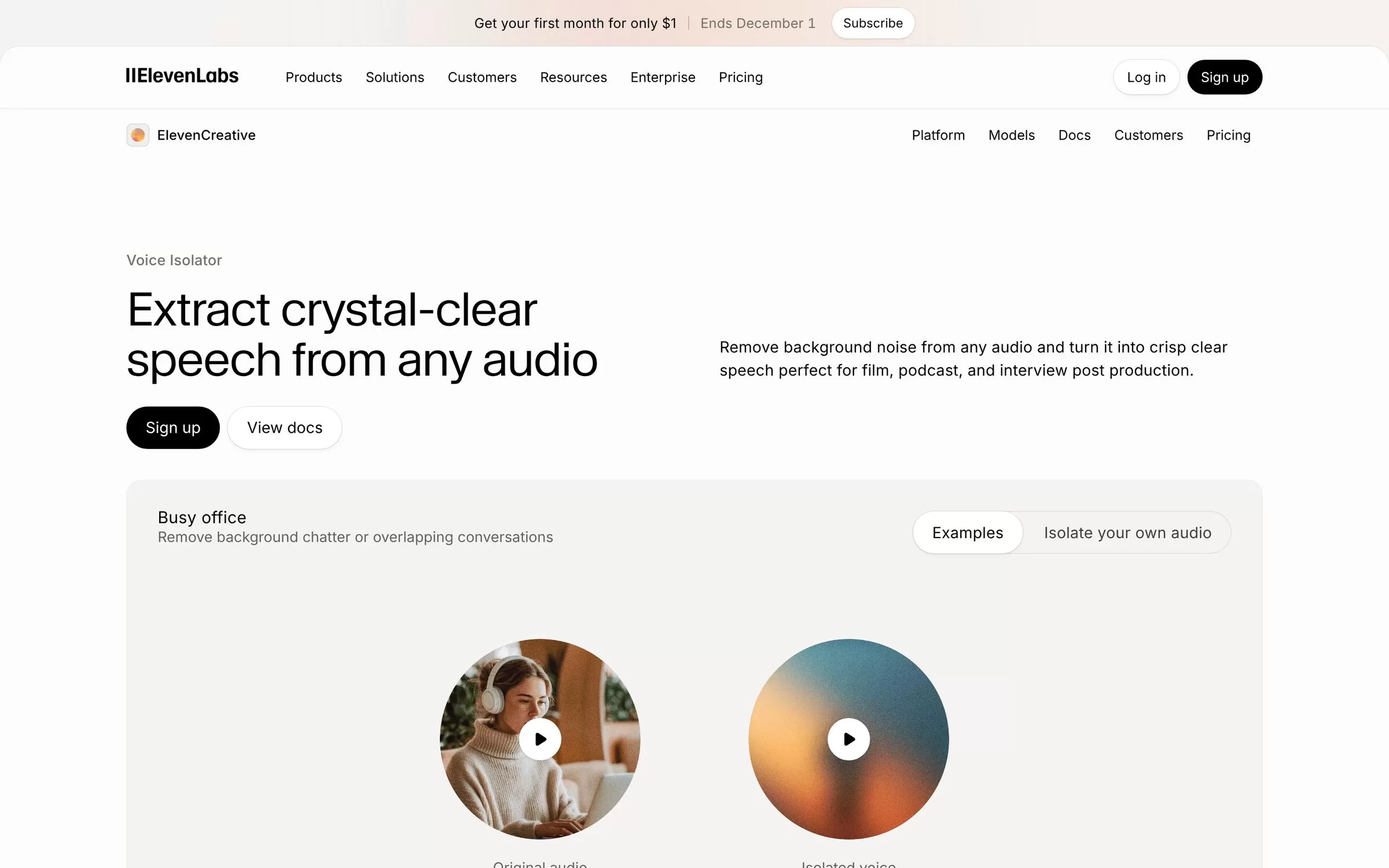
ElevenLabs Voice Isolator pulls clear speech out of noisy audio, stripping out street sounds, background music and overlapping chatter. It works on the web and through the ElevenLabs API, on files up to 500 MB and 1 hour long.
Best for: Rescuing speech from loud, busy backgrounds
Free plan: Yes: 10 minutes of isolated audio a month, personal use only
Price: Starter: $6 a month, with commercial use
Website: elevenlabs.io
6. Audo
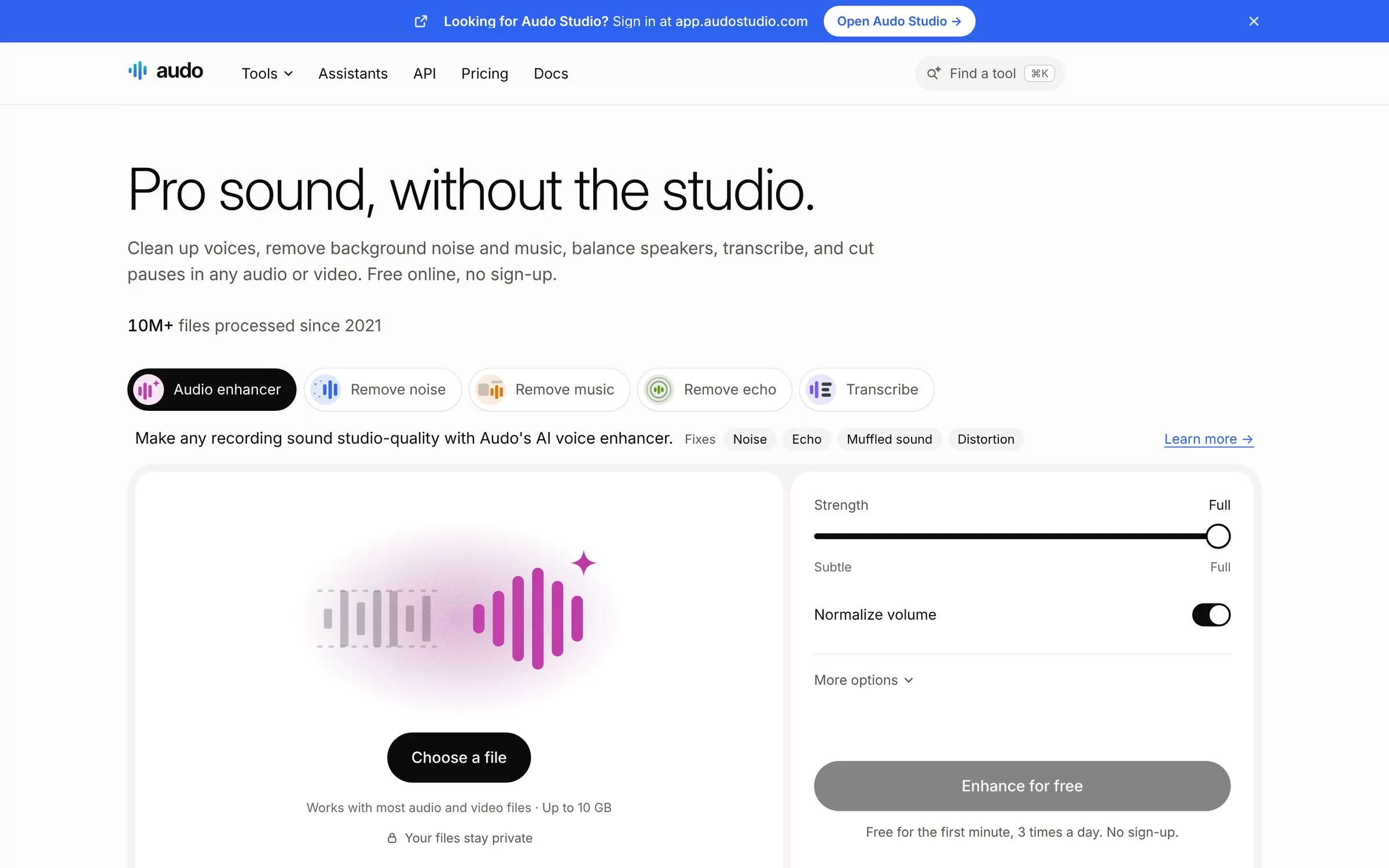
Audo's audio enhancer fixes noise, echo, muffled sound and distortion, with a strength slider from subtle to full. You can try it in the browser without signing up, and it works in any language.
Best for: Occasional users who don't want a subscription
Free plan: Yes: the first minute of a file, 3 times a day, no sign-up
Price: Pay as you go: $0.05 a minute ($3 an hour), first credit pack $5; no subscription and credits never expire
Website: audo.ai
7. Riverside Magic Audio
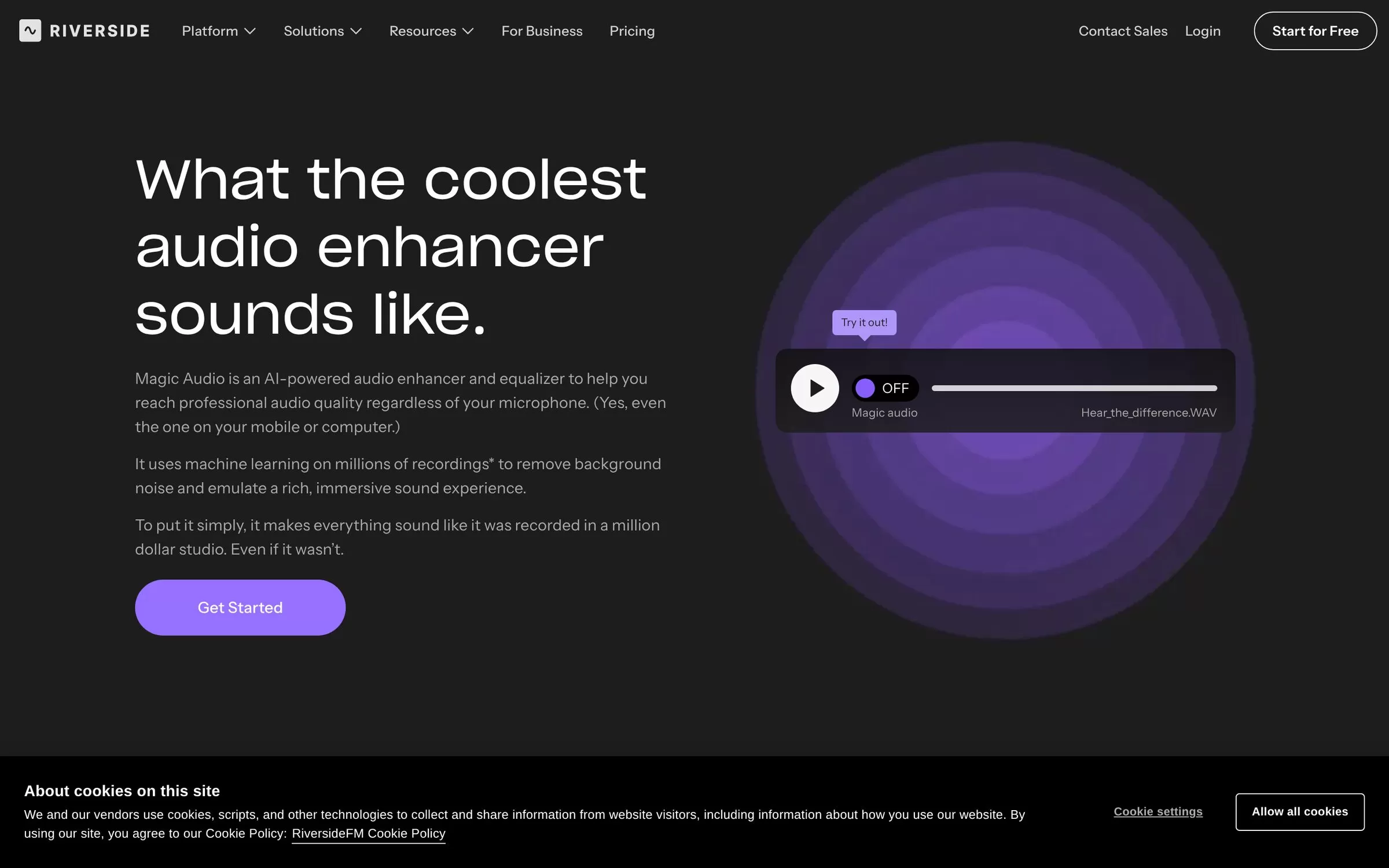
Riverside's Magic Audio reduces background noise, balances volume levels, removes reverb and makes voices clearer. It lives inside Riverside's recording studio, so it fits teams that record remote podcasts and interviews there.
Best for: Podcasts and interviews recorded on Riverside
Free plan: No: Riverside has a free plan, but Magic Audio needs Pro, Grow, Webinar or Business
Price: Pro: $29 a month, or $24 a month billed $288 a year
Website: riverside.com
8. Clipchamp
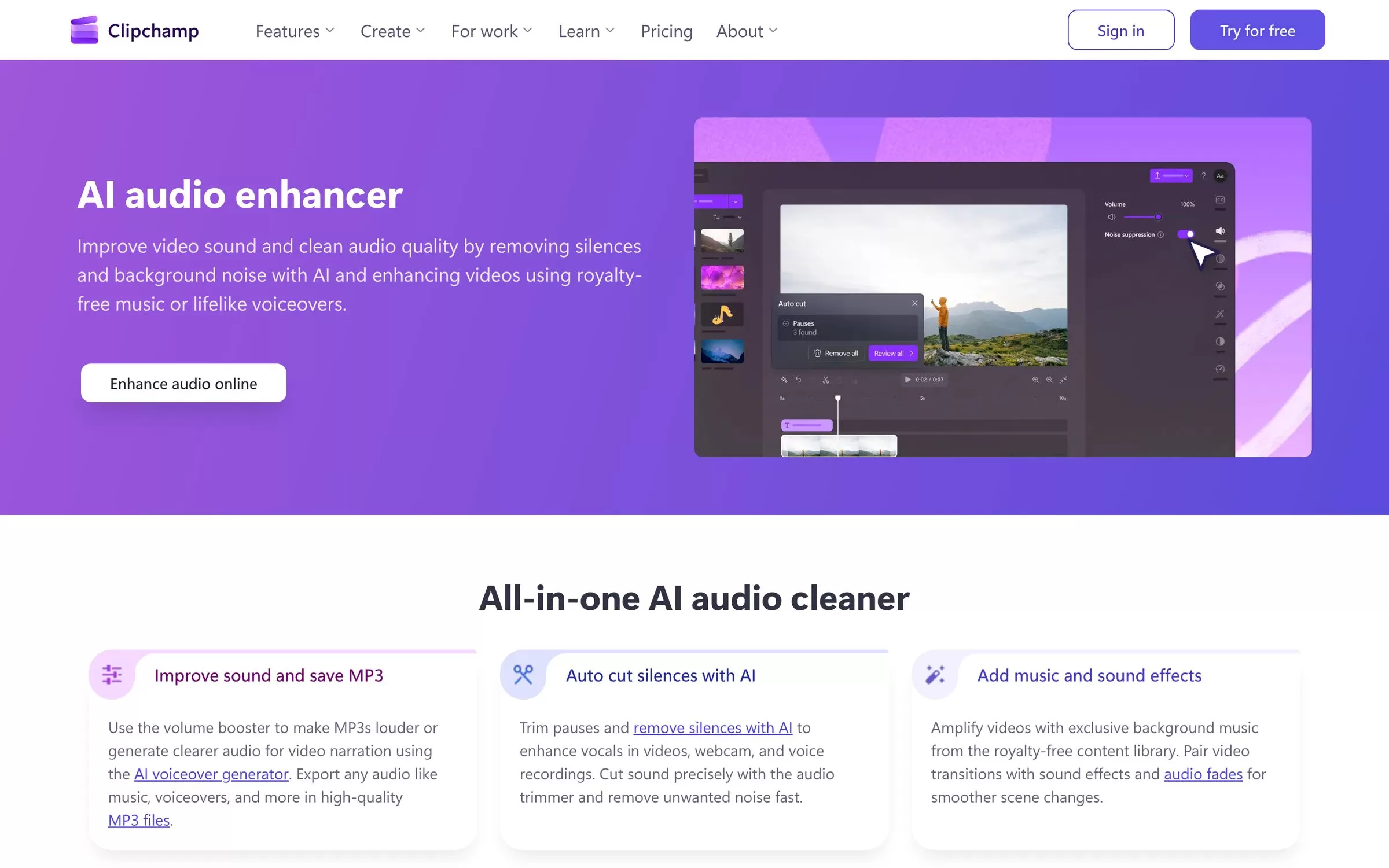
Microsoft's Clipchamp video editor has a noise suppression tool that reduces background noise, hum and echo in your clips. AI audio tools are included in the free plan, which exports without a watermark.
Best for: Fixing the sound in videos for free
Free plan: Yes: AI audio editing tools included, exports up to 1080p with no watermark
Price: Premium comes with Microsoft 365 Personal and Family
Website: clipchamp.com
9. Krisp
Krisp removes background noise, nearby voices and echo in real time during calls, across meeting apps and VoIP calls. Use it for live calls rather than for cleaning files you have already recorded.
Best for: Clear audio on live calls and meetings
Free plan: 7-day free trial with unlimited noise cancellation
Price: Core: $8 per user a month paid yearly, or $16 paid monthly
Website: krisp.ai
How to choose an AI voice enhancer
Start with where your audio comes from. For finished recordings, a file tool like Adobe Podcast, Auphonic or Audo is enough. For video, Clipchamp or Descript cleans the sound while you edit. For live calls, only a real-time tool like Krisp helps.
Then check limits: free plans cap minutes per day or month, and some add a jingle or limit commercial use. Run the same short noisy clip through two or three tools and keep the one that sounds most natural.
Final verdict
For a free, one-click fix, start with Adobe Podcast or Audo. Podcasters who publish every week should look at Auphonic or Cleanvoice, and video creators can clean sound for free in Clipchamp. Upload one noisy clip today and compare the results before you pay.


