

Top use cases
Clip a podcast episode
Use Magic Clips to turn one recording into short clips for social media.
Edit by text
Cut and rearrange a recording by editing its transcript like a document.
Write show notes
Generate AI show notes for an episode after recording.
Riverside FAQs
What is Riverside?
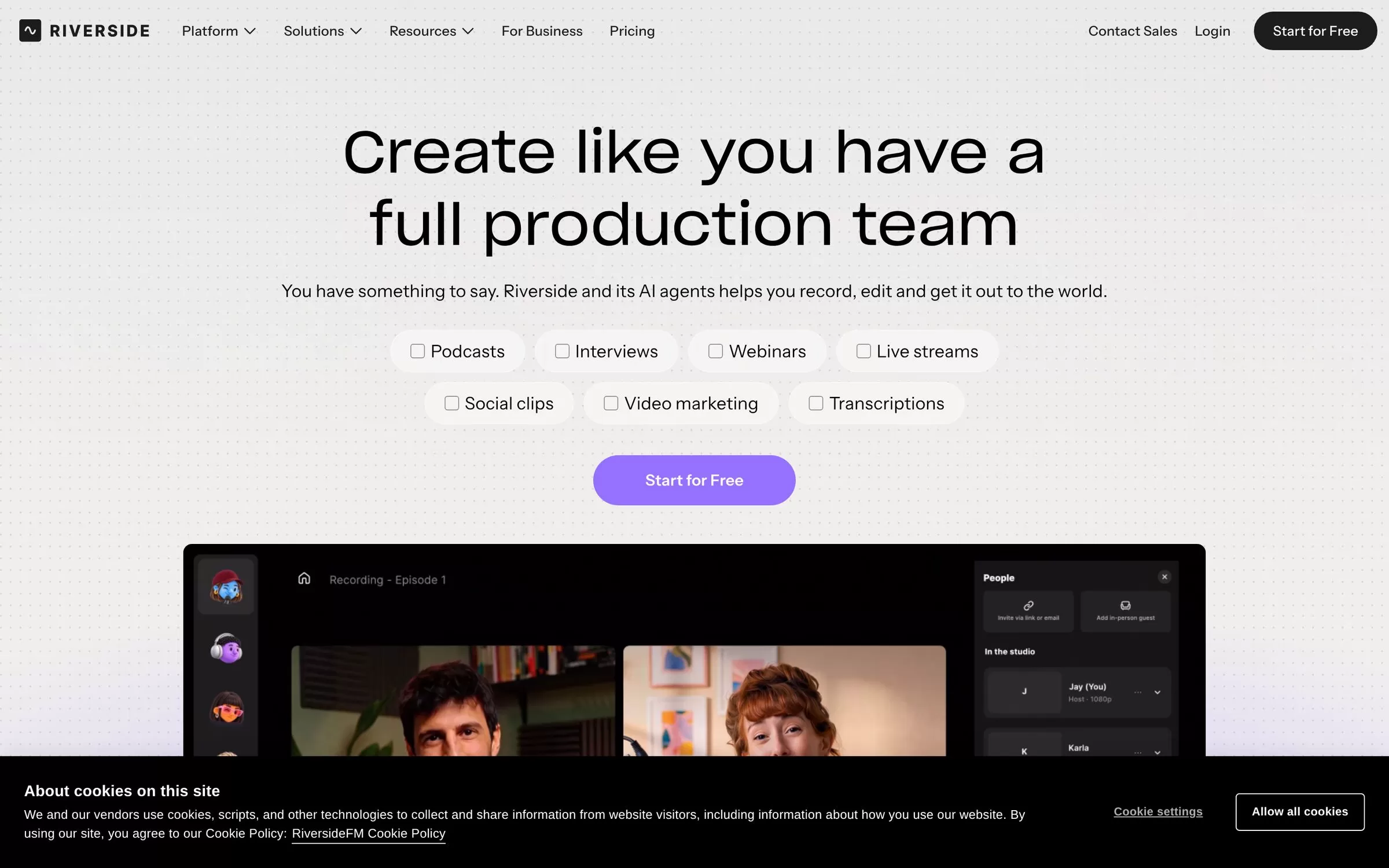
Riverside records podcasts and videos, then turns one recording into clips with AI. Riverside is a platform for recording, editing, repurposing, streaming and publishing audio and video. Its AI features, such as Magic Clips, turn one recording into clips and more.
Is Riverside free?
Yes, Riverside has a free plan: a Free plan (see riverside.com/pricing).
How much does Riverside cost in India?
Riverside lists its current plans on its website, riverside.com.
What is Riverside best for?
Riverside is best for podcasters and creators. People use it to clip a podcast episode, edit by text and write show notes.
How to clip a podcast episode with Riverside?
With Riverside, you can use Magic Clips to turn one recording into short clips for social media.
How to edit by text with Riverside?
With Riverside, you can cut and rearrange a recording by editing its transcript like a document.
How to write show notes with Riverside?
With Riverside, you can generate AI show notes for an episode after recording.
What are the best Riverside alternatives?
Popular alternatives in Content Repurposing include Descript, Podsqueeze, Swell AI and Krisp. Each has its own free plan and price, so compare them on the tool pages.
Where can I sign up for Riverside?
On its official website, riverside.com. You can start on the free plan.
When were Riverside's price and features last checked?
We checked them on the official site on 31 October 2026. Plans change often, so confirm the latest price on riverside.com before you pay.