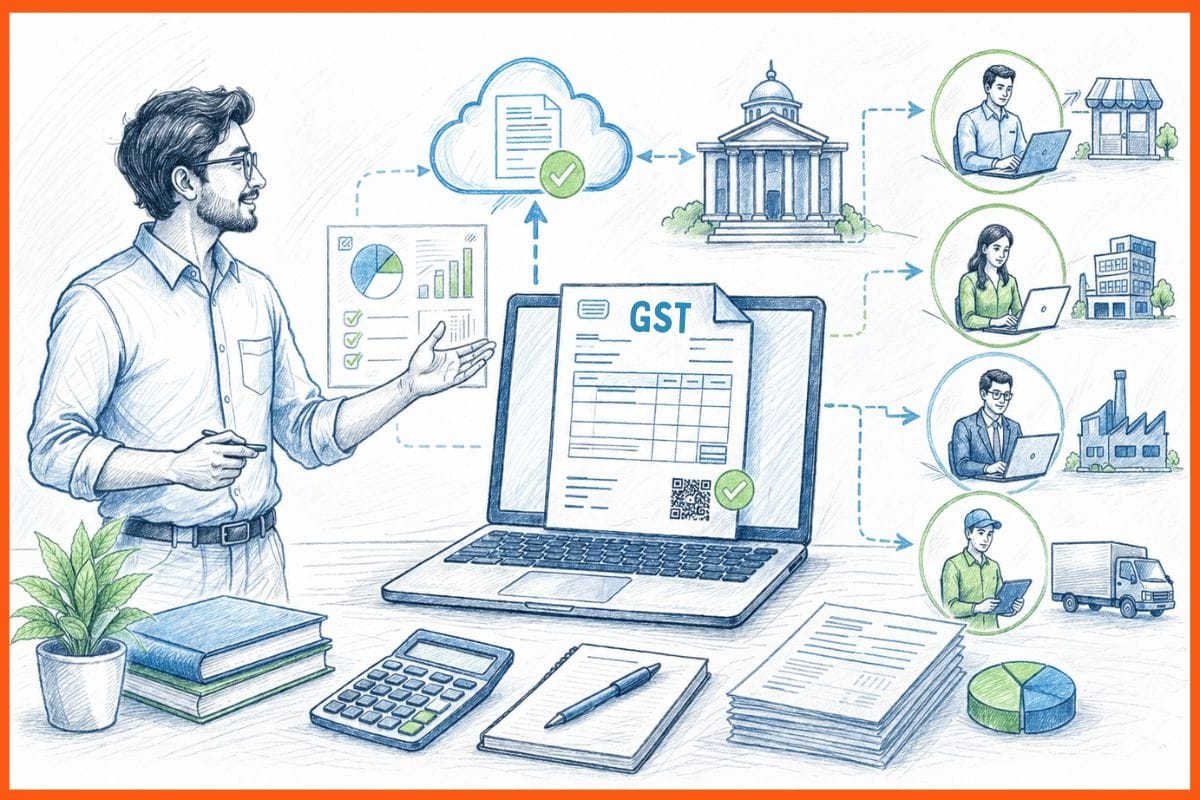
A regular GST invoice and an e-invoice look identical on paper. The difference is what happens behind the scenes. If your business crosses a certain annual sales figure, every B2B invoice you raise has to be registered with the government before you send it to your buyer. That registration produces a unique number and a QR code that must appear on the invoice. Without those, the invoice is not legally valid, and your buyer cannot claim their tax credit on it.
This guide explains what e-invoice software does, who actually needs it right now, and which tools handle it well.
What Is an E-Invoice Under GST?
An e-invoice is not a PDF sent by email. That is a common mix-up.
An e-invoice is a regular GST tax invoice whose details get sent to the government's Invoice Registration Portal (IRP) before the invoice goes to the buyer. The IRP checks the details, stamps the invoice with a unique 64-character Invoice Reference Number (IRN), adds a digitally signed QR code, and sends it back. That signed invoice is what you share with your buyer.
The IRN is what makes the invoice official. An invoice without a valid IRN is treated as invalid under GST Rule 48(4). The buyer cannot use it to claim input tax credit (ITC). The supplier faces a penalty.
 StartupTalky- Business News, Insights and StoriesSingh Anusha
Who Needs to Generate E-Invoices?
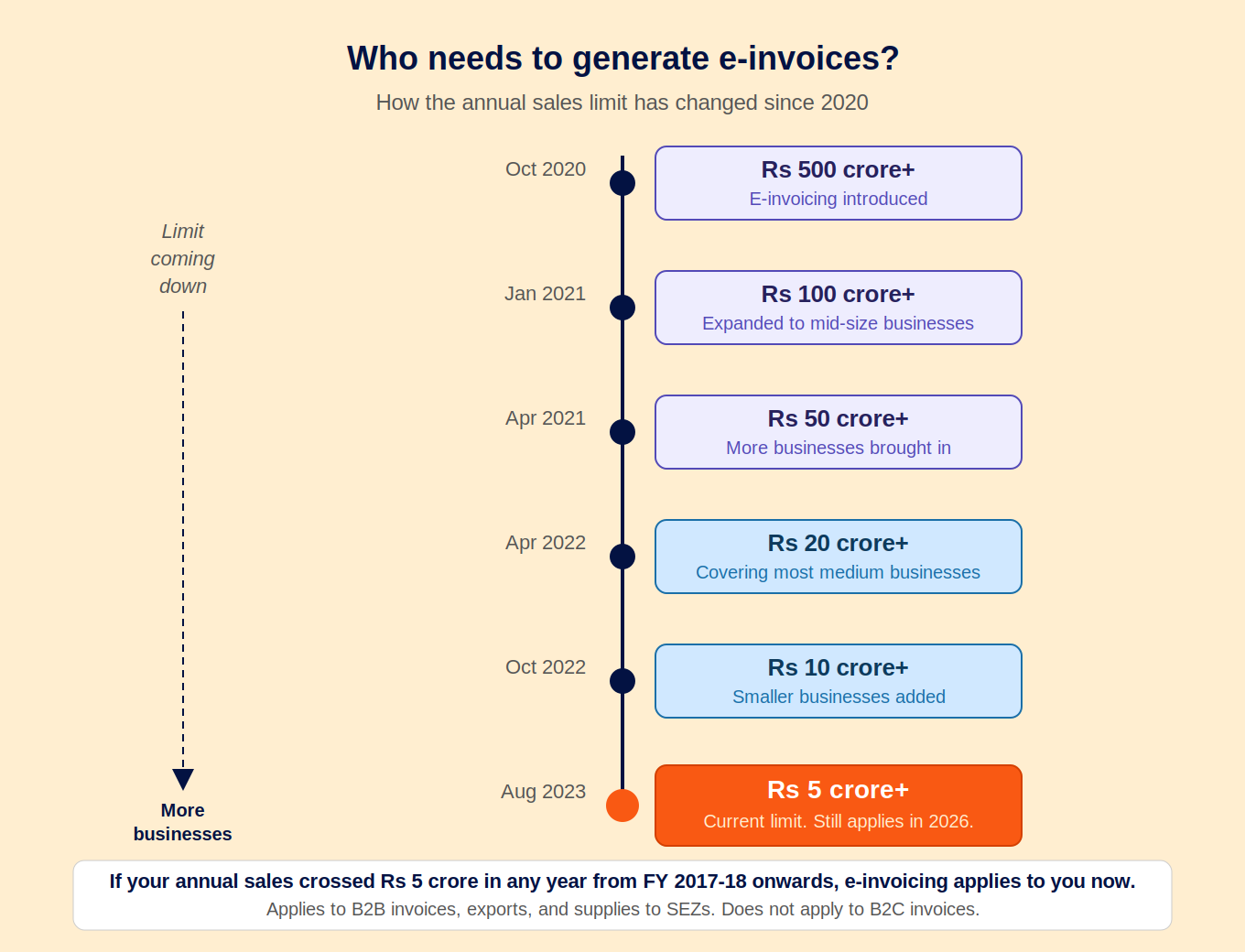
E-invoicing is compulsory for GST-registered businesses with annual sales above Rs 5 crore across all their GST registrations under one PAN.
The rule applies from the next financial year after you cross that annual sales figure. So if your sales crossed Rs 5 crore in FY 2024-25, e-invoicing applies to you from FY 2025-26 onwards.
The current Rs 5 crore limit came into effect in August 2023. It started at Rs 500 crore when the system launched in October 2020 and has been brought down steadily. Regulatory discussions around lowering it further are ongoing, so businesses approaching Rs 5 crore in annual sales are better off getting set up early.
Businesses that must generate e-invoices:
- B2B sales (sales to other GST-registered buyers)
- Sales to government entities
- Exports and deemed exports
- Supplies to Special Economic Zones (SEZ)
Businesses specifically exempt from e-invoicing (regardless of turnover):
- Banks, NBFCs, and insurance companies
- Goods Transport Agencies (GTA)
- Passenger transport operators
- Multiplexes
- Suppliers located in SEZs
Invoices not covered by e-invoicing:
- B2C invoices (sales to end consumers)
- Nil-rated and exempt supplies
- Credit notes and debit notes (these need their own IRN separately)
One Important Rule for Rs 10 Crore+ Businesses
If your annual sales are above Rs 10 crore, you must report each invoice to the IRP within 30 days of the invoice date. Invoices older than 30 days cannot be uploaded to the IRP. This is a harder deadline than the general e-invoicing requirement and catches many businesses off guard.
What Happens When You Generate an E-Invoice?
The flow is straightforward when you have the right software handling it.
You raise the invoice in your billing or accounting software. The software converts the invoice data into the format the IRP requires and sends it to the IRP. The IRP validates it, generates the IRN, and returns the signed invoice with the QR code. Your software embeds that IRN and QR code on the invoice PDF. You send the invoice to your buyer.
The entire exchange typically takes a few seconds.
One important benefit most businesses do not know: once your invoice is registered on the IRP, the invoice data automatically flows into your GSTR-1. You do not have to enter that data again at filing time. This alone saves hours of work each month for high-volume businesses.
StartupTalky- Business News, Insights and StoriesMuskaan Kapoor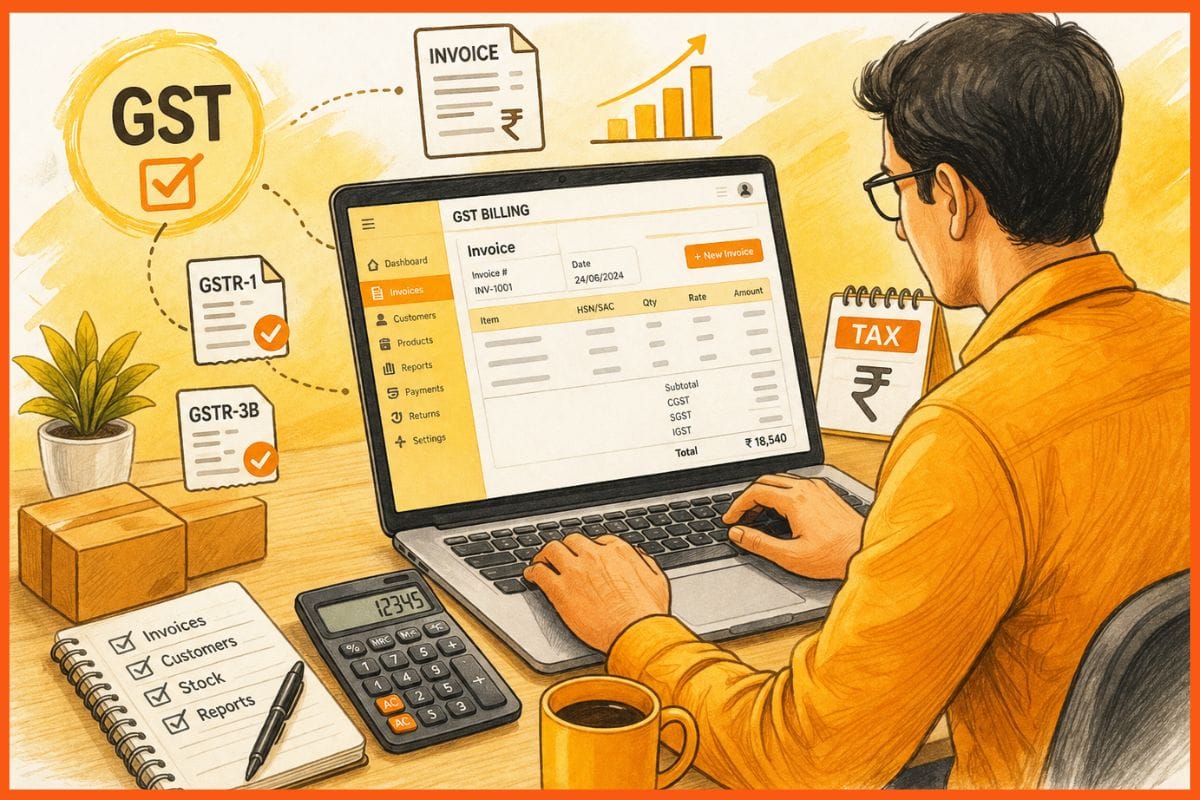
What the QR Code on an E-Invoice Contains
The QR code carries key details about the invoice: your GSTIN, the buyer's GSTIN, the invoice number, invoice date, invoice value, total tax amount, and HSN code of the main item. Tax officers can scan this QR code offline to verify the invoice without needing internet access. Buyers can also verify it using the GST India QR Code Verifier app (available on Android and iOS).
Cancelling an E-Invoice: The 24-Hour Rule
If you made an error on an invoice and need to cancel it, you must cancel it on the IRP within 24 hours of generating the IRN. After 24 hours, the IRP will not accept the cancellation.
There is one more catch. If an e-way bill has already been generated against that invoice and is still active, you cannot cancel the e-invoice at all. You have to cancel the e-way bill first (only possible if the goods have not yet moved), and then cancel the e-invoice. If the goods have already moved, neither document can be cancelled. In that case, the right approach is to issue a credit note, which itself needs to be registered on the IRP.
From April 1, 2025, logging into the IRP requires multi-factor authentication (MFA) for all taxpayers. You will need an authenticator app linked to your IRP account each time you log in. Make sure your registered mobile number and email linked to your GSTIN are active, and that any staff members handling billing are set up as sub-users with their own OTP access rather than sharing one login.
What GST E-Invoice Software Actually Does
Good e-invoice software takes care of all of the above automatically.
It connects to the IRP directly via API, so you never have to manually download a file and upload it to a government portal. It fetches the IRN in the background, embeds the QR code on the PDF, and keeps a record of all generated IRNs. If you are near the 30-day reporting window, it should flag that too.
The key thing to check before picking any tool: does it connect to the IRP via API, or does it ask you to export a file and upload it manually? Manual upload defeats the point of having software.
Best GST E-Invoice Software
Zoho Books
Zoho Books is a registered GST Suvidha Provider (GSP), meaning it connects directly to the GST network for both return filing and e-invoice generation. For businesses already on Zoho Books, switching on e-invoicing is a settings change, not a migration.
GSTR-2B reconciliation and e-way bill generation are included in the same platform.
Pricing (per organisation/month, excluding 18% GST, annual billing)
| Plan | Price | Invoices/year |
|---|---|---|
| Standard | Rs 899/month | 5,000 |
| Professional | Rs 1,499/month | 10,000 |
| Premium | Rs 2,999/month | 25,000 |
Best for: Businesses already in the Zoho ecosystem, or those who want a registered GSP with full accounting depth.
TallyPrime
TallyPrime connects to the IRP natively, without a third-party add-on. It handles bulk IRN generation and e-way bill creation within its accounting workflow. For businesses with high invoice volumes already running TallyPrime, the e-invoice module fits into an existing setup.
It also works offline for invoice creation and syncs IRNs when an internet connection is available, which suits businesses in areas with patchy connectivity.
Pricing (exclusive of 18% GST)
| Edition | License cost | Renewal from year 2 |
|---|---|---|
| Silver (single user) | Rs 22,500 one-time | Rs 4,500/year |
| Gold (multi-user) | Rs 67,500 one-time | Rs 13,500/year |
| Rental (Silver) | Rs 750/month | Included |
Best for: Established businesses with a dedicated accountant already running TallyPrime.
BillForge
BillForge flags when your sales are getting close to the Rs 5 crore e-invoice requirement, so you are not caught off guard. For businesses already above the limit, it handles IRN generation and QR code embedding within the invoice creation flow. No separate step, no separate portal.
It also handles GSTR-1 and GSTR-3B in the same product, which matters because e-invoice data auto-flowing into GSTR-1 only saves you time if your billing software is also where you file returns.
Pricing
| Plan | Price | What is included |
|---|---|---|
| Free | Rs 0 until 15 July 2026 | Every feature, e-invoice support included, no credit card |
| Monthly | Rs 149/month | Everything, cancel anytime |
| Lifetime | Rs 4,999 one-time | Everything, no monthly bills |
| Custom | Custom pricing | Self-hosting, white-label, custom integrations |
Best for: Businesses approaching or just above Rs 5 crore in annual sales who want e-invoicing without a separate standalone tool.
GoGSTBill
GoGSTBill's free plan includes e-invoice and e-way bill generation in one click, with no document cap and no time limit. For businesses that need e-invoice compliance without paying for a full accounting suite, it is the most accessible free option.
The limitation is that GoGSTBill handles invoicing and inventory but does not generate GSTR-1 or GSTR-3B returns. Return filing needs to happen separately.
Pricing
| Plan | Price | What is included |
|---|---|---|
| Free | Rs 0, lifetime | Unlimited invoices, e-invoice, e-way bill, inventory |
| Paid | Contact for pricing | Additional team and customisation features |
Best for: Businesses that need e-invoice compliance at no cost and handle return filing separately.
GST Portal (IRP)
The government's own Invoice Registration Portal at einvoice1.gst.gov.in lets you generate IRNs for free, one at a time or in bulk via Excel upload. There is no invoice template, no client management, no accounting. It is purely a compliance utility.
For businesses that already generate invoices in Excel or another tool and just need IRNs without paying for integrated software, it works. MFA is required to log in, so keep your authenticator app ready.
Best for: Businesses with very low invoice volume who already handle their own formatting elsewhere.
StartupTalky- Business News, Insights and StoriesMuskaan Kapoor
FAQs
What is GST e-invoice software?
It is software that generates your tax invoice, sends the invoice data to the government's Invoice Registration Portal, and brings back a unique IRN and QR code that must appear on every valid B2B invoice for businesses above Rs 5 crore in annual sales.
Is e-invoicing compulsory for businesses below Rs 5 crore?
No, not yet. As of 2026, e-invoicing is compulsory only for businesses with annual sales above Rs 5 crore. The limit has been brought down several times since 2020 and may be reduced further, so it is worth being prepared if you are approaching that figure.
Does e-invoice data go into GSTR-1 automatically?
Yes. Once an invoice is registered on the IRP and an IRN is generated, the invoice data automatically flows into your GSTR-1. You do not need to enter it again when filing your return.
Can you cancel an e-invoice?
Only within 24 hours of generating the IRN. After that, you cannot cancel it on the IRP. If an e-way bill has been generated against the invoice and is still active, you must cancel the e-way bill first before you can cancel the e-invoice. If goods have already moved, neither can be cancelled. Issue a credit note instead.
Original Article
(Disclaimer – This post is auto-fetched from publicly available RSS feeds. Original source: Startuptalky. All rights belong to the respective publisher.)