10 AI Logo Makers That Build Your Brand in Minutes
Create a logo and brand kit without a designer, starting free

Key Takeaways
- Easiest free start: Wixel
- One-time payment: Brandmark
- Rupee billing: Hostinger
- Full brand kits: Zoviz, LogoAI
The 10 best AI logo makers in 2026 help you get a clean logo and a basic brand kit in minutes, and most let you start for free.
Top 10 AI logo makers at a glance
| Tool | Best for | Free plan |
|---|---|---|
| 1. Brandmark | Pay once, no subscription | Yes |
| 2. Wixel Logo Maker | Free logo with edits | Yes, with limited AI credits |
| 3. Logo.com | Logo plus website | Yes, one logo, no card needed |
| 4. Hostinger AI Logo Maker | Rupee billing | No, needs a Hostinger Agent plan |
| 5. Tailor Brands | Logo with brand assets | Yes, low-resolution download |
| 6. Turbologo | Logo and brand kit | Yes, free AI logo maker |
| 7. Design.com | Large template library | Yes, free to edit logos |
| 8. Zoviz | Logo plus content | No, pay when you download |
| 9. Logomaster.ai | Logo in 5 minutes | Yes, free to design, paid to download |
| 10. LogoAI | Logo plus brand kit | Yes, start free |
Jump toBrandmarkWixel Logo MakerLogo.comHostinger AI Logo MakerTailor BrandsTurbologoDesign.comZovizLogomaster.aiLogoAI
The 10 best AI logo makers in 2026
1. Brandmark
Brandmark generates logos from your name and lets you tweak colours and fonts in the browser. You can preview without an account and pay once, with no monthly fee.
Best for: Pay once, no subscription
Free plan: Yes
Price: One-time: Basic $35, Designer $95, Enterprise $195
Website: brandmark.io
2. Wixel Logo Maker
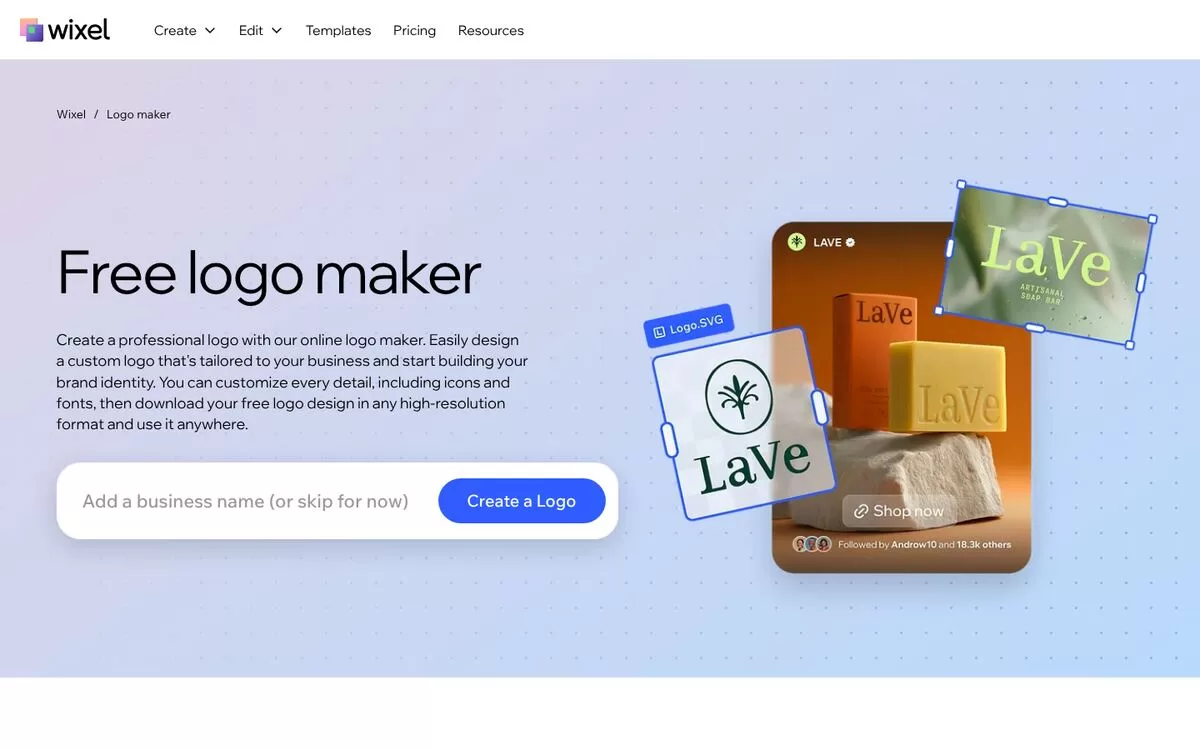
Type your business name or describe it, and the AI builds a logo you can edit. Manual changes to colours, fonts and layout cost nothing, and PNG and SVG downloads are free.
Best for: Free logo with edits
Free plan: Yes, with limited AI credits
Price: Free to start; paid plans add more credits (listed on the website)
Website: wix.com/logo/maker
3. Logo.com
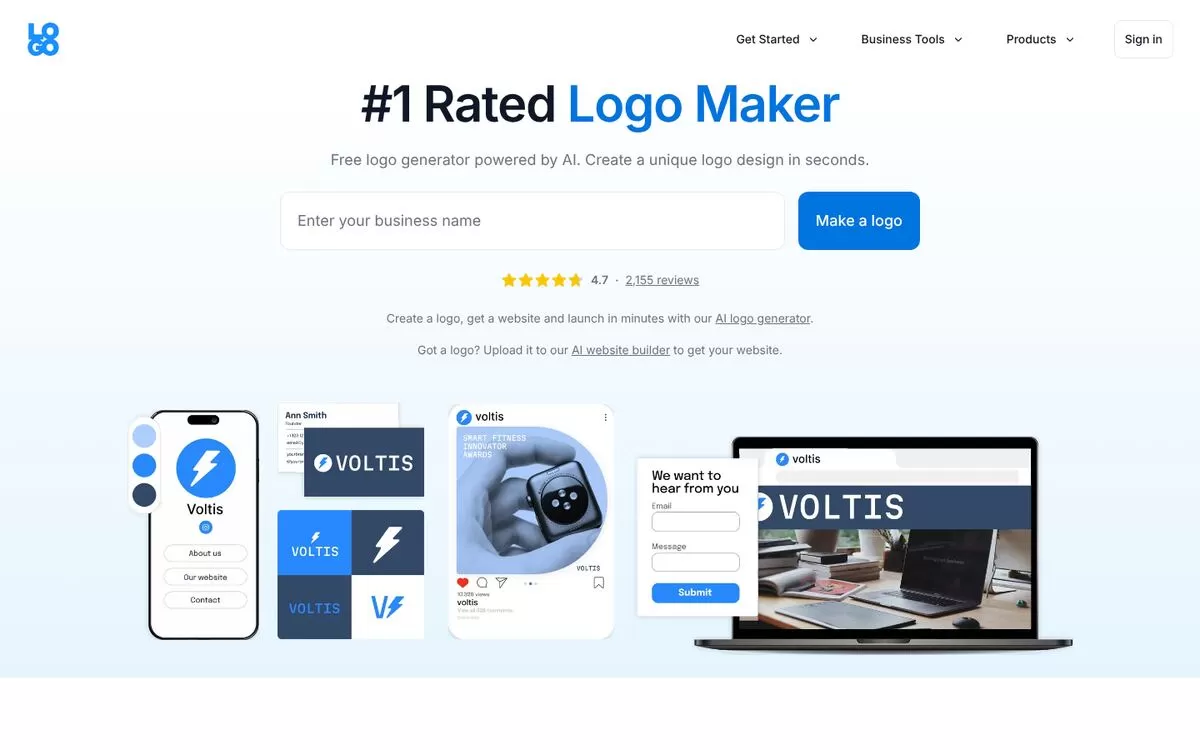
Logo.com creates AI logo designs from your business name. It can also build a website from your logo, plus social posts and business cards.
Best for: Logo plus website
Free plan: Yes, one logo, no card needed
Price: Brand Plan $15 a month or $60 a year
Website: logo.com
4. Hostinger AI Logo Maker
Describe your brand and Hostinger creates original logos, then lets you adjust the slogan, layout, font and icon size. Downloads are PNG or SVG and come with a 30-day money-back guarantee.
Best for: Rupee billing
Free plan: No, needs a Hostinger Agent plan
Price: From ₹599 a month on the 12-month plan (₹899 a month for 1 month)
Website: hostinger.com/in/logo-maker
5. Tailor Brands
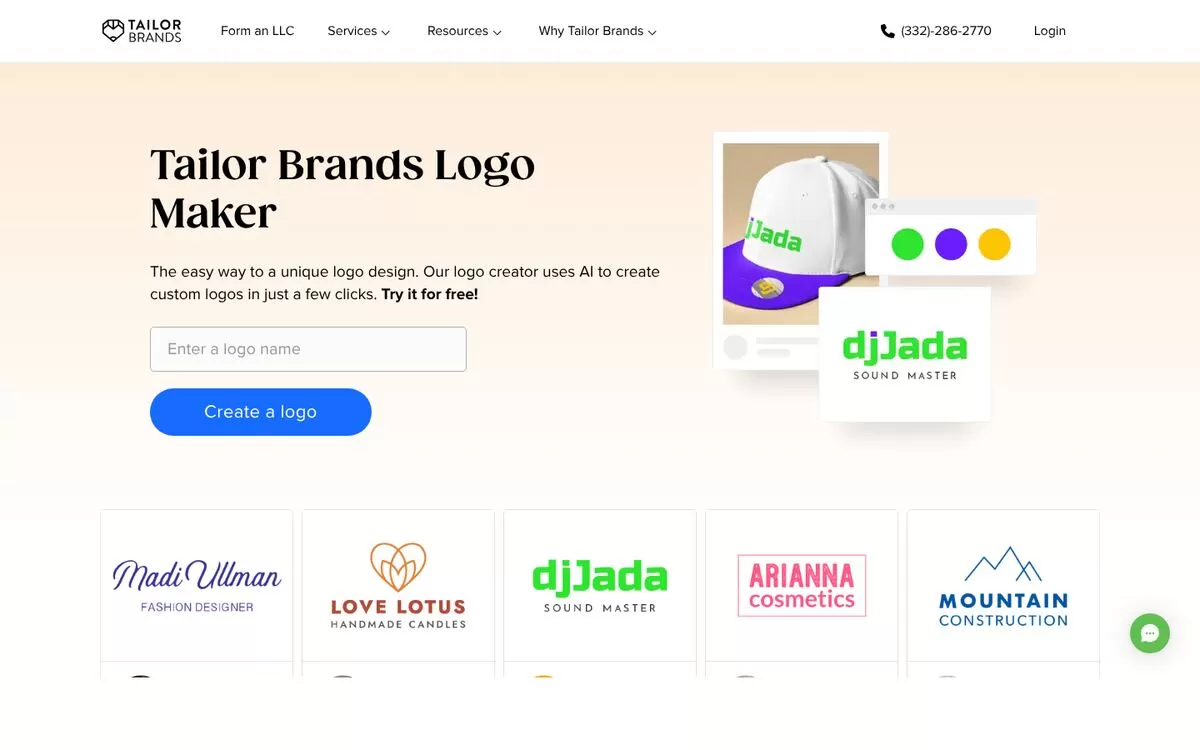
Enter your business details, pick a style and fonts, and get a set of designs to edit. High-resolution EPS, SVG and PNG files are paid, and a studio gives you resized social versions.
Best for: Logo with brand assets
Free plan: Yes, low-resolution download
Price: Listed on the Tailor Brands website
Website: tailorbrands.com/logo-maker
6. Turbologo
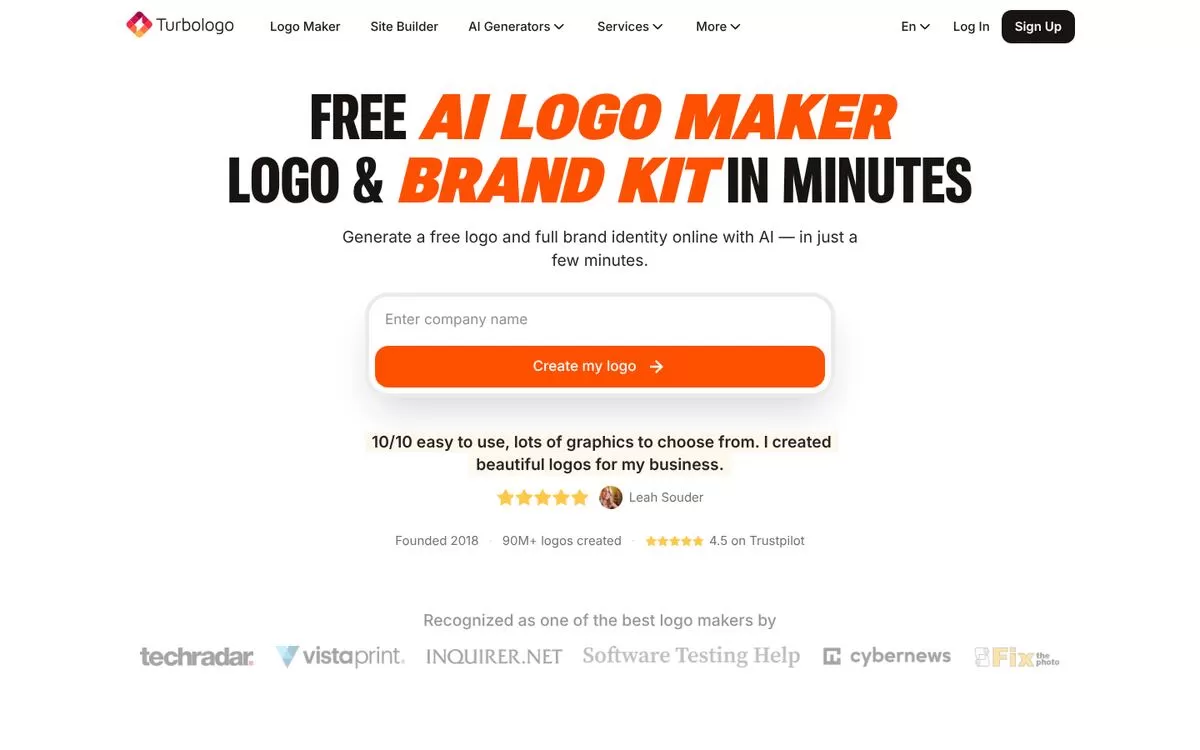
Turbologo creates a logo and a brand kit from a short prompt in a few minutes. It also has tools for business cards, flyers, invoices and a site builder.
Best for: Logo and brand kit
Free plan: Yes, free AI logo maker
Price: Listed on the Turbologo website
Website: turbologo.com
7. Design.com
Describe your business and refine the results with keywords, then edit fonts, colours and layout. It has a library of over 461,000 logos and exports PNG, JPG, SVG, EPS and PDF.
Best for: Large template library
Free plan: Yes, free to edit logos
Price: Listed on the Design.com website
Website: design.com/logo-maker
8. Zoviz
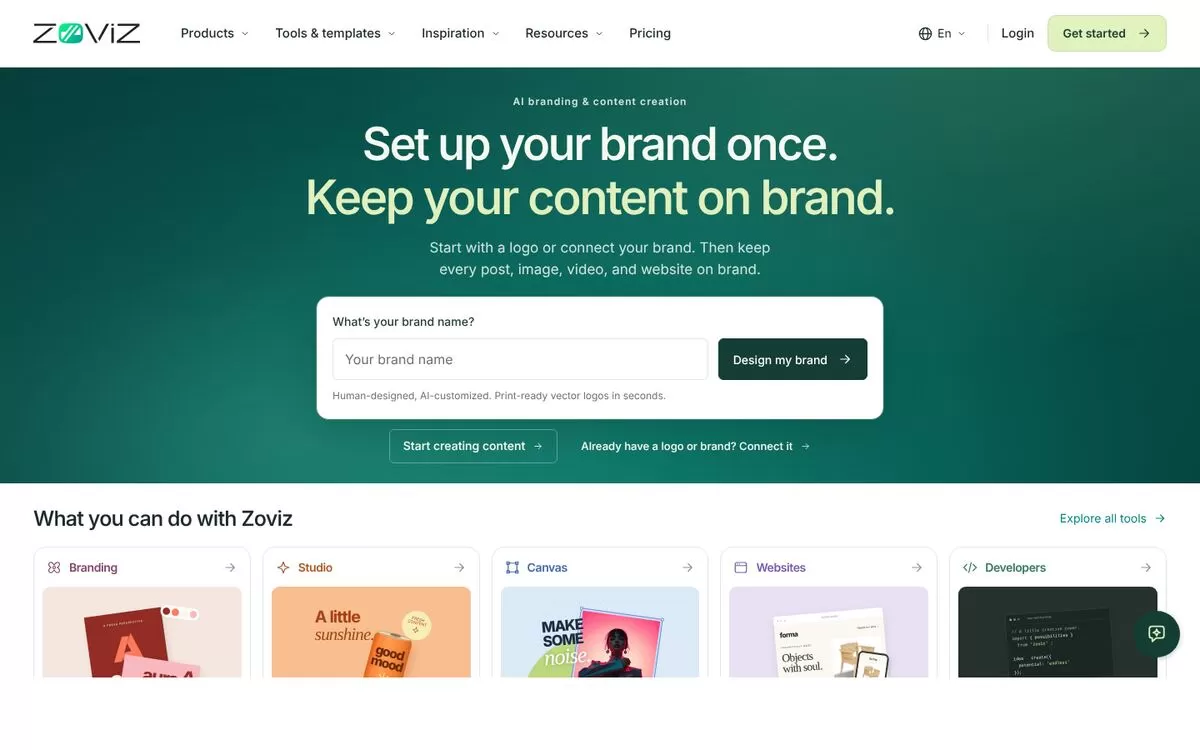
Zoviz turns a brand name into a logo, brand kit, social posts and more, all tied to one Brand Profile. You can create and preview for free and pay when you are ready to download.
Best for: Logo plus content
Free plan: No, pay when you download
Price: Starter $29 a month or $199 a year
Website: zoviz.com
9. Logomaster.ai
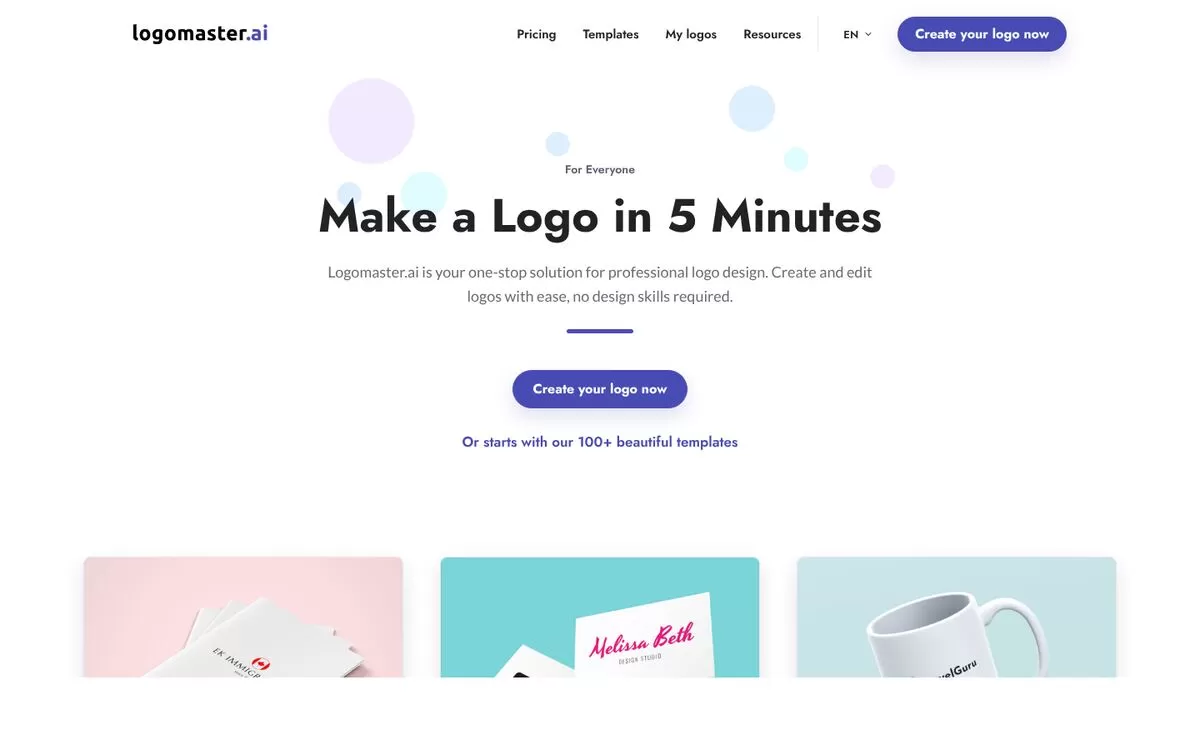
Logomaster.ai promises a logo in five minutes with no design skills. You explore and customise designs for free and pay only to get the files.
Best for: Logo in 5 minutes
Free plan: Yes, free to design, paid to download
Price: Listed on the Logomaster.ai website
Website: logomaster.ai
10. LogoAI
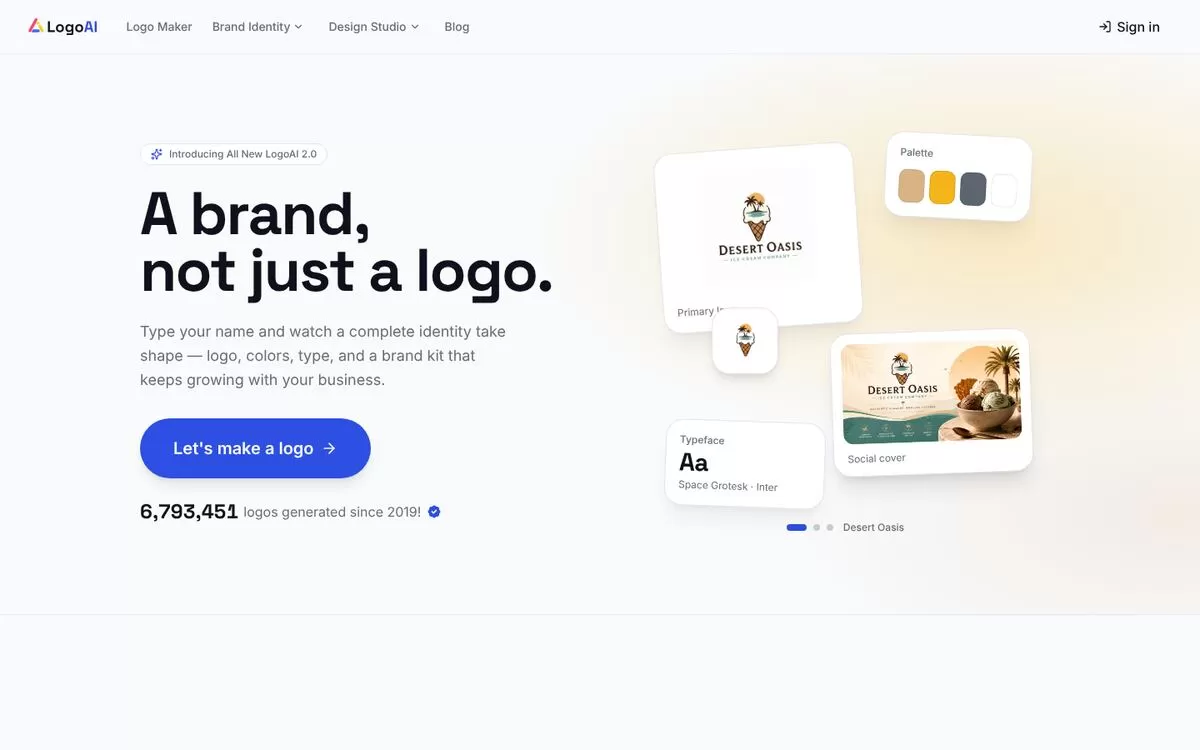
Type your name and LogoAI builds a logo with colours, type and a brand kit. It also has a design studio with AI image and video tools.
Best for: Logo plus brand kit
Free plan: Yes, start free
Price: Listed on the LogoAI website
Website: logoai.com
Final verdict
Start with Wixel or Brandmark if you want to try ideas without paying first. Pick Hostinger if you prefer rupee billing, or Zoviz and LogoAI if you want a full brand kit. Make two or three logos, then pay only for the one you keep.


