10 AI Video Editing Tools That Do the Boring Work for You
Let AI do the boring cuts, captions and clips, so you can edit less and post more.

Key Takeaways
- Podcasts and talking videos: Descript
- Free professional editing: DaVinci Resolve
- Long videos to Reels and Shorts: OpusClip
- Quick social media videos: Canva or VEED
The 10 best AI video editing tools in 2026, with screenshots, what each one is best for and what it costs.
Top 10 AI video editing tools at a glance
| Tool | Best for | Free plan |
|---|---|---|
| 1. Descript | Podcasts & talking videos | Yes |
| 2. DaVinci Resolve | Free pro editing | Yes, full editor |
| 3. OpusClip | Reels & Shorts | Yes, limited |
| 4. Canva | Quick social videos | Yes |
| 5. VEED | Subtitled social videos | Yes |
| 6. Runway | AI-generated footage | Yes, 125 credits |
| 7. InVideo AI | Faceless YouTube | No |
| 8. Filmora | Desktop editing | Yes |
| 9. Kapwing | Team editing | Yes, watermark |
| 10. HeyGen | AI avatars & dubbing | Yes, 3 videos/mo |
Jump toDescriptDaVinci ResolveOpusClipCanvaVEEDRunwayInVideo AIFilmoraKapwingHeyGen
The 10 best AI video editors in 2026
1. Descript
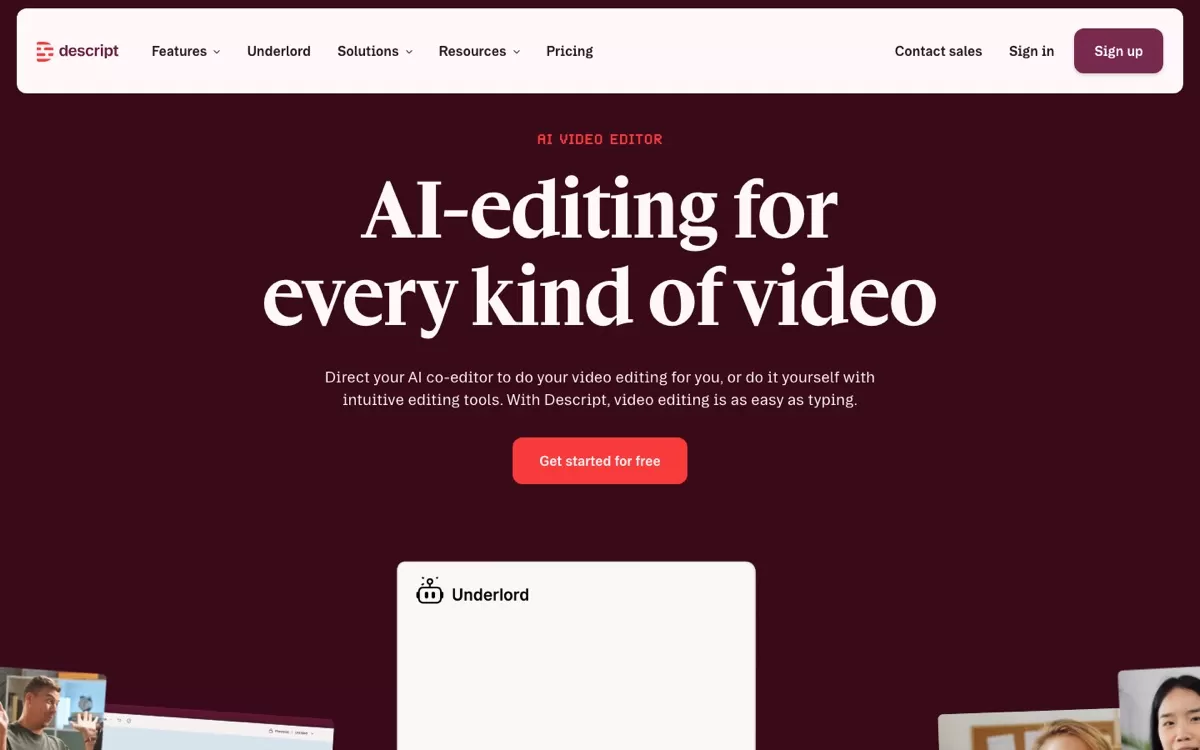
Edit your video by editing its transcript, like a document. Its AI co-editor Underlord removes filler words and cleans up audio.
Best for: Podcasts, interviews, YouTube talking-head videos
Free plan: Yes, with 100 one-time AI credits
Price: Hobbyist plan at $16/month (billed yearly)
Website: www.descript.com
2. DaVinci Resolve 21
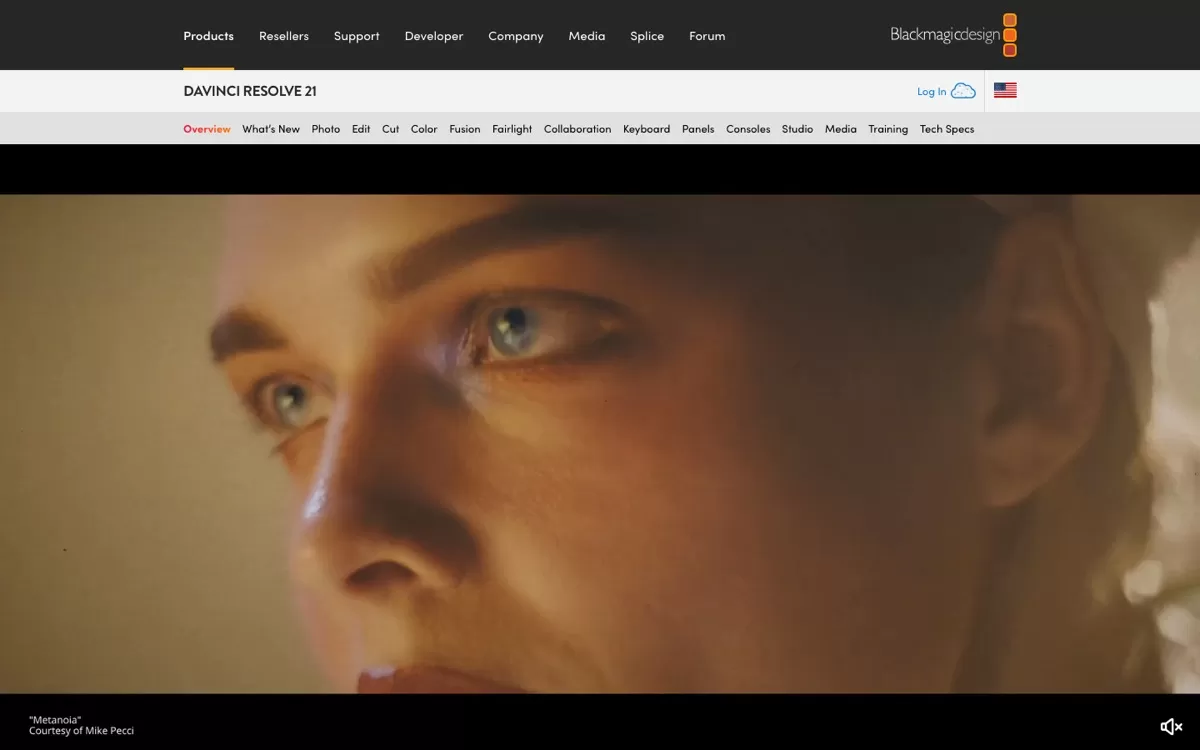
A Hollywood-grade editor whose main version is completely free. AI handles smart reframing, colour matching and voice isolation.
Best for: Film-style editing, colour grading, YouTubers who want full control
Free plan: Yes, the full editor is free
Price: Studio version is a one-time purchase, listed at $236 at the time of writing
Website: www.blackmagicdesign.com/products/davinciresolve
3. OpusClip
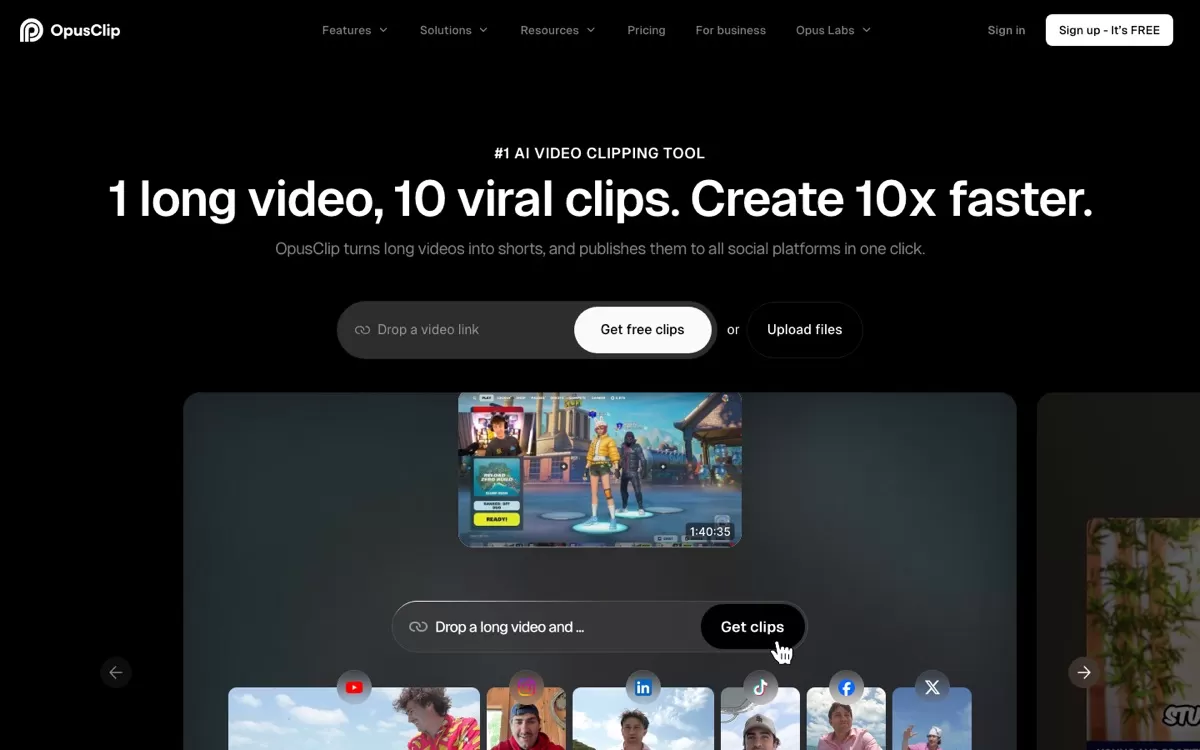
Paste a long video and it picks the best moments as vertical clips with captions. Built for Reels, Shorts and LinkedIn.
Best for: Turning long videos into Reels and Shorts
Free plan: Yes, with limited daily clips and a watermark on caption templates
Price: Starter plan at $15/month
Website: www.opus.pro
4. Canva Video Editor
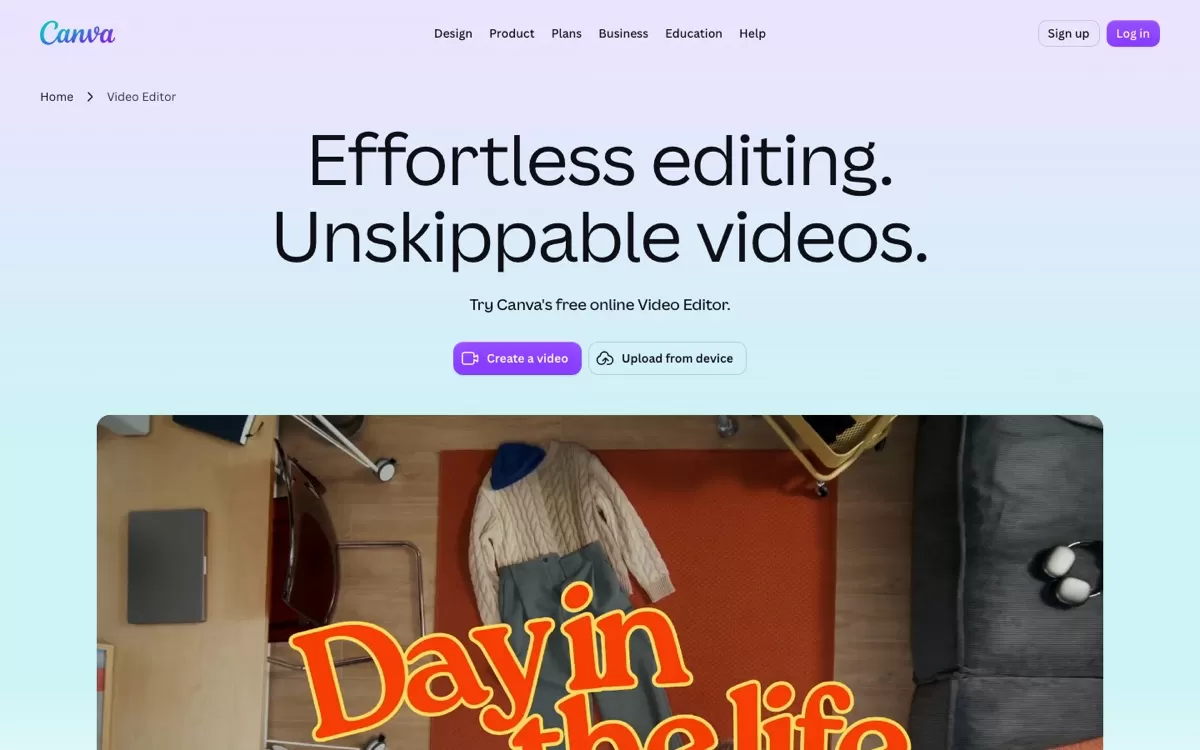
A free browser editor with thousands of templates, stock clips and music. The quickest way to make simple Reels.
Best for: Small businesses, Instagram Reels, beginners
Free plan: Yes, the video editor is free
Price: Canva Pro unlocks premium templates and AI features
Website: www.canva.com/video-editor
5. VEED
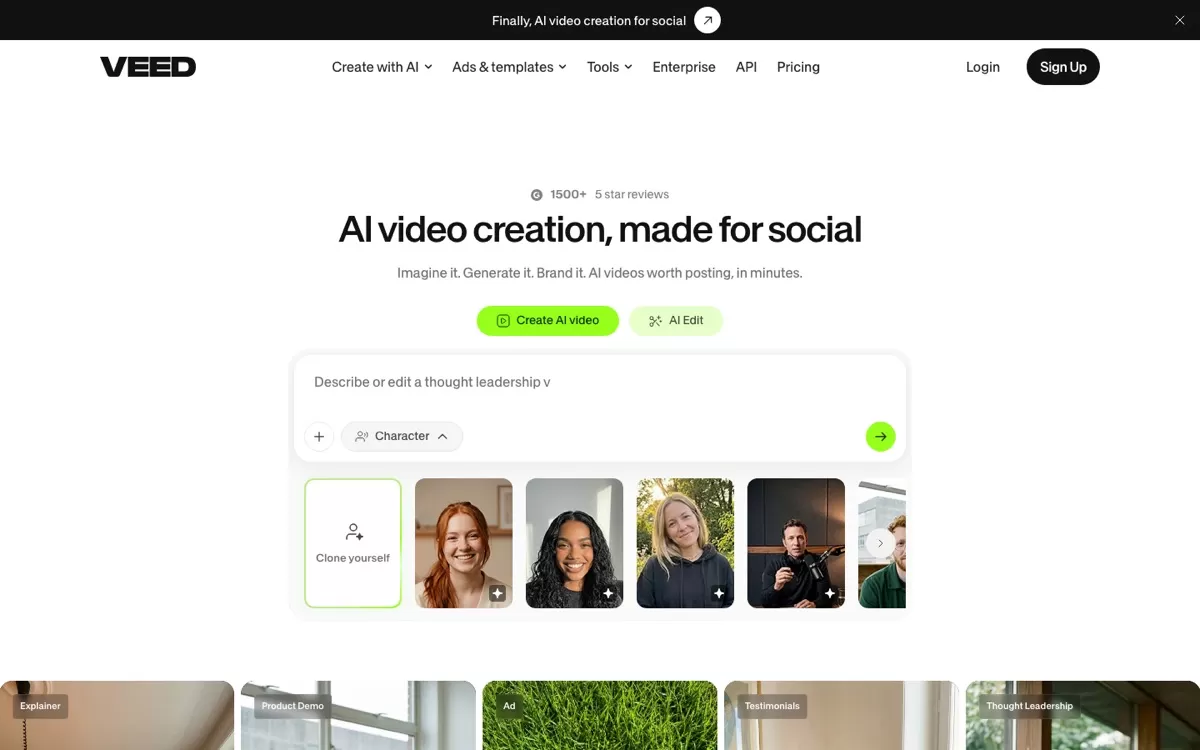
A browser editor for social videos with AI generation, auto subtitles, voice cloning and AI avatars.
Best for: Social media teams, subtitled videos, quick ads
Free plan: Yes, you can start for free
Price: Paid plans add more AI credits and features, billed per seat
Website: www.veed.io
6. Runway
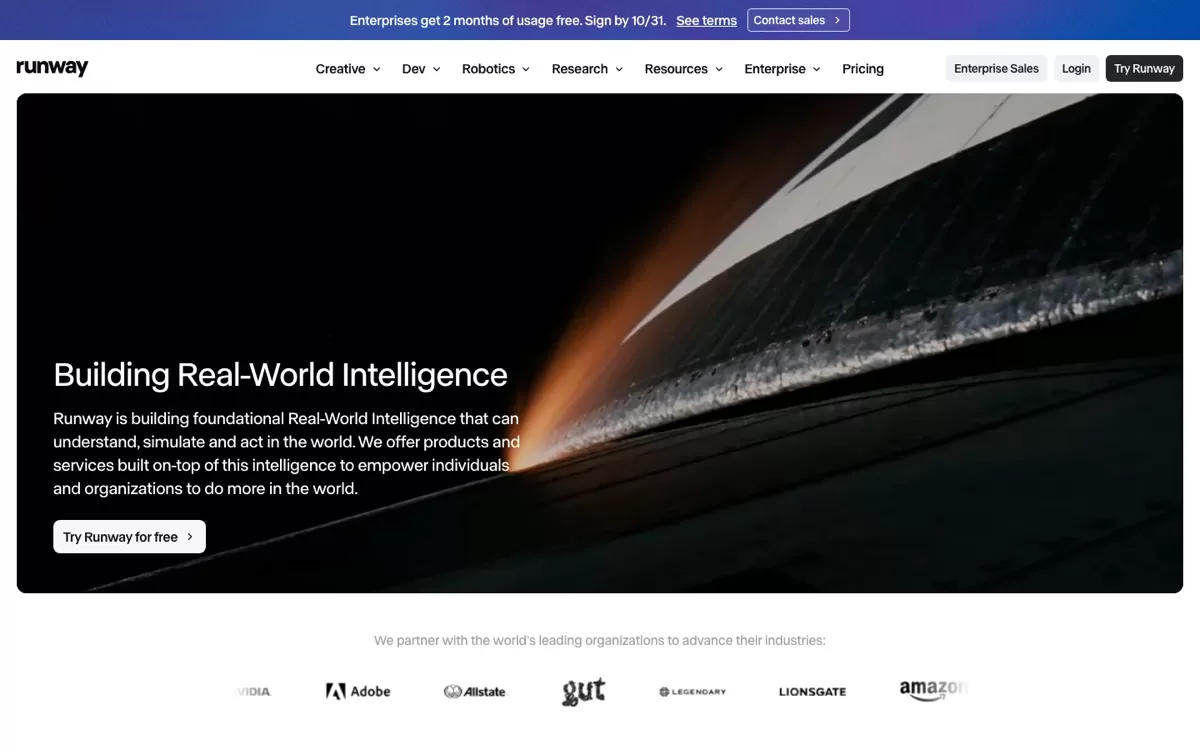
Generates and transforms footage from text and images with its Gen-4.5 model. Great for ads and visual effects.
Best for: Generative video, visual effects, creative ads
Free plan: Yes, 125 one-time credits
Price: Standard plan at $12/month (billed yearly)
Website: runway.com
7. InVideo AI
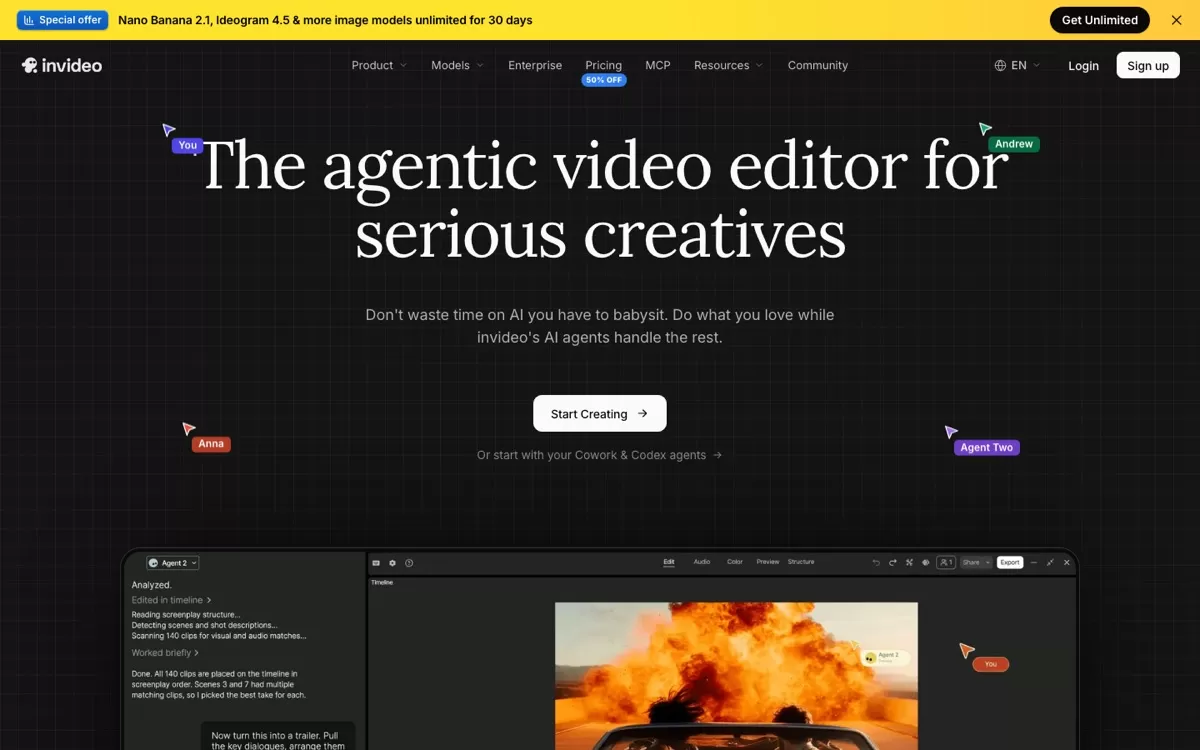
AI agents turn your script or footage into a full edit on the timeline. Popular for faceless YouTube and explainer videos.
Best for: Faceless YouTube channels, explainers, script-to-video
Free plan: Paid plans only (Basic, Pro, Ultra)
Price: Credit-based plans; check the site for current offers
Website: invideo.io
8. Wondershare Filmora
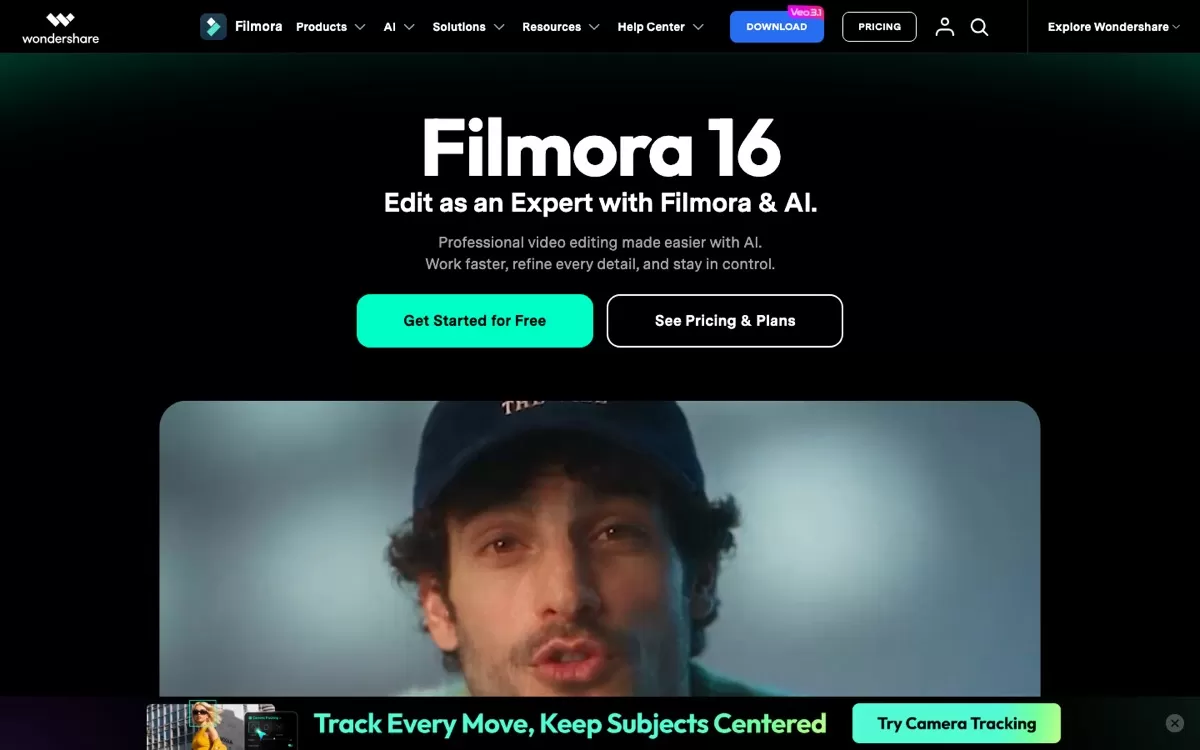
A beginner-friendly desktop editor packed with AI tools like object remover and smart short clips. Still sells a one-time licence.
Best for: Beginner to intermediate YouTubers who prefer desktop software
Free plan: Yes, a free version to get started
Price: Annual plans from about $60/year, or a one-time perpetual licence
Website: filmora.wondershare.com
9. Kapwing
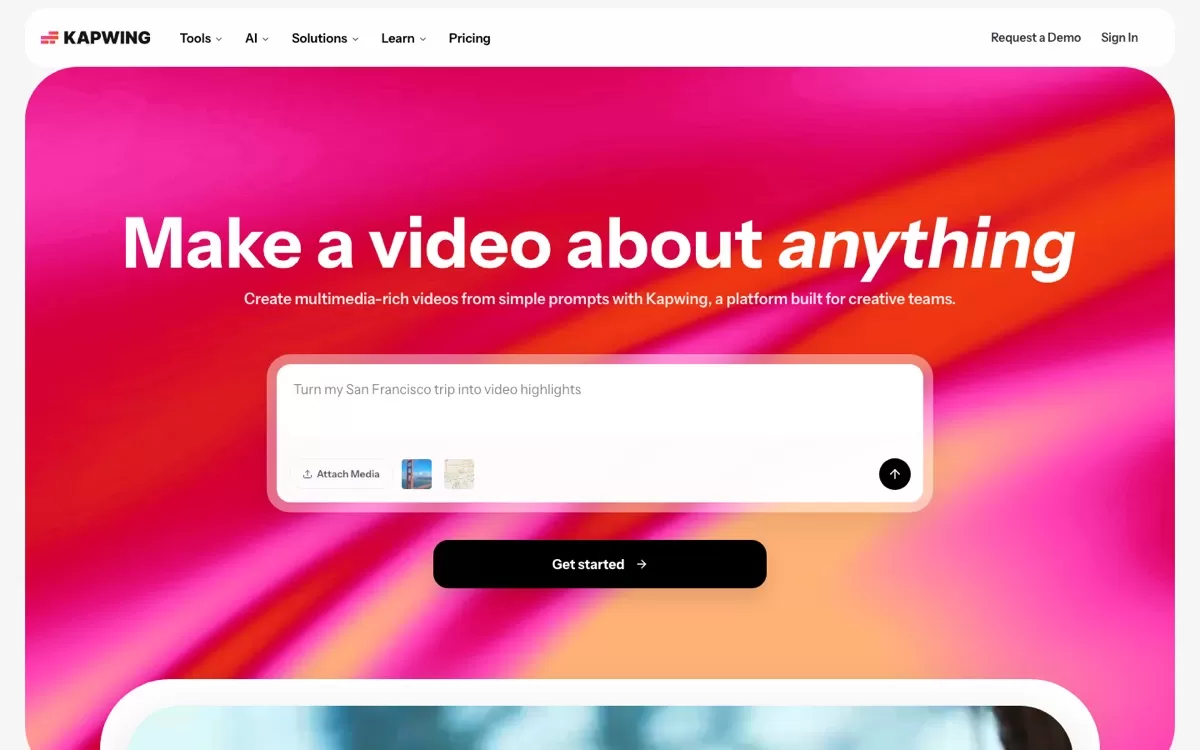
An online editor built for teams, with auto subtitles, translation into 60+ languages and Smart Cut to remove silences.
Best for: Teams and agencies editing together online
Free plan: Yes, but exports are 720p, up to 4 minutes, with a watermark
Price: Pro plan at $16/month
Website: www.kapwing.com
10. HeyGen
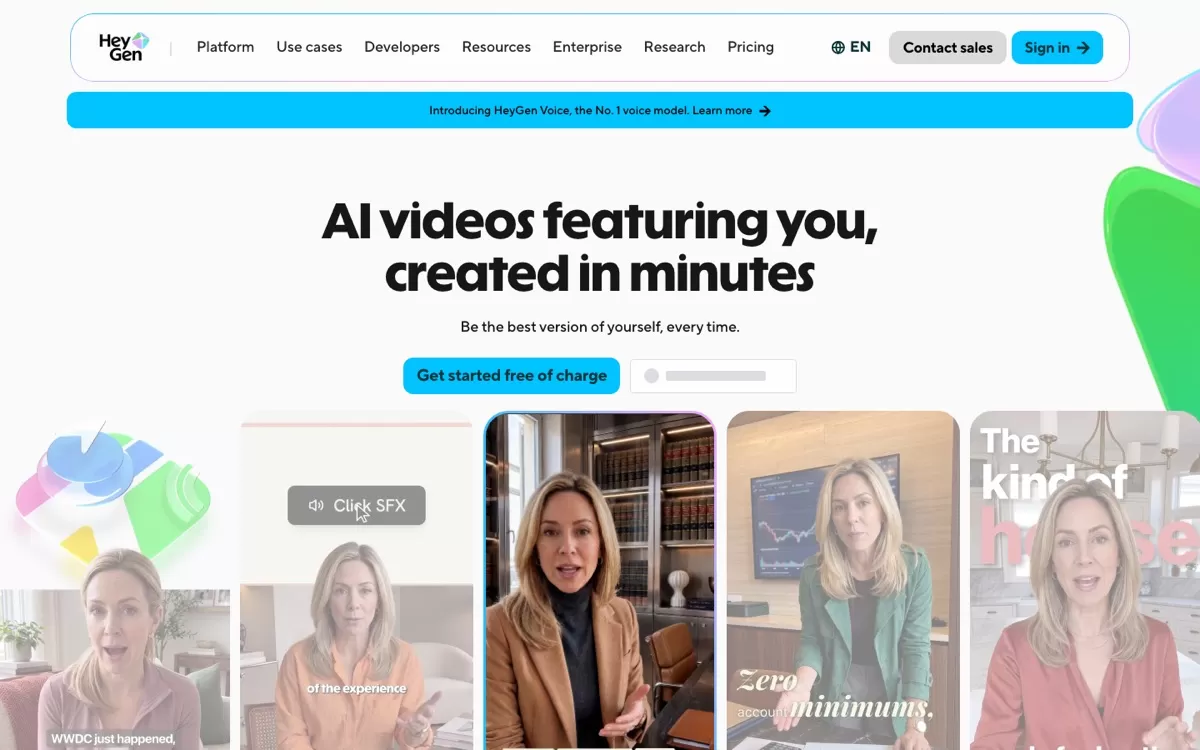
Make videos with an AI avatar of yourself, and dub them into 175+ languages and dialects with lip-sync.
Best for: AI avatar videos, training content, multilingual dubbing
Free plan: Yes, 3 videos a month up to 1 minute, with a watermark
Price: Creator plan at $24/month (billed yearly)
Website: www.heygen.com
Final verdict
Pick the tool that matches the videos you make most: Descript for podcasts, OpusClip for Reels and Shorts, DaVinci Resolve for free professional editing, and Canva for quick social posts. Start on the free plan, edit one real video, and keep the tool that saves you the most time.