9 AI Image Generators That Make Ads and Posts Without a Designer
Turn a short prompt into ads, social posts and product visuals

Key Takeaways
- Easiest free start: Magnific
- Safest for brand work: Adobe Firefly
- Most artistic images: Midjourney
- Best for social posts: Picsart
The 9 best AI image generators in 2026 help you make ad creatives, social posts and product visuals without hiring a designer, and most have a free way to start.
Top 9 AI image generators at a glance
| Tool | Best for | Free plan |
|---|---|---|
| 1. Midjourney | Striking, artistic visuals | No free plan listed |
| 2. Adobe Firefly | Commercial-ready images | Yes, free daily generations |
| 3. Google Gemini | Quick edits by chat | Yes, free to start |
| 4. Recraft | Brand-style visuals | Yes, but images are public and not for commercial use |
| 5. Krea | Many tools in one place | Yes |
| 6. Playground | Posters and social graphics | Yes, with limits every 3 hours |
| 7. Magnific (formerly Freepik) | Many models, one prompt box | Yes, 20 free images a day |
| 8. Picsart | Social media posts | Yes, limited per day |
| 9. Fotor | Trying it with no sign-up | Yes, free daily credits |
Jump toMidjourneyAdobe FireflyGoogle GeminiRecraftKreaPlaygroundMagnific (formerly Freepik)PicsartFotor
The 9 best AI image generators in 2026
1. Midjourney
Midjourney is known for rich, artistic images and is a favourite for brand visuals and mood boards. It runs on the web and has no free plan on its plans page.
Best for: Striking, artistic visuals
Free plan: No free plan listed
Price: Basic $10/month, Standard $30/month, Pro $60/month (USD)
Website: midjourney.com
2. Adobe Firefly
Firefly generates and edits images, video and audio, and Adobe says its outputs can be used commercially. A good pick if you already work in Adobe apps.
Best for: Commercial-ready images
Free plan: Yes, free daily generations
Price: Standard $9.99/month with 2,000 credits (USD)
Website: adobe.com/products/firefly
3. Google Gemini
Gemini creates and edits images inside a chat, using Google's Nano Banana model. Free to start, which makes it easy to try ideas fast.
Best for: Quick edits by chat
Free plan: Yes, free to start
Price: Google AI Plus from $4.99/month in the US; other plans listed on the Gemini website
Website: gemini.google
4. Recraft
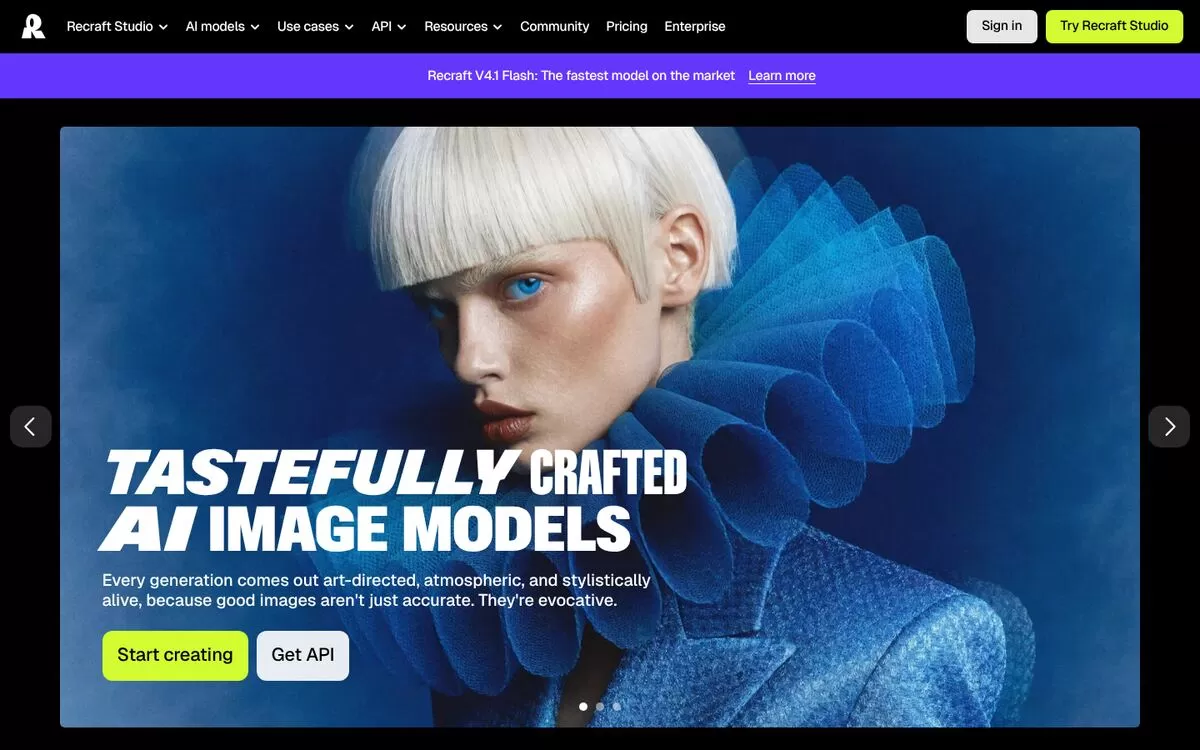
Recraft focuses on art-directed images and brand-style visuals. Free plan images are public and not licensed for commercial use, so paid plans suit business work.
Best for: Brand-style visuals
Free plan: Yes, but images are public and not for commercial use
Price: Listed on the Recraft website
Website: recraft.ai
5. Krea
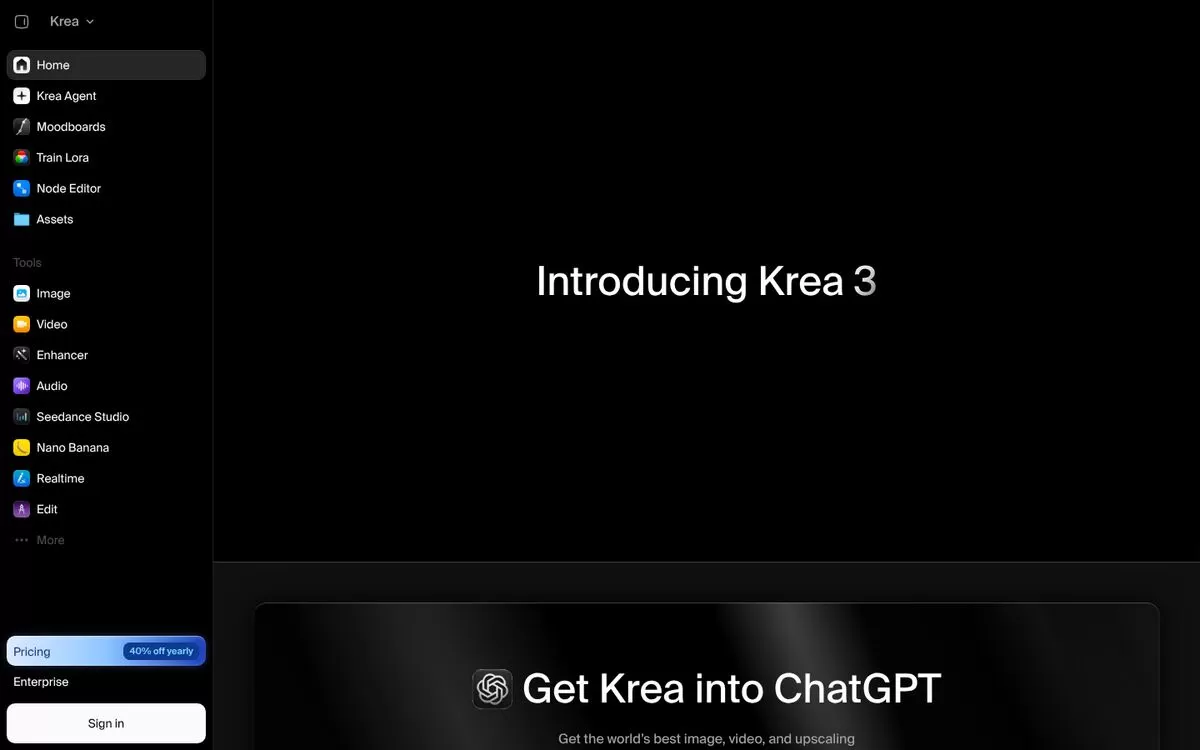
Krea puts image, video, enhancing and realtime generation in one workspace. Handy for creatives who want to try many models in one place.
Best for: Many tools in one place
Free plan: Yes
Price: Basic, Pro, Max and Business plans, prices listed on the Krea website
Website: krea.ai
6. Playground
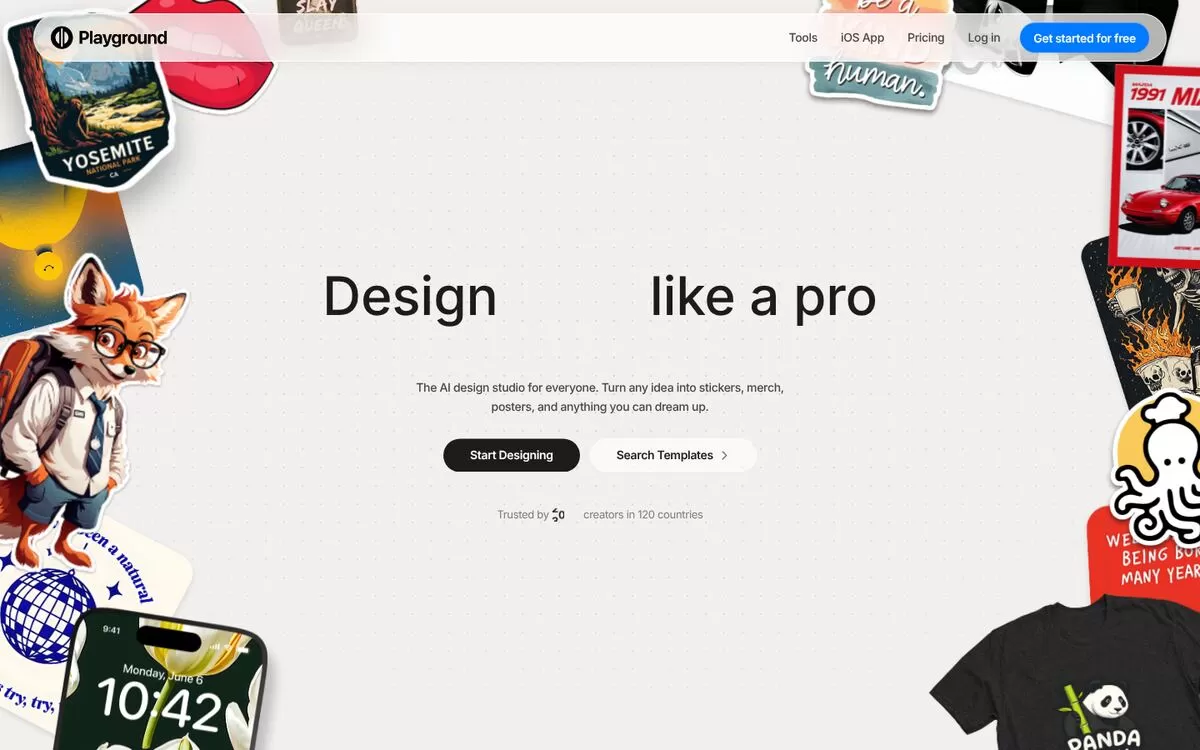
Playground is an AI design studio for posters, stickers, merch and social graphics. Its free plan allows images every few hours, with a commercial licence.
Best for: Posters and social graphics
Free plan: Yes, with limits every 3 hours
Price: Pro $15/month, or $12/month billed yearly (USD)
Website: playground.com
7. Magnific (formerly Freepik)
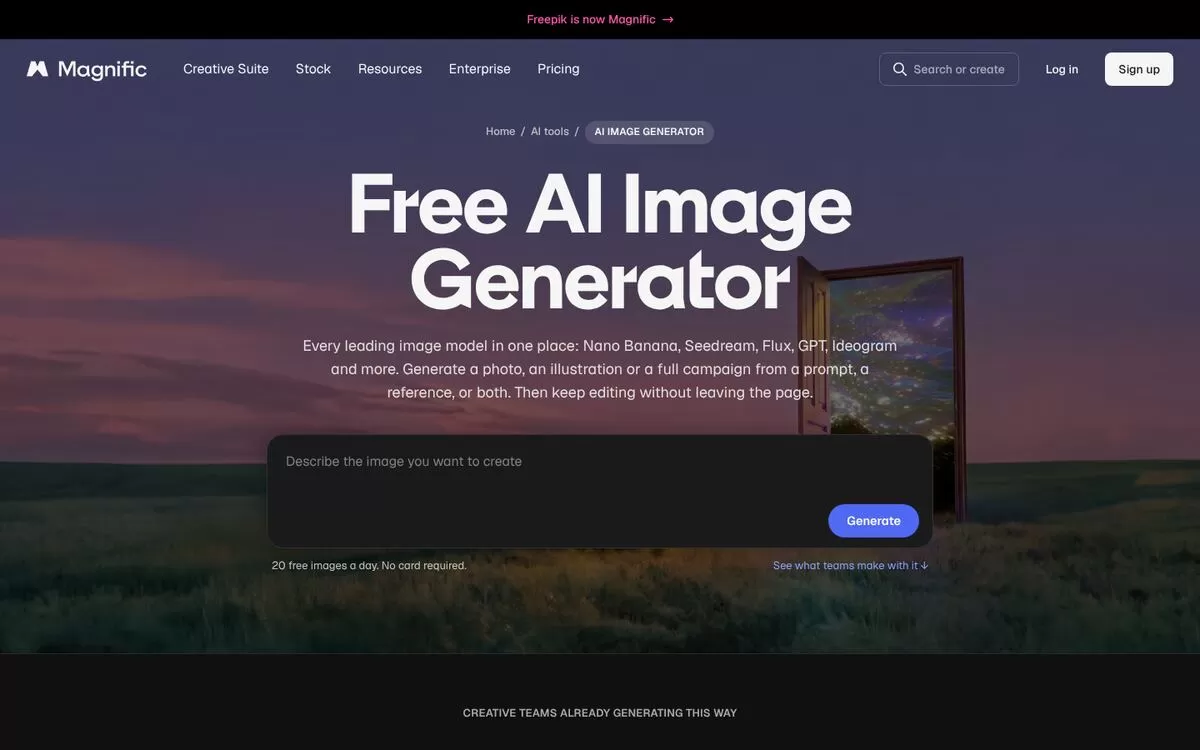
Magnific gives you many leading image models in one place and lets you keep editing on the same page. Good for ads and product visuals.
Best for: Many models, one prompt box
Free plan: Yes, 20 free images a day
Price: Premium from $20/month (USD)
Website: magnific.com
8. Picsart
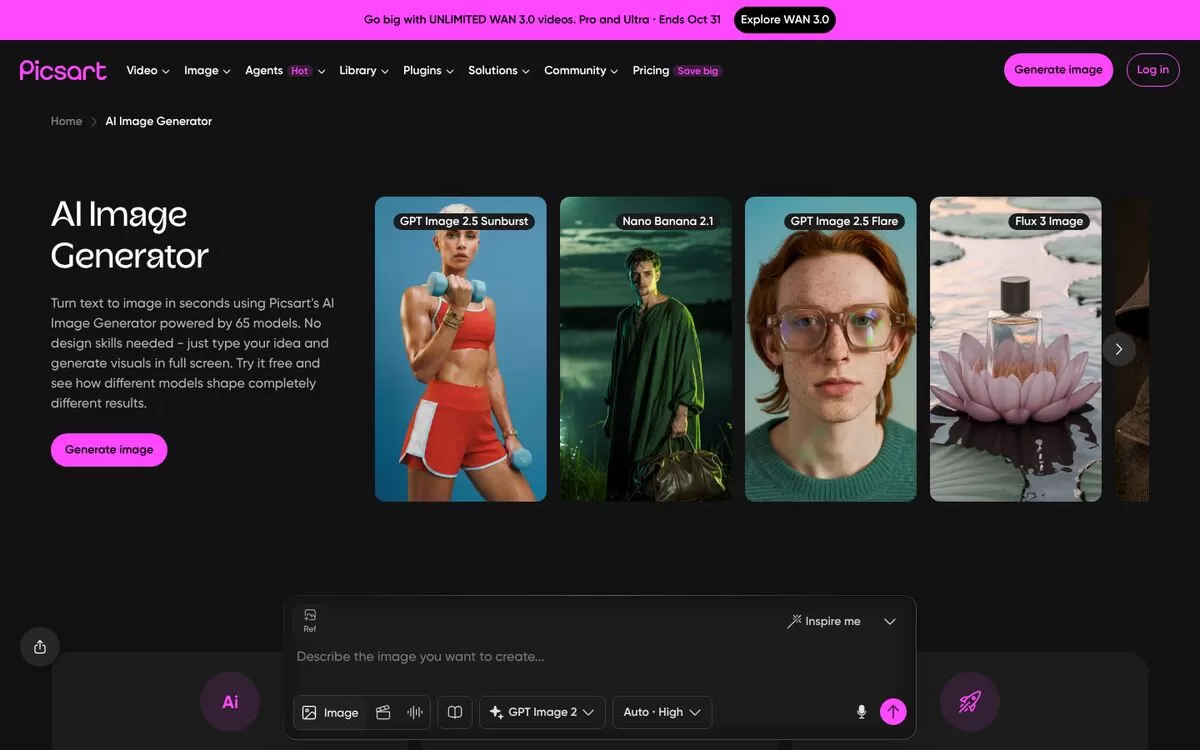
Picsart offers 65 image models, 48 style filters and built-in editing tools. A friendly choice for social media posts.
Best for: Social media posts
Free plan: Yes, limited per day
Price: Pro listed at $10.50/month on yearly billing (USD)
Website: picsart.com
9. Fotor
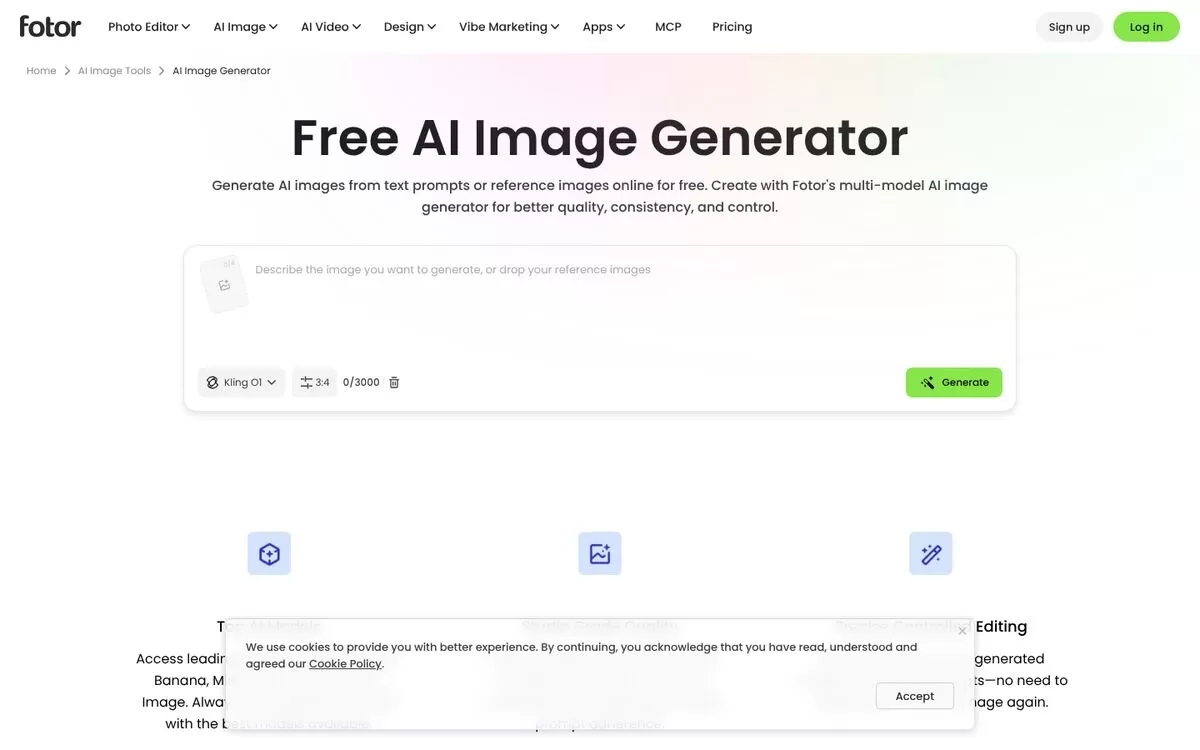
Fotor generates images from a text prompt or reference images, and you can try it without signing up. It says all generated images can be used in commercial projects.
Best for: Trying it with no sign-up
Free plan: Yes, free daily credits
Price: Listed on the Fotor website
Website: fotor.com
How to pick the right image generator
Start with what you need most. If you want free options, try Gemini, Magnific, Picsart or Fotor first. If you need images you can safely use in ads, check the licence on your plan before you publish. Free plans often come with limits on commercial use.
Most tools price in US dollars, so check the final amount at checkout. Write short, clear prompts, name the style and the size you want, then adjust one thing at a time.
Final verdict
For a free start, open Gemini or Magnific and make three test images for one real post. For polished brand work, pick Adobe Firefly or Recraft on a paid plan. Choose one, test it for a week, then decide.


