

Top use cases
Design with your code
Build screens on a canvas that maps layers to code elements.
Keep components in sync
Use props, slots and variants that stay synced with your codebase.
Review designs with your team
Share links and comment on the canvas with teammates and agents.
Subframe FAQs
What is Subframe?
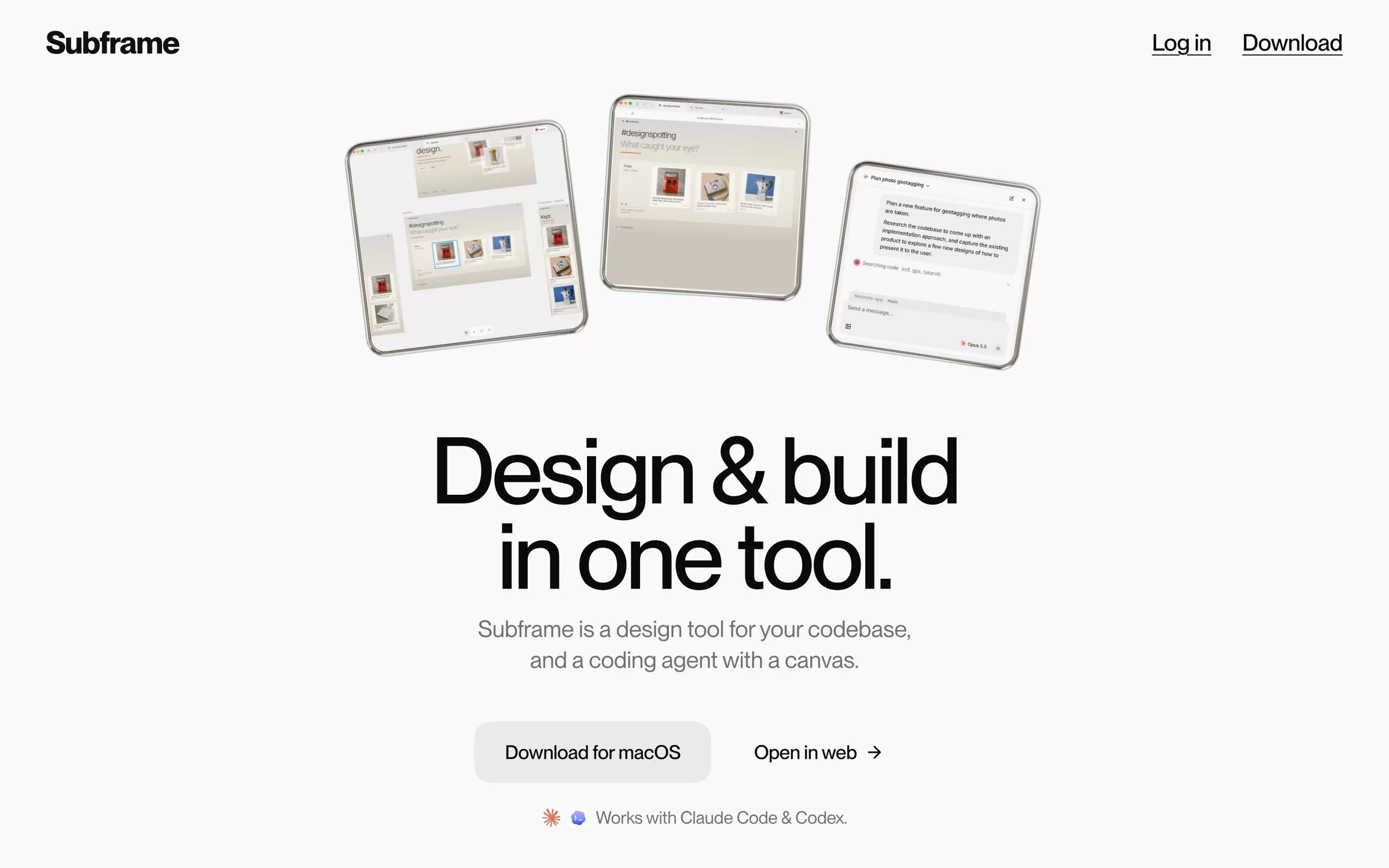
Subframe is a design tool connected to your codebase, with a coding agent and a canvas. Subframe is a design tool where you design, preview and build in one app. Its canvas is based on HTML and React, so designs map to code.
Is Subframe free?
Yes, Subframe has a free plan: $0 a month with one project. Paid pricing: Pro at $20 per editor a month.
How much does Subframe cost in India?
Subframe pricing: Pro at $20 per editor a month. Prices on the official site are in US dollars. Prices can change, so check subframe.com for the latest pricing.
What is Subframe best for?
Subframe is best for developers and designers. People use it to design with your code, keep components in sync and review designs with your team.
How to design with your code with Subframe?
With Subframe, you can build screens on a canvas that maps layers to code elements.
How to keep components in sync with Subframe?
With Subframe, you can use props, slots and variants that stay synced with your codebase.
How to review designs with your team with Subframe?
With Subframe, you can share links and comment on the canvas with teammates and agents.
What are the best Subframe alternatives?
Popular alternatives in UI/UX Design include Magic Patterns, UX Pilot, Relume and Banani. Each has its own free plan and price, so compare them on the tool pages.
Where can I sign up for Subframe?
On its official website, subframe.com. You can start on the free plan.
When were Subframe's price and features last checked?
We checked them on the official site on 6 November 2026. Plans change often, so confirm the latest price on subframe.com before you pay.