

Top use cases
Draft app screens
Describe your product in plain words to get editable multi-screen prototypes.
Recreate a reference design
Drop in a screenshot or Figma link to generate fresh ideas or recreate the UI.
Share a design for feedback
Send a link to your project or screen so teammates can review it.
Banani FAQs
What is Banani?
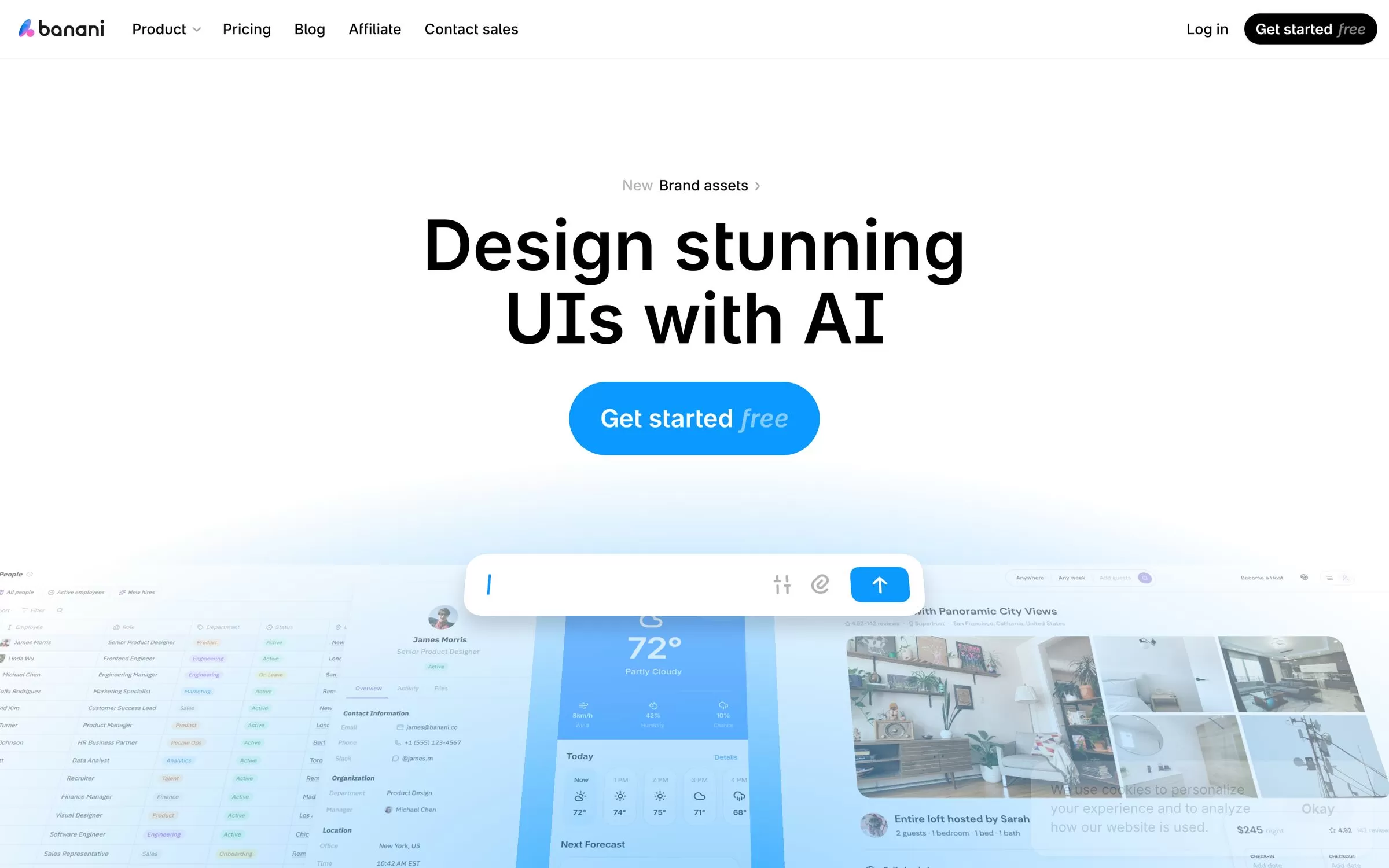
Banani turns a text description into editable, multi-screen UI designs. Banani is an AI design tool that generates editable, multi-screen prototypes from a plain language description. You can then refine the design, share it and export it to Figma, HTML/CSS or images.
Is Banani free?
Yes, Banani has a free plan: 12 monthly credits and 3 daily credits. Paid pricing: Plus at $12/month (yearly billing).
How much does Banani cost in India?
Banani pricing: Plus at $12/month (yearly billing). Prices on the official site are in US dollars. Prices can change, so check banani.co for the latest pricing.
What is Banani best for?
Banani is best for founders and product managers. People use it to draft app screens, recreate a reference design and share a design for feedback.
How to draft app screens with Banani?
With Banani, you can describe your product in plain words to get editable multi-screen prototypes.
How to recreate a reference design with Banani?
With Banani, you can drop in a screenshot or Figma link to generate fresh ideas or recreate the UI.
How to share a design for feedback with Banani?
With Banani, you can send a link to your project or screen so teammates can review it.
What are the best Banani alternatives?
Popular alternatives in UI/UX Design include Magic Patterns, UX Pilot, Subframe and Relume. Each has its own free plan and price, so compare them on the tool pages.
Where can I sign up for Banani?
On its official website, banani.co. You can start on the free plan.
When were Banani's price and features last checked?
We checked them on the official site on 6 November 2026. Plans change often, so confirm the latest price on banani.co before you pay.