

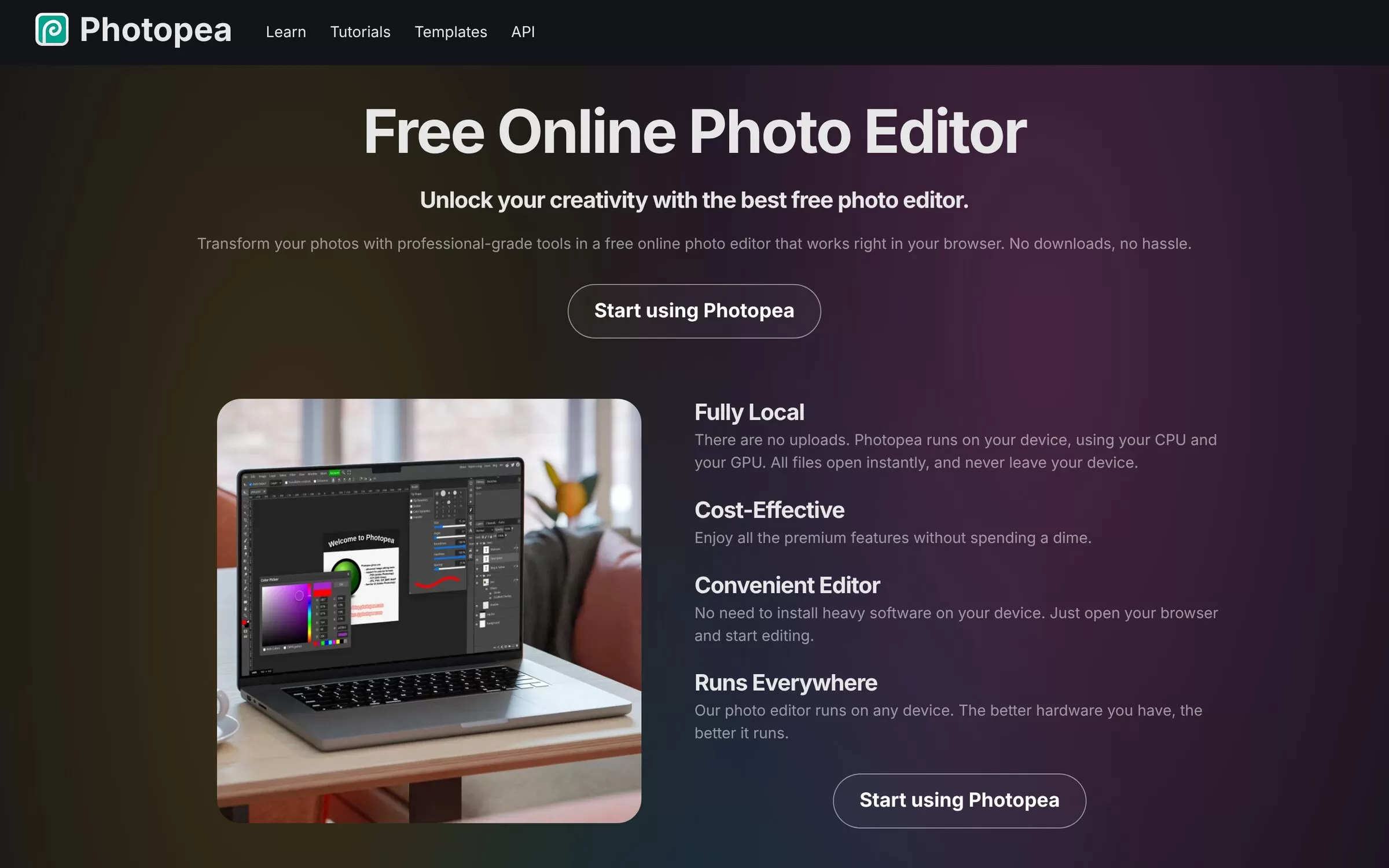
Top use cases
Edit PSD files
Open and save Photoshop files without installing software.
Remove backgrounds
Cut out a subject with the one-click AI background removal.
Design social graphics
Combine layers, text and vector shapes into a post image.
Photopea FAQs
What is Photopea?
Photopea is a free online photo editor that opens PSD files in your browser. Photopea is a free photo editor that runs in your browser with no download. It supports layers, masks and one-click background removal.
Is Photopea free?
Yes, Photopea has a free plan: the editor is free to use in the browser.
How much does Photopea cost in India?
Photopea lists its current plans on its website, photopea.com.
What is Photopea best for?
Photopea is best for free PSD editing. People use it to edit PSD files, remove backgrounds and design social graphics.
How to edit PSD files with Photopea?
With Photopea, you can open and save Photoshop files without installing software.
How to remove backgrounds with Photopea?
With Photopea, you can cut out a subject with the one-click AI background removal.
How to design social graphics with Photopea?
With Photopea, you can combine layers, text and vector shapes into a post image.
What are the best Photopea alternatives?
Popular alternatives in Photo Editing include Photoroom, Picsart, Pixlr and Upscayl. Each has its own free plan and price, so compare them on the tool pages.
Where can I sign up for Photopea?
On its official website, photopea.com. You can start on the free plan.
When were Photopea's price and features last checked?
We checked them on the official site on 29 October 2026. Plans change often, so confirm the latest price on photopea.com before you pay.