
9 AI Tools for YouTubers That Plan, Edit and Caption for You
Ideas, edits, Shorts and captions with less work.

Key Takeaways
- Best for SEO: vidIQ, TubeBuddy
- Best for editing: Descript, Gling
- Best for Shorts: Opus Clip
- Most have free plans
The 9 best AI tools for YouTubers in 2026 help you plan videos, edit faster, cut Shorts and add captions without a big team.
Top 9 AI tools for YouTubers at a glance
| Tool | Best for | Free plan |
|---|---|---|
| 1. vidIQ | Channel growth | Yes |
| 2. TubeBuddy | YouTube SEO | Yes |
| 3. Opus Clip | Turning long videos into Shorts | Yes |
| 4. Descript | Editing video like a document | Yes |
| 5. Submagic | Captions for Shorts | Free trial, no credit card required |
| 6. Riverside | Recording interviews and podcasts | Yes |
| 7. VEED | Subtitles and quick edits | Yes |
| 8. ElevenLabs | Voiceovers and dubbing | Yes |
| 9. Gling | Cutting silences and bad takes | Yes |
Jump tovidIQTubeBuddyOpus ClipDescriptSubmagicRiversideVEEDElevenLabsGling
The 9 best AI tools for YouTube creators
1. vidIQ
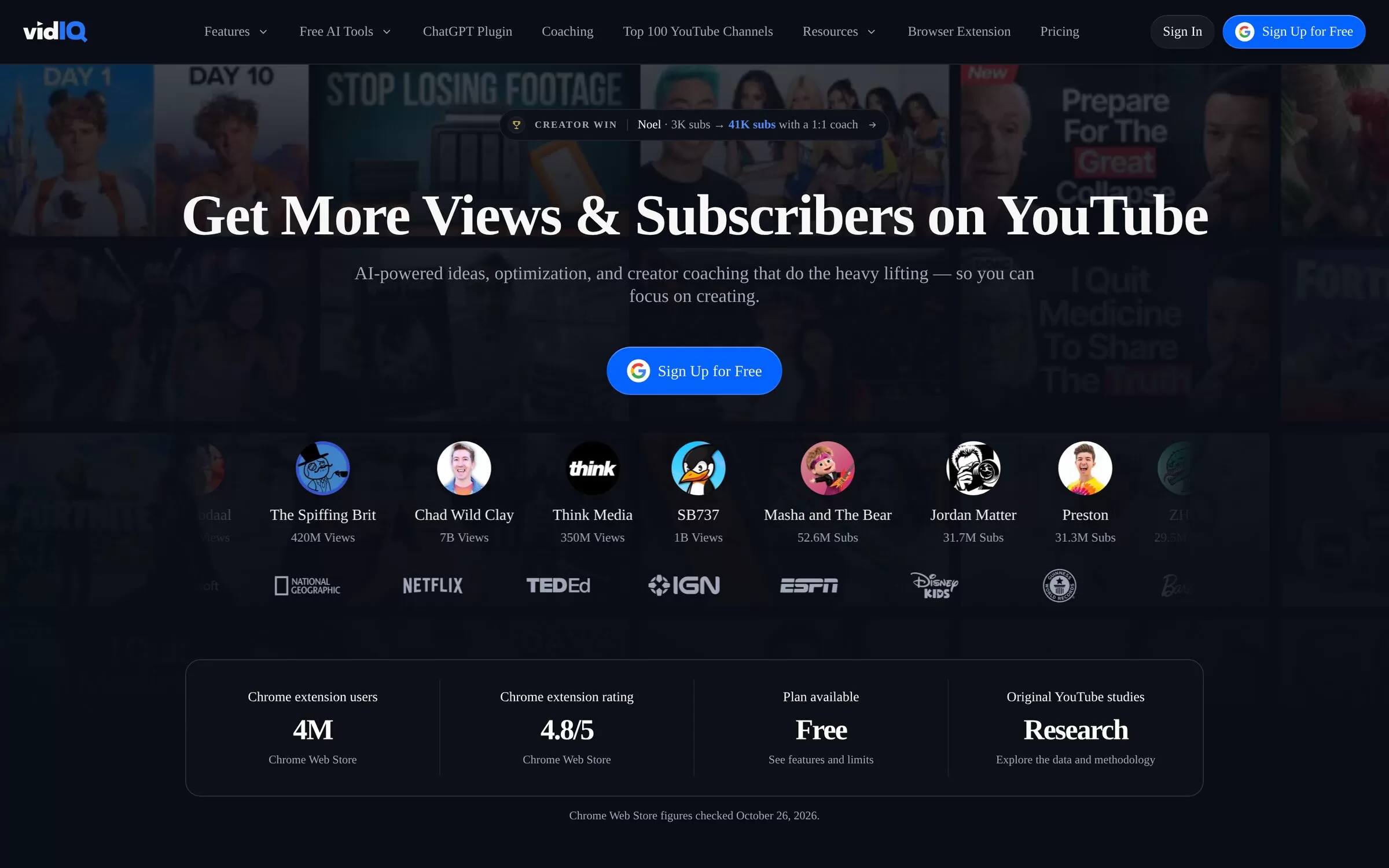
vidIQ helps you find video ideas with keyword research, channel audits and competitor tracking. It also has free AI tools such as a title generator, thumbnail maker and script generator.
Best for: Channel growth
Free plan: Yes, $0 with 150 AI credits a month
Price: Paid plans (Boost, MAX) listed in US dollars on the vidIQ pricing page
Website: vidiq.com
2. TubeBuddy
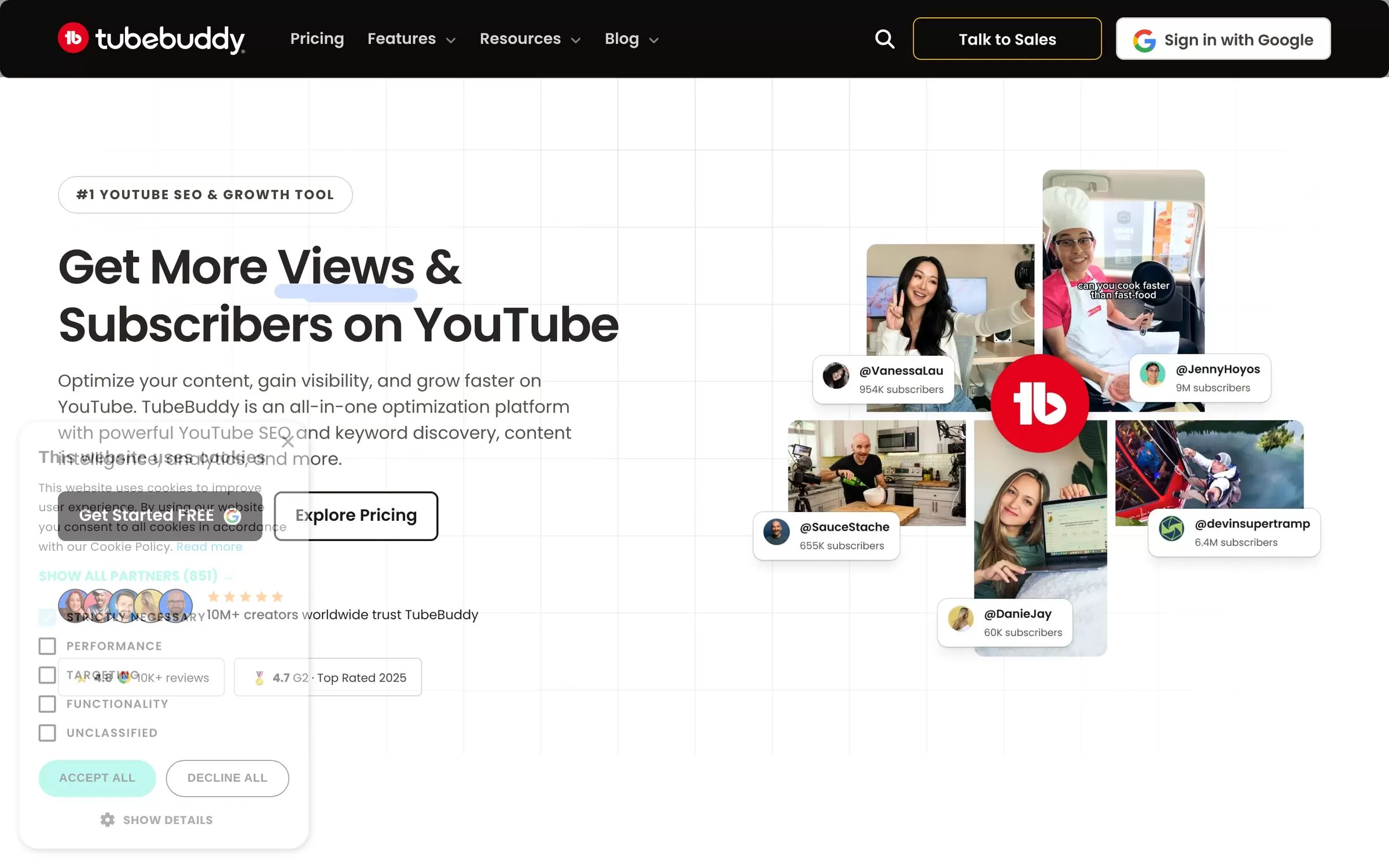
TubeBuddy has a Keyword Explorer, tag and title generators and A/B testing. It also has a Channel Health Report and bulk editing.
Best for: YouTube SEO
Free plan: Yes, a free plan with no credit card needed
Price: Paid plans (Pro, Legend) listed on the TubeBuddy website
Website: tubebuddy.com
3. Opus Clip
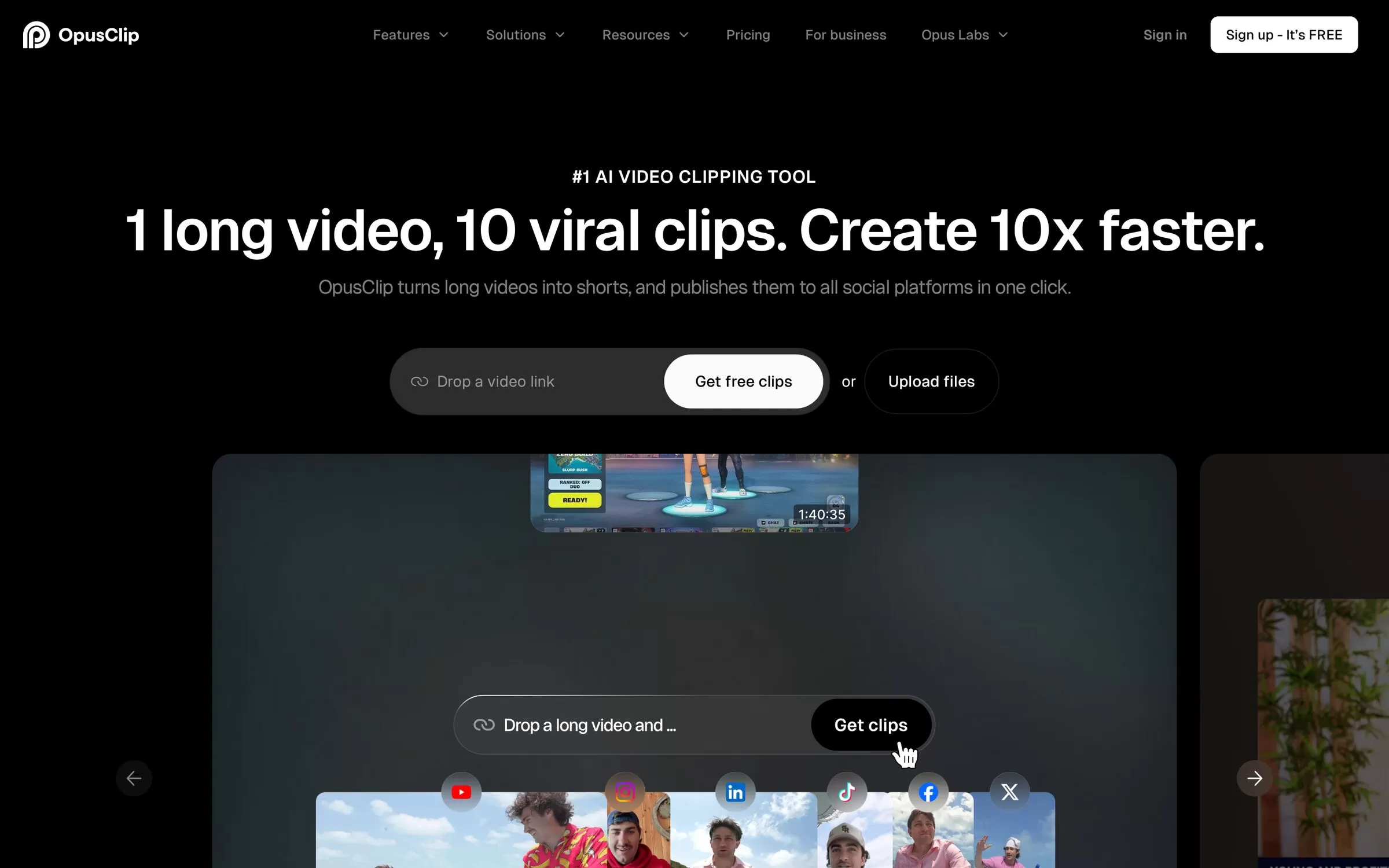
Opus Clip turns one long video into short clips by picking the highlight moments. It adds captions and reframing, and can post clips to social platforms.
Best for: Turning long videos into Shorts
Free plan: Yes, 60 processing minutes a month with watermarked exports
Price: Starter $15 a month, Pro $29 a month
Website: opus.pro
4. Descript
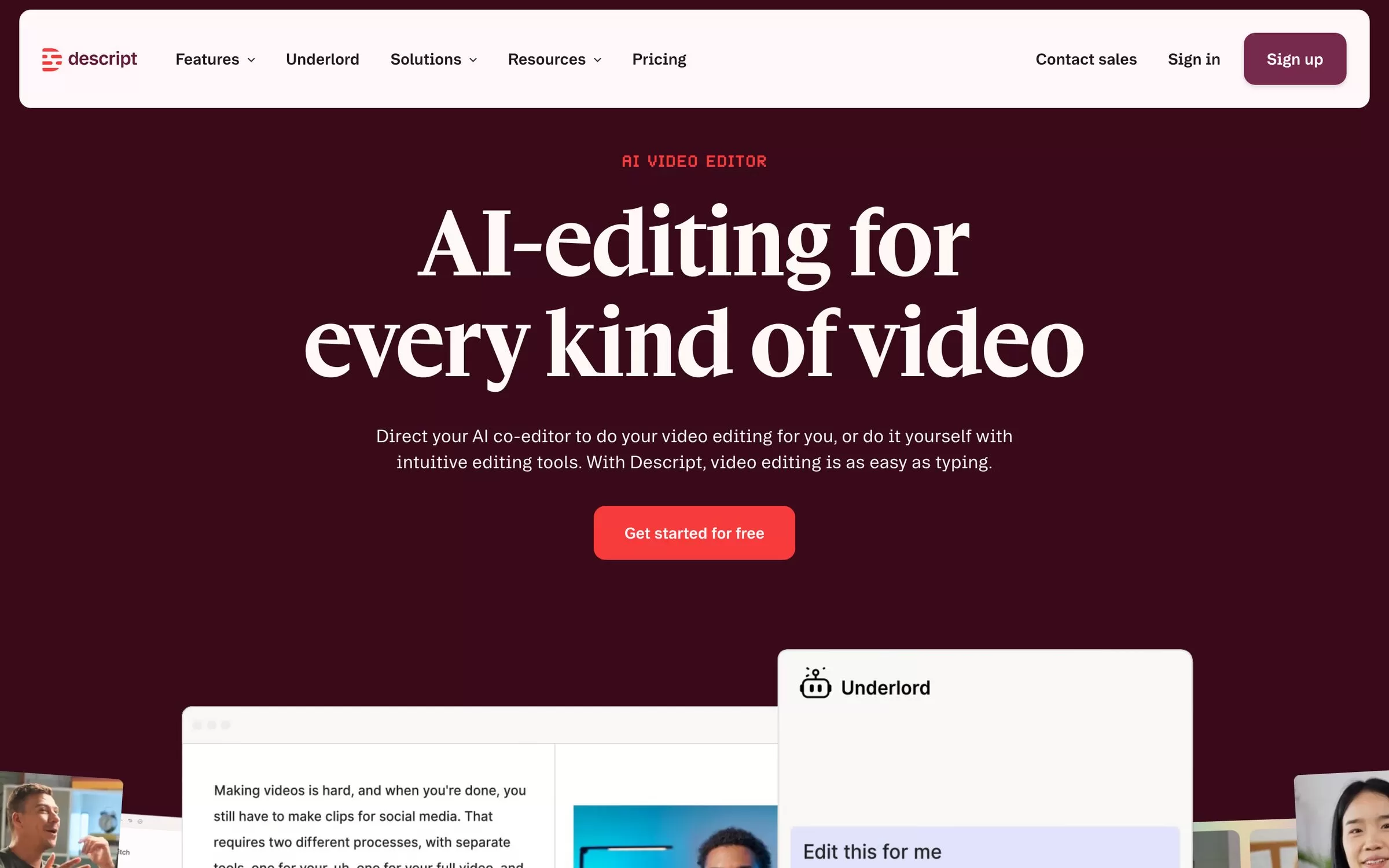
Descript lets you edit video by editing its transcript, and adds captions and subtitles. Transcription covers 25 languages, including Hindi.
Best for: Editing video like a document
Free plan: Yes, 60 media minutes a month, 720p with watermark
Price: Paid plans: Hobbyist, Creator, Business (listed on the Descript pricing page)
Website: descript.com
5. Submagic
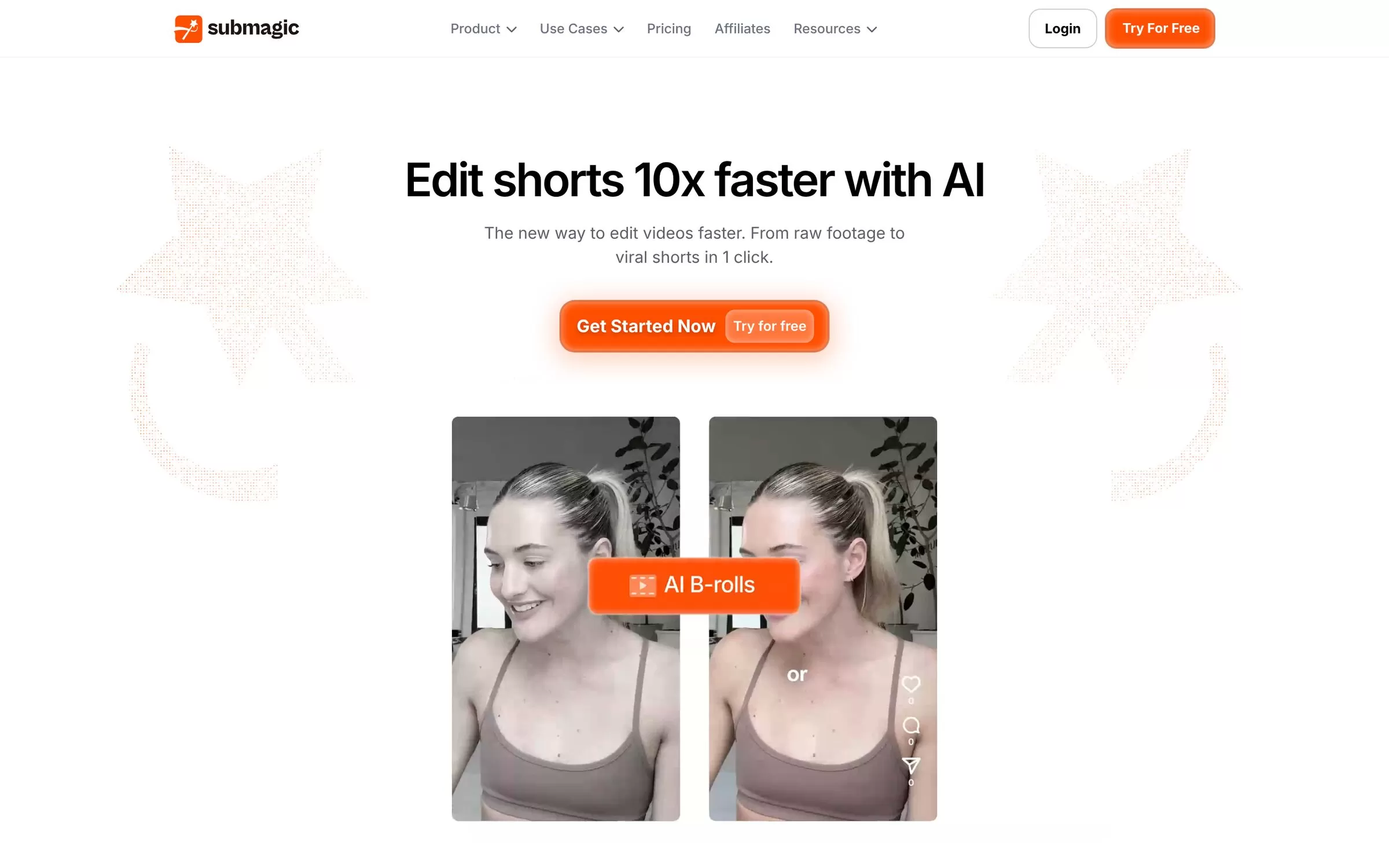
Submagic adds captions to short videos and turns long videos into shorts with Magic Clips.
Best for: Captions for Shorts
Free plan: Free trial, no credit card required
Price: Paid plans: Starter, Pro, Business (listed on the Submagic pricing page)
Website: submagic.co
6. Riverside
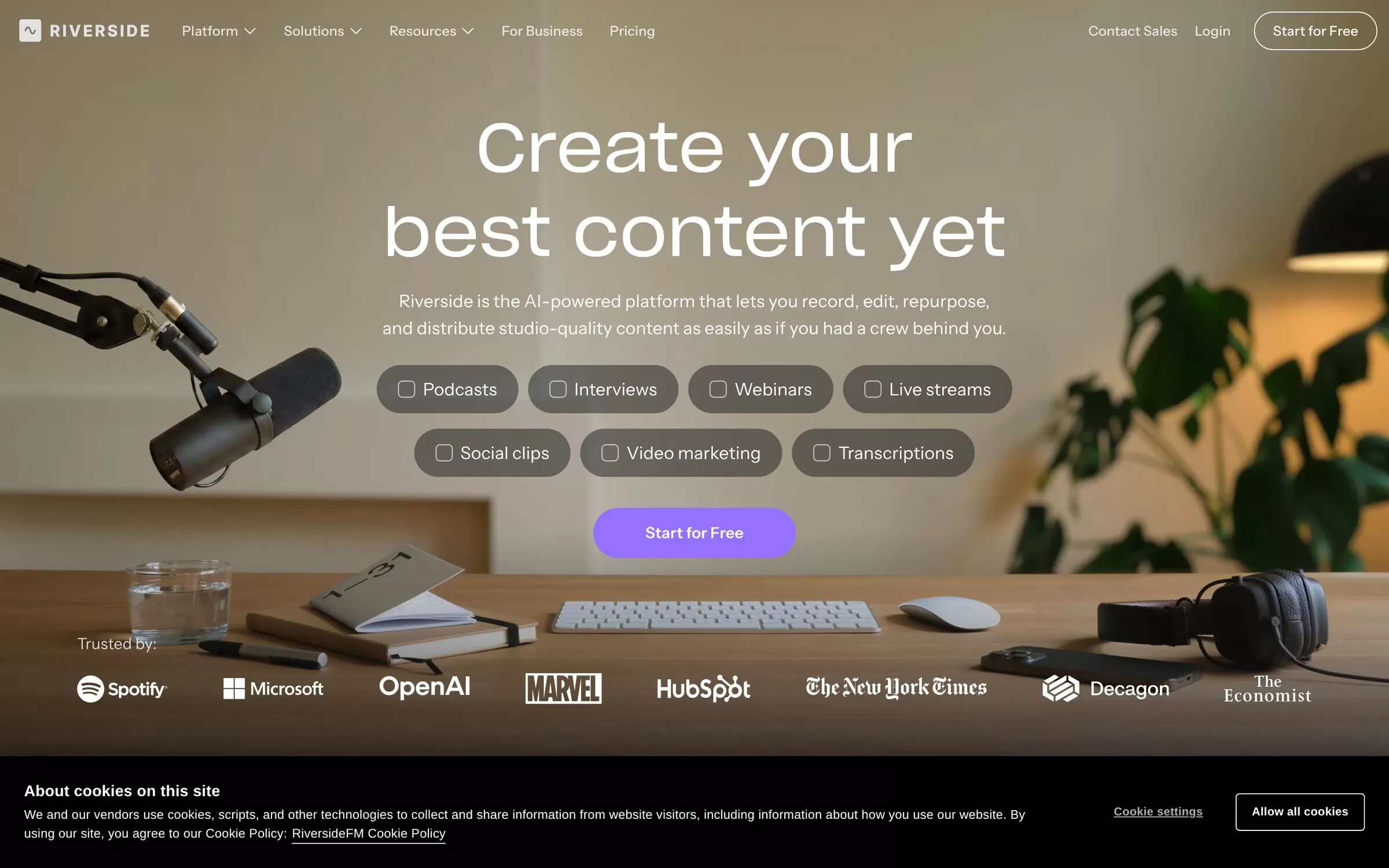
Riverside records remote interviews and podcasts in up to 4K. It has a text-based editor, AI Magic Clips and captions, and live streaming.
Best for: Recording interviews and podcasts
Free plan: Yes, 2 hours of multitrack recording (one time), 720p with watermark
Price: Paid plans: Pro, Grow, Webinar (listed on the Riverside pricing page)
Website: riverside.com
7. VEED
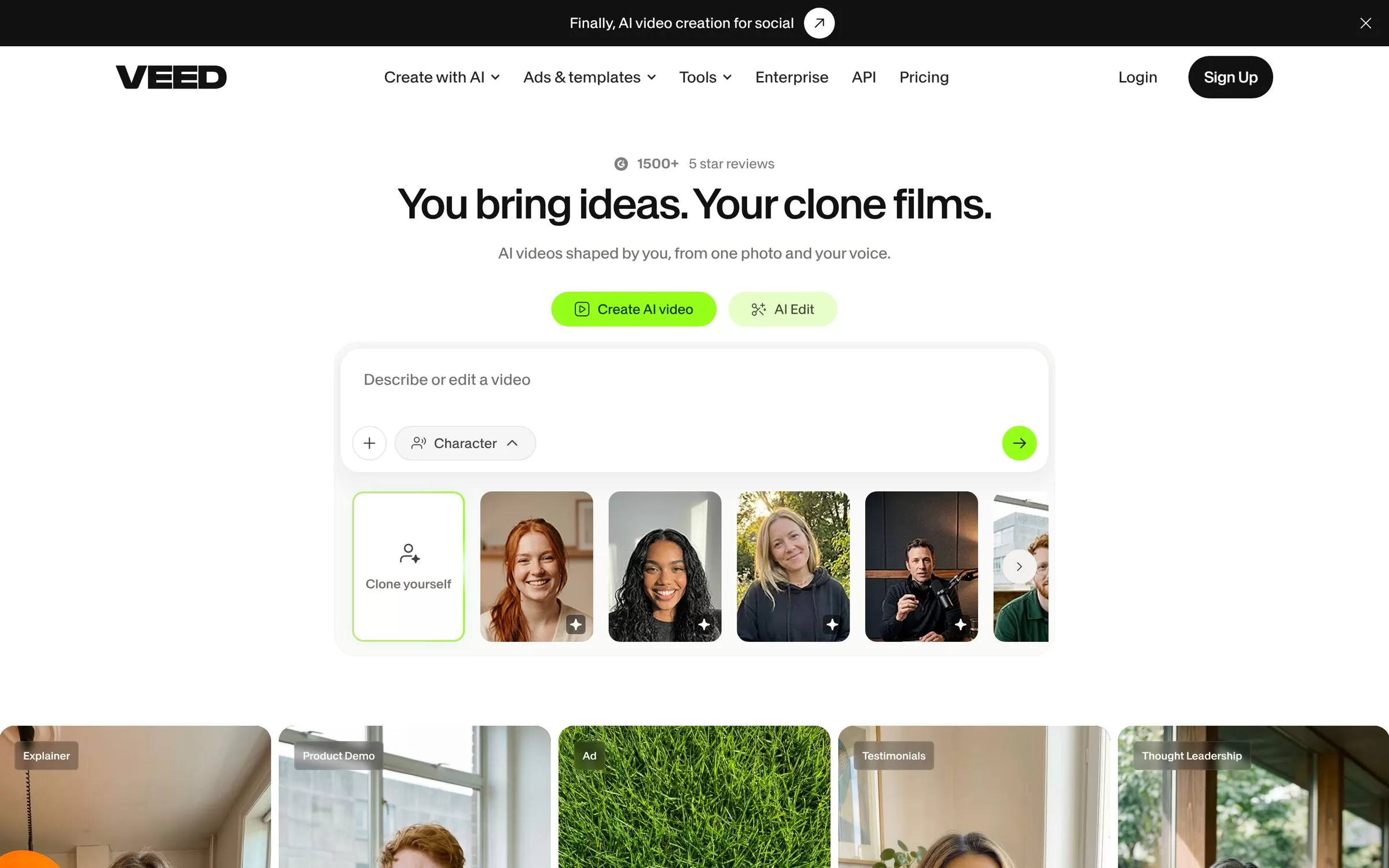
VEED is a video editor with AI editing, subtitles and dubbing.
Best for: Subtitles and quick edits
Free plan: Yes, exports carry a VEED watermark
Price: See the VEED pricing page for current plans
Website: veed.io
8. ElevenLabs
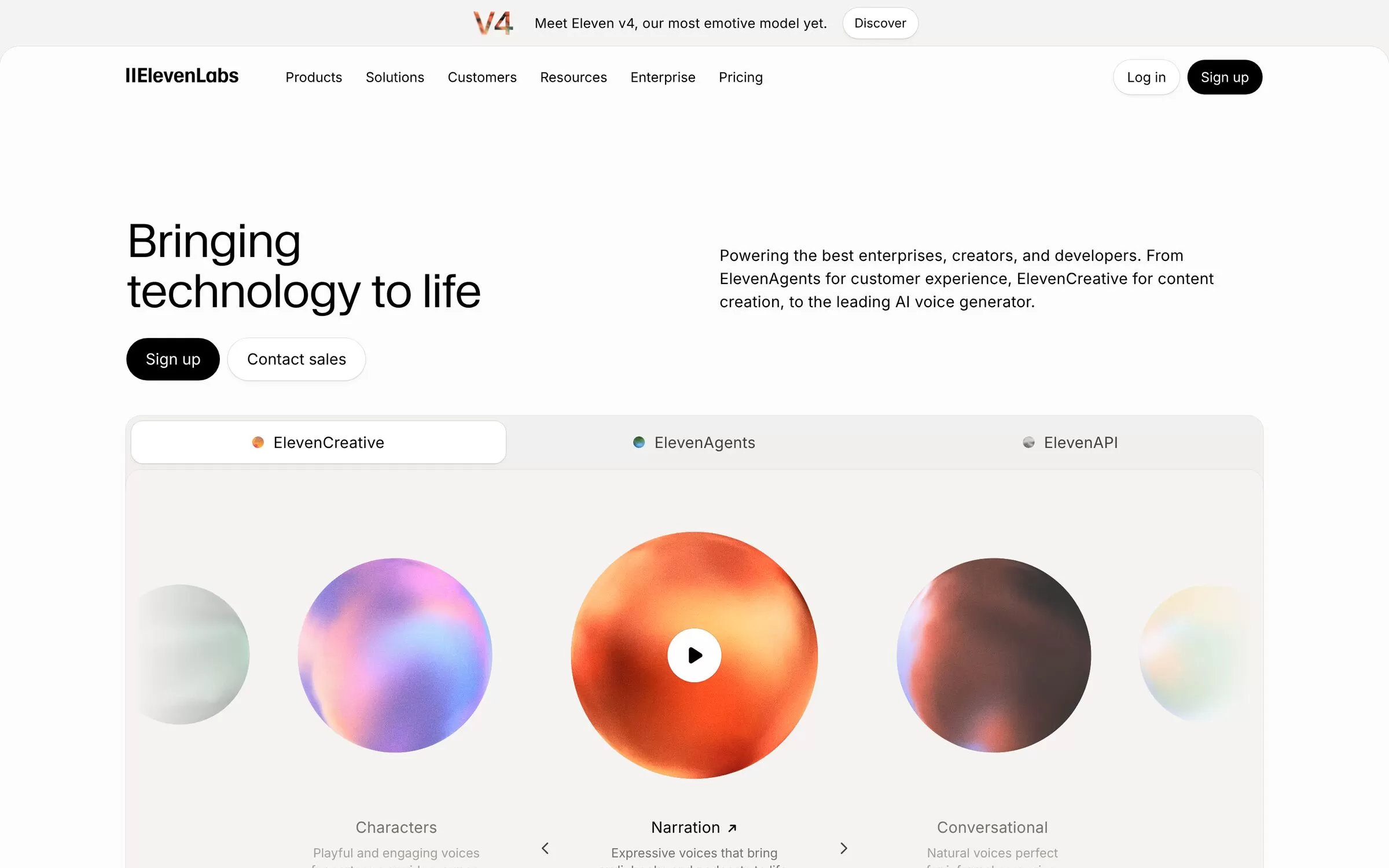
ElevenLabs turns text into expressive speech and can dub a video into other languages.
Best for: Voiceovers and dubbing
Free plan: Yes, 10,000 credits a month
Price: Paid plans: Starter, Creator, Pro, Scale (listed on the ElevenLabs pricing page)
Website: elevenlabs.io
9. Gling
Gling removes silences, bad takes and filler words from raw footage, and adds captions. It exports to Premiere, Final Cut Pro and DaVinci Resolve, and supports Hindi speech.
Best for: Cutting silences and bad takes
Free plan: Yes, 1 hour of AI-edited media a month with watermark
Price: Plus $20 a month on monthly billing, Pro $40 a month
Website: gling.ai
Free AI tools for YouTube: where to start
Every tool above except Submagic has a free plan, so you can try a few before paying. Start with vidIQ or TubeBuddy for ideas and titles, then add one editor such as Descript or Gling.
AI tools for YouTube Shorts
For Shorts, Opus Clip and Submagic are built for the job. Opus Clip finds the clips, and Submagic adds captions.
Final verdict
Pick vidIQ or TubeBuddy to decide what to make, and Descript or Gling to edit it. Add Opus Clip for Shorts. Try the free plans first and pay only for the one you use every week.


