
7 AI Design Tools That Make Posts, Banners and Brochures Fast
Design social posts, banners and brochures without a designer.

Key Takeaways
- Easiest for social posts: Canva
- Best for brochures: Visme
- Best for infographics: Piktochart
- All seven have a free plan
The 7 best AI design tools below help you make social posts, banners and brochures without hiring a designer, and all of them have a free plan.
Top 7 AI design tools at a glance
| Tool | Best for | Free plan |
|---|---|---|
| 1. Canva | Social posts and banners | Yes |
| 2. VistaCreate | Small business ads | Yes |
| 3. Visme | Brochures and reports | Yes |
| 4. Piktochart | Infographics | Yes |
| 5. Kittl | Branding and typography | Yes |
| 6. Recraft | Vectors and illustrations | Yes |
| 7. Fotor | Photo edits and quick designs | Yes |
Jump toCanvaVistaCreateVismePiktochartKittlRecraftFotor
The 7 best AI design tools
1. Canva
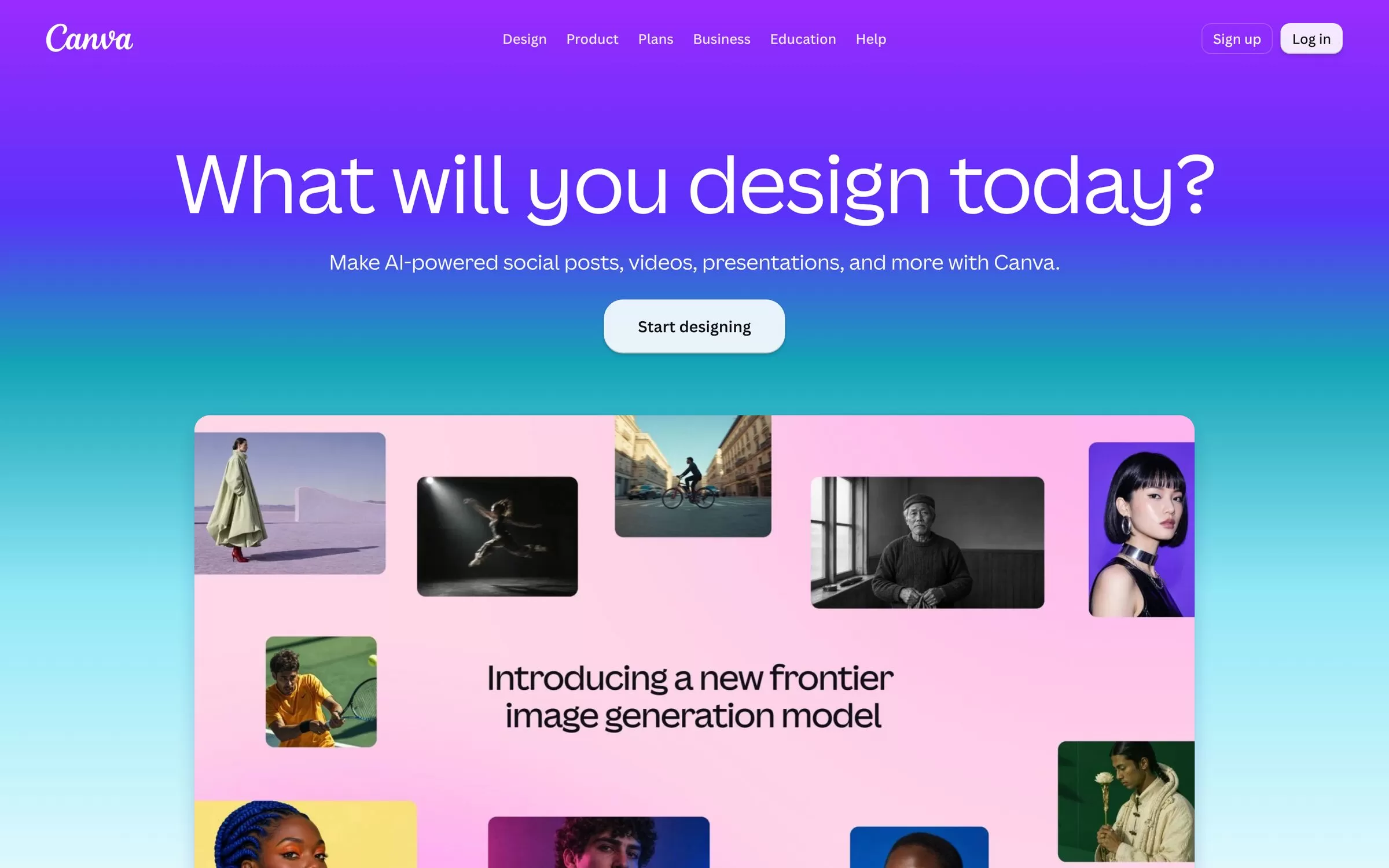
Canva is a design platform with AI tools built in. Pro adds Magic Resize, Brand Kit, Background Remover and 40+ AI tools.
Best for: Social posts and banners
Free plan: Yes, free plan with a monthly limit on AI use
Price: Paid Pro and Business plans, prices on the Canva pricing page
Website: canva.com
2. VistaCreate
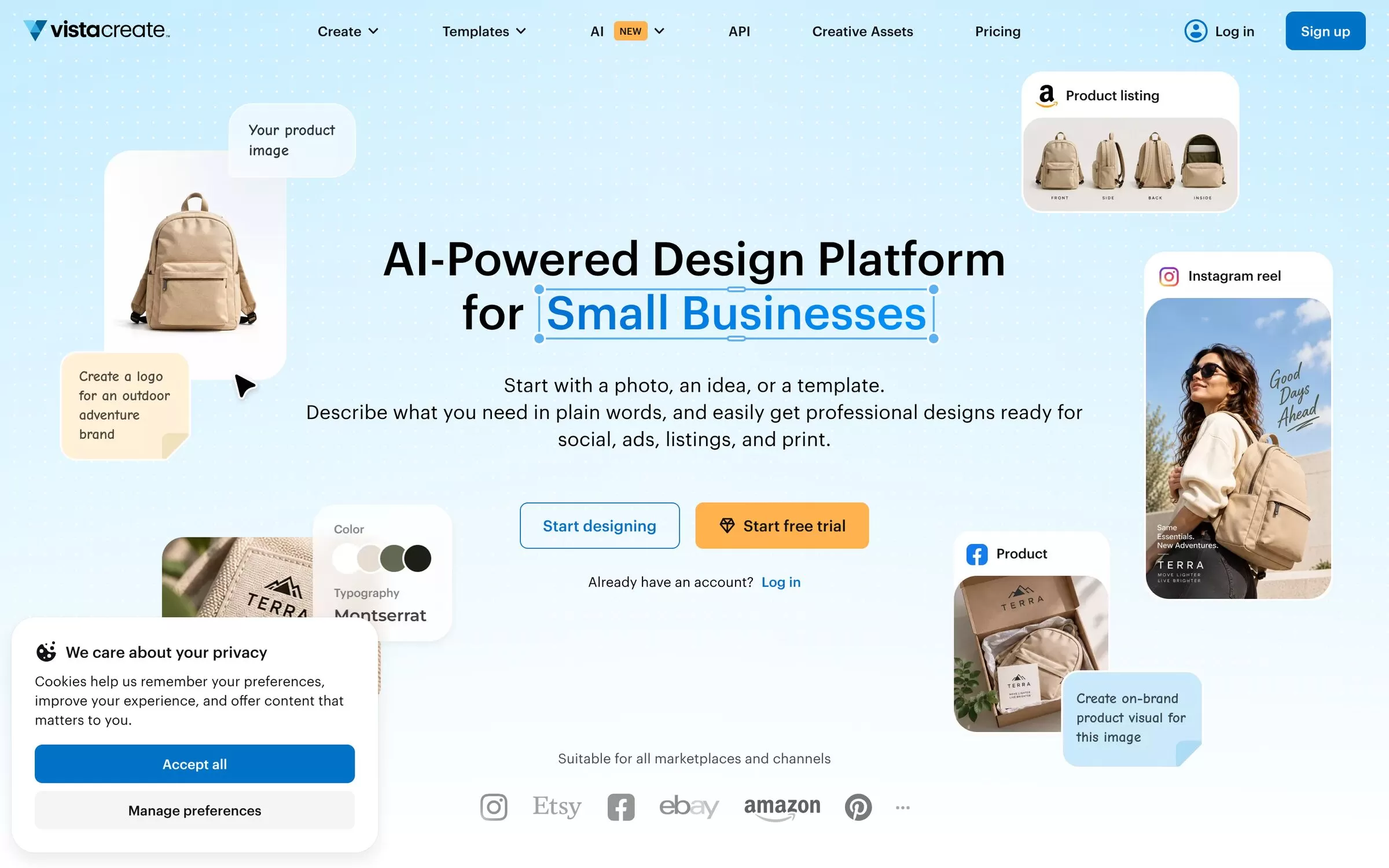
VistaCreate calls itself an AI-powered design platform for small businesses, with designs for social, ads, listings and print. It includes an AI Image Generator, AI Writer and AI Object Remover.
Best for: Small business ads
Free plan: Yes, the Starter plan costs $0
Price: Paid Pro plan, listed in US dollars on the VistaCreate plans page
Website: create.vista.com
3. Visme
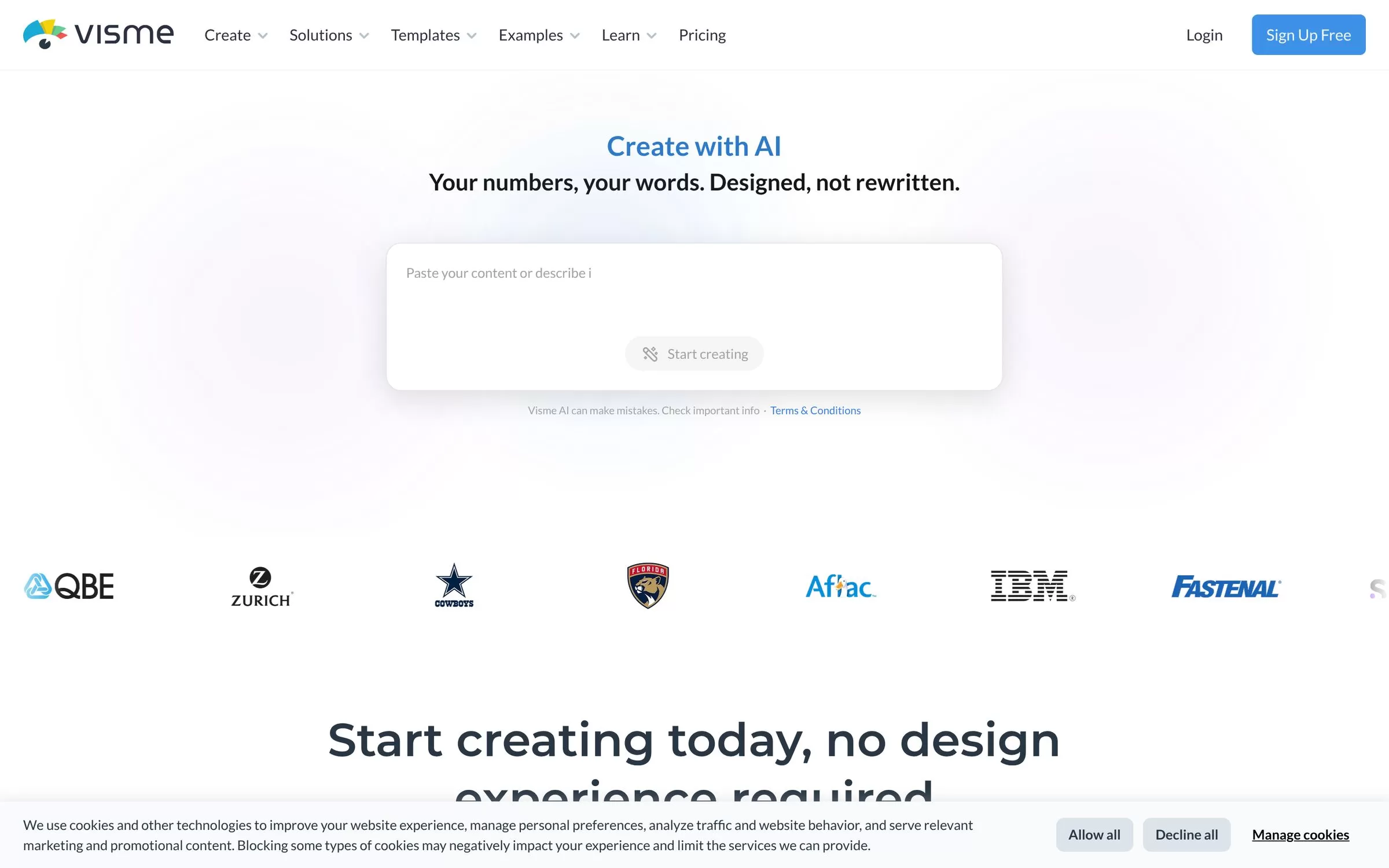
Visme turns a text prompt into a presentation, infographic, document or social graphic. Its AI tools include AI Designer, AI Resize and Brand Wizard, which builds branded designs from a website URL.
Best for: Brochures and reports
Free plan: Yes, the Basic plan costs $0 with 10 AI credits a month
Price: Starter costs $12.25 per person per month on the annual plan, billed in US dollars
Website: visme.co
4. Piktochart
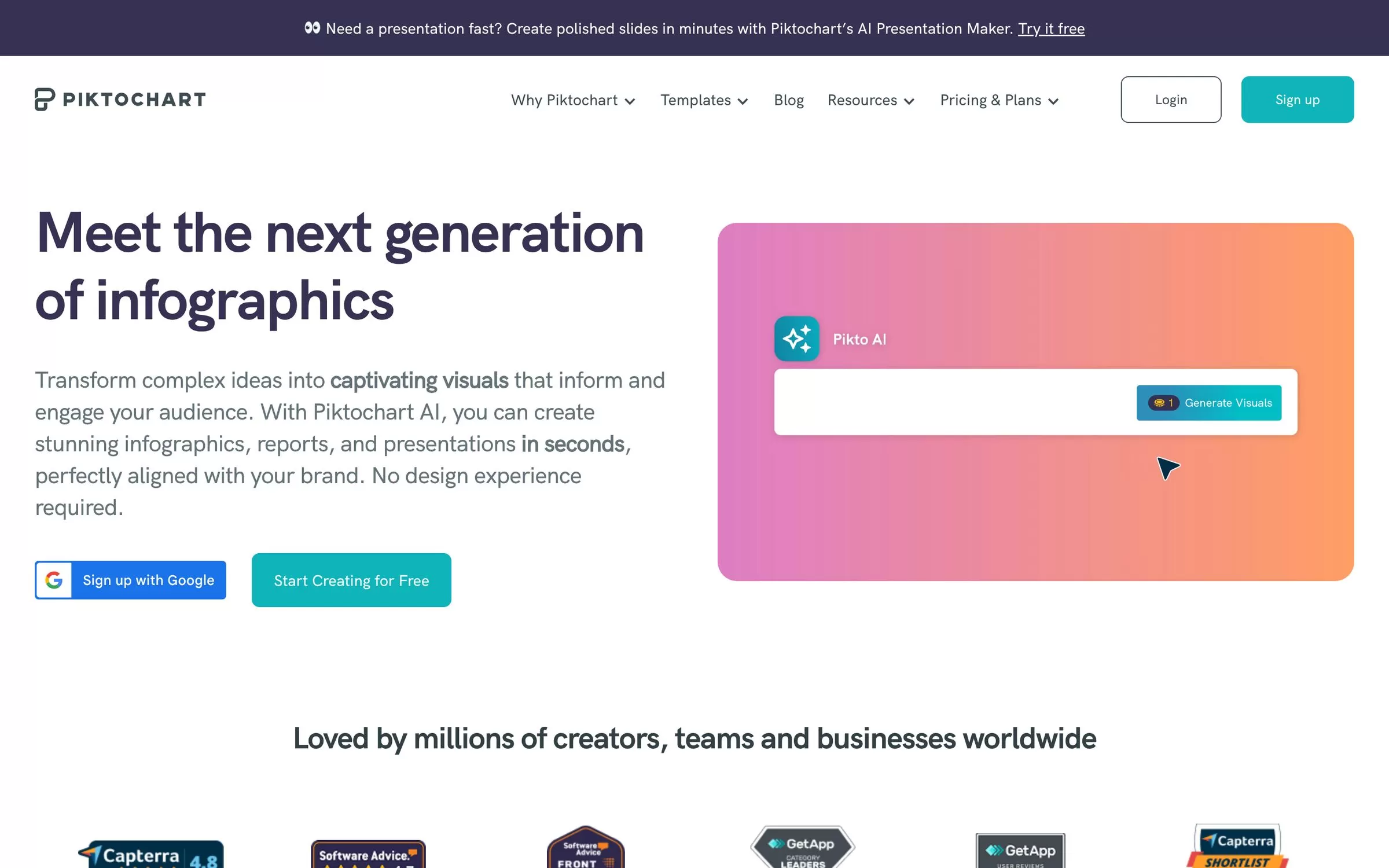
Piktochart makes infographics, reports, presentations and social media graphics, and Pikto AI creates the first draft from your prompt. It suits explainers and data-heavy visuals.
Best for: Infographics
Free plan: Yes, $0 with 60 AI credits and 2 PNG downloads
Price: Pro costs $10 per member per month billed annually, or $15 billed monthly
Website: piktochart.com
5. Kittl
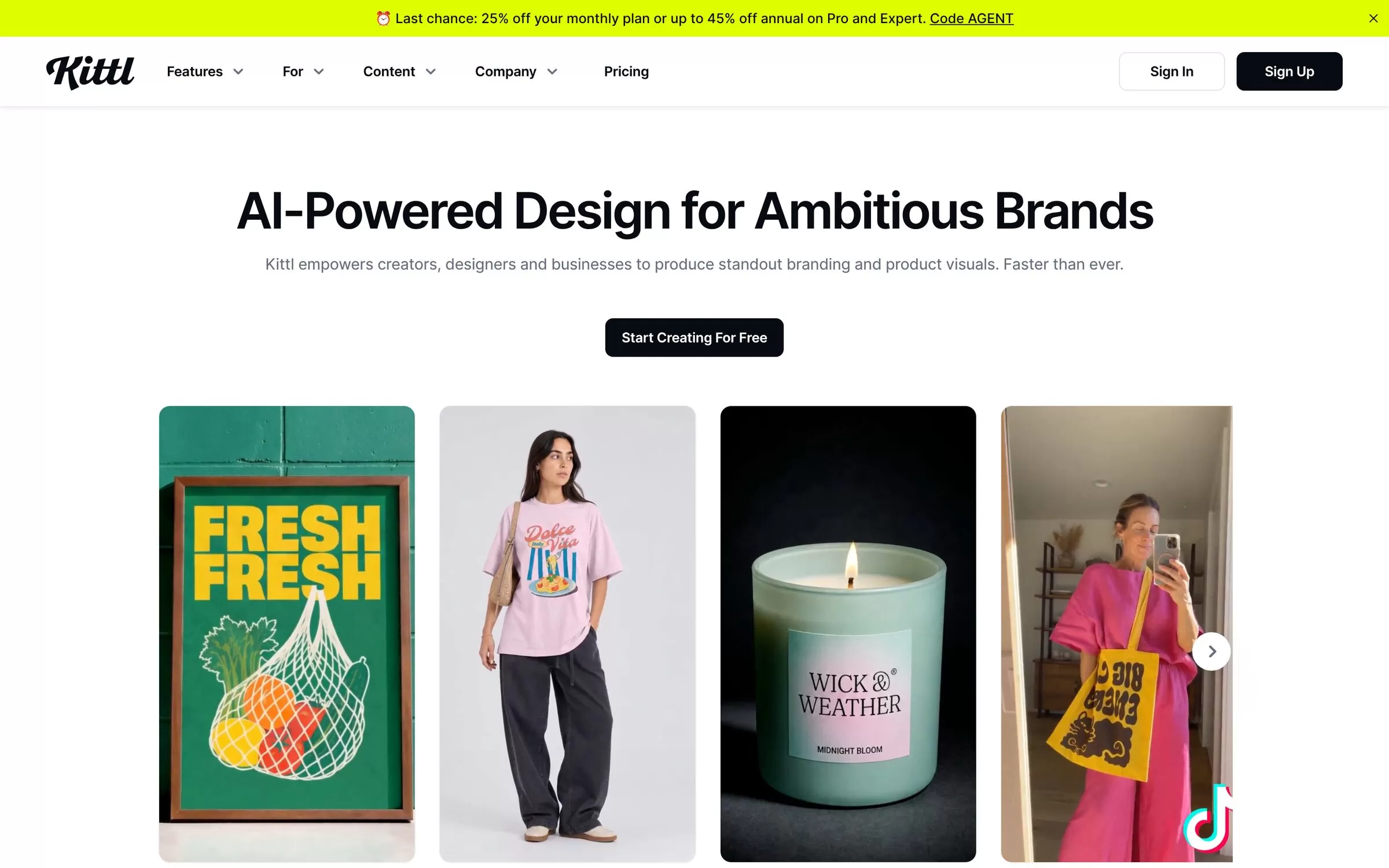
Kittl describes itself as AI-powered design for ambitious brands, with an AI Image Generator, AI Vector Generator and Background Remover. It is a good fit for logos, posters and merch-style graphics.
Best for: Branding and typography
Free plan: Yes, for personal use only with no commercial rights
Price: Paid Pro, Expert and Max plans, prices on the Kittl pricing page
Website: kittl.com
6. Recraft
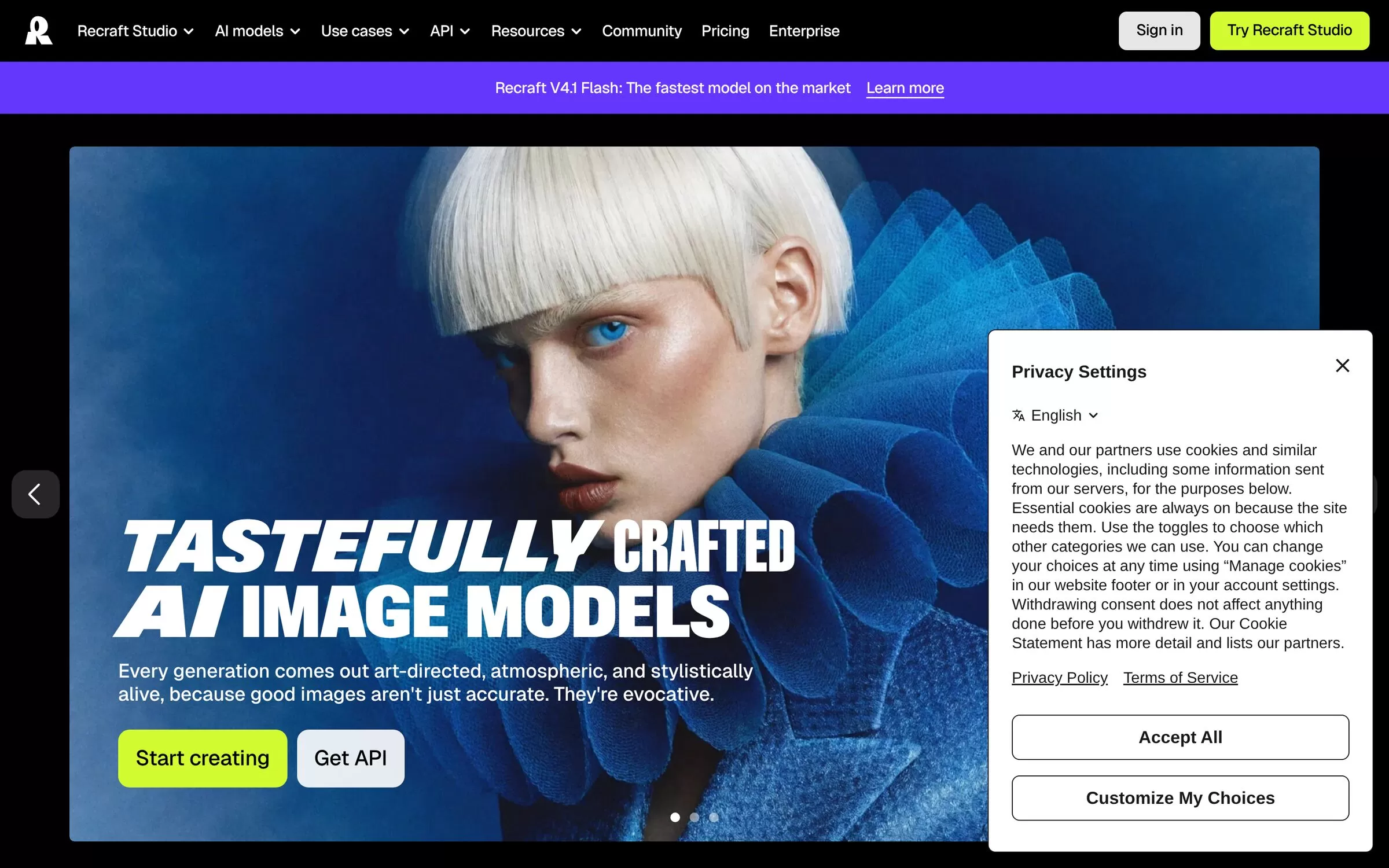
Recraft is an AI image generator with a vector generator, mockup generator and an editor called Recraft Studio. Use it to make illustrations that you place into other designs.
Best for: Vectors and illustrations
Free plan: Yes, but free images are public and not licensed for commercial use
Price: Paid Basic, Pro and Teams plans, prices on the Recraft pricing page
Website: recraft.ai
7. Fotor
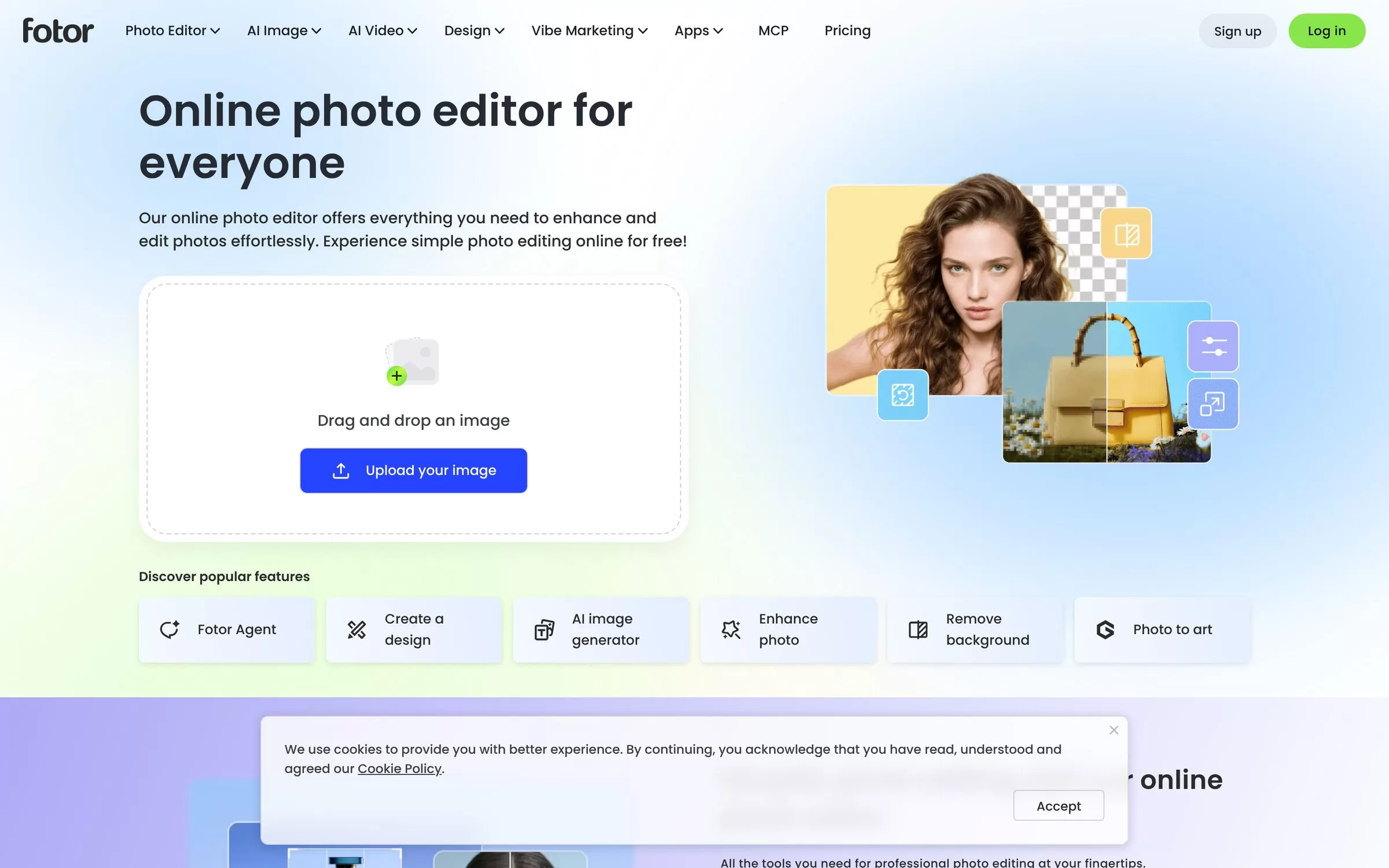
Fotor is an online photo editor with a Create a design option, an AI image generator, photo enhancer and background remover. It works well when your post starts from a photo.
Best for: Photo edits and quick designs
Free plan: Yes, a free Basic plan with limited credits
Price: Paid Pro, Pro+ and Max plans, billed in US dollars on the Fotor pricing page
Website: fotor.com
Free AI design tools: what to check first
Every tool here has a free plan, but the limits differ. Canva limits AI use each month, Piktochart allows 2 PNG downloads, and Kittl and Recraft free plans do not cover commercial use. Read the free plan terms before you use a design for a client or an ad.
Final verdict
Start with Canva for everyday social posts and banners. Pick Visme for brochures and reports, Piktochart for infographics, and Kittl or Recraft when you need brand-style graphics and illustrations. Try two free plans on one real post before you pay for anything.


