
VEED
An online editor for social videos with subtitles and AI avatars
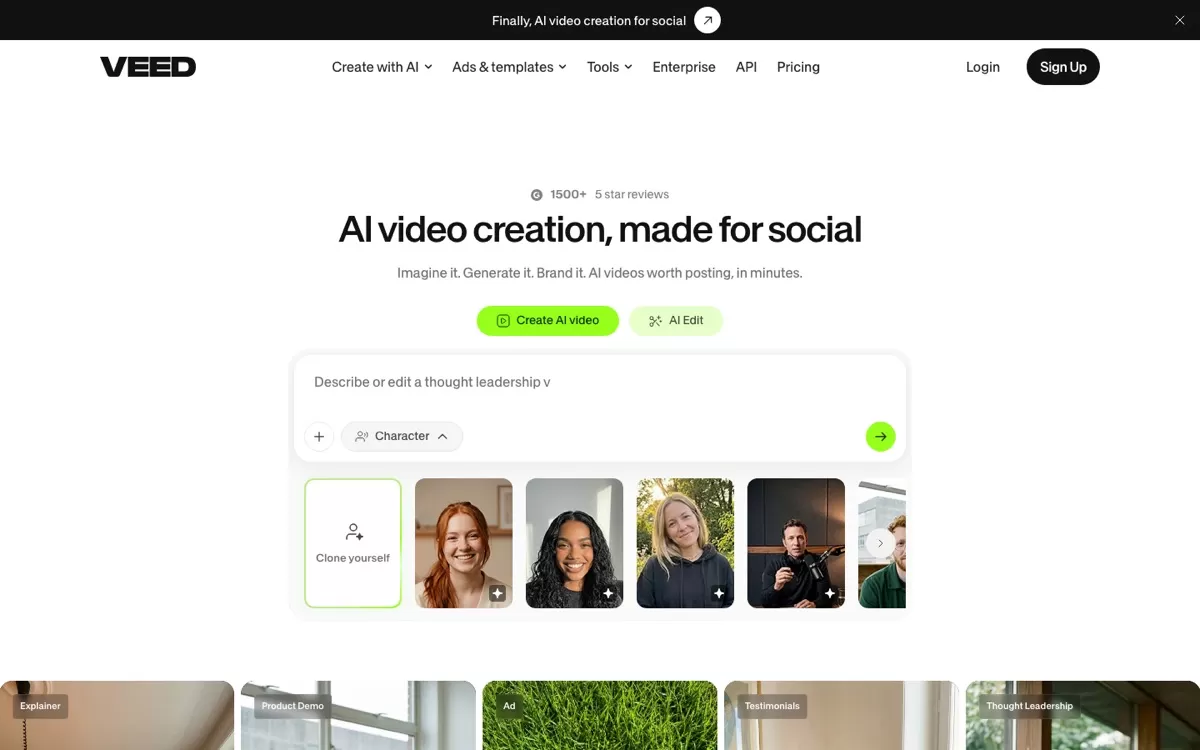
What VEED does
A browser editor for social videos with AI generation, auto subtitles, voice cloning and AI avatars.
Top use cases of VEED
- 1
Add subtitles to a video
Auto-generate captions so viewers can watch without sound.
- 2
Make a quick ad
Edit a short social ad in the browser with your team.
- 3
Present with an AI avatar
Create a talking video without being on camera.
VEED FAQs
What is VEED?
VEED is an online editor for social videos with subtitles and AI avatars. A browser editor for social videos with AI generation, auto subtitles, voice cloning and AI avatars.
Is VEED free?
Yes, VEED has a free plan: you can start for free.
How much does VEED cost in India?
VEED lists its current plans on its website, veed.io.
What is VEED best for?
VEED is best for social media teams, subtitled videos, quick ads. People use it to add subtitles to a video, make a quick ad and present with an AI avatar.
How to add subtitles to a video with VEED?
With VEED, you can auto-generate captions so viewers can watch without sound.
How to make a quick ad with VEED?
With VEED, you can edit a short social ad in the browser with your team.
How to present with an AI avatar with VEED?
With VEED, you can create a talking video without being on camera.
What are the best VEED alternatives?
Popular alternatives in Video Editing include Descript, DaVinci Resolve 21, OpusClip and Canva Video Editor. Each has its own free plan and price, so compare them on the tool pages.
Where can I sign up for VEED?
On its official website, veed.io. You can start on the free plan.
When were VEED's price and features last checked?
We checked them on the official site on 20 October 2026. Plans change often, so confirm the latest price on veed.io before you pay.