
DaVinci Resolve 21
A free professional editor with AI colour and audio tools
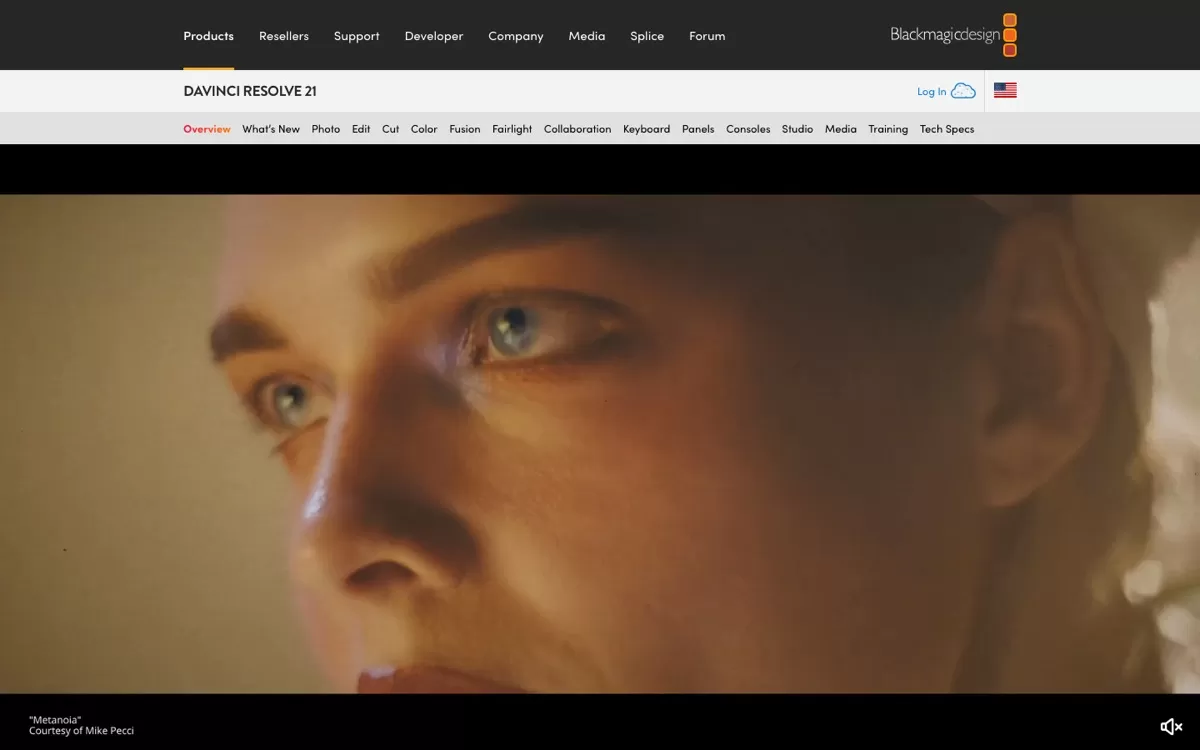
What DaVinci Resolve 21 does
A Hollywood-grade editor whose main version is completely free. AI handles smart reframing, colour matching and voice isolation.
Top use cases of DaVinci Resolve 21
- 1
Edit a film-style video
Cut, grade and finish a full YouTube video without paying for software.
- 2
Match colours between shots
Use AI colour matching so clips from different cameras look the same.
- 3
Reframe for Reels
Turn a wide video into a vertical one with smart reframing.
DaVinci Resolve 21 FAQs
What is DaVinci Resolve 21?
DaVinci Resolve 21 is a free professional editor with AI colour and audio tools. A Hollywood-grade editor whose main version is completely free. AI handles smart reframing, colour matching and voice isolation.
Is DaVinci Resolve 21 free?
Yes, DaVinci Resolve 21 has a free plan: the full editor is free. Paid pricing: Studio version is a one-time purchase, listed at $236 at the time of writing.
How much does DaVinci Resolve 21 cost in India?
DaVinci Resolve 21 pricing: Studio version is a one-time purchase, listed at $236 at the time of writing. Prices on the official site are in US dollars. Prices can change, so check blackmagicdesign.com for the latest pricing.
What is DaVinci Resolve 21 best for?
DaVinci Resolve 21 is best for film-style editing, colour grading, YouTubers who want full control. People use it to edit a film-style video, match colours between shots and reframe for Reels.
How to edit a film-style video with DaVinci Resolve 21?
With DaVinci Resolve 21, you can cut, grade and finish a full YouTube video without paying for software.
How to match colours between shots with DaVinci Resolve 21?
With DaVinci Resolve 21, you can use AI colour matching so clips from different cameras look the same.
How to reframe for Reels with DaVinci Resolve 21?
With DaVinci Resolve 21, you can turn a wide video into a vertical one with smart reframing.
What are the best DaVinci Resolve 21 alternatives?
Popular alternatives in Video Editing include Descript, OpusClip, Canva Video Editor and VEED. Each has its own free plan and price, so compare them on the tool pages.
Where can I sign up for DaVinci Resolve 21?
On its official website, blackmagicdesign.com. You can start on the free plan.
When were DaVinci Resolve 21's price and features last checked?
We checked them on the official site on 20 October 2026. Plans change often, so confirm the latest price on blackmagicdesign.com before you pay.