
10 AI Tools for Excel That Write Formulas and Build Charts for You
Ask in plain English and let AI handle the formulas, cleanup and charts.

Key Takeaways
- Best inside Excel: Copilot
- Best for models: Claude for Excel
- Free start: GPTExcel
- Rupee pricing: Microsoft 365
The 10 best AI tools for Excel in 2026 write formulas, clean data and build charts when you just ask in plain English.
Top 10 AI tools for Excel at a glance
| Tool | Best for | Free plan |
|---|---|---|
| 1. Microsoft Copilot in Excel | Microsoft 365 users | Not listed |
| 2. Claude for Excel | Financial models | No, paid plans only |
| 3. Julius AI | Charts and analysis | Yes |
| 4. Better Analyst (formerly Formula Bot) | Formulas and analysis | Yes |
| 5. RowSpeak (formerly Excelmatic) | Dashboards | Yes |
| 6. Ajelix | Excel files and VBA | Yes |
| 7. Numerous.ai | AI in cells | Not listed |
| 8. Powerdrill | Data analysis | Yes |
| 9. Coefficient | Live data syncing | Yes |
| 10. GPTExcel | Formulas and pivots | Yes |
Jump toMicrosoft Copilot in ExcelClaude for ExcelJulius AIBetter AnalystRowSpeakAjelixNumerous.aiPowerdrillCoefficientGPTExcel
The 10 best AI tools for Excel in 2026
1. Microsoft Copilot in Excel

Copilot works inside Excel and has Edit, Chat and Plan modes on Windows, Mac and the web. Ask it in plain English and it works on your sheet.
Best for: Excel users on Microsoft 365
Free plan: Not listed for Copilot in Excel (it needs a Microsoft 365 plan that includes Copilot)
Price: Included with eligible Microsoft 365 plans; see the Microsoft India page for current rupee prices
Website: microsoft.com
2. Claude for Excel
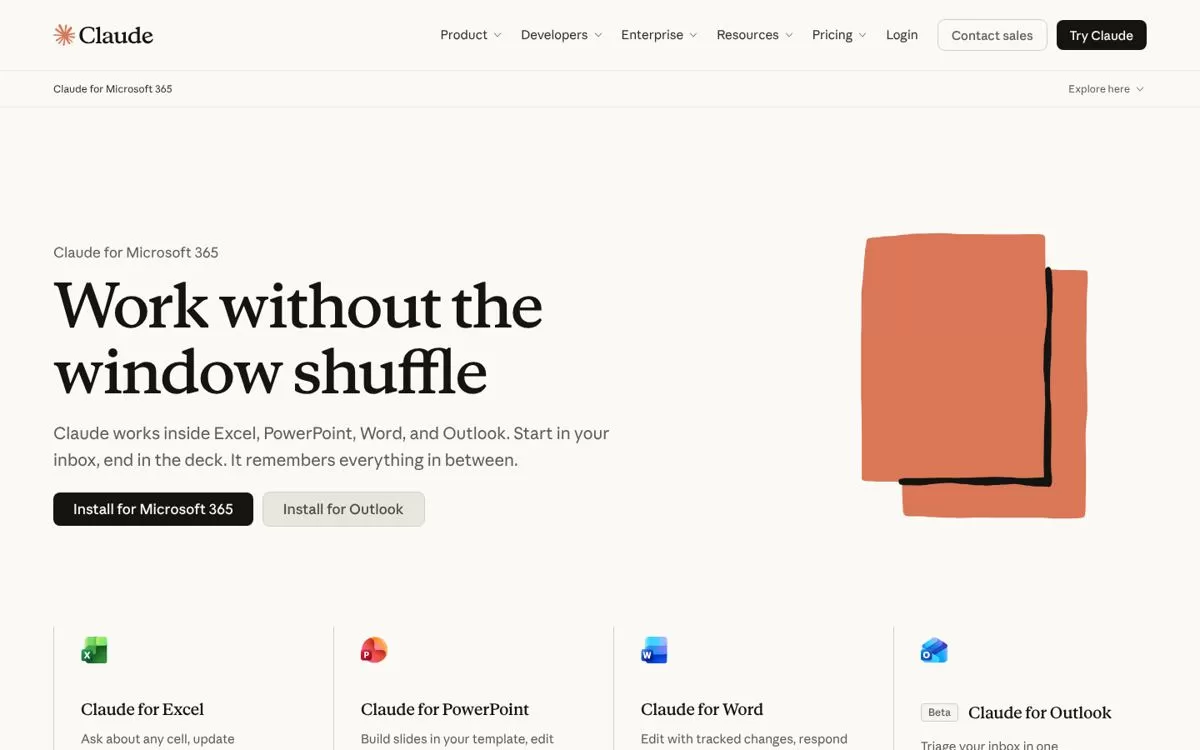
Claude for Excel works inside Excel. You can ask about any cell, update assumptions without breaking formulas, or build a model from scratch.
Best for: Building and editing models
Free plan: No. It is included on paid Claude plans, and the Free plan does not include it
Price: Claude Pro is $17 a month billed annually or $20 billed monthly
Website: claude.com
3. Julius AI

Julius lets you analyze Excel and Google Sheets files in plain English. It creates charts and generates formulas using natural language.
Best for: Charts and data analysis
Free plan: Yes, a free plan is listed
Price: Plus is $20 a month
Website: julius.ai
4. Better Analyst (formerly Formula Bot)
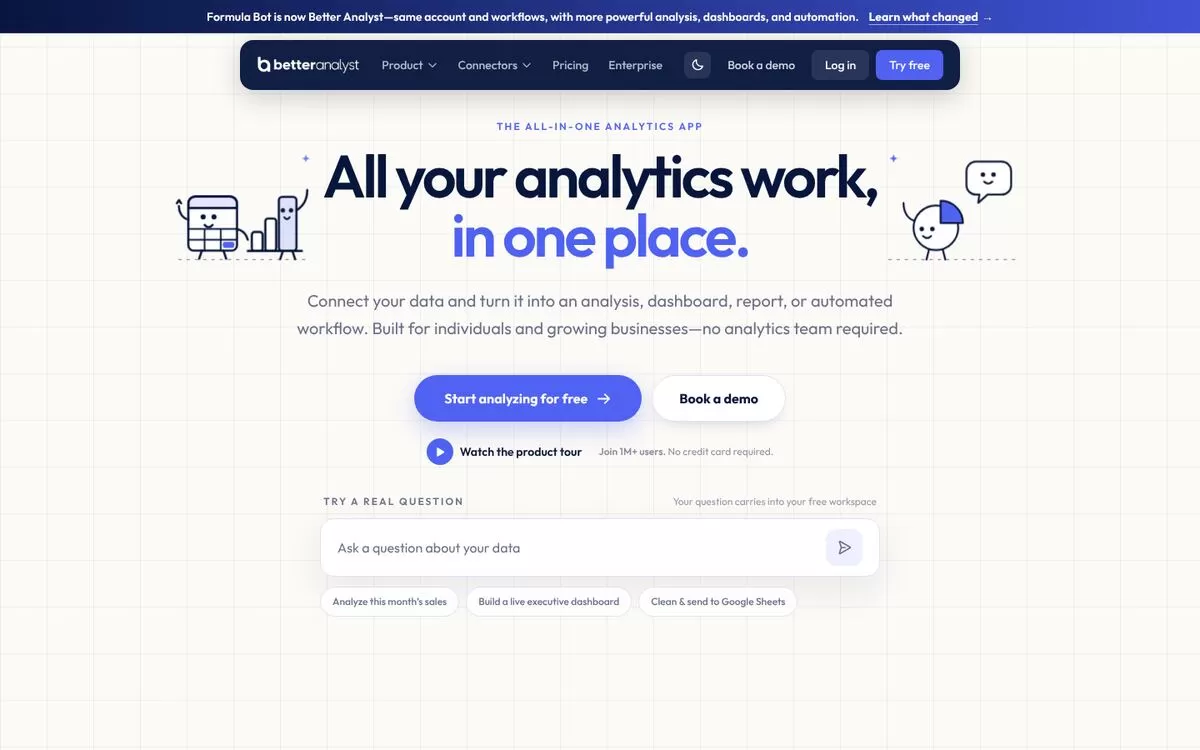
Formula Bot is now Better Analyst, with the same account and workflows. It helps with spreadsheet formulas and turns your data into analysis, dashboards and reports.
Best for: Formulas and quick analysis
Free plan: Yes, no credit card needed
Price: Starter is $20 a month, with the first month at $10
Website: betteranalyst.com
5. RowSpeak (formerly Excelmatic)

Upload spreadsheets, PDFs or business exports and RowSpeak gives you insights, charts, dashboards and reports. You upload your files to it.
Best for: Dashboards from Excel files
Free plan: Yes, 10 free conversations a month, no credit card
Price: Essential is $8.3 a month billed annually ($99 a year)
Website: rowspeak.ai
6. Ajelix

Ajelix describes itself as an agentic AI workspace that completes your work. It can create Excel files, debug formulas and write VBA scripts.
Best for: Formulas and Excel files
Free plan: Yes, 10 free requests a month
Price: Lite is $39 a month billed monthly or $32 a month billed yearly
Website: ajelix.com
7. Numerous.ai
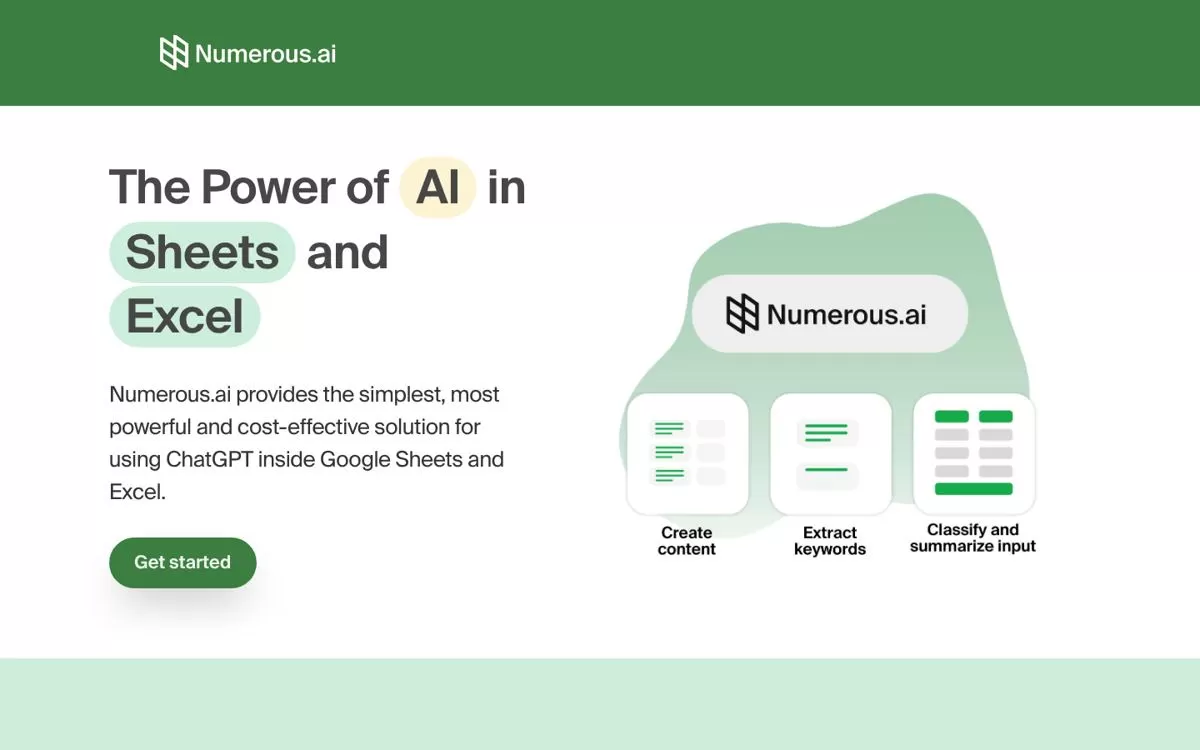
Numerous.ai brings ChatGPT into Google Sheets and Excel through a simple =AI function you can use in any cell. It suits text jobs like classifying or summarizing rows.
Best for: AI inside spreadsheet cells
Free plan: No free plan is listed
Price: Personal is $10 a month billed annually
Website: numerous.ai
8. Powerdrill

Powerdrill Bloom is an AI data analysis workspace with memory. Use it to analyze your data and get answers.
Best for: Data analysis workspace
Free plan: Yes, $0 with 1,000 credits refreshed daily
Price: Pro is $13.27 a month billed annually ($159.20 for the first year, then $199 a year)
Website: powerdrill.ai
9. Coefficient
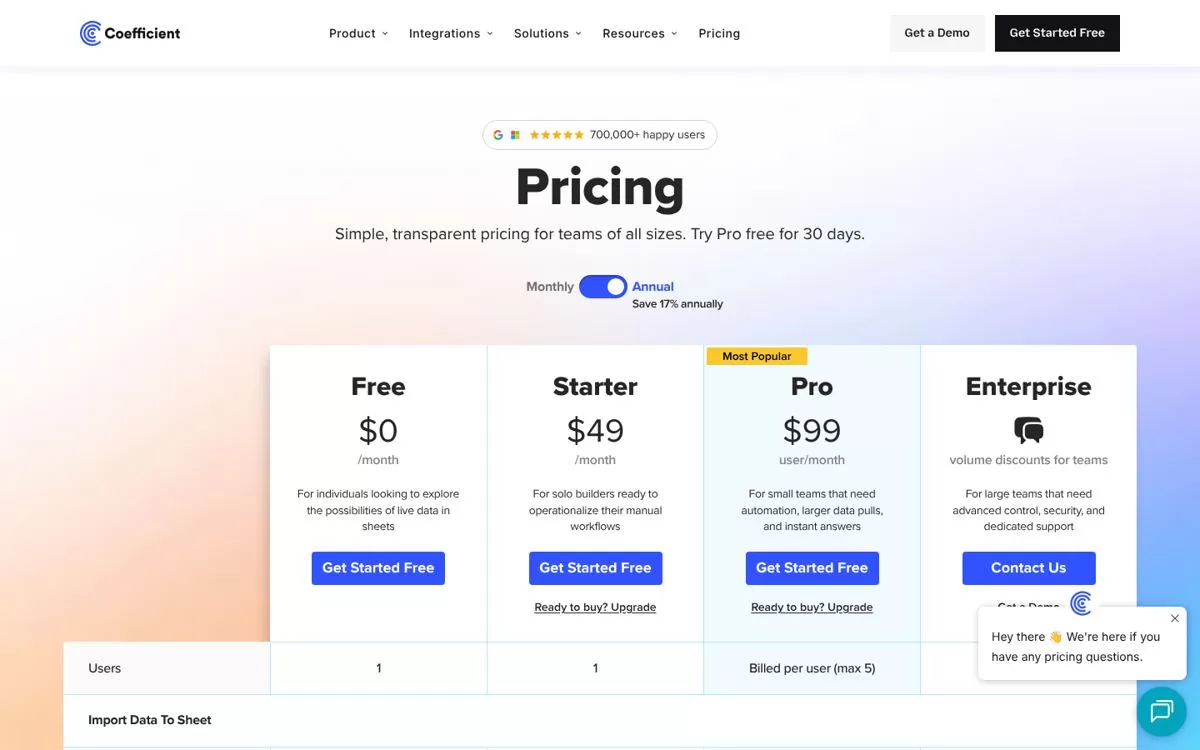
Coefficient connects live business data from 150+ integrations to Google Sheets and Excel. Its agents handle cleaning, pivots, formatting and dashboards.
Best for: Live business data in sheets
Free plan: Yes, $0 a month, plus a 30-day free trial of Pro
Price: Starter is $49 a month and Pro is $99 per user a month
Website: coefficient.io
10. GPTExcel
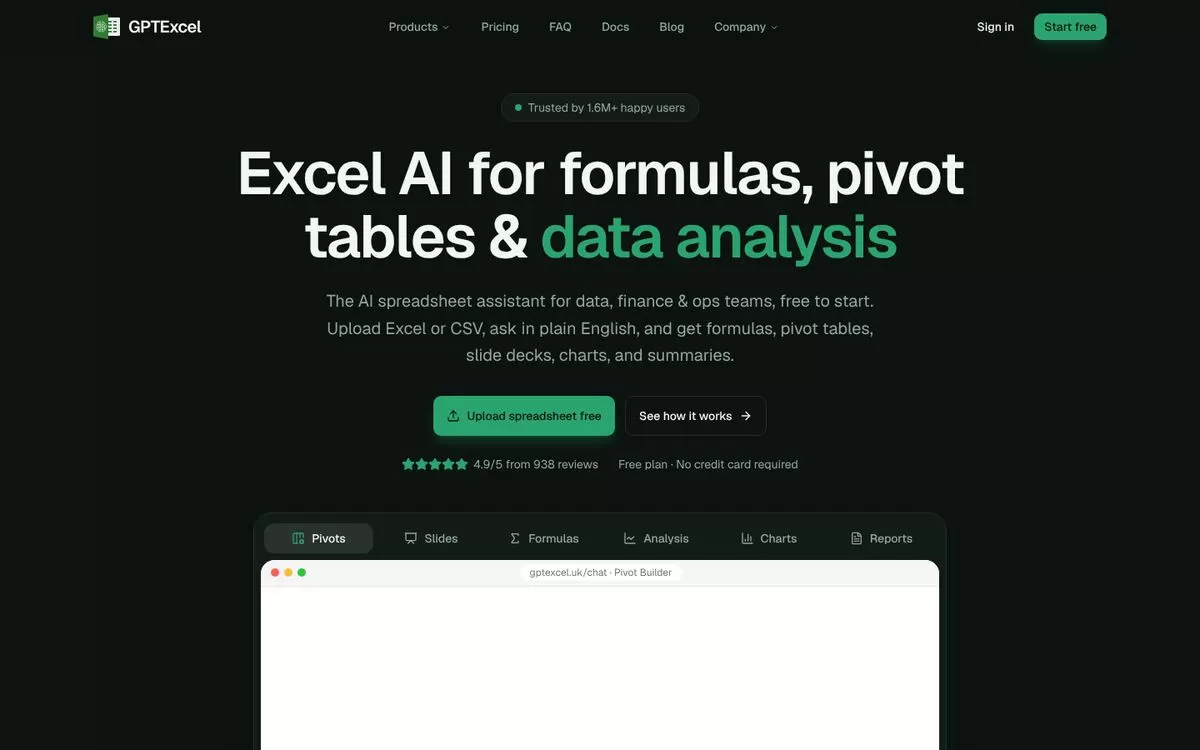
Upload an Excel or CSV file, ask in plain English, and GPTExcel returns formulas, pivot tables, charts and summaries. Its pivot builder creates native Excel pivot tables.
Best for: Formulas, pivots and charts
Free plan: Yes, $0 with 50 credits a month, no credit card
Price: Pro is $9 a month and Pro Plus is $18 a month
Website: gptexcel.uk
Free AI tools for Excel
GPTExcel, Better Analyst, RowSpeak, Julius AI, Ajelix, Powerdrill and Coefficient all have a free plan, so you can test your own file before paying. Limits differ, so check each plan on its website.
How to use AI in Excel
If you already pay for Microsoft 365, start with Copilot in Excel. If not, upload a sample file to a free plan, ask for one formula or one chart, and see if the result is right before you rely on it.
Final verdict
Pick Copilot in Excel if you live inside Microsoft 365, or GPTExcel if you want a free place to start. Try the free plan of two tools on the same file and keep the one that gets your formulas right.


