
9 AI PDF Summarizers That Turn Long Files Into Quick Answers
Chat with reports, contracts and papers, and get the key points in minutes.

Key Takeaways
- Quickest start: ChatPDF
- Best for research papers: SciSpace
- Best for many files: Humata
- Free app: PDFgear
The 9 best AI PDF summarizers in 2026 help you get the point of a long report, contract or paper without reading every page.
Top 9 AI PDF summarizers at a glance
| Tool | Best for | Free plan |
|---|---|---|
| 1. ChatPDF | Fast summaries for anyone | Yes |
| 2. PDF.ai | Chat with many PDFs | Yes |
| 3. AskYourPDF | Chat across documents | Yes |
| 4. Humata | Teams with many files | Yes |
| 5. Smallpdf | PDF tools plus AI | Yes |
| 6. LightPDF | All-in-one PDF AI | Yes |
| 7. PDFgear | Free chat on mobile too | Yes |
| 8. SciSpace | Research papers | Yes |
| 9. Claude | Long reports and charts | Yes |
Jump toChatPDFPDF.aiAskYourPDFHumataSmallpdfLightPDFPDFgearSciSpaceClaude
The 9 best AI PDF summarizers in 2026
1. ChatPDF
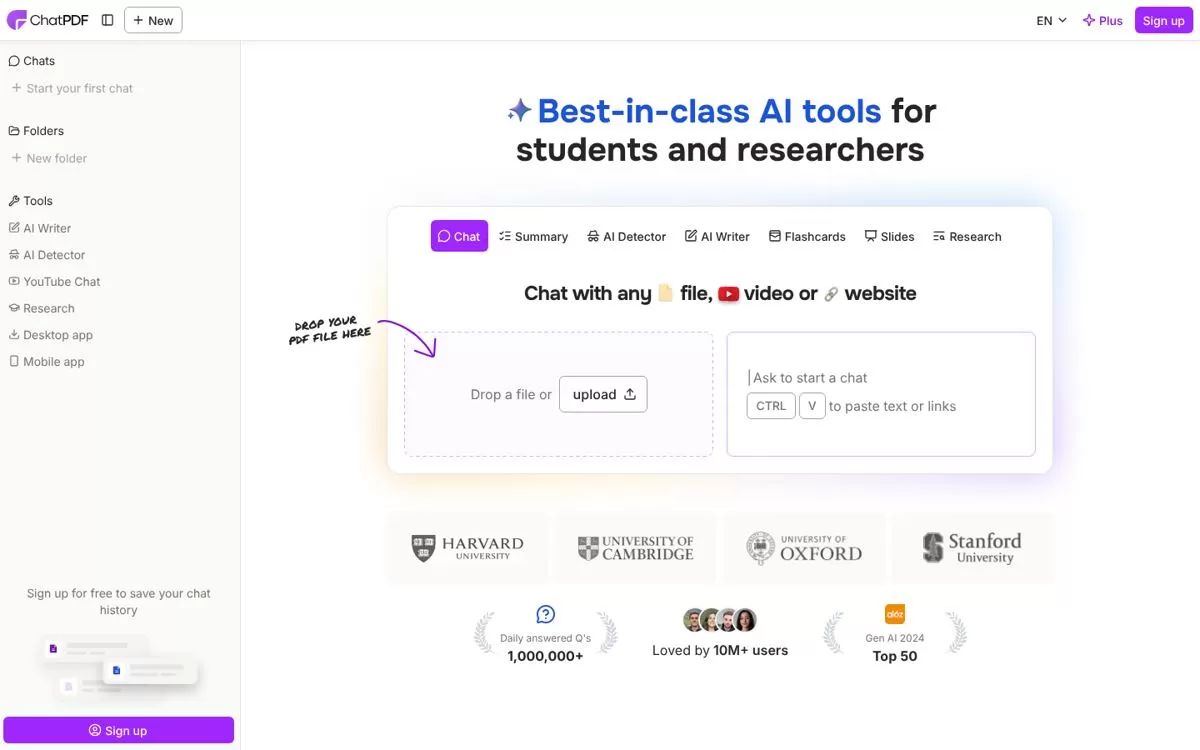
ChatPDF lets you summarise, compare and ask questions about a document in a chat, with answers linked to cited sources. It works with PDFs in any language and you can start without an account.
Best for: Fast summaries for anyone
Free plan: Yes, 2 documents every day, no account needed to start
Price: Plus plan with unlimited document analysis, price listed on the ChatPDF website
Website: chatpdf.com
2. PDF.ai
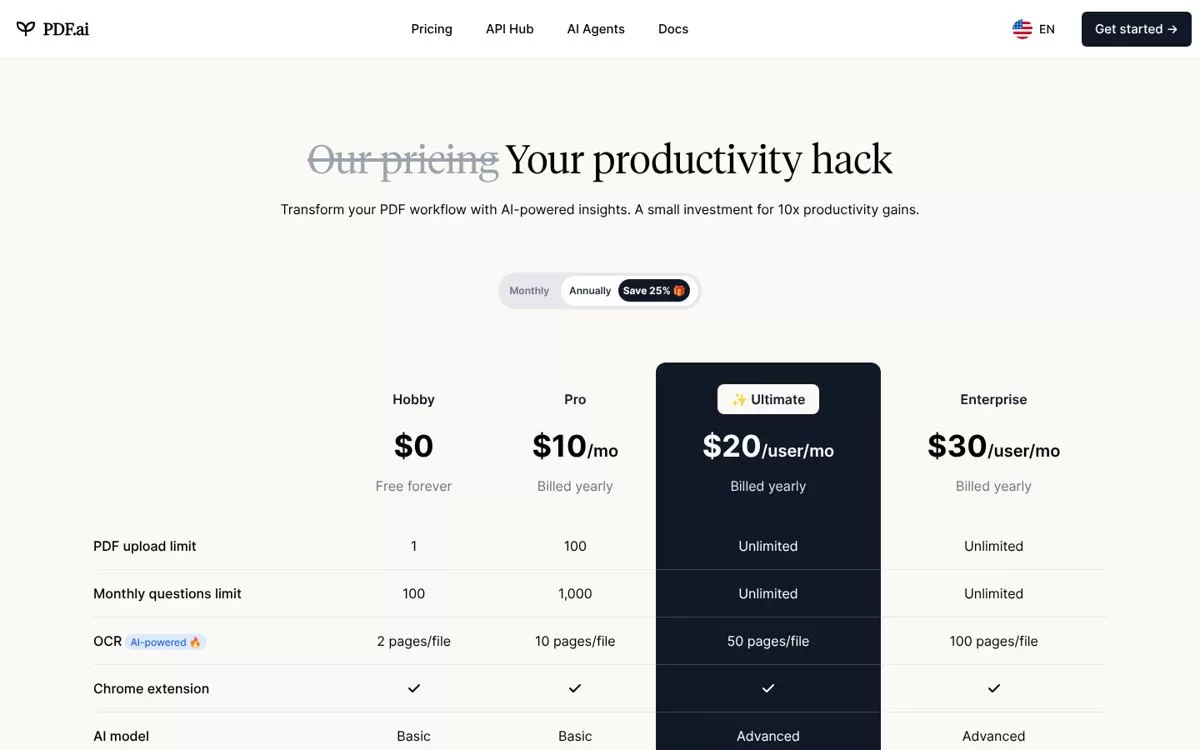
PDF.ai lets you chat with a PDF to get summaries and find information. It also offers an API to parse, extract and split PDFs, which helps teams building document workflows.
Best for: Chat with many PDFs
Free plan: Yes, Hobby plan: 1 PDF upload, 100 questions a month, 10MB files
Price: Pro $10 a month and Ultimate $20 a user a month, both billed yearly
Website: pdf.ai
3. AskYourPDF
AskYourPDF lets you chat with PDFs and other documents to pull out summaries and exact quotes, even across several files at once. It can also build a website chatbot from your content.
Best for: Chat across documents
Free plan: Yes, 100 pages per document, 15MB file size, 1 document a day
Price: Premium from $11.99 a month and Pro from $14.99 a month when billed yearly
Website: askyourpdf.com
4. Humata
Humata answers questions across your files with cited links back to the source. You can ask it to summarise findings or compare documents, and it suits teams with shared folders.
Best for: Teams with many files
Free plan: Yes, up to 60 pages
Price: Expert $9.99 a month (500 pages), Team $49 a user a month
Website: humata.ai
5. Smallpdf
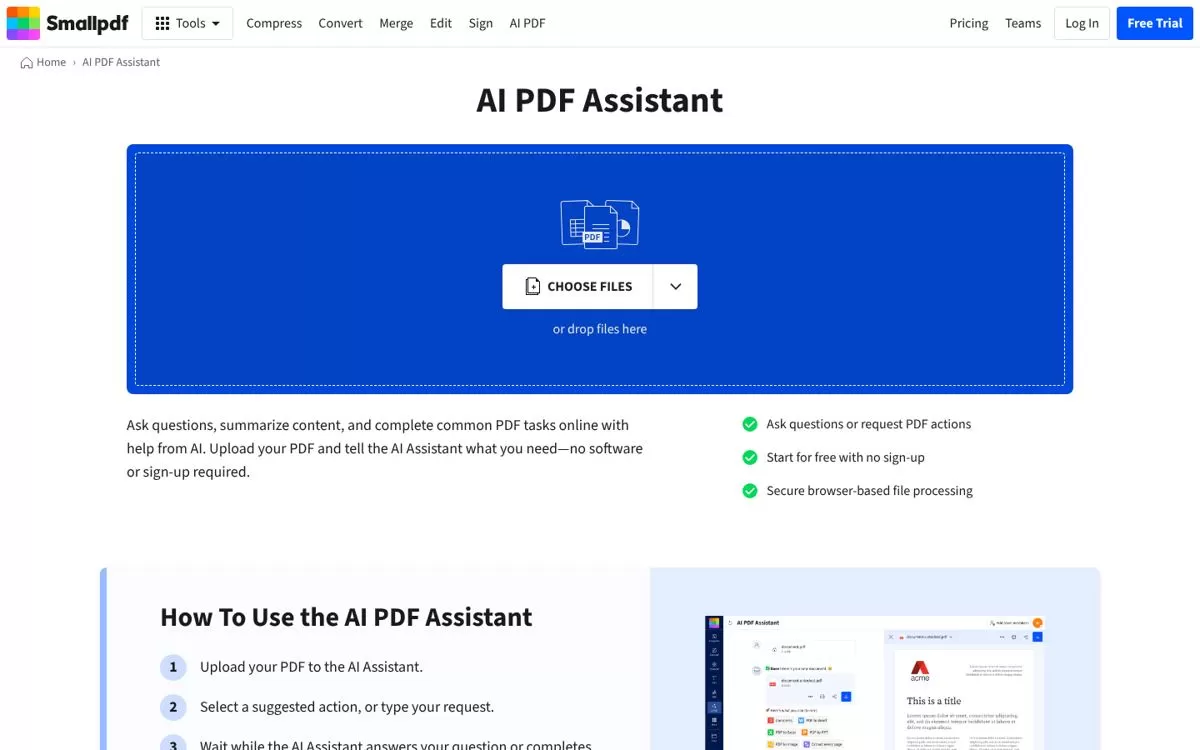
Smallpdf's AI PDF Assistant answers questions and summarises content in the browser. You can start without signing up, and the same account covers its other PDF tools.
Best for: PDF tools plus AI
Free plan: Yes, limited access to AI tools
Price: Pro from $15 a month, with a 7-day free trial
Website: smallpdf.com
6. LightPDF
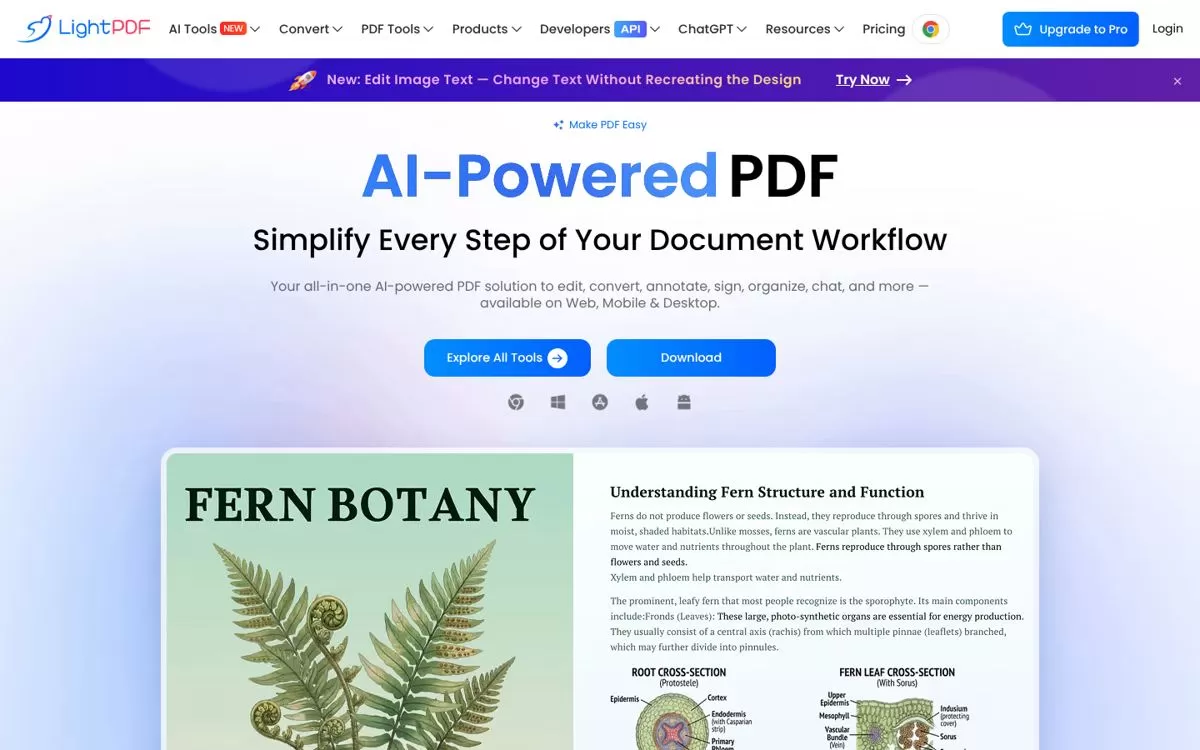
LightPDF packs chat with PDF, summaries, mind maps, translation and editing into one tool on web, mobile and desktop. Paid plans come with 1,000 AI credits a month.
Best for: All-in-one PDF AI
Free plan: Yes, 1 file a day for ChatPDF and for AI summaries
Price: Paid plans with 1,000 AI credits a month, listed on the LightPDF pricing page
Website: lightpdf.com
7. PDFgear
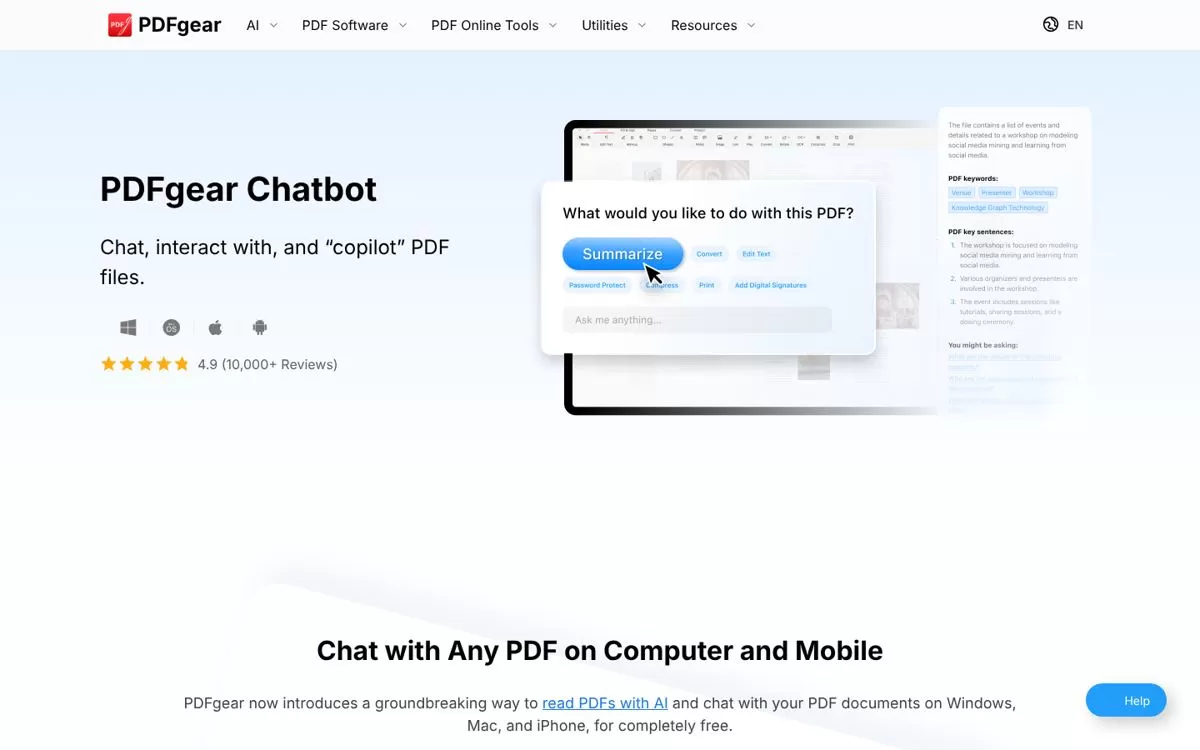
PDFgear's chatbot reads your PDF and can summarise, explain, translate and rewrite it. It runs on Windows, Mac and iPhone, and its Copilot can also convert and organise files.
Best for: Free chat on mobile too
Free plan: Yes, the site says it is currently free to use
Price: Free at the moment, per the PDFgear website
Website: pdfgear.com
8. SciSpace
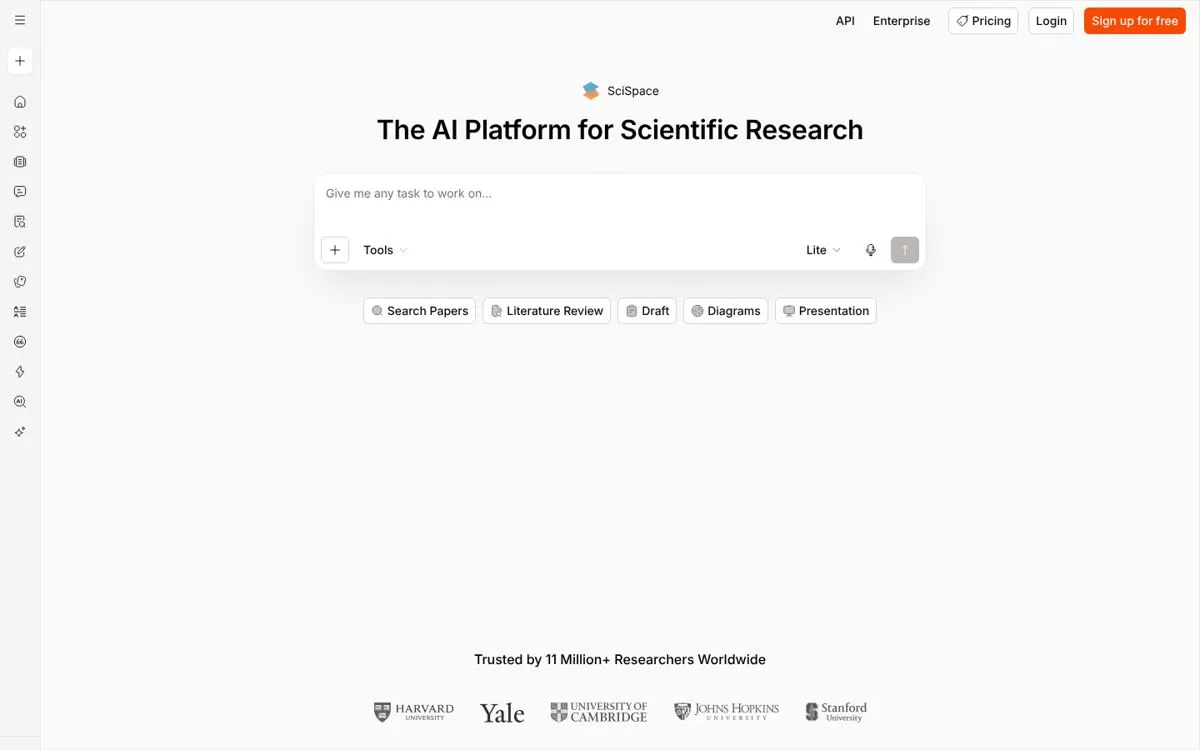
SciSpace Chat with PDF gives citation-linked answers and section-wise summaries, and explains highlighted text in simple words. It is built for students and researchers reading papers.
Best for: Research papers
Free plan: Yes, a free tier is offered
Price: Paid plans listed on the SciSpace pricing page
Website: typeset.io
9. Claude
Claude can read a PDF you upload, summarise it and answer questions about it. For PDFs of 100 pages or fewer it looks at charts and images too, and chats take up to 20 files.
Best for: Long reports and charts
Free plan: Yes, a free plan is available
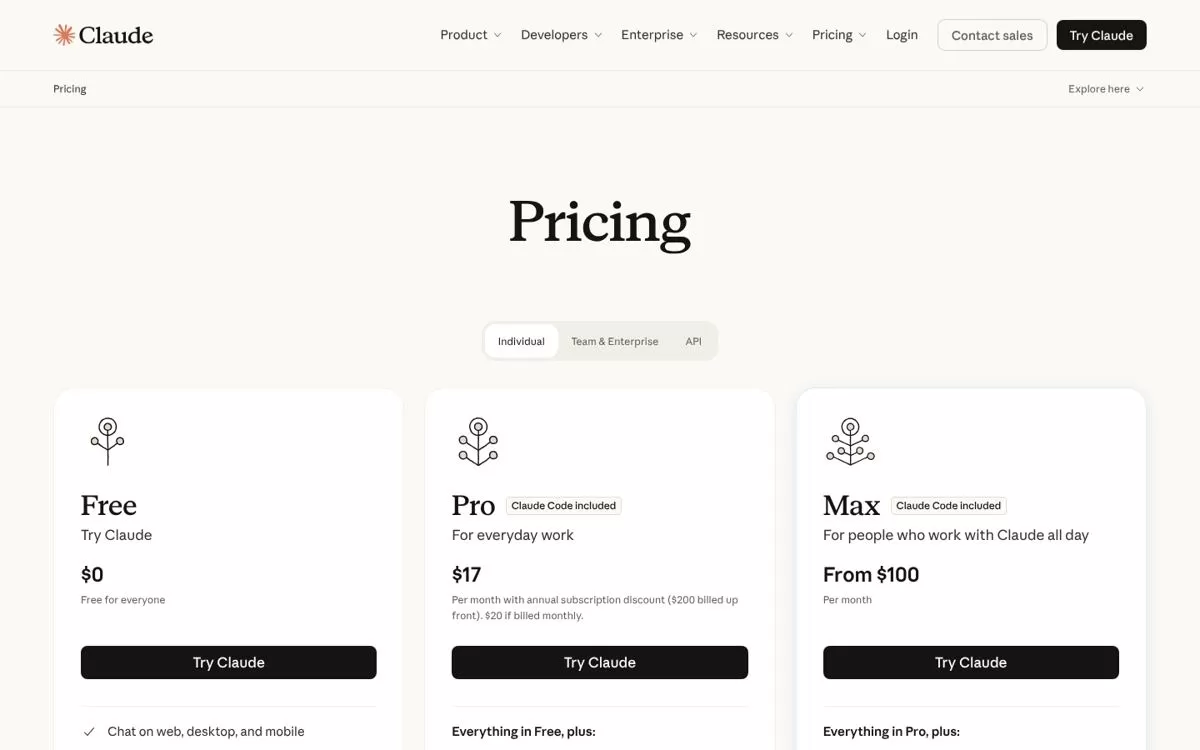
Price: Pro $17 a month billed yearly ($20 if billed monthly), Max from $100 a month
Website: claude.com
Free AI PDF summarizer options
Most tools here offer a free AI PDF summarizer with daily or monthly limits. ChatPDF lets you start without an account, and Smallpdf says you can start with no sign-up. PDFgear says it is free for now.
Chat with PDF AI: what to look for
Pick a tool that cites the page behind each answer, so you can check it. Then compare file size limits, how many questions the free plan allows and whether you need to chat across several files at once.
Final verdict
Start with ChatPDF or Smallpdf if you want a quick summary with no setup, and PDFgear if you want a free app. Choose Humata or AskYourPDF for many files, SciSpace for research papers, and open the pricing page before you pay.


