
10 AI Tools for Architects That Turn Sketches Into Client-Ready Designs
Render ideas, draft floor plans and test sites in minutes with AI.

Key Takeaways
- Best free start: mnml.ai
- Renders inside Revit: Enscape
- Home floor plans: Maket
- Site feasibility: TestFit
These are the 10 best AI tools for architects in 2026 for renders, floor plans and site planning, compared on their official websites.
Top 10 AI tools for architects at a glance
| Tool | Best for | Free plan |
|---|---|---|
| 1. mnml.ai | Sketch-to-render | Yes, 100 credits |
| 2. Enscape | Real-time BIM renders | No, 14-day trial |
| 3. LookX AI | Text-to-render | Yes, 100 X-points |
| 4. Snaptrude | Early building design | Yes, no exports |
| 5. Rendair AI | Client proposals | 20 free credits |
| 6. ReRender AI | Photoreal renders | Free trial plan |
| 7. Maket | Home floor plans | Yes, 30 credits |
| 8. Finch | Floor plans and BIM | Yes |
| 9. Hypar | Space planning | Yes, 3 projects |
| 10. TestFit | Site feasibility | No |
Jump tomnml.aiEnscapeLookX AISnaptrudeRendair AIReRender AIMaketFinchHyparTestFit
The 10 best AI tools for architects in 2026
1. mnml.ai
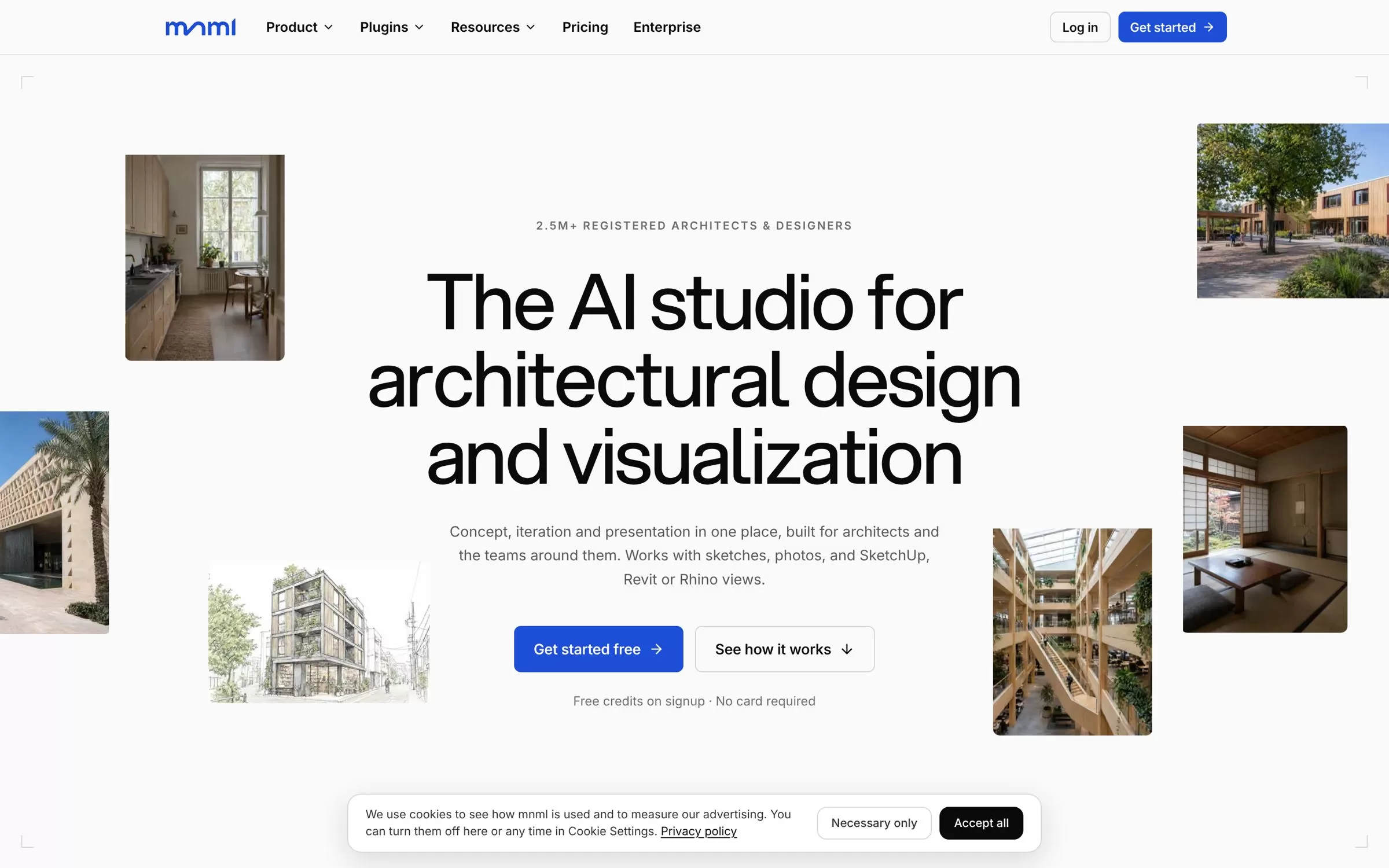
mnml.ai is an AI studio for architectural design and visualization. Bring a sketch, a photo or a SketchUp, Revit or Rhino view, and it turns it into a render you can show clients.
Best for: Quick renders from sketches and model views
Free plan: Yes, 100 free credits on signup, no card required
Price: Lite at $29/month, or $290/year billed annually
Website: mnml.ai
2. Enscape
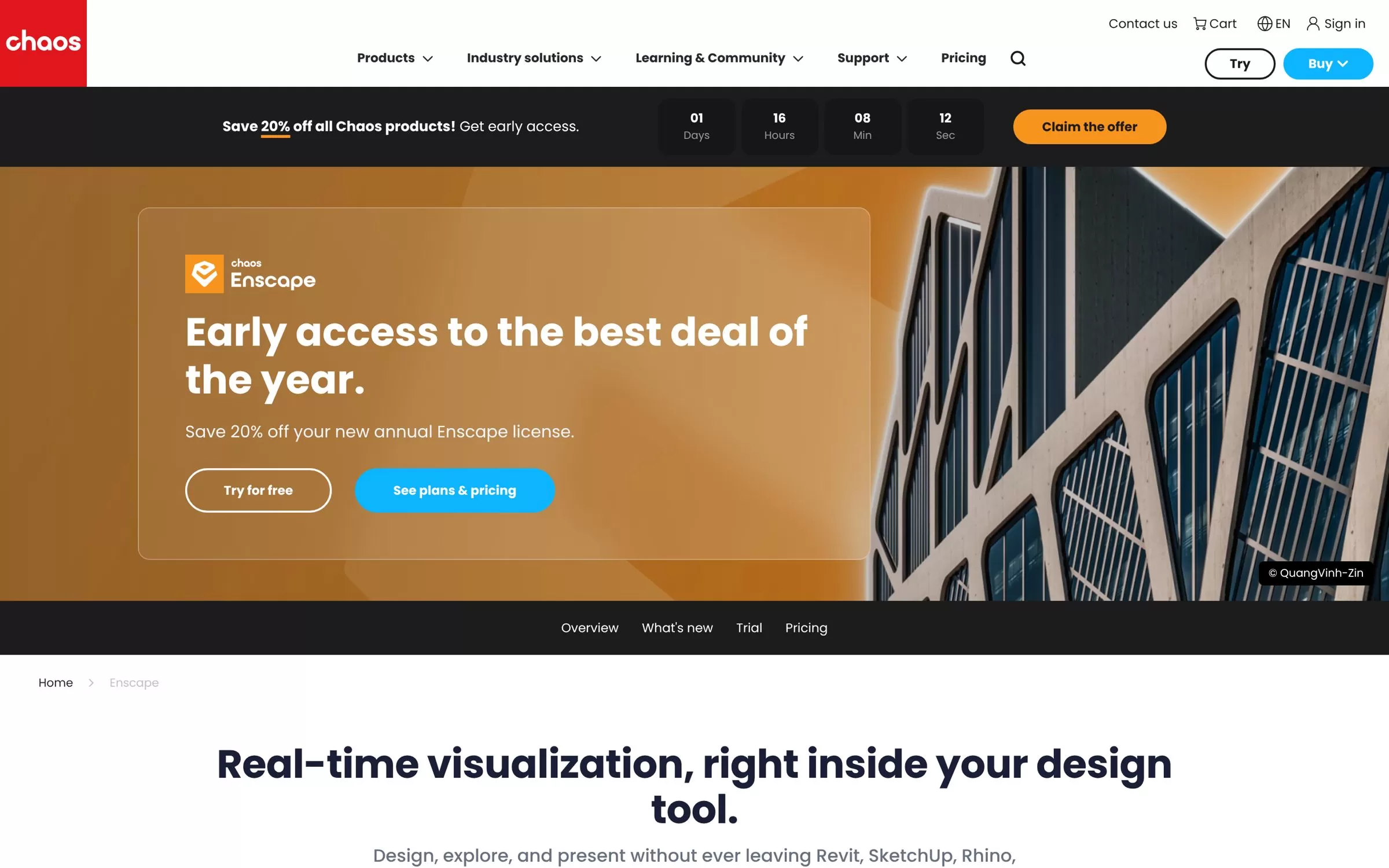
Enscape gives you real-time visualization right inside Revit, SketchUp, Rhino, Archicad and Vectorworks. Its AI features include Veras for generative design and Chaos AI credits for AI-enhanced images.
Best for: Live renders inside your design tool
Free plan: No, 14-day free trial
Price: Solo plan for one license, price listed on the Enscape pricing page
Website: chaos.com/enscape
3. LookX AI
LookX AI is an AI platform for architects and designers that turns text and sketches into rendered images. It also plugs into SketchUp and Rhino.
Best for: Turning text and sketches into renders
Free plan: Yes, Basic plan with 100 X-points, no card required
Price: $20/month, or $199/year
Website: lookx.ai
4. Snaptrude
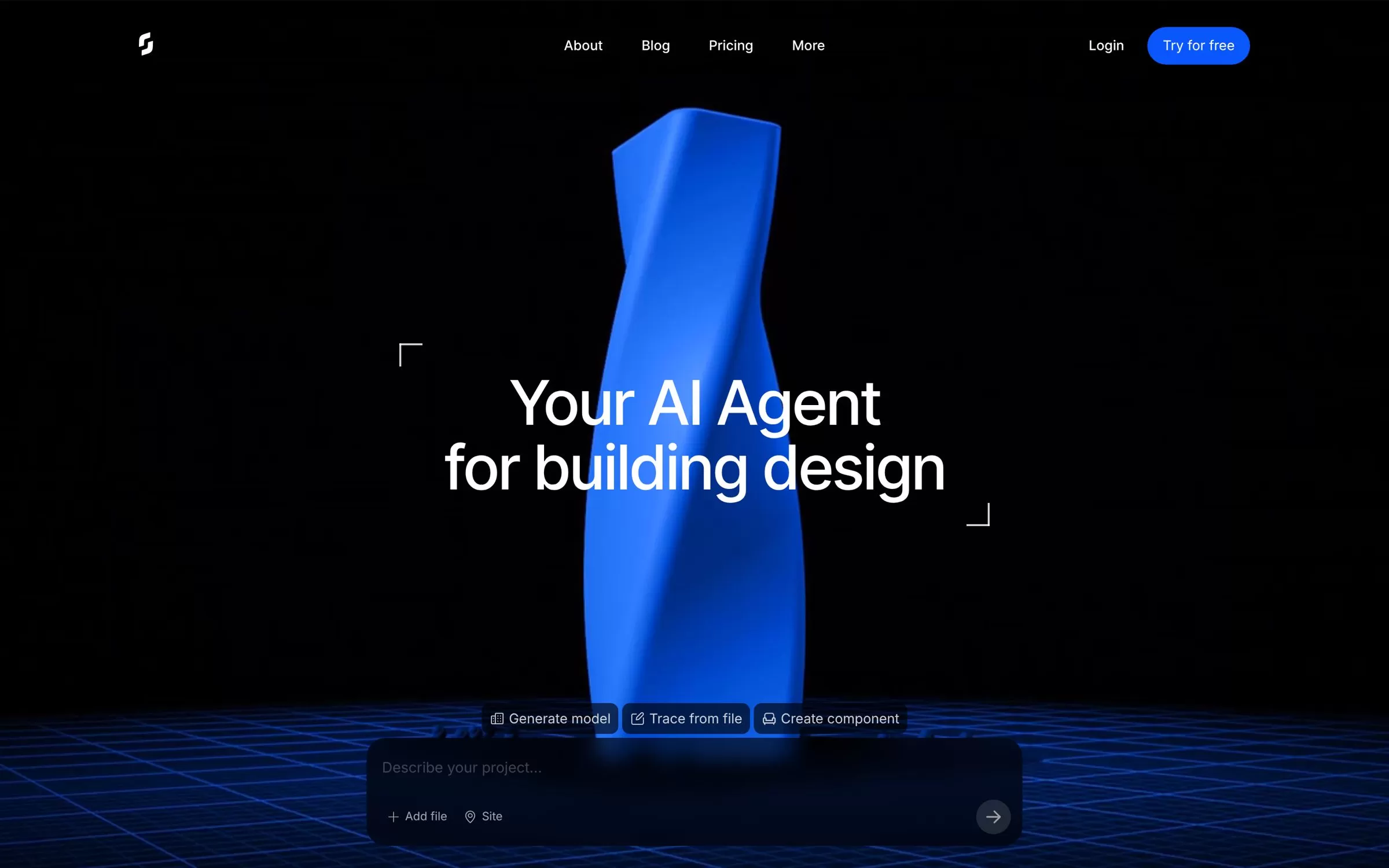
Snaptrude is an AI agent for building design that blends AI reasoning with real building logic. You can export your models to Revit and Rhino.
Best for: Early building design with Revit export
Free plan: Yes, 200 one-time credits and 1 project, no exports
Price: Pro at $60/month, or $50/month billed yearly
Website: snaptrude.com
5. Rendair AI
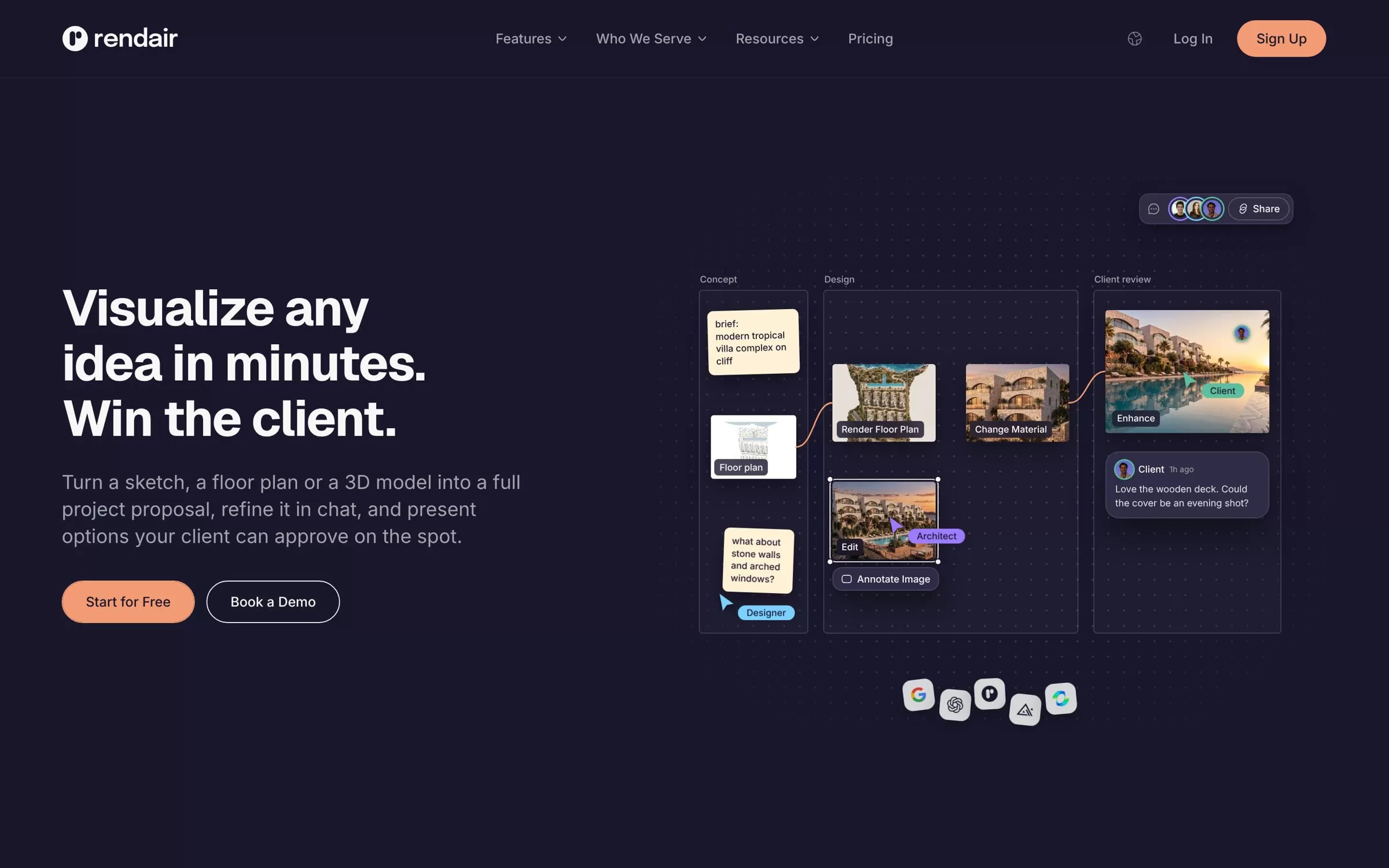
Rendair AI turns a sketch, a floor plan or a 3D model into a full project proposal. There is no plugin to install.
Best for: Turning sketches into client proposals
Free plan: Free to start with 20 credits, no card required
Price: Starter at $19/month, or $190/year
Website: rendair.ai
6. ReRender AI
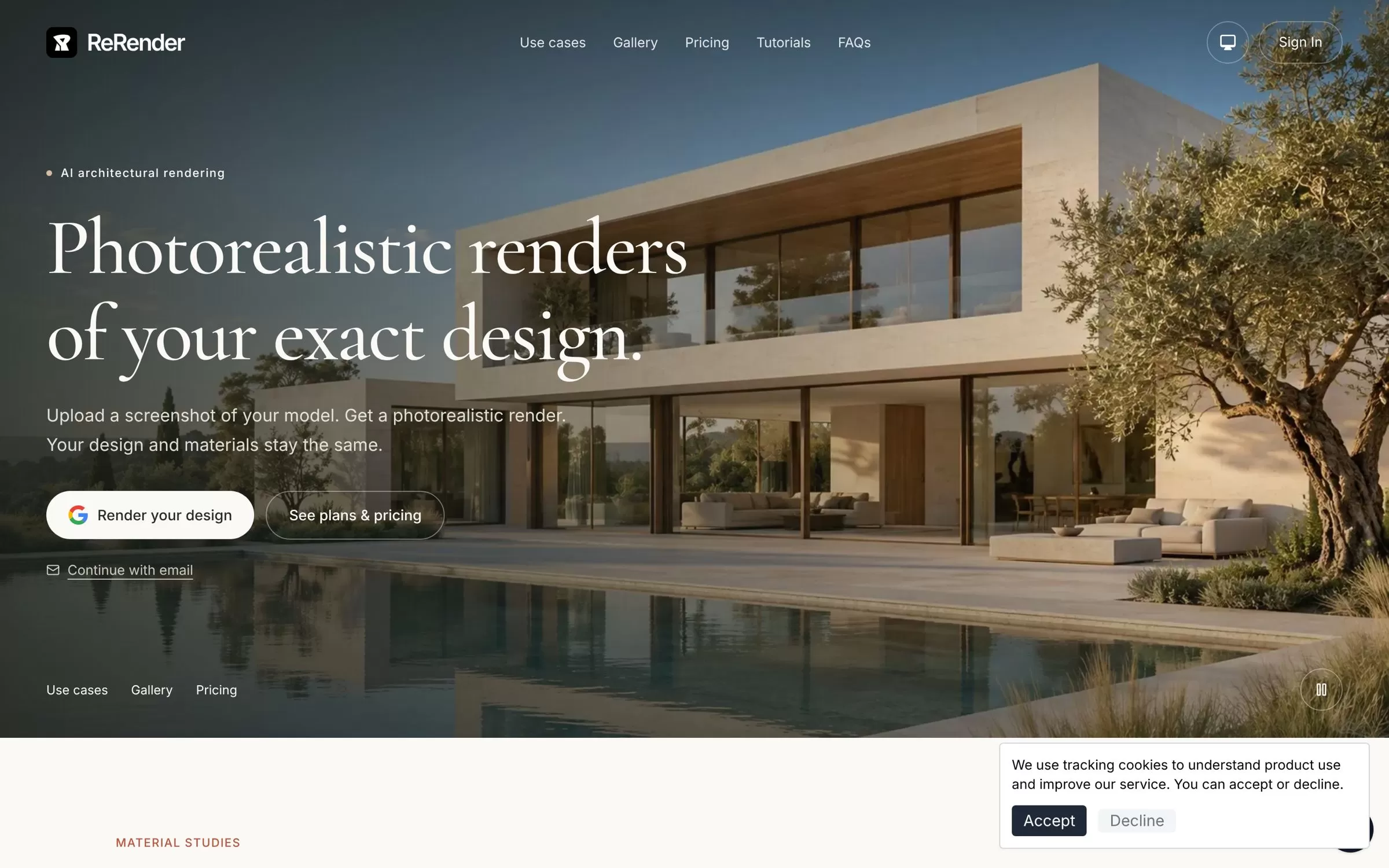
ReRender AI turns a screenshot of your model into a photorealistic render, and your design and materials stay the same. Paid plans add SketchUp plugin support.
Best for: Photoreal renders from model screenshots
Free plan: Free trial plan with 3 renders a day, watermarked, non-commercial use
Price: $45/month, or $38/month on the annual plan
Website: rerenderai.com
7. Maket
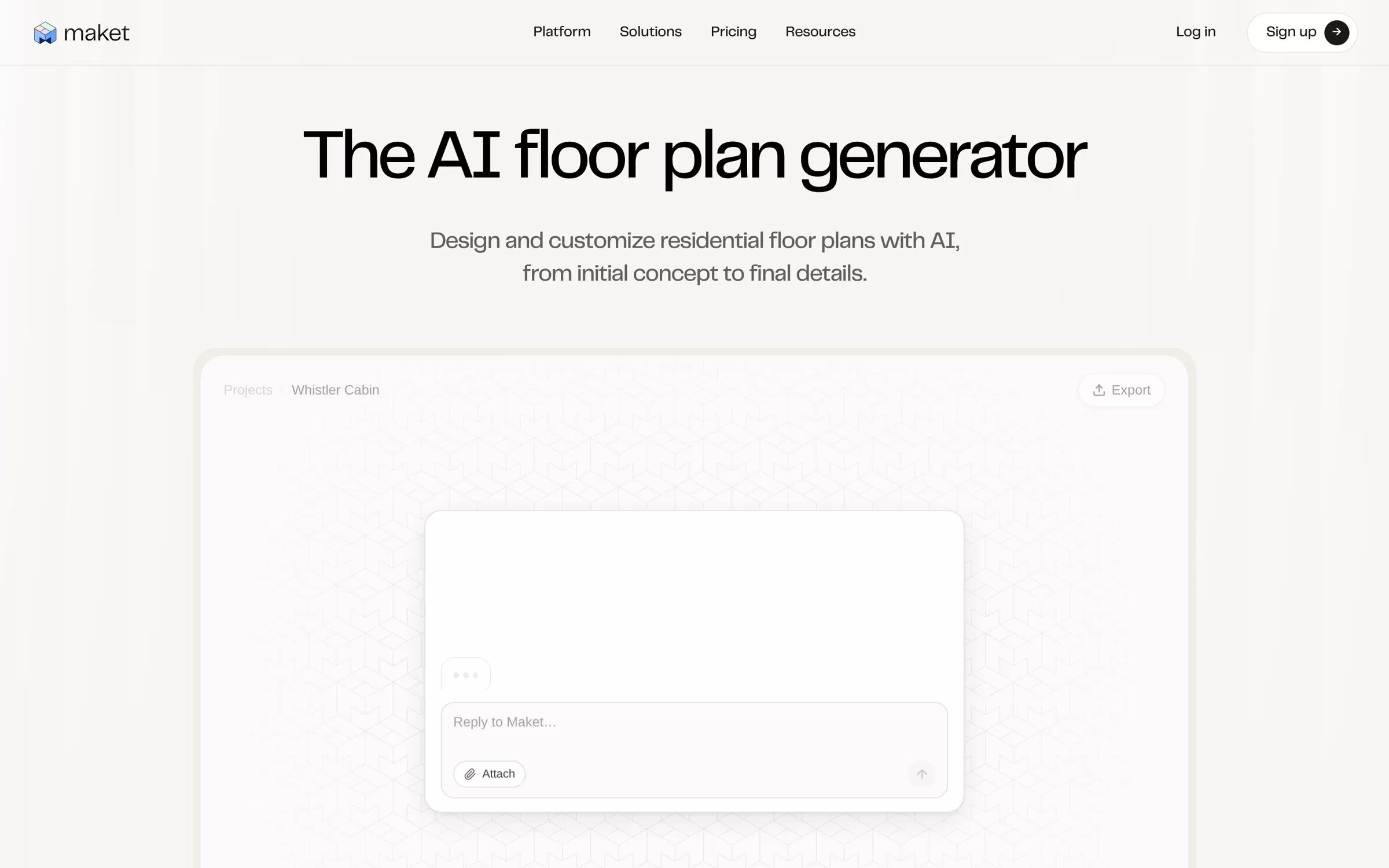
Maket is an AI home design platform built for residential projects. Describe a home in plain language and it creates floor plans, furnished layouts and 3D renders.
Best for: Residential floor plans from a text brief
Free plan: Yes, 30 one-time credits, no card required
Price: Homeowner at $20/month, Pro at $100/month
Website: maket.ai
8. Finch

Finch is an AI-native platform for building design that generates floor plans and BIM geometry. It works with Rhino, Revit and Grasshopper.
Best for: Generating floor plans and BIM geometry
Free plan: Yes, for a single user
Price: Basic at €79 billed monthly, with a 14-day free trial
Website: finch3d.com
9. Hypar
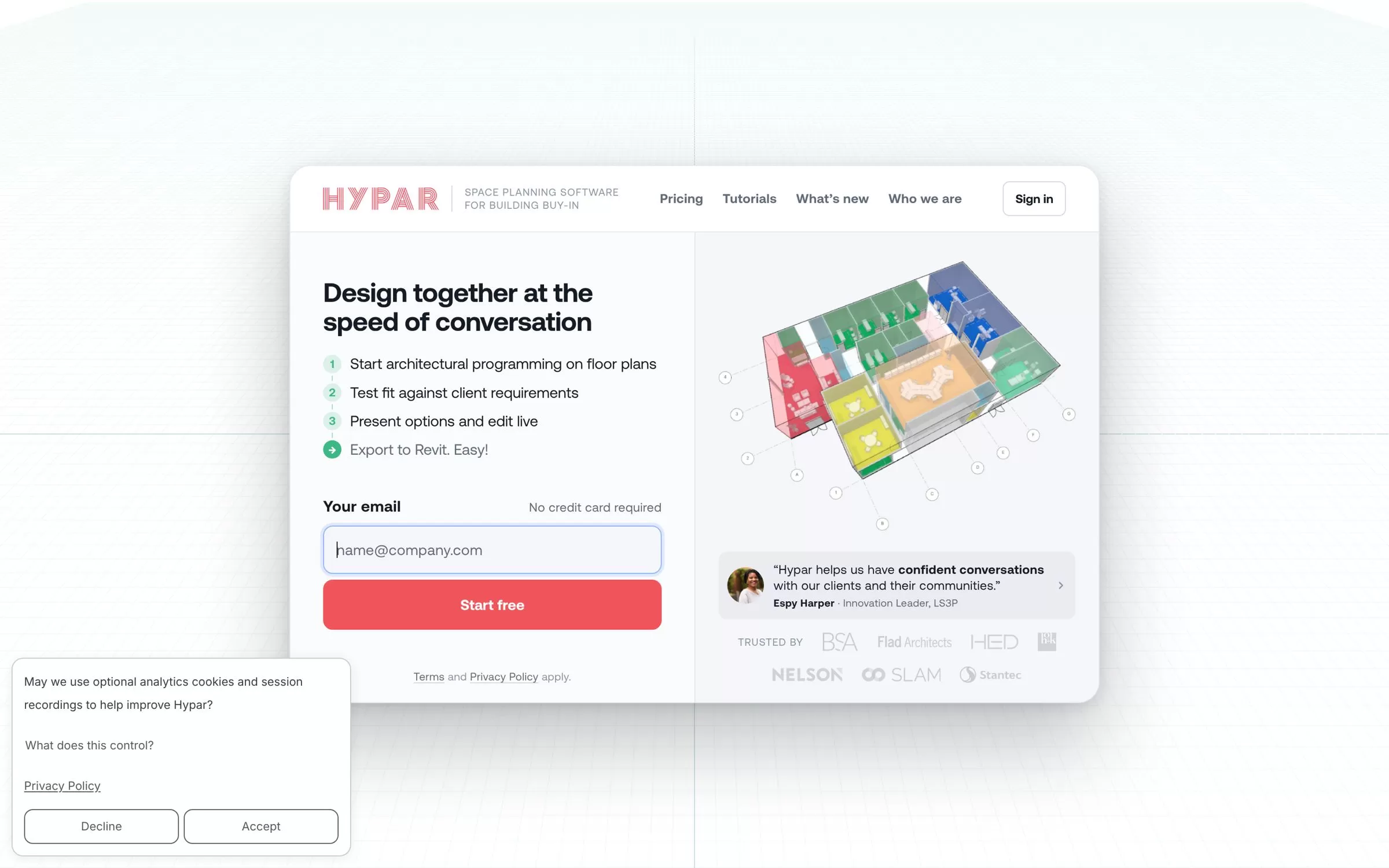
Hypar is space planning software that lets architects, planners and interior designers test layouts on a client's program and site. Layouts export to Revit and Rhino.
Best for: Testing layouts against a client's program
Free plan: Yes, Personal plan with up to 3 owned projects
Price: Professional at $100 per user/month, or $83 per user/month billed annually
Website: hypar.io
10. TestFit
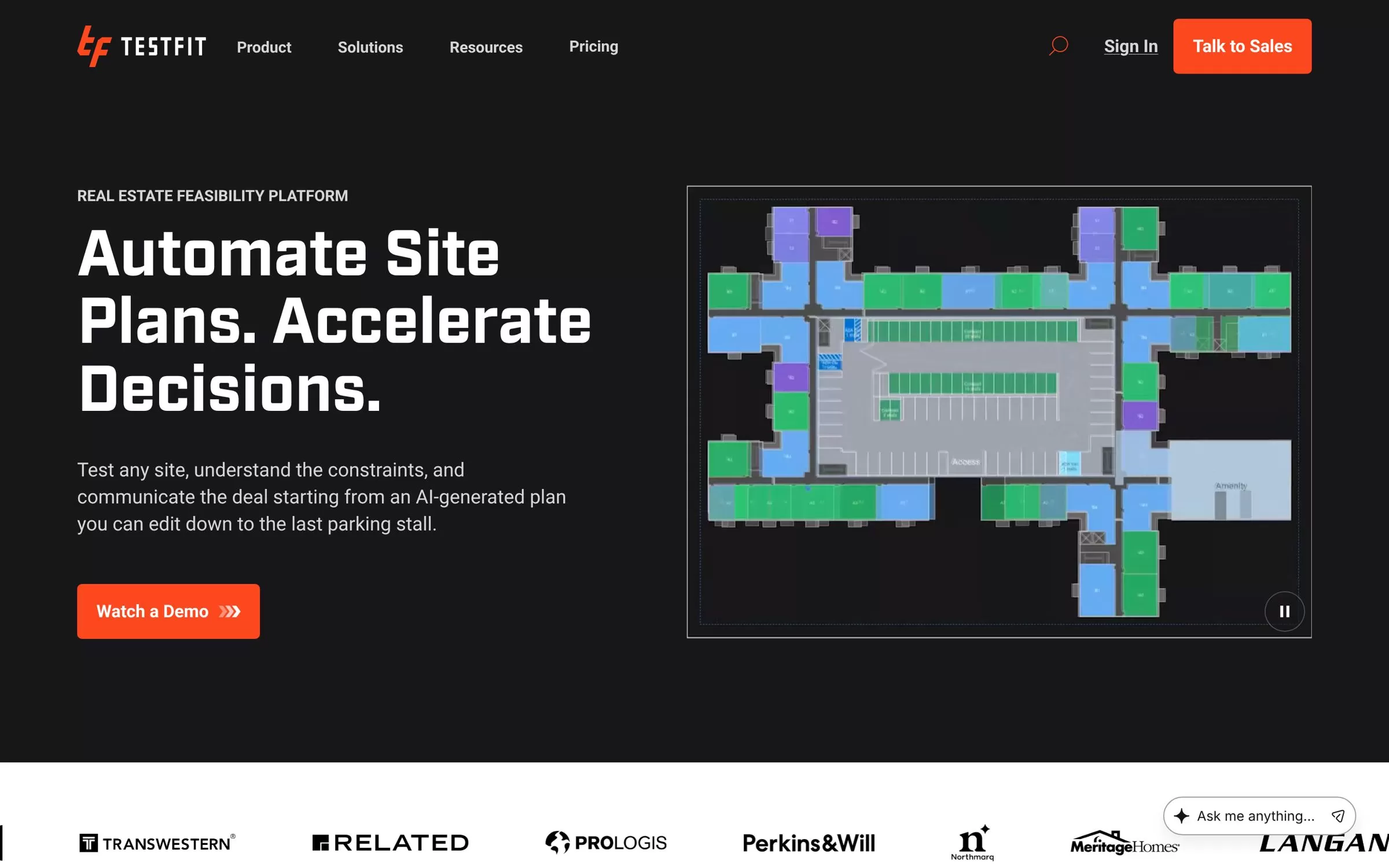
TestFit is a real estate feasibility platform that automates site plans. You can push approved layouts to Revit, or export them to AutoCAD, SketchUp, Excel or PDF.
Best for: Site plans and feasibility studies
Free plan: No free plan listed
Price: Urban Planner at $75/month per user
Website: testfit.io
Free AI tools for architects
mnml.ai, LookX AI, Snaptrude, Maket, Finch and Hypar all have a free plan. Rendair AI gives 20 free credits to start, and ReRender AI has a free trial plan with 3 watermarked renders a day.
AI tools for architectural rendering vs architectural design
For renders, look at mnml.ai, Enscape, LookX AI, Rendair AI and ReRender AI. For layouts and early design, look at Snaptrude, Maket, Finch, Hypar and TestFit.
Final verdict
Start with mnml.ai or LookX AI for free sketch-to-render work, and add Enscape if you want live renders inside Revit or SketchUp. For layouts, try Snaptrude or Finch for buildings, Maket for homes, and TestFit or Hypar for site and space planning. Most have free plans, so test two on a live project before you pay.


