
10 AI Project Management Tools That Plan and Track Work for You
Run projects with less effort, starting on a free plan.

Key Takeaways
- Best all-in-one: ClickUp
- Simplest boards: Trello
- Best for software teams: Linear
- Most list a free plan
The 10 best AI project management tools in 2026 help small teams plan tasks, track progress and get work done with less manual effort.
Top 10 AI project management tools at a glance
| Tool | Best for | Free plan |
|---|---|---|
| 1. Asana | Structured task tracking | Yes |
| 2. ClickUp | All-in-one workspace | Yes |
| 3. monday.com | Visual boards | Yes |
| 4. Notion | Docs plus projects | Yes |
| 5. Zoho Projects | Teams using Zoho apps | Yes |
| 6. Trello | Simple kanban boards | Yes |
| 7. Linear | Software teams | Yes |
| 8. Wrike | Structured team projects | Yes |
| 9. Smartsheet | Sheet-style projects | Trial only |
| 10. Todoist | Simple task lists | Yes |
Jump toAsanaClickUpmonday.comNotionZoho ProjectsTrelloLinearWrikeSmartsheetTodoist
The 10 best AI project management tools in 2026
1. Asana
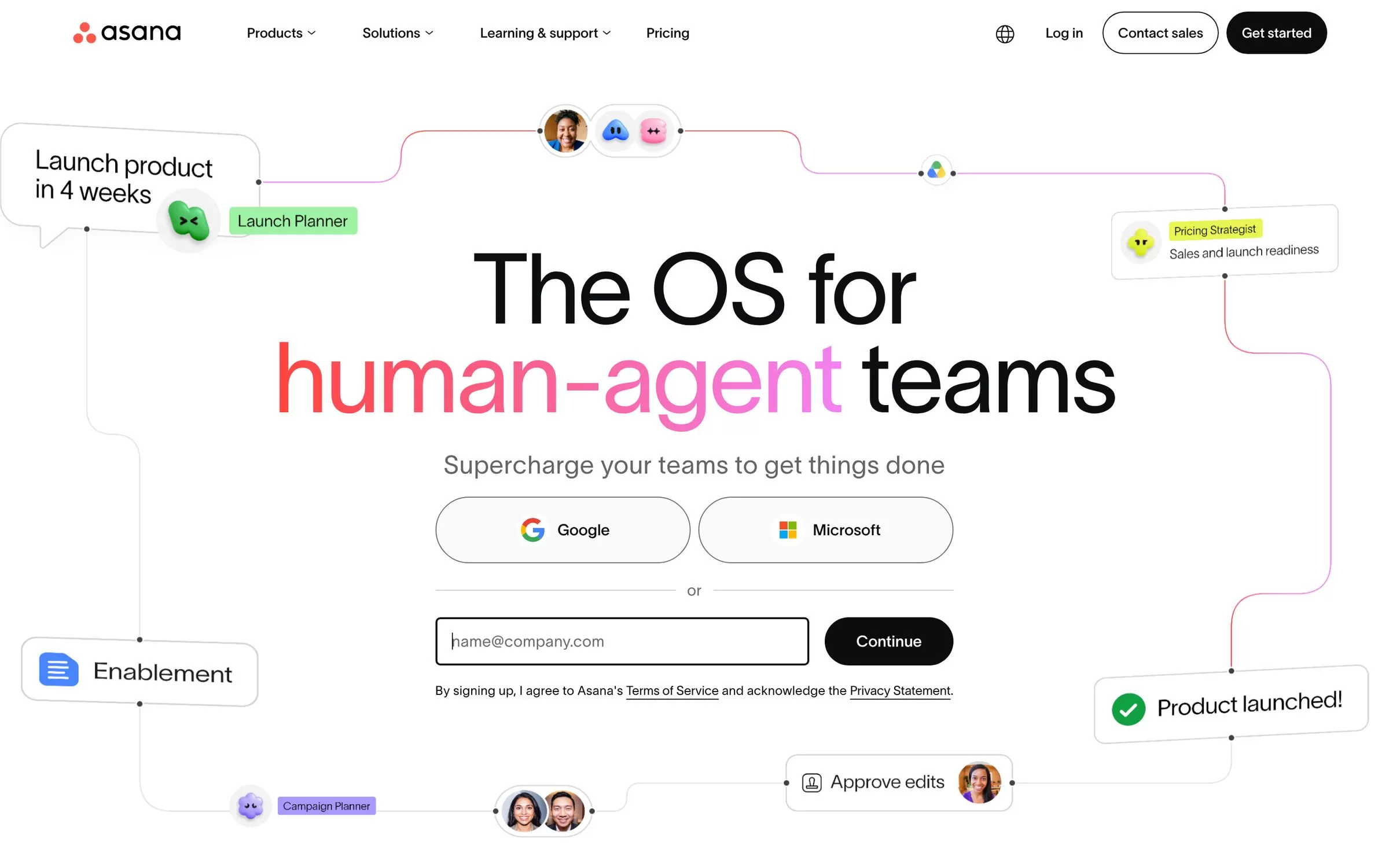
Asana tracks tasks and projects in list, board and calendar views, and adds AI Studio and AI Teammates for repeat work. Good for small teams that want clear ownership of every task.
Best for: Structured task tracking
Free plan: Yes, Personal plan for 2 users, unlimited tasks and projects
Price: Starter $10.99 per user per month billed annually; Advanced $24.99 per user per month billed annually
Website: asana.com
2. ClickUp
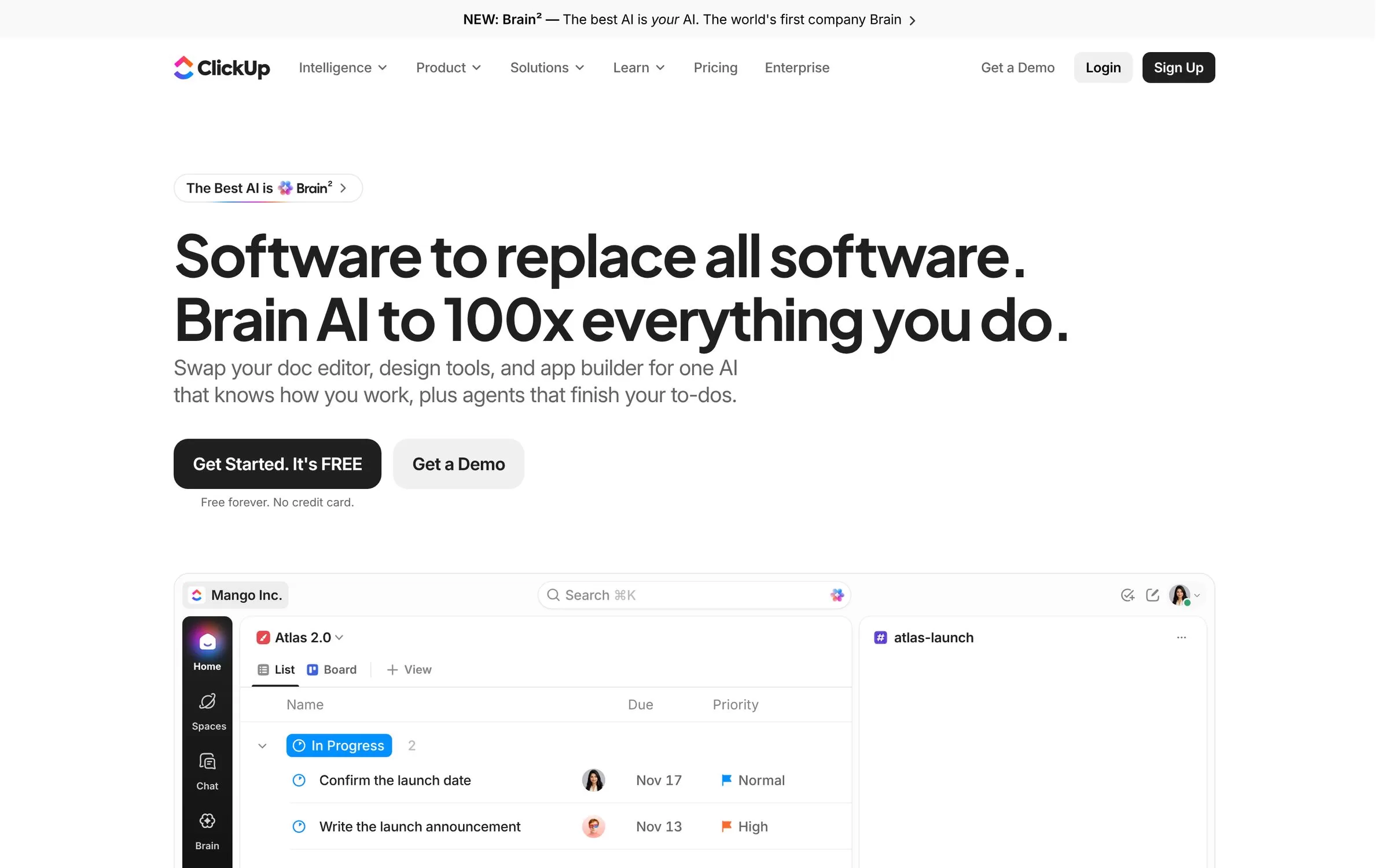
ClickUp puts tasks, docs and chat in one place, with its Brain² AI layer on top. A good pick if you want one tool for many jobs.
Best for: All-in-one workspace
Free plan: Yes, Free Forever plan, no credit card
Price: Core $9 and Business $17 per user per month billed yearly
Website: clickup.com
3. monday.com
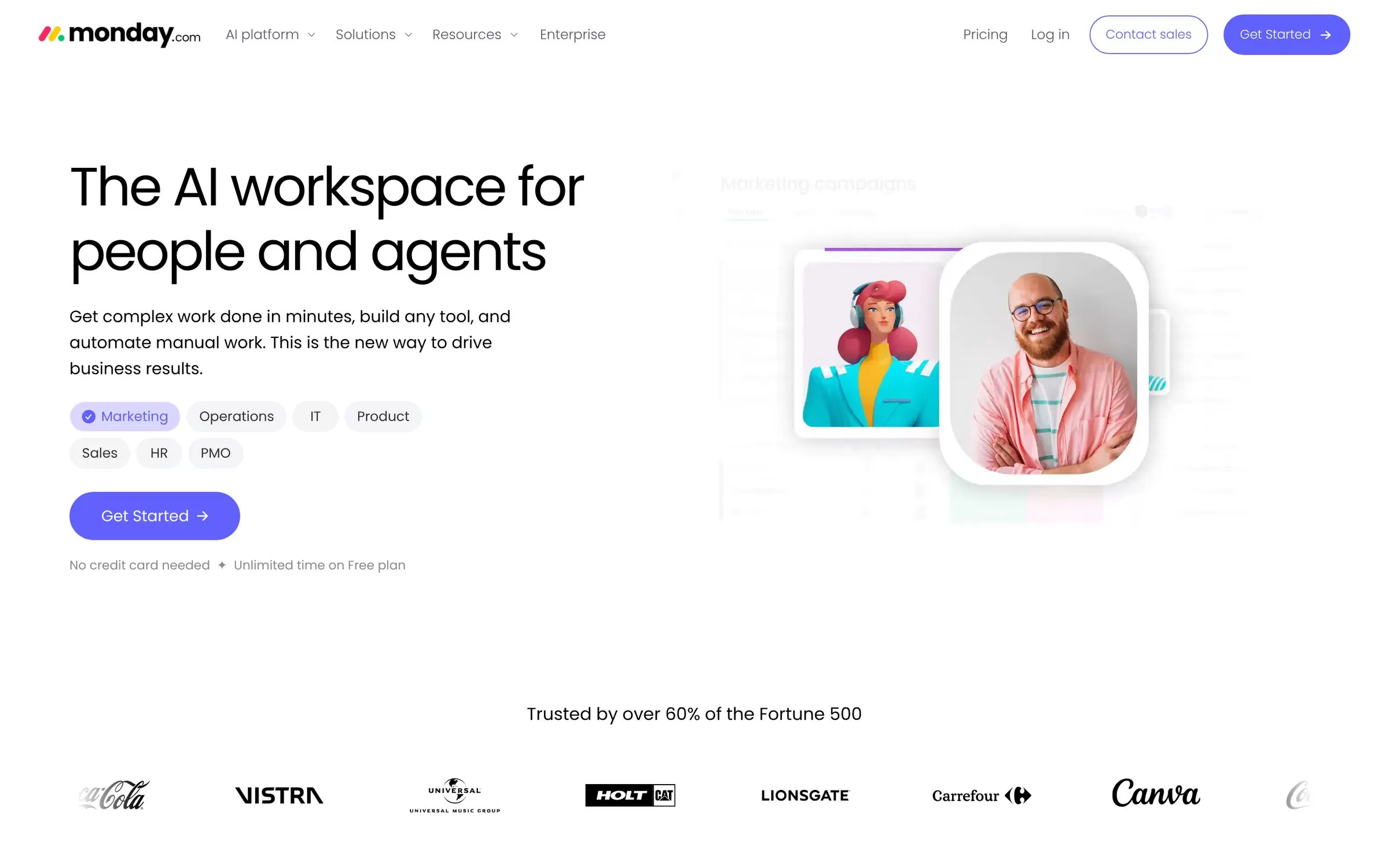
monday.com runs work on visual boards and includes AI tools such as Sidekick and an AI workflow builder on its plans. Good for teams that like colourful boards.
Best for: Visual boards
Free plan: Yes, free plan with up to 2 seats and 3 boards
Price: Basic $9, Standard $12 and Pro $19 per seat per month billed annually
Website: monday.com
4. Notion
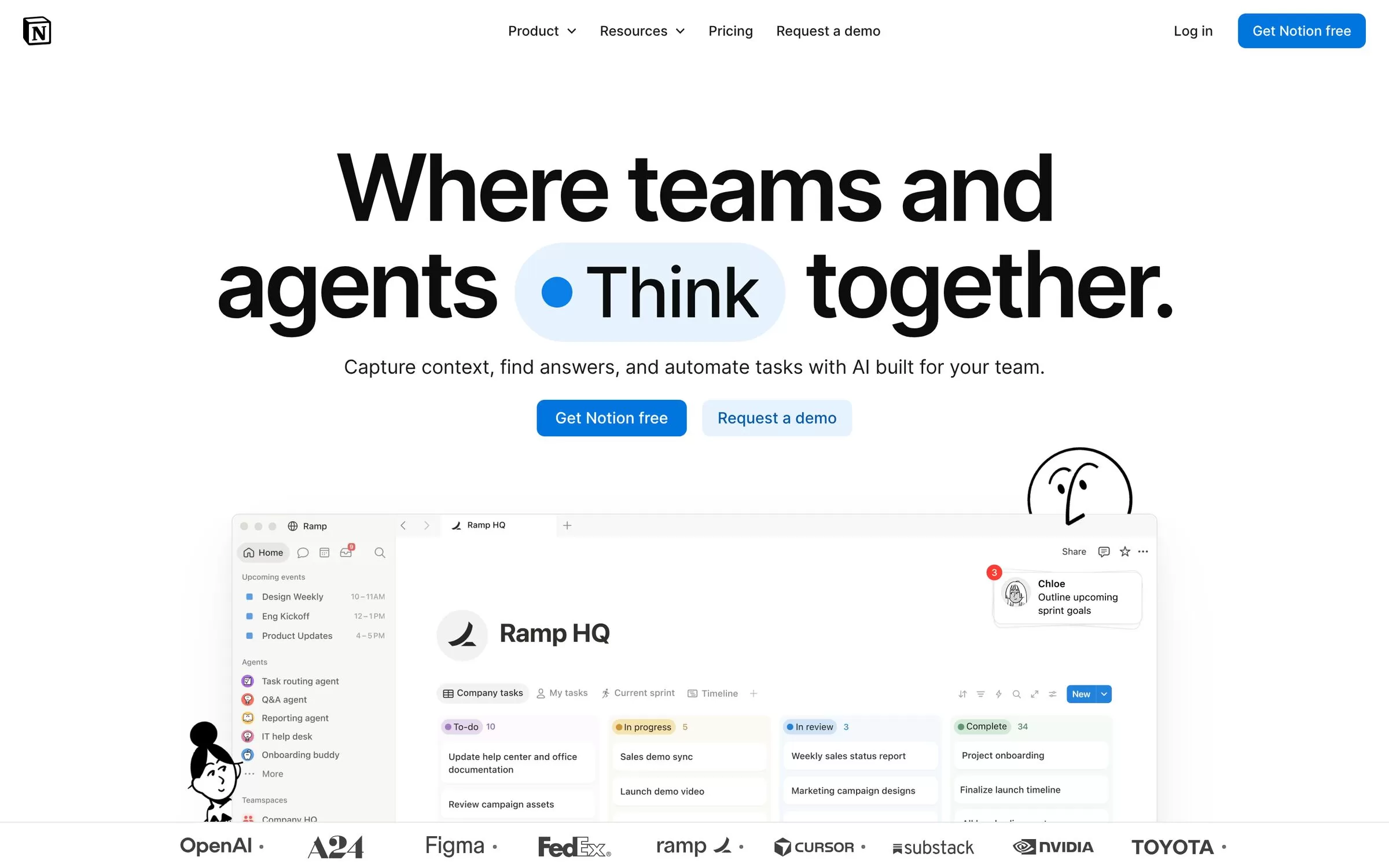
Notion mixes docs, wikis and task databases, with Notion Agent and AI Meeting Notes on top. Good for small teams that want notes and projects in one workspace.
Best for: Docs plus projects
Free plan: Yes, with a limited trial of Notion AI
Price: Plus $10 and Business $20 per member per month, as listed
Website: notion.com
5. Zoho Projects
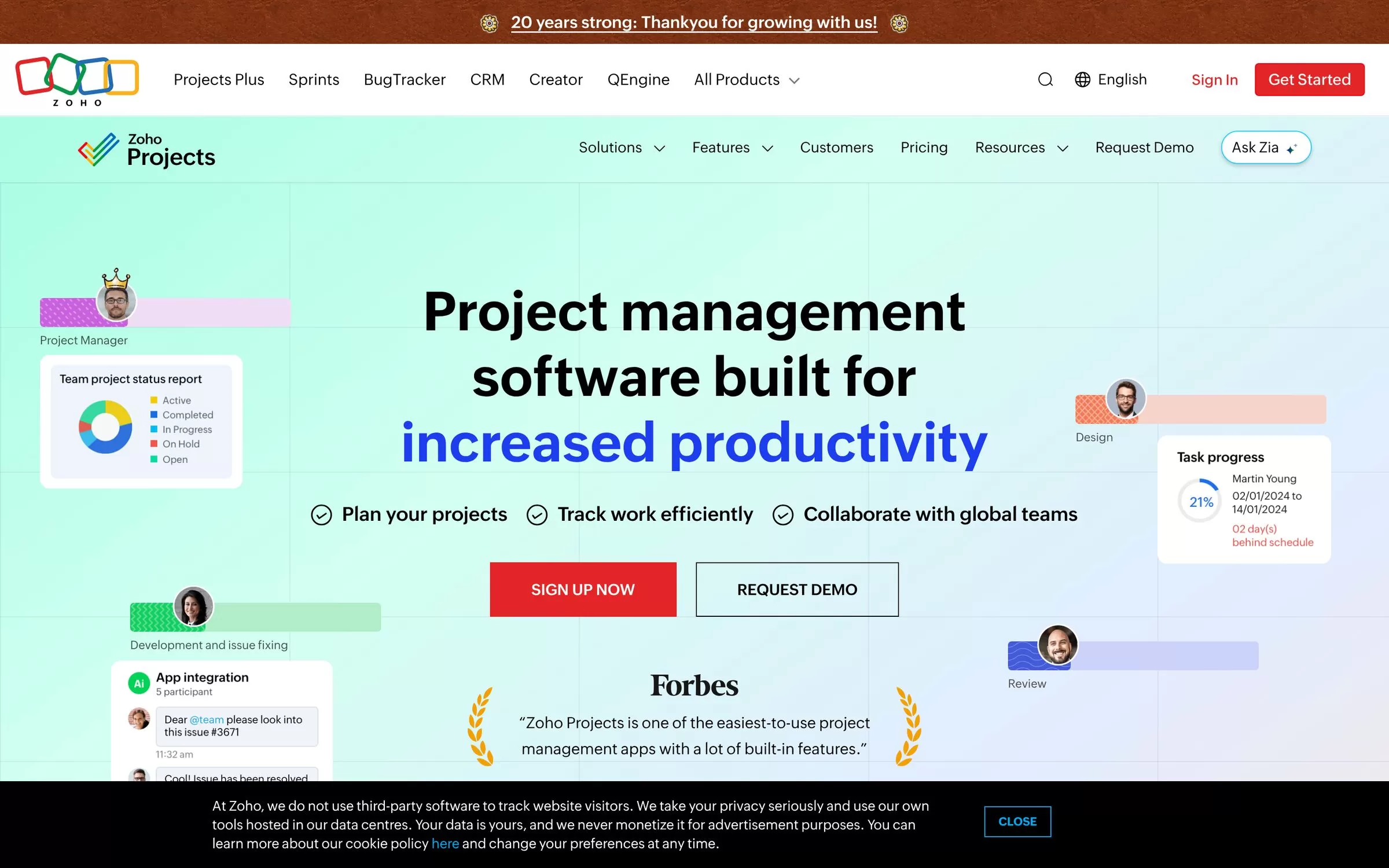
Zoho Projects is project management software from Zoho, with Zia AI features such as Zia Summary and Zia Task Creation on its Premium plan. It suits teams already using other Zoho apps.
Best for: Teams using Zoho apps
Free plan: Yes, free plan for up to 5 users, 5 GB storage
Price: Premium, Enterprise and Ultimate plans; see current plans on the official pricing page
Website: zoho.com/projects
6. Trello
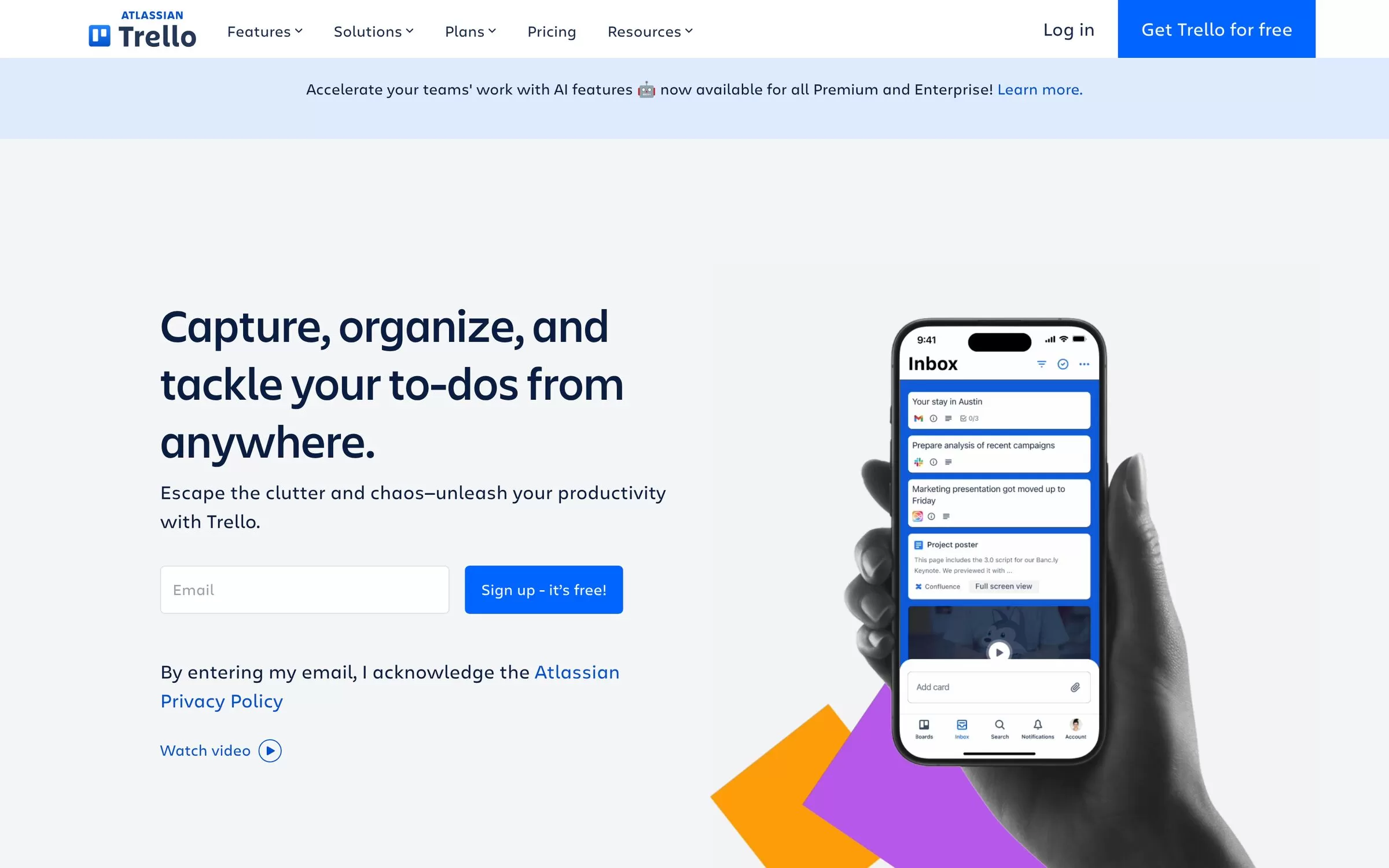
Trello is a simple kanban tool. Its Standard and Premium plans add AI features such as card summaries and AI-generated boards. Good for solo founders and small teams.
Best for: Simple kanban boards
Free plan: Yes, free plan with up to 10 boards per Workspace
Price: Standard $5 and Premium $10 per user per month billed annually
Website: trello.com
7. Linear
Linear tracks issues, cycles and projects, with Linear Agent and Triage Intelligence for software teams. It is built for product and engineering work.
Best for: Software teams
Free plan: Yes, free plan with 250 issues and 2 teams
Price: Basic $10 and Business $16 per user per month billed yearly
Website: linear.app
8. Wrike
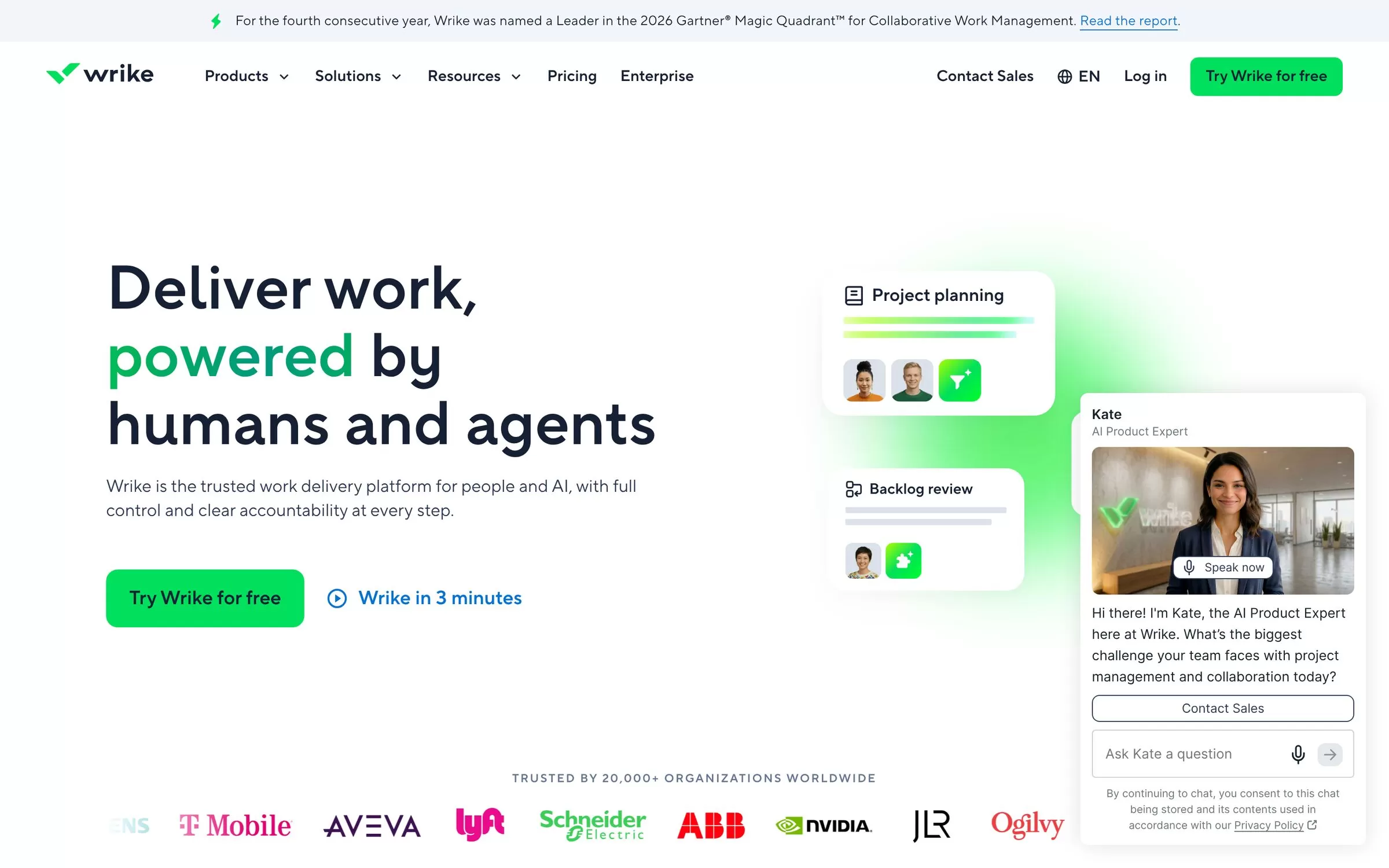
Wrike handles projects, resources and approvals, with AI Essentials on its Team plan. Good for small and mid-size teams that need structure.
Best for: Structured team projects
Free plan: Yes, free plan available
Price: Team $10 per user per month and Business $25 per user per month, billed annually
Website: wrike.com
9. Smartsheet
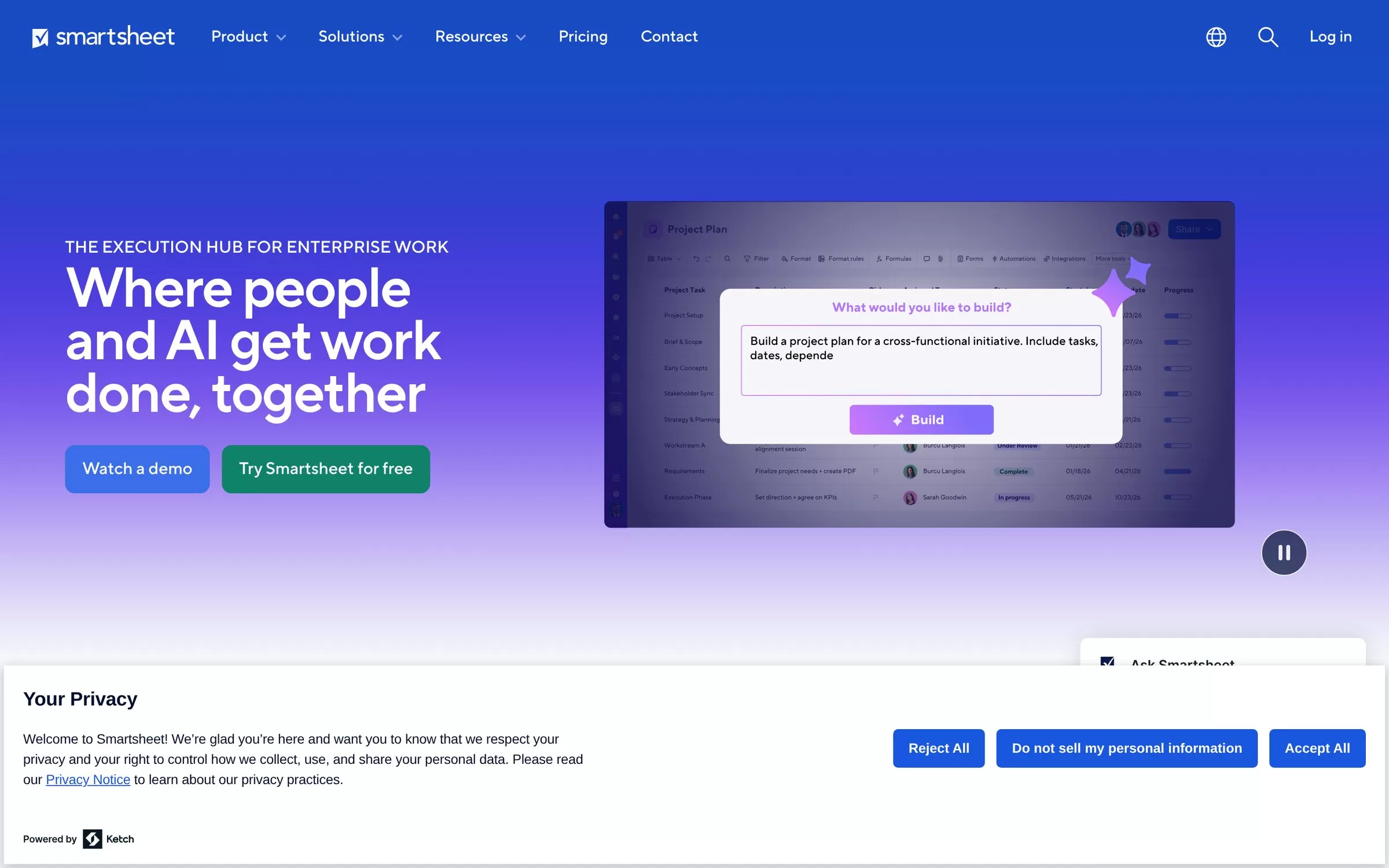
Smartsheet gives you a spreadsheet-style way to run projects, with Smart Assist, an AI dashboard builder and a formula generator. Good for teams that think in sheets.
Best for: Sheet-style projects
Free plan: No free plan listed; 30-day free trial, no credit card
Price: Pro $9 and Business $19 per member per month billed yearly
Website: smartsheet.com
10. Todoist
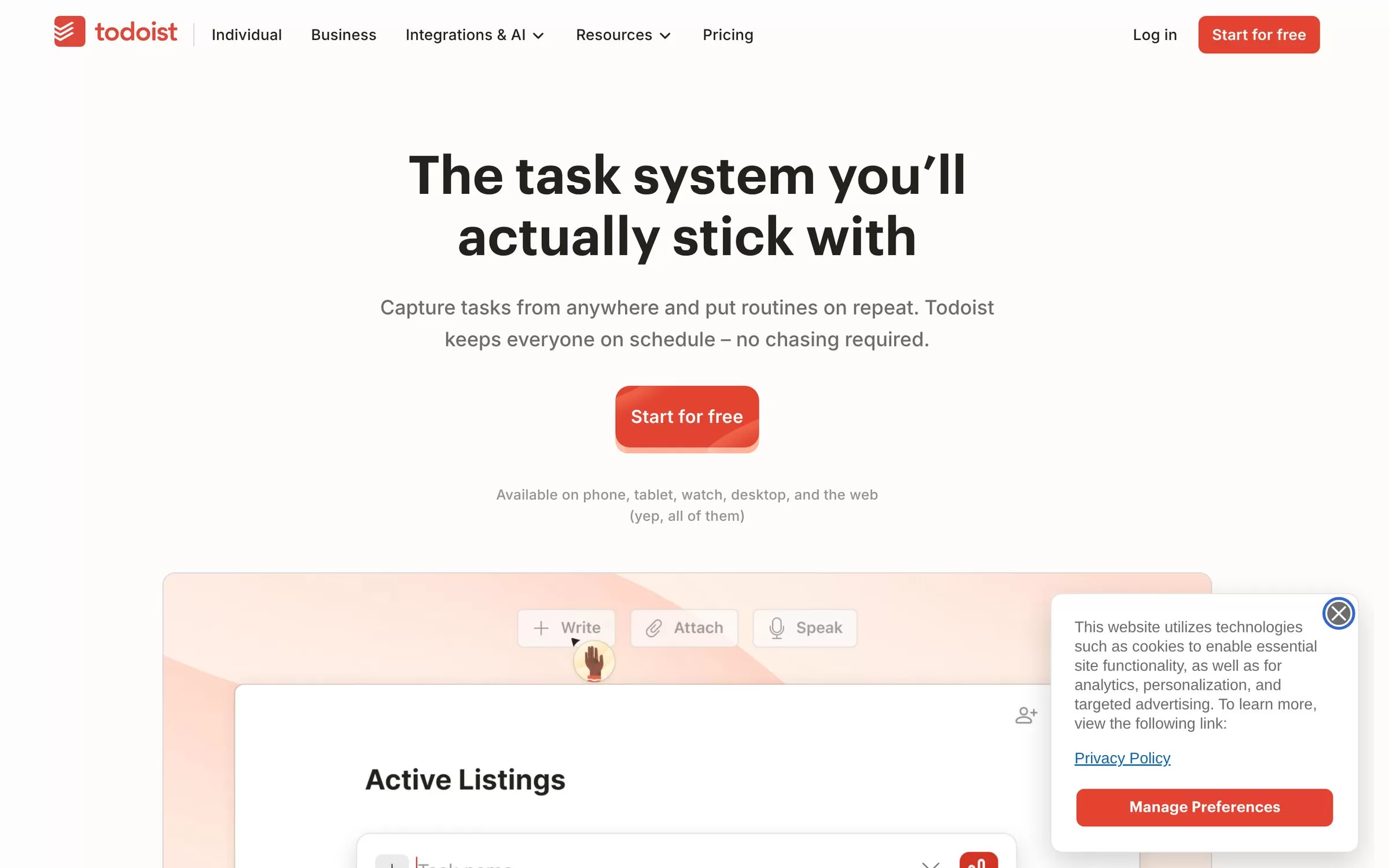
Todoist is a simple to-do app with Todoist Assist, which includes Filter Assist and Ramble. It is lighter than full project tools, so it suits personal and small team lists.
Best for: Simple task lists
Free plan: Yes, free Beginner plan
Price: Pro $5 per month billed yearly; Business $8 per user per month billed yearly
Website: todoist.com
Free AI project management tools
Asana, ClickUp, monday.com, Notion, Zoho Projects, Trello, Linear, Wrike and Todoist all list a free plan, so you can start without paying. Smartsheet lists a 30-day free trial instead.
AI project management software for small teams
Small teams can start with Trello, ClickUp or monday.com for simple boards, or Notion if docs matter as much as tasks. Linear fits software teams best.
Final verdict
Start with the free plan of one tool and move one real project into it. Choose Linear if you build software, Notion if you also write docs, and ClickUp or monday.com for general team work. Check the current price on the tool's website before you pay.


