
7 AI Coding Assistants That Write, Fix and Ship Code for You
Free and paid helpers that code with you, from editors to agents

Key Takeaways
- Easiest free start: GitHub Copilot
- Spec-first planning: Kiro
- Open source agent: Cline
- Fast open source editor: Zed
The 7 best AI coding assistants in 2026 help you write, fix and ship code, whether you are a founder building a first product or a developer with a long backlog.
Top 7 AI coding assistants at a glance
| Tool | Best for | Free plan |
|---|---|---|
| 1. GitHub Copilot | Everyday coding in your editor | Yes |
| 2. Claude Code | Big tasks across a whole codebase | No (needs a paid plan) |
| 3. Kiro | Planning before coding | Yes |
| 4. Devin Desktop (formerly Windsurf) | Managing several coding agents | Yes |
| 5. Devin | Handing off whole tasks | Yes |
| 6. Zed | A fast open source editor | Yes |
| 7. Cline | Open source agent, your own model | Yes |
Jump toGitHub CopilotClaude CodeKiroDevin DesktopDevinZedCline
The 7 best AI coding assistants in 2026
1. GitHub Copilot
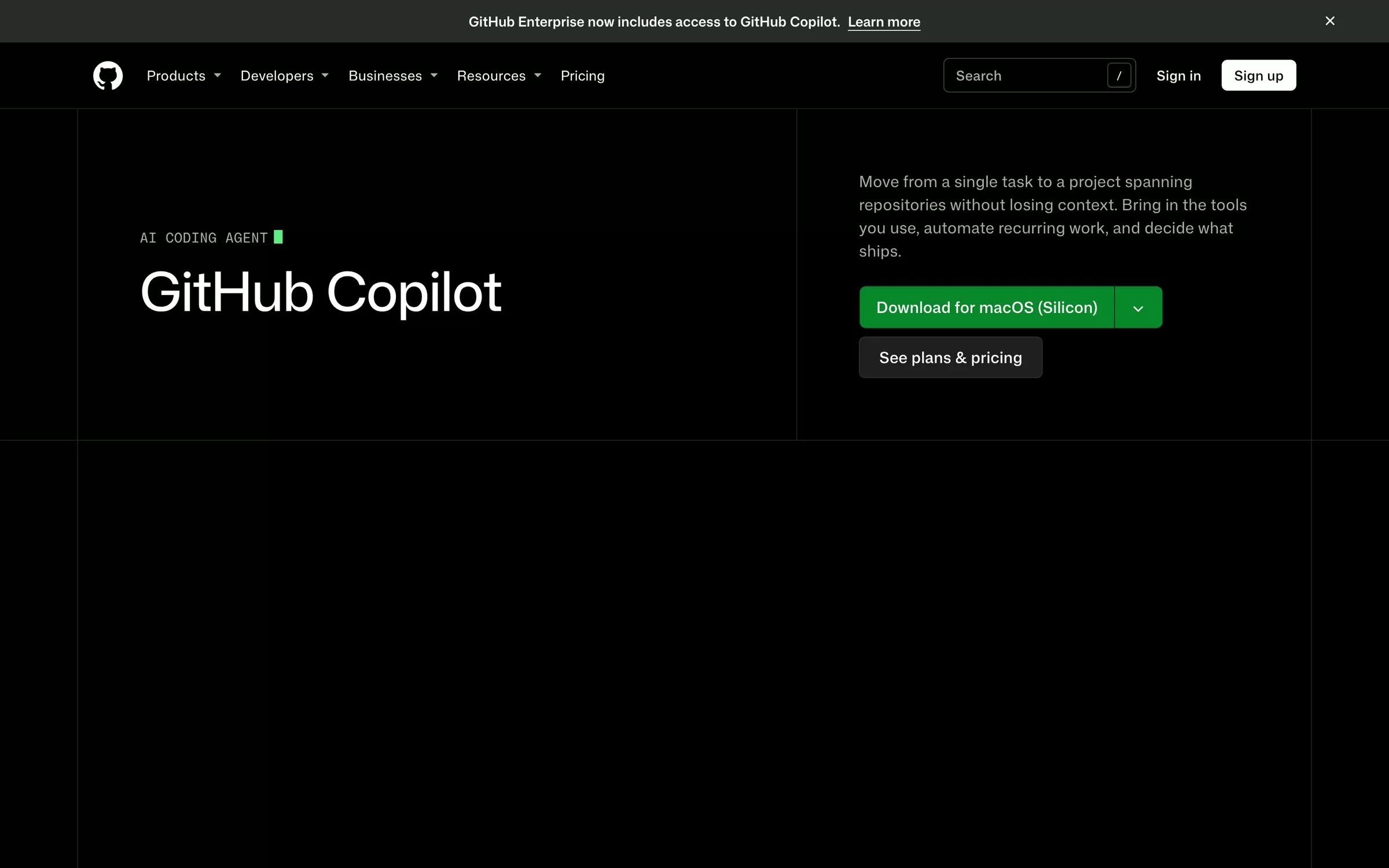
GitHub Copilot works inside editors such as Visual Studio Code, Visual Studio, JetBrains IDEs, Xcode, Vim, Neovim, Zed and Eclipse. It also offers code review and a terminal CLI.
Best for: Everyday coding in your editor
Free plan: Free plan, 2,000 completions a month with limited chat and agent use
Price: Pro $10 per user per month; Pro+ $39; Max $100
Website: github.com/features/copilot
2. Claude Code
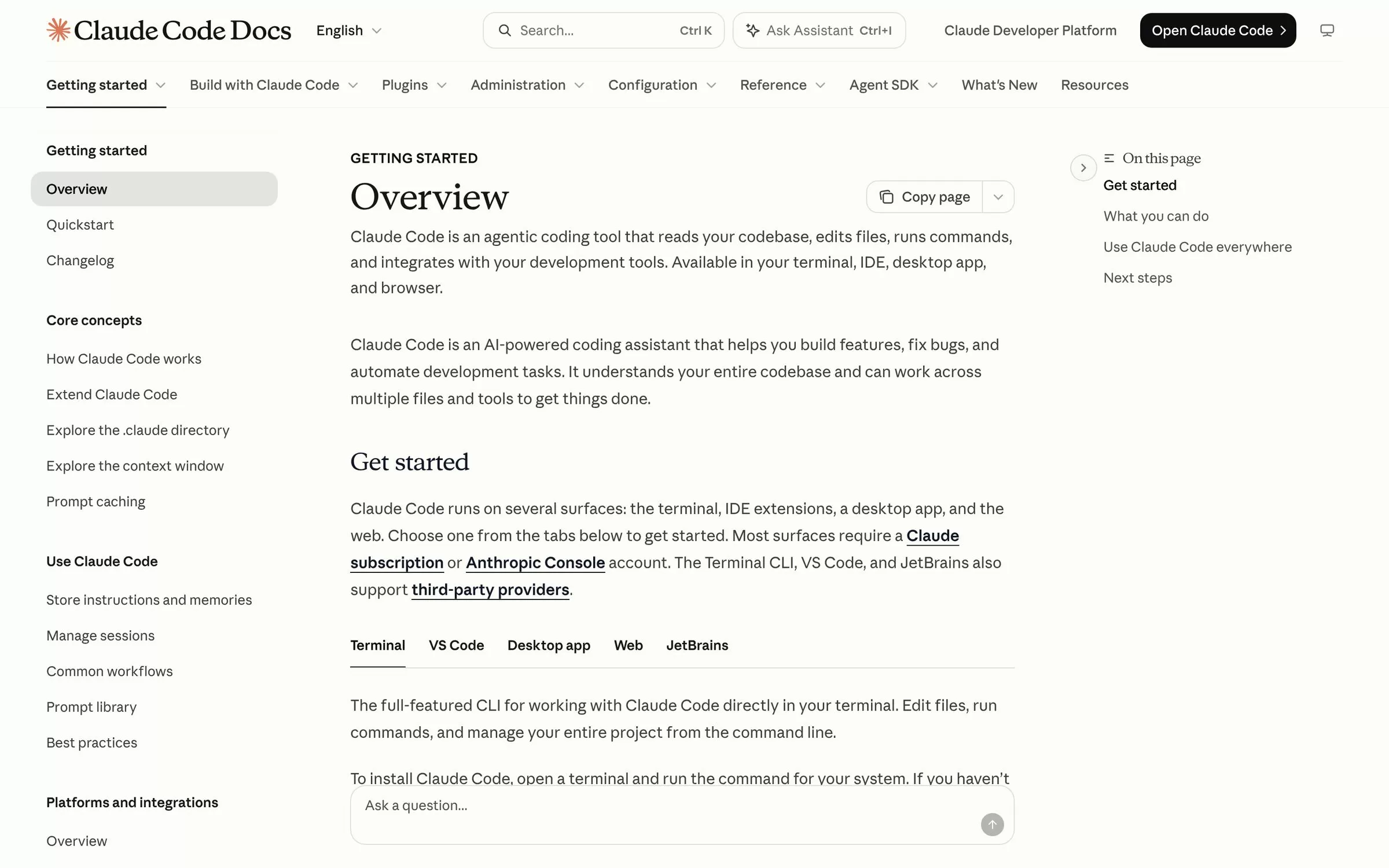
Claude Code reads your codebase, edits files and runs commands. It runs in the terminal, VS Code, JetBrains IDEs, a desktop app and the browser.
Best for: Big tasks across a whole codebase
Free plan: No, the Free Claude plan does not include Claude Code
Price: Included in Claude Pro ($17 a month billed annually, $20 billed monthly) and Max (from $100 a month)
Website: code.claude.com/docs/en/overview
3. Kiro
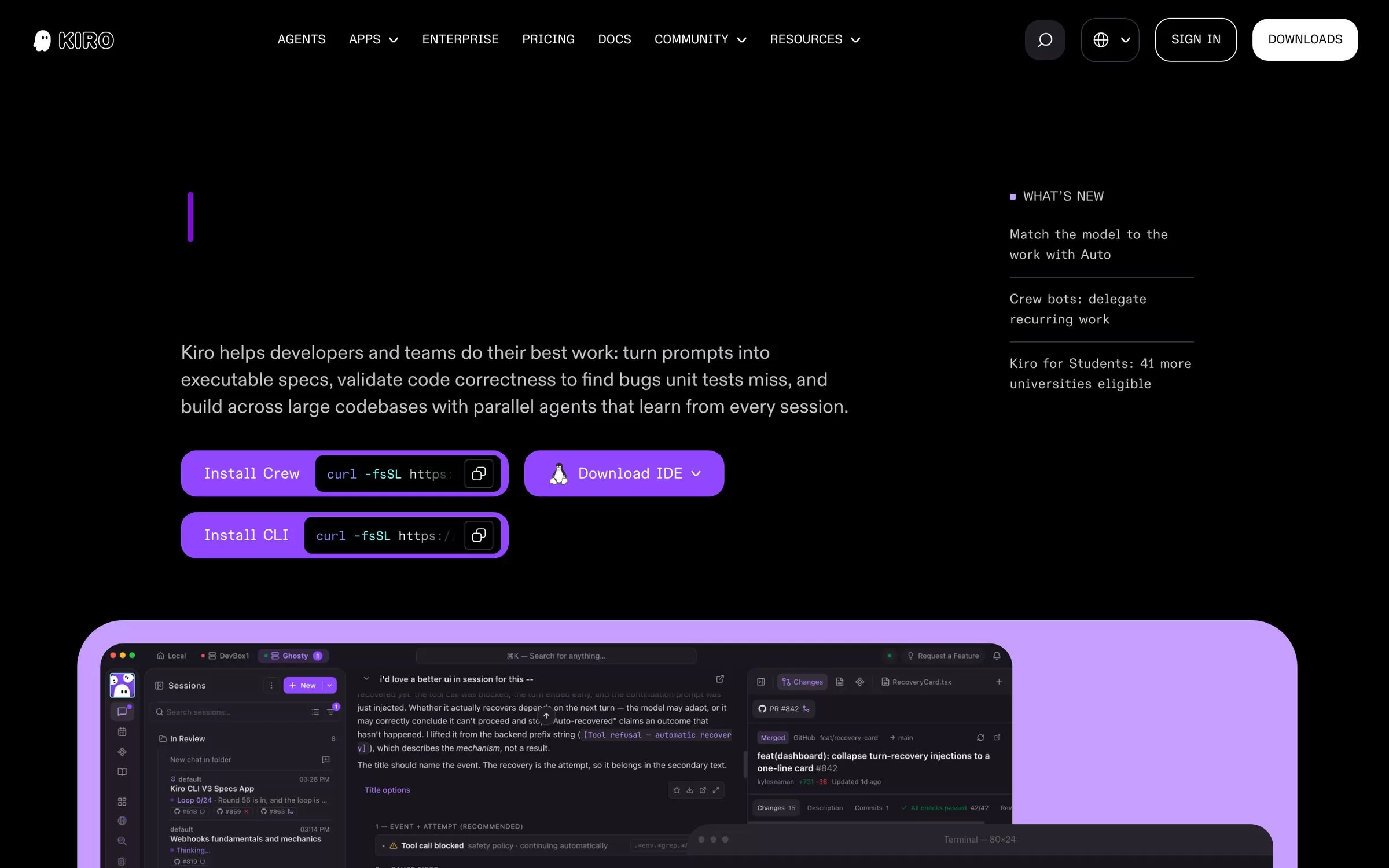
Kiro is from AWS. It turns prompts into requirements, designs and tasks before it writes code. It comes as an IDE and a CLI, and you do not need an AWS account.
Best for: Planning before coding
Free plan: Free plan with 50 credits a month
Price: Pro $20 per user per month with 1,000 credits
Website: kiro.dev
4. Devin Desktop (formerly Windsurf)
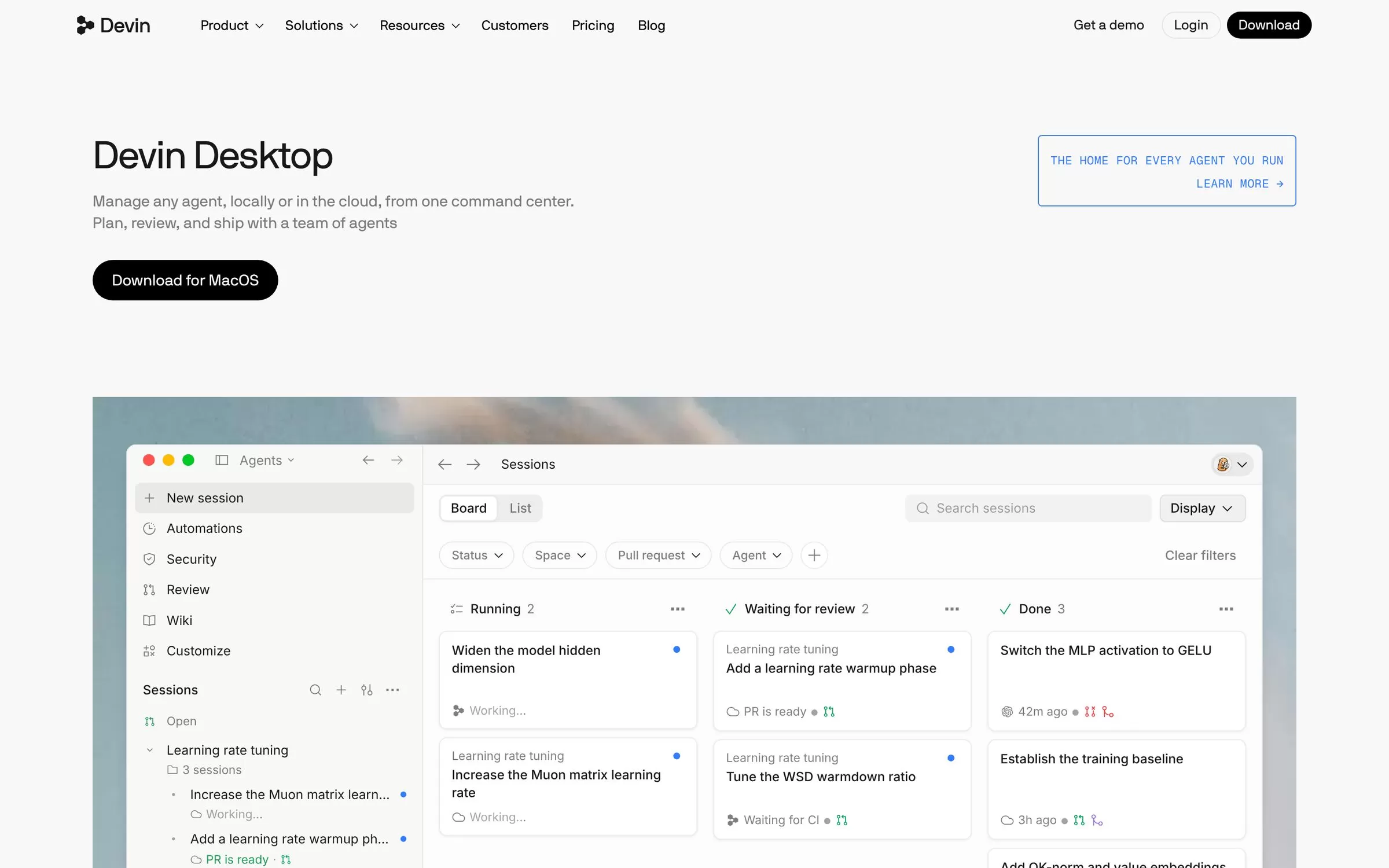
Devin Desktop is the new name for Windsurf. It keeps the Windsurf IDE and adds one place to manage local and cloud agents. Windsurf for JetBrains is still available.
Best for: Managing several coding agents
Free plan: Free plan at $0
Price: Pro $20 a month; Max $200 a month
Website: devin.ai/desktop
5. Devin
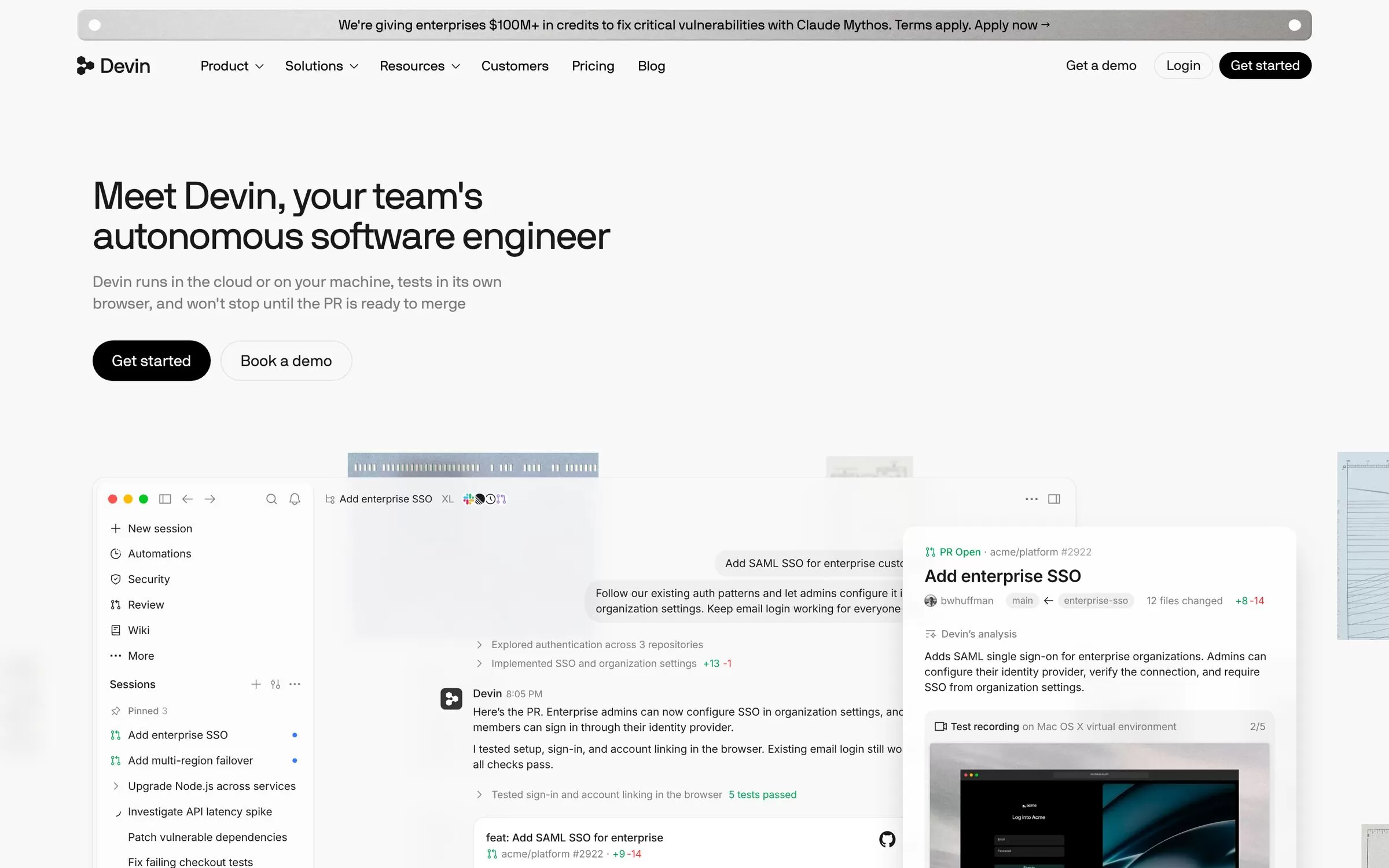
Devin is described as an autonomous software engineer for teams. It runs in the cloud or on your machine, tests its work in its own browser and works from tools like Slack.
Best for: Handing off whole tasks
Free plan: Free plan at $0 with a light quota to code with agents
Price: Pro $20 a month; Max $200 a month
Website: devin.ai
6. Zed
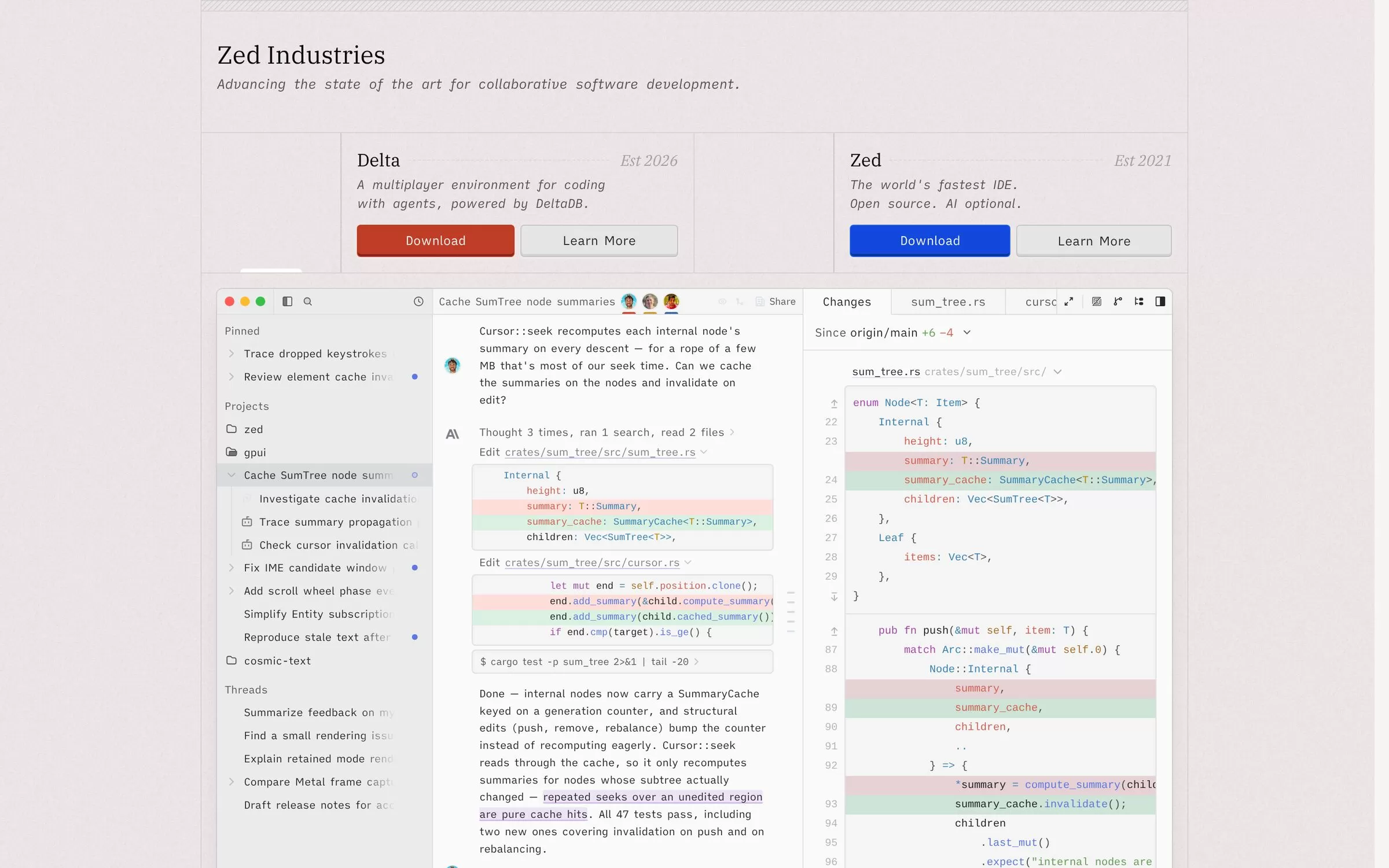
Zed is an open source code editor built in Rust for macOS, Linux and Windows. It supports agentic editing, edit prediction and external agents such as Claude Agent and Codex.
Best for: A fast open source editor
Free plan: Personal plan is free, with your own API keys or external agents
Price: Pro $10 a month with a 14-day trial
Website: zed.dev
7. Cline
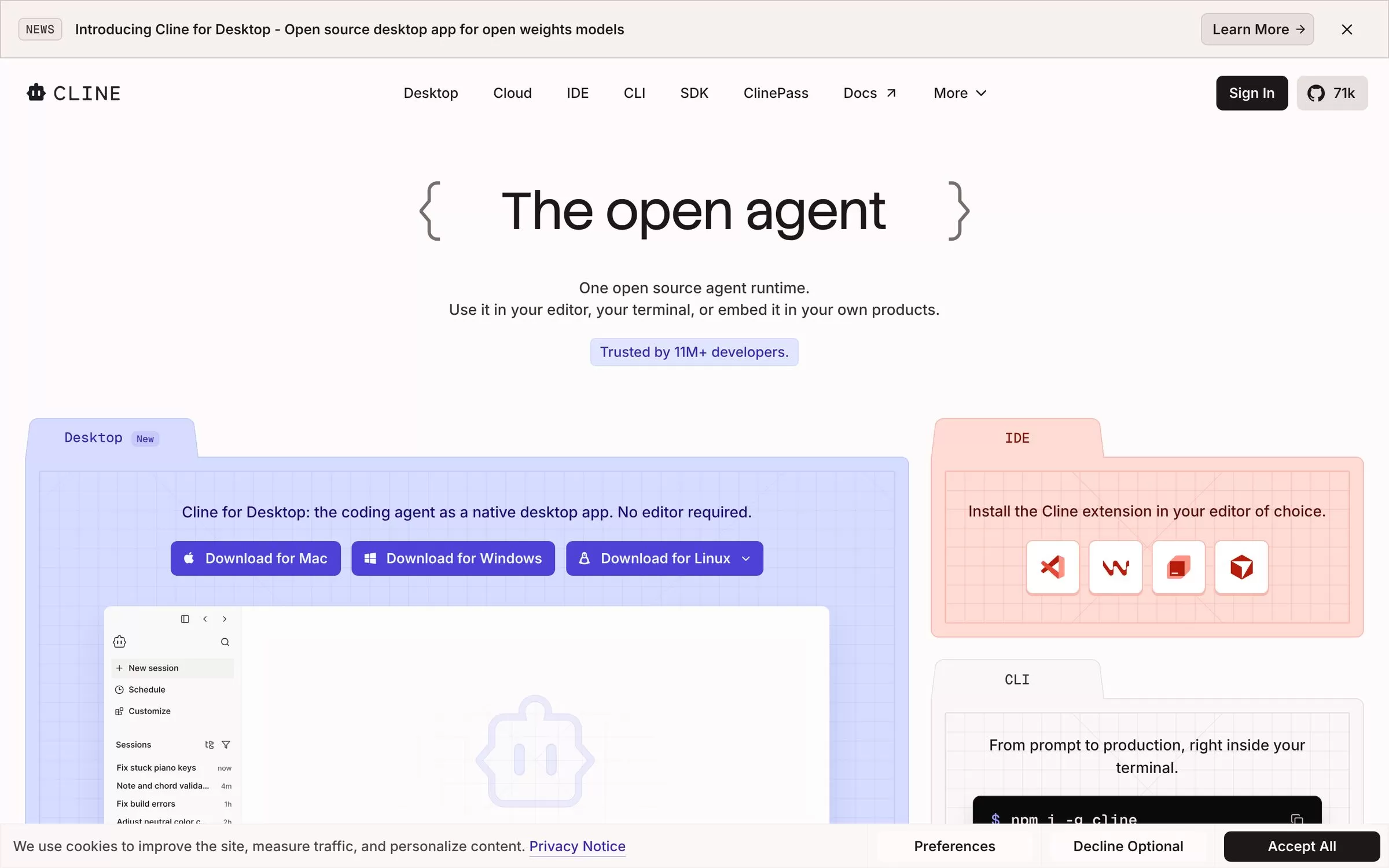
Cline is an open source coding agent. You can use it in VS Code, JetBrains IDEs, Cursor, Windsurf and Zed, or from a CLI and a desktop app.
Best for: Open source agent, your own model
Free plan: Bring your own key, or use the free model options
Price: ClinePass at $9.99 a month
Website: cline.bot
Best free AI coding assistant
GitHub Copilot, Kiro, Devin Desktop, Devin and Zed all list a free plan. Cline is open source and works with your own key. Claude Code needs a paid Claude plan.
AI coding assistants comparison: how to choose
Start with your editor. If you want completions inside the editor you already use, try GitHub Copilot. If you want an agent to take on bigger jobs, compare Claude Code, Kiro and Devin.
Final verdict
Pick GitHub Copilot for a free, easy start inside your editor. Pick Claude Code or Kiro when you want an agent to plan and build larger changes. Try one free plan for a week on a real task before you pay.


