
9 AI Mind Map Makers That Turn Notes, PDFs and Videos Into Clear Maps
Turn messy notes, PDFs and videos into clear maps in seconds.

Key Takeaways
- Best free pick: Gemini Notebook
- Best for YouTube and PDFs: Mapify
- Best for teams: MindMeister
- Lowest paid price: GitMind
These 9 AI mind map makers turn your notes, PDFs, YouTube videos and simple prompts into clear, editable maps, so you can study, plan or brainstorm faster.
Top 9 AI mind map makers at a glance
| Tool | Best for | Free plan |
|---|---|---|
| 1. Mapify | YouTube and PDF summaries | Yes |
| 2. Gemini Notebook | Maps from your own sources | Yes |
| 3. Xmind | Turning files into maps | Yes |
| 4. GitMind | Budget all-rounder | Yes |
| 5. MindMeister | Team brainstorming | Yes |
| 6. Whimsical | Quick maps from a prompt | Yes |
| 7. Miro | Large team whiteboards | Yes |
| 8. Napkin AI | Mind maps for slides and posts | Yes |
| 9. Boardmix | Lifetime whiteboard deal | Yes |
Jump toMapifyGemini NotebookXmindGitMindMindMeisterWhimsicalMiroNapkin AIBoardmix
The 9 best AI mind map makers in 2026
1. Mapify
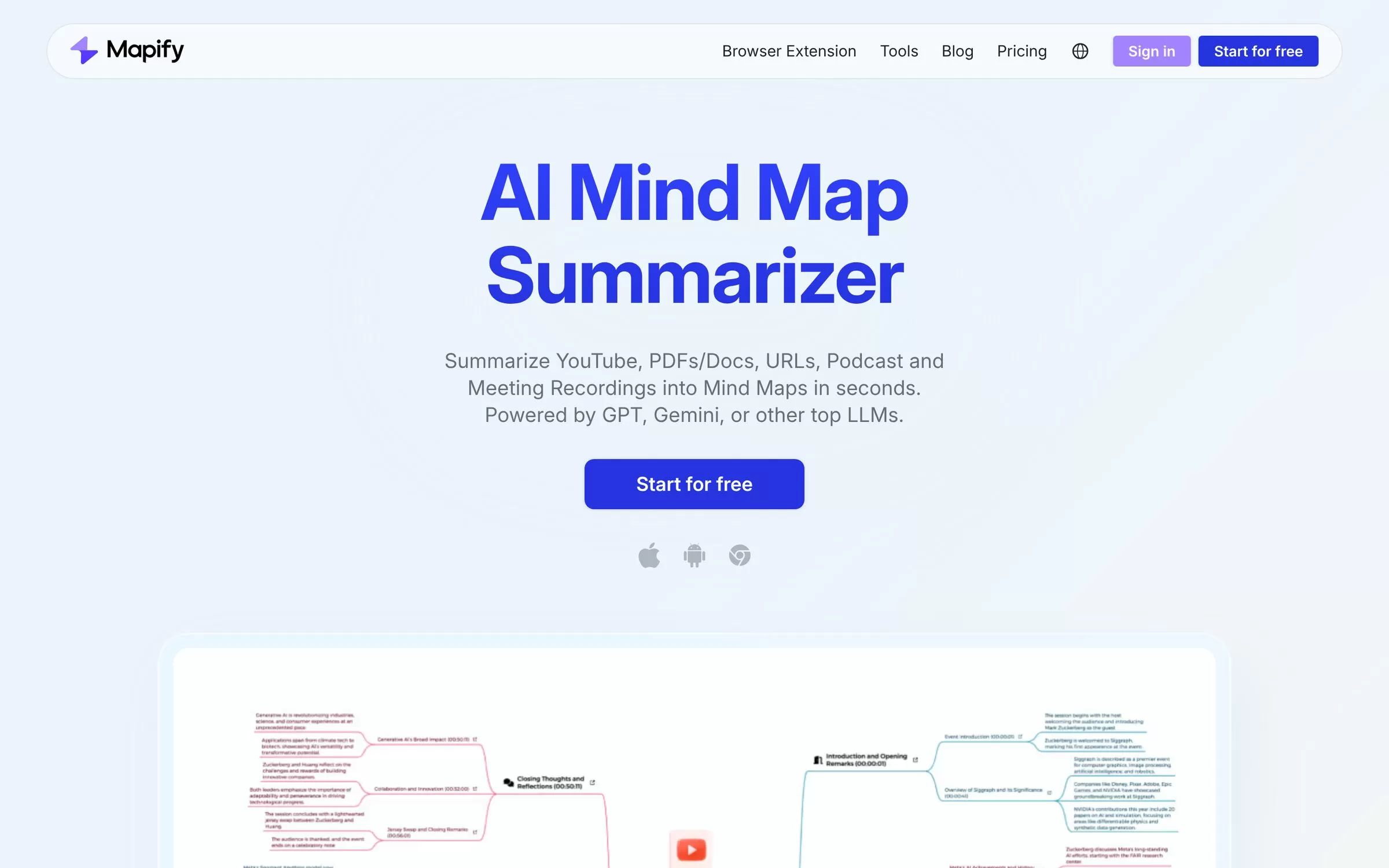
Mapify turns YouTube videos, PDFs, documents, web pages and long text into mind maps in seconds. It suits students and busy readers who want the main points of a long source at a glance, and it can summarize documents in 30+ languages.
Best for: YouTube and PDF summaries
Free plan: Yes, 30 one-time AI credits, including 5 PDF or document maps and 5 YouTube maps
Price: Basic at US$9.99 a month, or US$5.99 a month billed yearly
Website: mapify.so
2. Gemini Notebook
Gemini Notebook, the Google tool formerly called NotebookLM, builds a mind map that visually summarizes the sources you upload, such as PDFs, Google Docs, web links and public YouTube videos. Mind maps work on the web; the mobile app does not support them yet.
Best for: Maps from your own sources
Free plan: Yes, with up to 100 notebooks and 50 sources per notebook
Price: Free; Google AI Plus, Pro and Ultra plans raise the limits
Website: notebook.google
3. Xmind
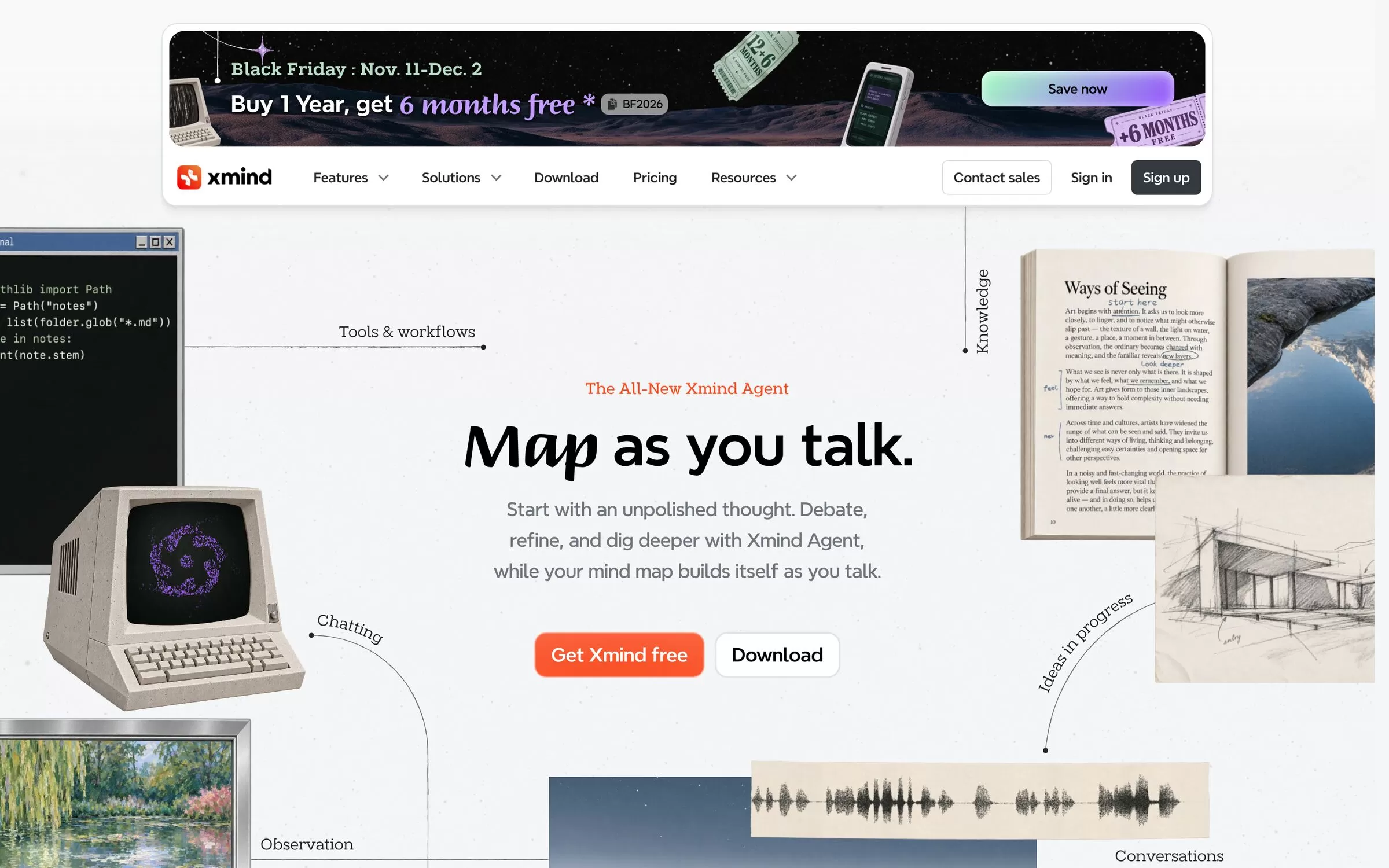
Xmind is a mind mapping app whose AI generator works from text, Word, PDF, Markdown and OPML files, images and website URLs. It fits people who want a polished, full-featured mapping app on the web and desktop.
Best for: Turning files into maps
Free plan: Yes, up to 10 online maps and 50 free AI credits at sign-up
Price: Pro from US$4.92 a month; Premium from US$8.25 a month with 500 AI credits a month
Website: xmind.com
4. GitMind
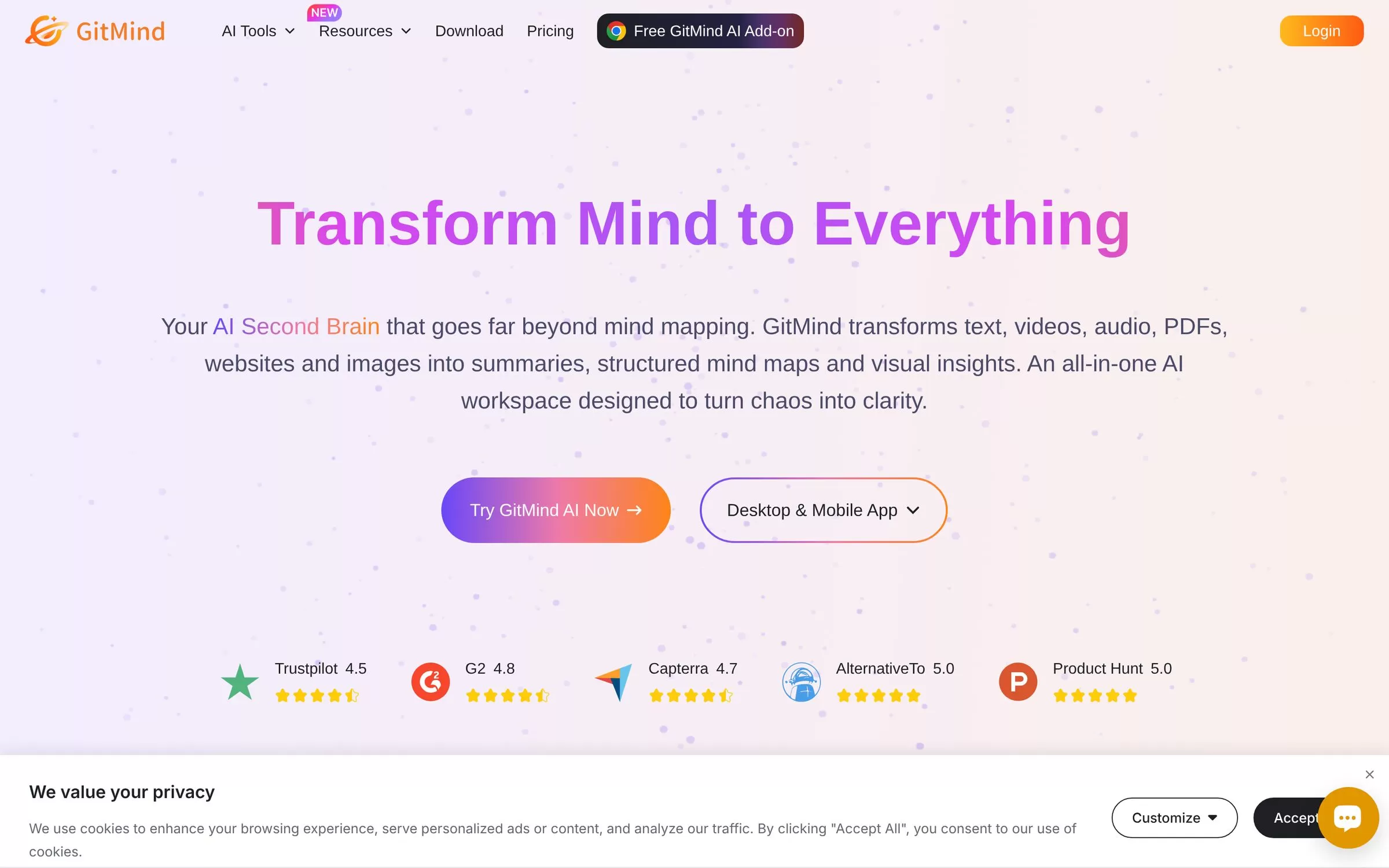
GitMind makes mind maps from a one-line prompt, files such as PDF, Word and PowerPoint, articles and links, YouTube videos, images and audio. Its annual plan is one of the lowest-priced paid options in this list.
Best for: Budget all-rounder
Free plan: Yes, up to 10 mind maps or whiteboards
Price: US$9 a month, or US$4.08 a month on the annual plan
Website: gitmind.com
5. MindMeister
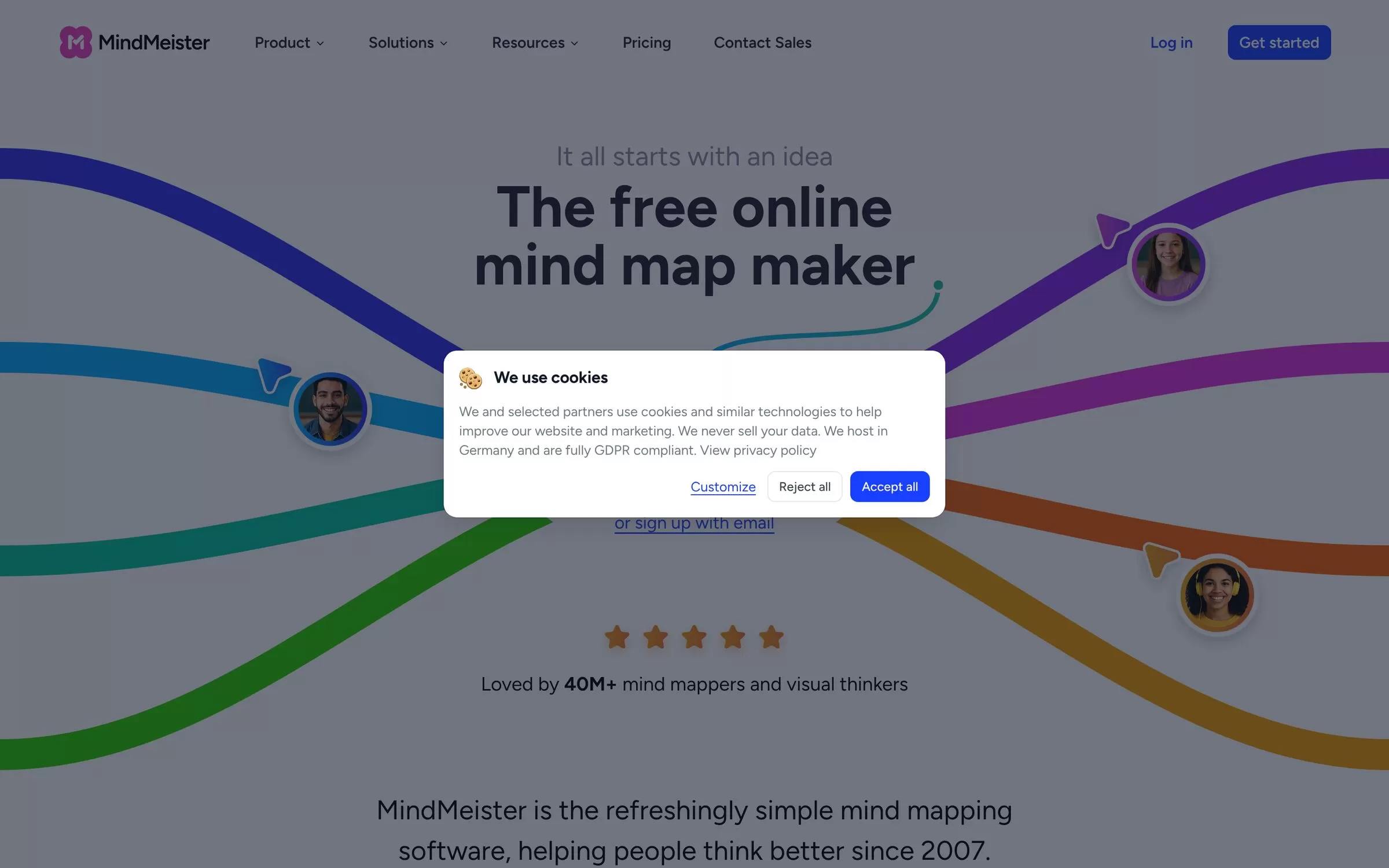
MindMeister lets you enter a prompt or upload a file, such as a PDF, presentation, spreadsheet or image, and get an editable mind map in seconds. It is built for sharing and brainstorming with a team.
Best for: Team brainstorming
Free plan: Yes, up to 3 mind maps and 500 Meister AI credits a month
Price: Personal at US$6.50 per user a month, excluding VAT
Website: mindmeister.com
6. Whimsical
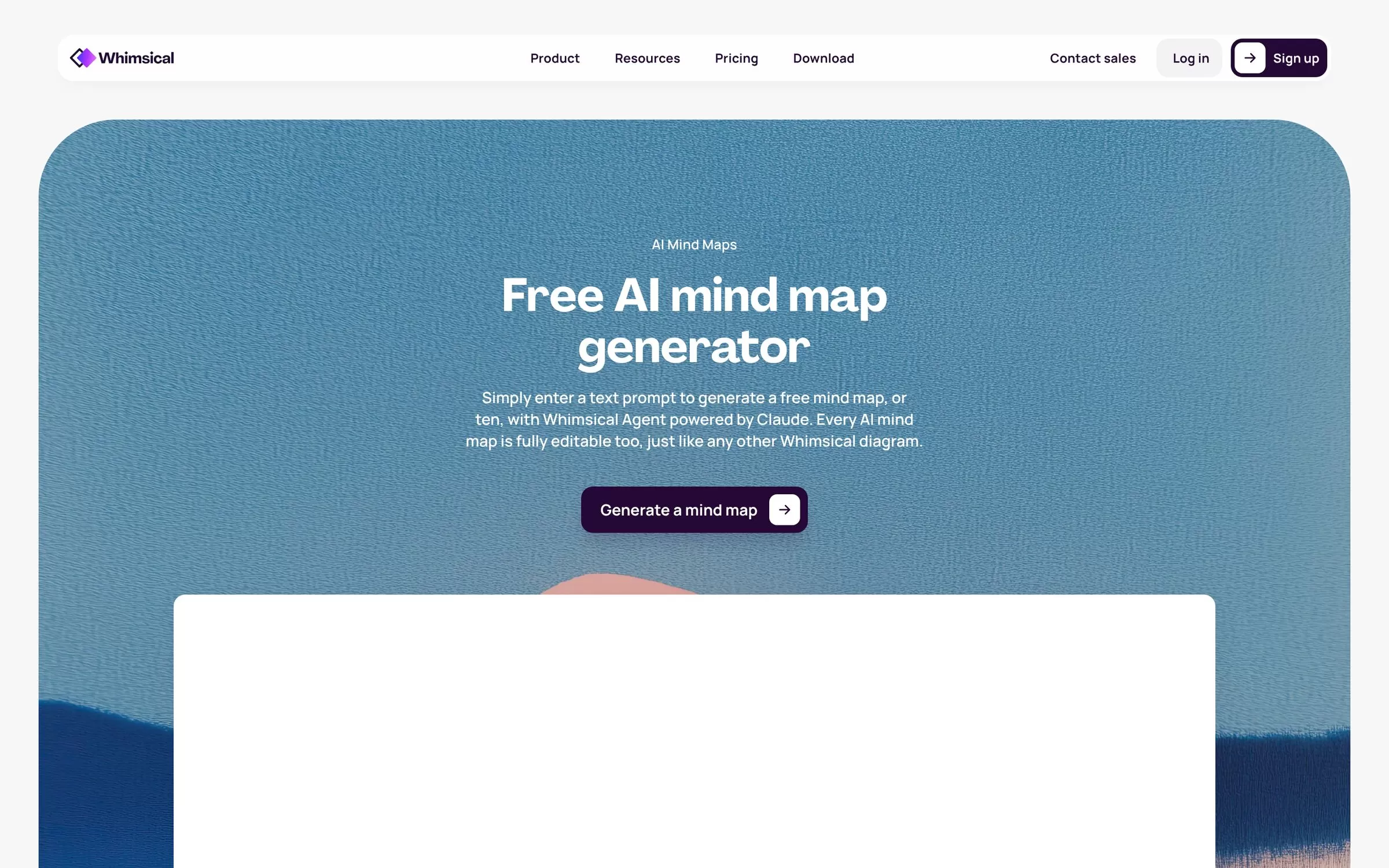
Whimsical turns a text prompt into a mind map with Whimsical Agent, powered by Claude, and every AI map stays fully editable. It sits in a clean whiteboard with flowcharts, wireframes and docs for product builders.
Best for: Quick maps from a prompt
Free plan: Yes, up to 50 board objects a month and 10 AI credits
Price: Pro at US$10 per editor a month billed annually, or US$12 billed monthly
Website: whimsical.com
7. Miro
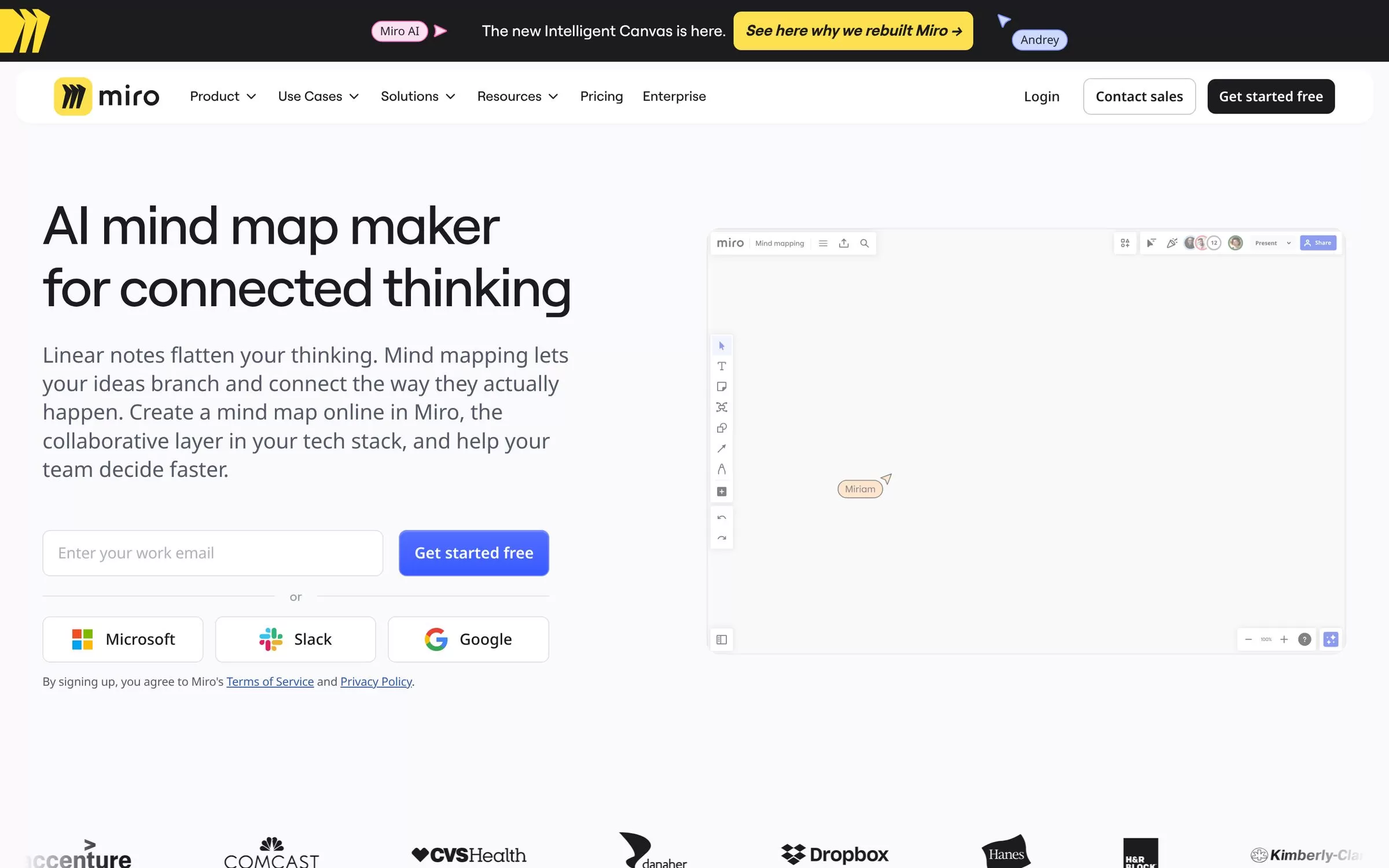
Miro's AI mind map generator drafts a map from a prompt right on its shared online whiteboard, where your team can keep working on it together. It suits teams that already plan their work in Miro.
Best for: Large team whiteboards
Free plan: Yes, 3 editable boards
Price: Starter at US$8 per member a month billed yearly, with 25 AI credits a month
Website: miro.com
8. Napkin AI
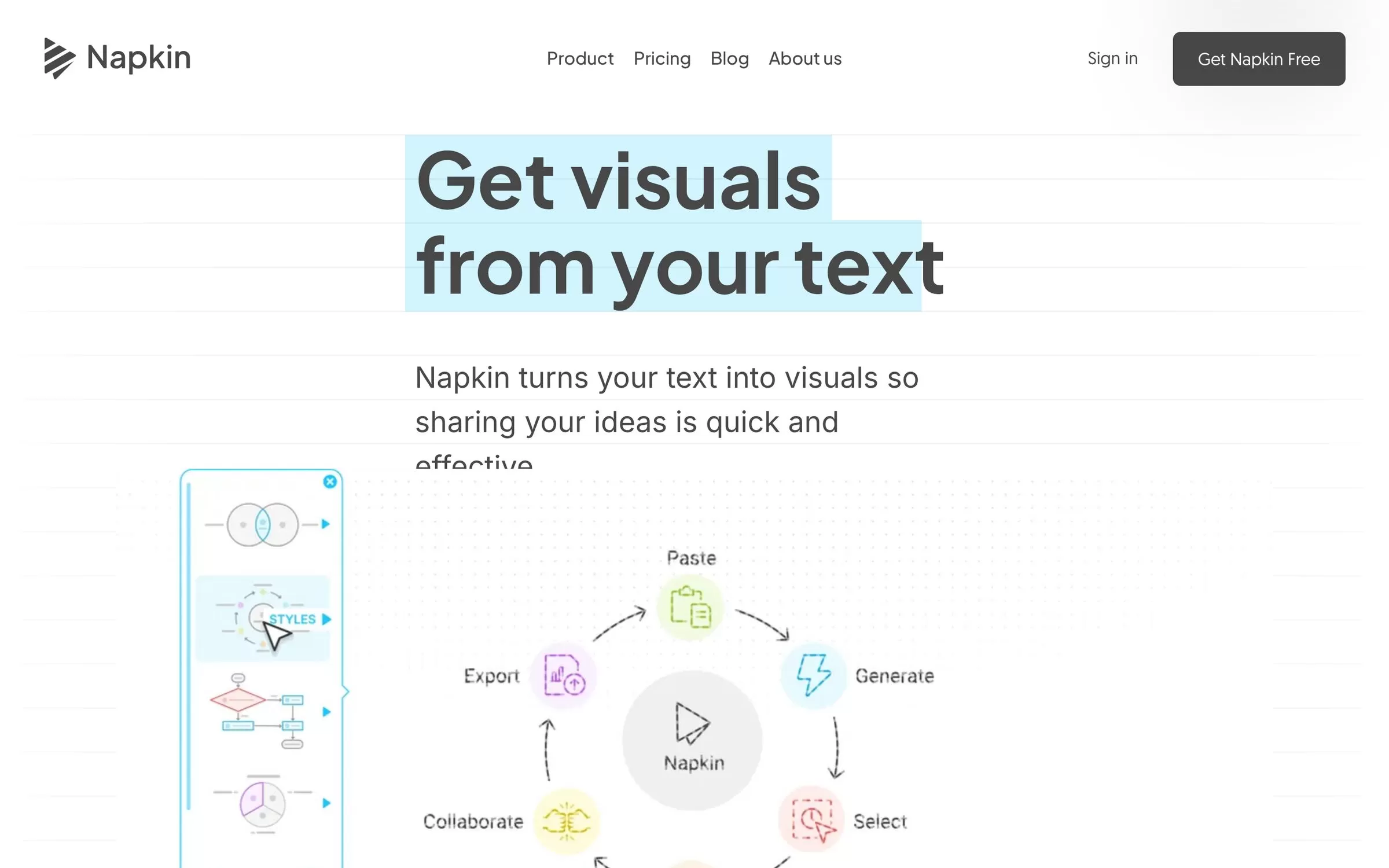
Napkin AI turns text you write, paste or import into visuals, including mind maps, flowcharts, infographics and charts. It is handy for slides, reports and social posts, and it creates visuals in 60+ languages.
Best for: Mind maps for slides and posts
Free plan: Yes, 500 AI credits a week, with Napkin branding on visuals
Price: Plus at US$9 per person a month; Pro at US$22
Website: napkin.ai
9. Boardmix
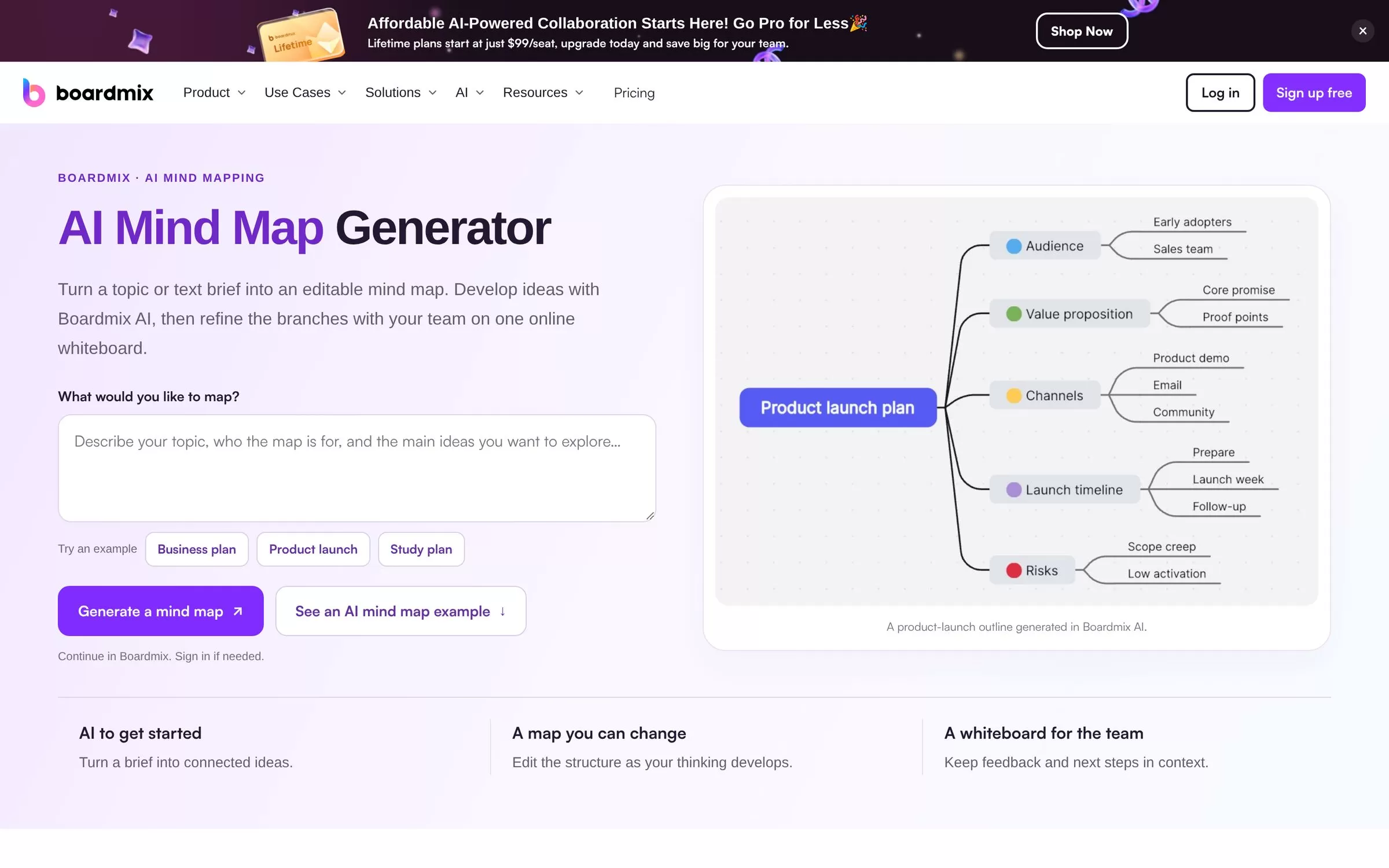
Boardmix turns a topic or short text brief into an editable mind map on its online whiteboard, so your team can refine the branches together. It also sells one-time lifetime plans.
Best for: Lifetime whiteboard deal
Free plan: Yes, 3 editable boards
Price: AI Starter at US$10 per member a month billed annually, or US$15.9 billed monthly; lifetime plans from US$99
Website: boardmix.com
AI mind map generator from PDF or YouTube video
If your notes start as a PDF or a lecture video, Mapify, GitMind and Gemini Notebook can read PDFs and YouTube links directly. Xmind and MindMeister also accept PDF files, while Whimsical, Miro and Boardmix work best from a typed prompt or brief.
Free AI mind map makers for students
Every tool here has a free plan. Gemini Notebook is the most generous for students, since it is free with a Google account and maps your own study material. Napkin AI gives 500 AI credits every week, and MindMeister gives 500 AI credits a month.
Final verdict
Start with Gemini Notebook if you want free mind maps from your own PDFs and videos, or Mapify if you summarize YouTube videos and documents often. Teams should try MindMeister, Miro or Whimsical, and anyone on a budget can look at GitMind or Xmind. Try two free plans with the same notes and keep the one whose maps you edit least.


