

Top use cases
Turn product photos into 3D
Upload an image and get a 3D model for product design work.
Add textures to a model
Apply realistic PBR textures to a 3D model with AI.
Animate a character
Rig a 3D character automatically and add motions from the animation library.
Meshy FAQs
What is Meshy?
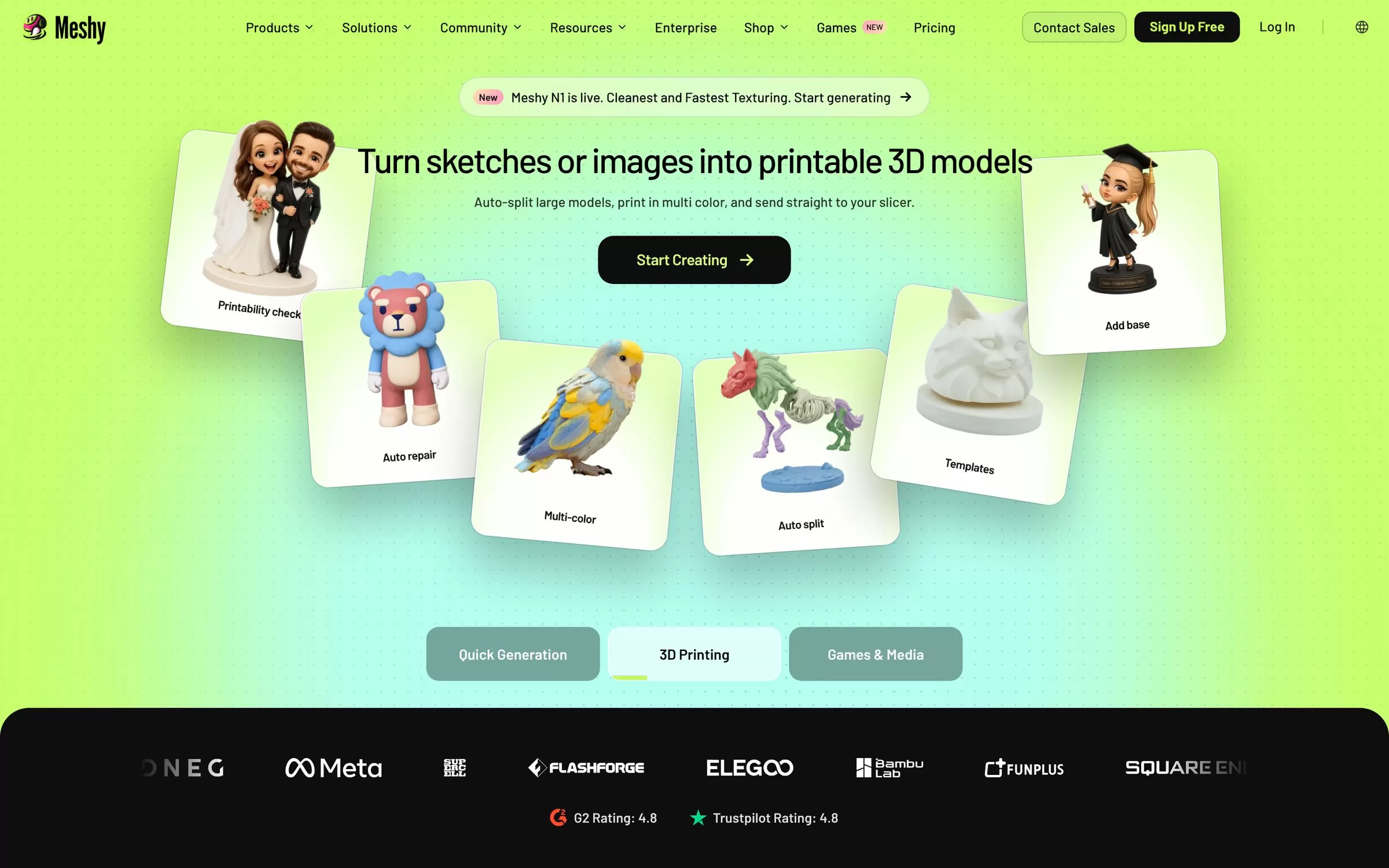
Meshy makes 3D models from text prompts or images, with textures and rigging. Meshy turns a text prompt or an image into a 3D model in seconds. It also adds PBR textures and can auto-rig and animate characters.
Is Meshy free?
Yes, Meshy has a free plan: 100 credits a month. Paid pricing: Pro at $20 a month.
How much does Meshy cost in India?
Meshy pricing: Pro at $20 a month. Prices on the official site are in US dollars. Prices can change, so check meshy.ai for the latest pricing.
What is Meshy best for?
Meshy is best for 3D creators and designers. People use it to turn product photos into 3D, add textures to a model and animate a character.
How to turn product photos into 3D with Meshy?
With Meshy, you can upload an image and get a 3D model for product design work.
How to add textures to a model with Meshy?
With Meshy, you can apply realistic PBR textures to a 3D model with AI.
How to animate a character with Meshy?
With Meshy, you can rig a 3D character automatically and add motions from the animation library.
What are the best Meshy alternatives?
Popular alternatives in 3D & Product Mockups include Spline, Hyper3D Rodin, Sloyd and 3D AI Studio. Each has its own free plan and price, so compare them on the tool pages.
Where can I sign up for Meshy?
On its official website, meshy.ai. You can start on the free plan.
When were Meshy's price and features last checked?
We checked them on the official site on 6 November 2026. Plans change often, so confirm the latest price on meshy.ai before you pay.