
9 AI Browsers That Read, Summarise and Click for You
Let your browser read, compare and finish web tasks for you.

Key Takeaways
- Best task agent: Perplexity Comet
- Unlimited free AI: Norton Neo
- Hindi support: Gemini in Chrome
- No-login AI: Brave Leo
These 9 AI browsers can read, summarise and compare pages for you, and some can even click through tasks on their own.
Top 9 AI browsers at a glance
| Tool | Best for | Free plan |
|---|---|---|
| 1. Perplexity Comet | Hands-off browsing tasks | Browser only |
| 2. Microsoft Edge (Copilot) | Windows users | Yes |
| 3. Google Chrome (Gemini in Chrome) | Hindi users | Yes |
| 4. Brave (Leo AI) | Privacy-first AI | Yes |
| 5. Opera One (Opera AI) | Free AI with no sign-up | Yes |
| 6. Opera Neon | AI agents that act | Partly |
| 7. Dia | Workday productivity | Yes |
| 8. Norton Neo | Unlimited free AI | Yes |
| 9. Sigma AI Browser | Low-cost agent | Yes |
Jump toPerplexity CometMicrosoft EdgeGoogle ChromeBraveOpera OneOpera NeonDiaNorton NeoSigma AI Browser
The 9 best AI browsers in 2026
1. Perplexity Comet
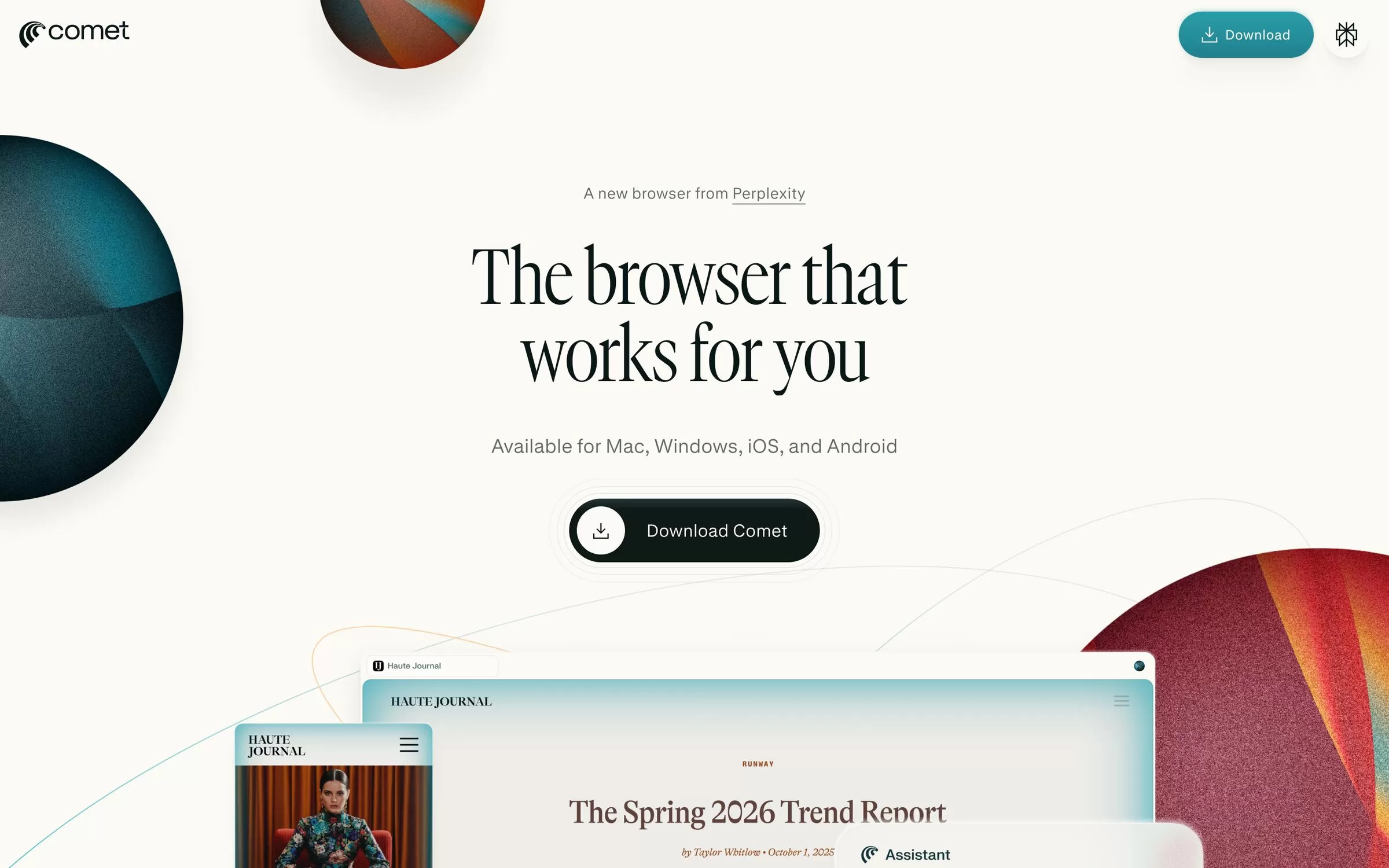
Comet is Perplexity's browser, built to work for you: it can research, write emails, shop and handle tasks across your tabs. The browser is free on Mac, Windows, iOS and Android; the Comet Assistant agent needs a paid Perplexity plan.
Best for: Handing routine web tasks to an AI assistant
Free plan: Yes, the browser is free; Comet Assistant needs a paid Perplexity plan
Price: Free; Perplexity Pro is $17/month billed annually
Platforms: Mac, Windows, iOS, Android
Website: perplexity.ai/comet
2. Microsoft Edge (Copilot)
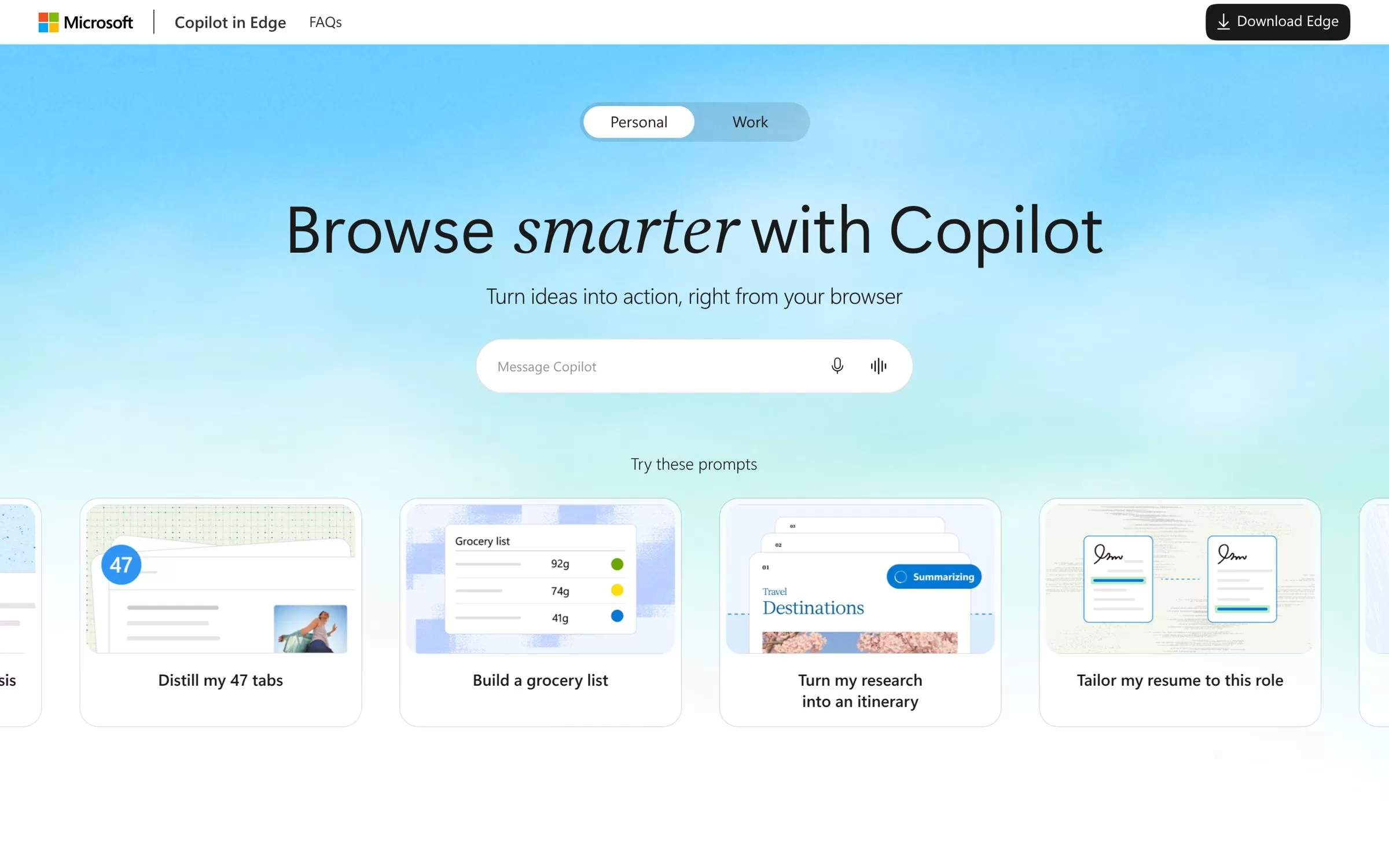
Edge has Copilot built in: it can summarise any page or YouTube video, compare open tabs and pick up past research with Journeys. Browse with Copilot, which clicks and types for you, is rolling out to Microsoft 365 Premium subscribers in the US first.
Best for: Windows users who want AI in the sidebar
Free plan: Yes, Copilot in Edge has a free tier
Price: Free; higher limits come with Microsoft 365
Platforms: Windows, macOS, Linux, iOS, Android
Website: microsoft.com/edge
3. Google Chrome (Gemini in Chrome)
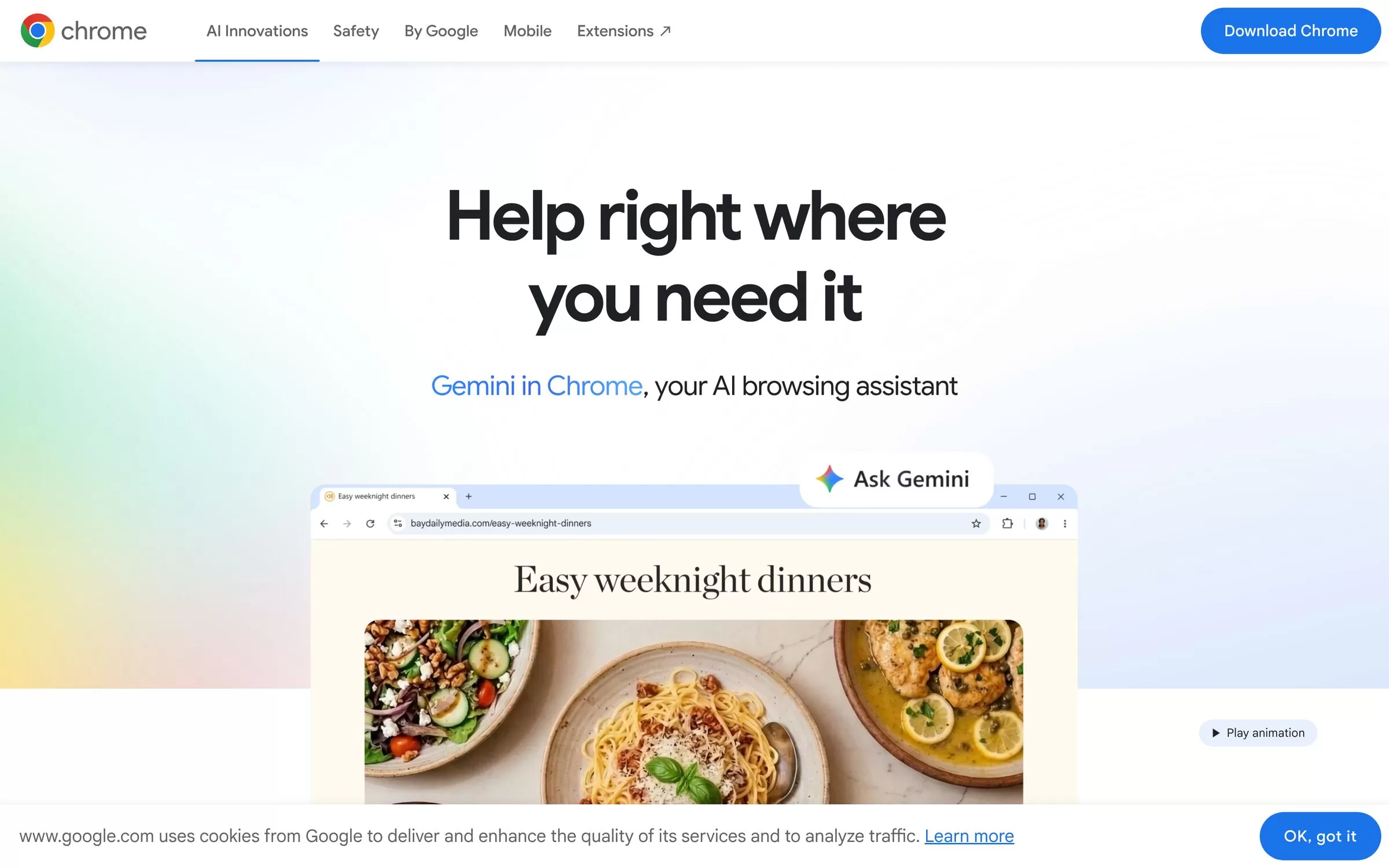
Gemini in Chrome adds an Ask Gemini button that helps with your open tabs, summarises YouTube videos and adds Calendar events. It is available in India with Hindi among its languages; you must be signed in to Chrome.
Best for: Chrome users who want an assistant in Hindi
Free plan: Yes, Chrome is free; auto browse needs a paid Google AI plan
Price: Free
Platforms: Windows, Mac, Chromebook Plus, iPhone and iPad
Website: google.com/chrome
4. Brave (Leo AI)
Brave's Leo lets you chat with any tab, summarise pages and PDFs, and even bring your own AI models. It works without an account, so it suits people who care most about privacy.
Best for: Private AI chat with no login
Free plan: Yes, Leo is free to use
Price: Leo Premium $14.99/month or $149.99/year, 7-day free trial
Platforms: Windows, macOS, Linux, Android, iOS
Website: brave.com/leo
5. Opera One (Opera AI)
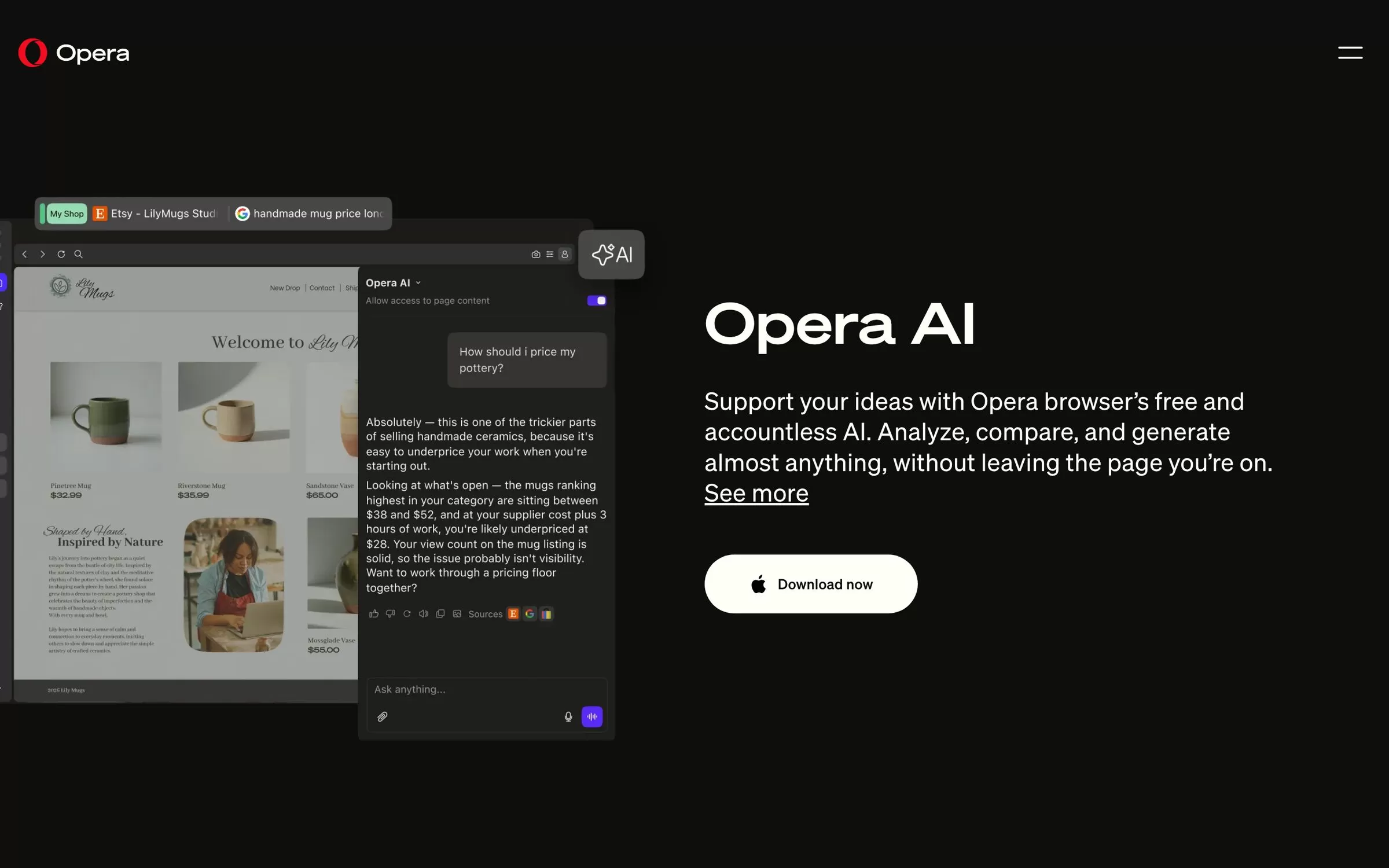
Opera AI, earlier called Aria, sits in a side panel and can summarise and compare pages, work with YouTube transcripts, generate images and translate highlighted text into 50 languages. It is free and needs no account.
Best for: A free assistant without creating an account
Free plan: Yes, free and accountless
Price: Free
Platforms: Opera One runs on Windows, macOS, Linux, Android, iOS and Chromebook
Website: opera.com
6. Opera Neon
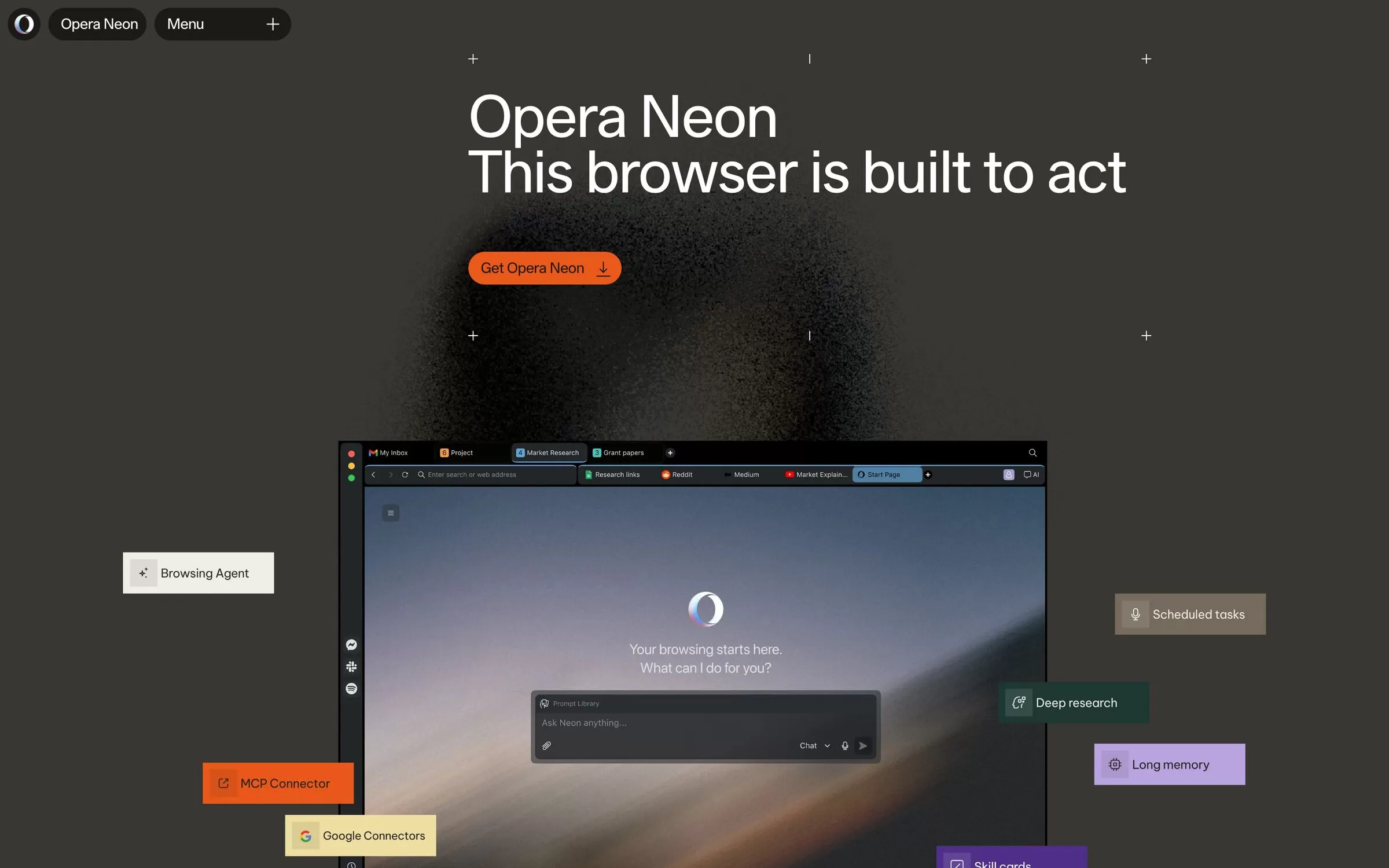
Opera Neon is a browser built to act, with several AI agents for browsing, deep research and generating documents. Neon's own agents need a subscription, but you can download it and connect your own AI agents free.
Best for: Power users who want agents to do the work
Free plan: Partly: free download, own agents via MCP free; Neon's agents are paid
Price: $19.90/month
Platforms: macOS, Windows
Website: operaneon.com
7. Dia
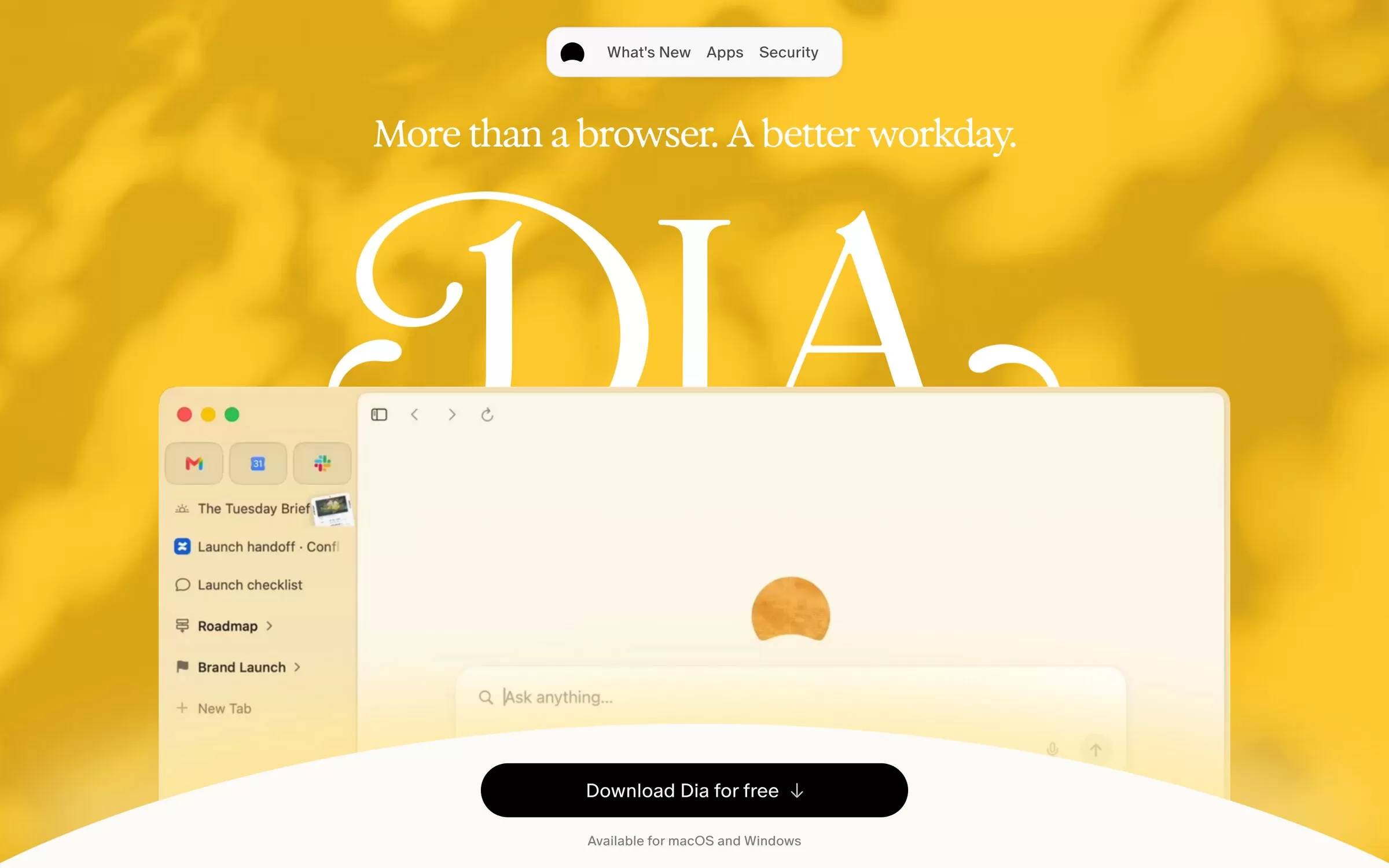
Dia, from the makers of Arc, gives you a Morning Brief of your calendar and inbox and answers questions across your tabs and work apps. Paid plans add AI asks, the Morning Brief and app connections.
Best for: Office work across tabs, mail and docs
Free plan: Yes, free to download
Price: Better Answers $10/month; Better Days $100/month
Platforms: macOS, Windows
Website: diabrowser.com
8. Norton Neo
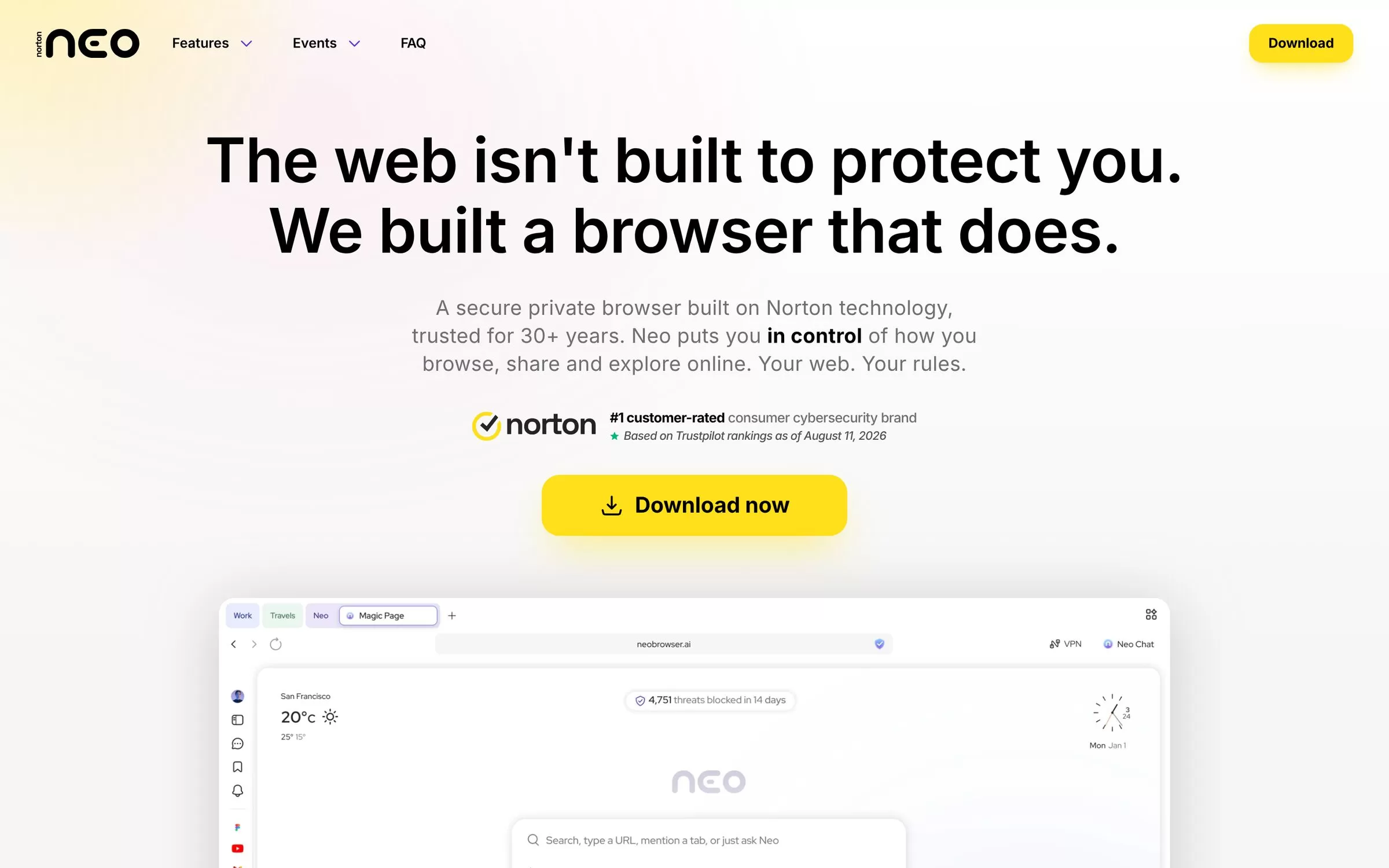
Neo is a private browser built on Norton technology, with an AI assistant that chats about any page and summarises or compares tabs you mention. Its AI is free with no credits or caps.
Best for: Free, unlimited AI with built-in security
Free plan: Yes, unlimited AI included free
Price: Free
Platforms: Windows, macOS, Linux, Android, iOS
Website: neobrowser.ai
9. Sigma AI Browser
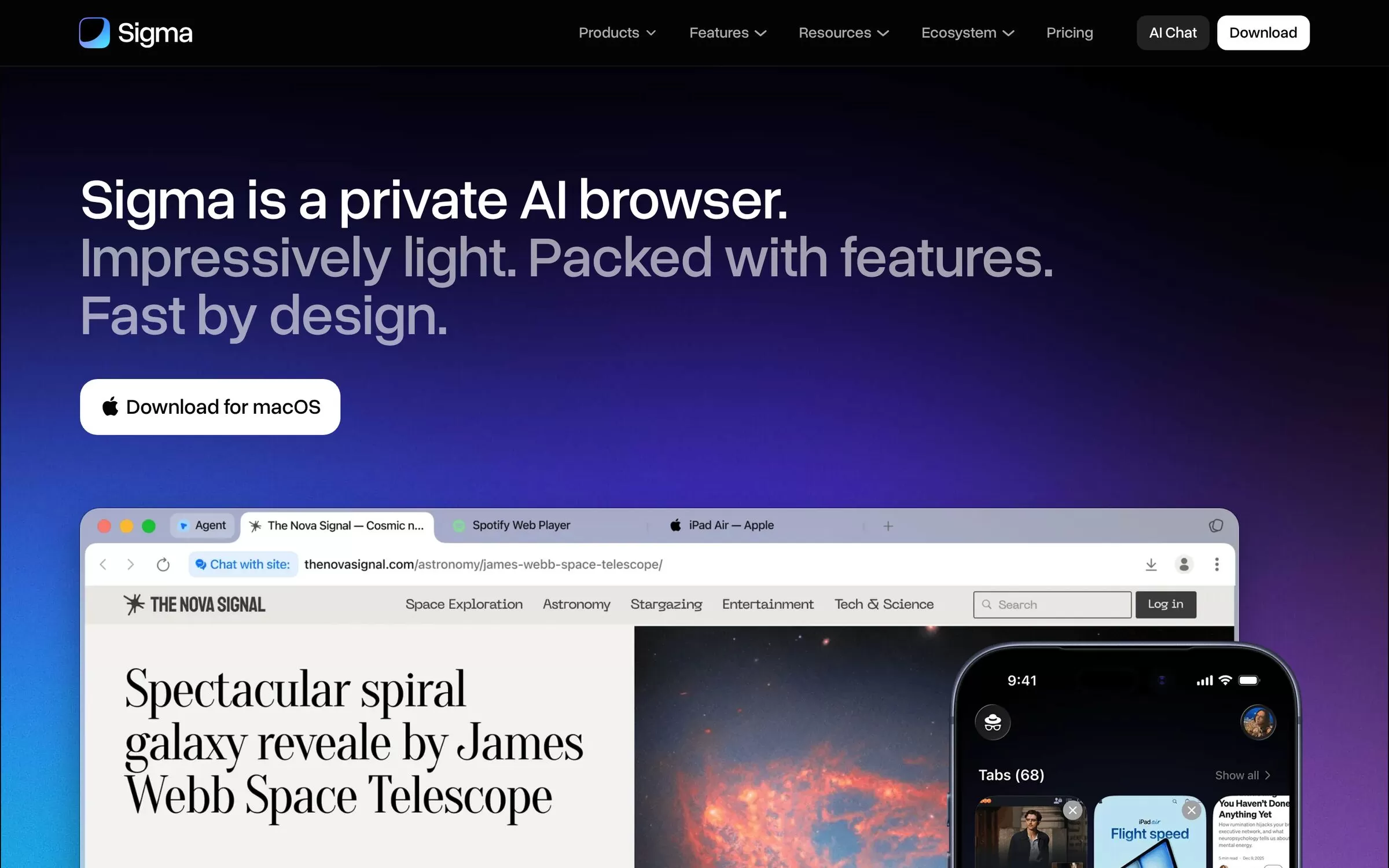
Sigma is an agentic browser whose AI agent can navigate pages, fill forms and manage tasks, with chat with page and deep research. It also runs a local AI model, Eclipse, inside the browser.
Best for: Budget-friendly AI agent features
Free plan: Yes, with limited agent and deep research use
Price: Plus $10/month ($8/month billed annually); Pro $75/month ($60/month billed annually)
Platforms: Windows, macOS, iOS
Website: sigmabrowser.com
Free AI browsers
Edge, Chrome, Brave, Opera One, Norton Neo and Sigma all have AI you can use without paying, and the Comet browser is free to download. Comet's agent needs a paid Perplexity plan, and Opera Neon's own agents need a $19.90 monthly plan.
AI browsers for Windows and Mac
All 9 browsers here run on Windows and macOS. Opera Neon and Dia are desktop only, while Edge, Brave, Opera One and Norton Neo also run on Linux.
Best AI browser for Android
Comet, Edge, Brave and Norton Neo have Android apps. Gemini in Chrome is not on Android yet, and Sigma's Android app is still on a waitlist.
AI browsers like Comet
If you want a browser that does tasks for you, try Opera Neon or Sigma. Edge's Browse with Copilot does the same, but it starts with US subscribers.
Final verdict
For an AI that does the work, start with Perplexity Comet on a paid Perplexity plan or Opera Neon. For free, unlimited AI, pick Norton Neo, for private AI with no login pick Brave, and if you want answers in Hindi, turn on Gemini in Chrome. Install one, ask it to summarise your open tabs, and see how much reading it saves.


