In today’s digital world, customer expectations are high: they want instant responses, consistent interactions and 24/7 access. A smart chatbots can help you deliver that — even if you don’t have a team of developers. Thanks to “no-code” chatbot builders, you can create intelligent conversational agents relatively quickly, integrate them into your website, messaging platforms or mobile apps, and deliver a smoother user experience.
Here are ten of the top no-code tools you should explore — along with how to pick the right one and key factors to consider.
What to look for in a good no-code chatbot builder
Before diving into the list, let’s set out the evaluation criteria you should keep in mind:
- Ease of use: The interface should let you define intents, responses, conversation flows and logic without writing code.
- Integration capabilities: Can the tool connect to your website, messaging channels (e.g., WhatsApp, Facebook Messenger, Telegram), CRM / database or other tools you use?
- Intelligence and NLP: A good chatbot will understand user intent (not just keywords) and manage context in a conversation.
- Customization and branding: It should allow you to customise the look, feel, tone, and embed into your environment.
- Analytics and optimisation: You need insights into how the bot is performing, what users are asking, where it fails — and the ability to train/improve it.
- Scalability and pricing: As your chatbot usage grows, will the tool scale — in traffic, users, integrations and cost?
- Support and community: Documentation, templates, help centre, and possibly a community that can assist you if you get stuck.
Keeping these in mind, here are ten tools worth your attention.
1. Bot press (Cloud / No-Code): Best Smart Chatbots
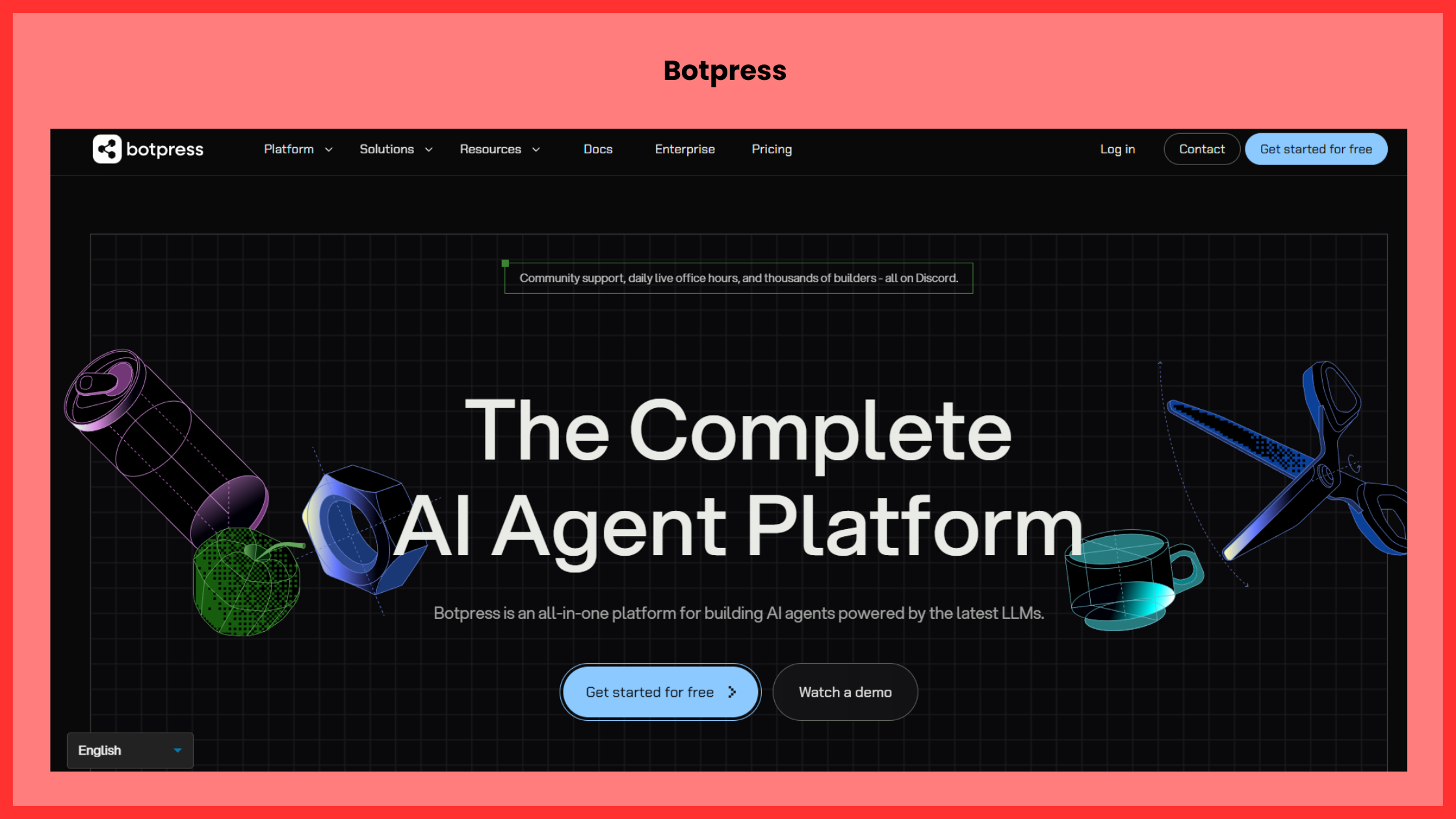
Although originally more developer-oriented, the cloud version of Botpress offers a visual flow builder and no-code interface. You can define conversational flows, integrate with channels, use its built-in NLU (natural-language understanding) engine.
Why it’s good: Flexible, can be hosted (on-prem or cloud), supports context and rich logic.
Best for: Teams who may later want extra flexibility or a self-hosted option.
2. Tars: Best Smart Chatbots
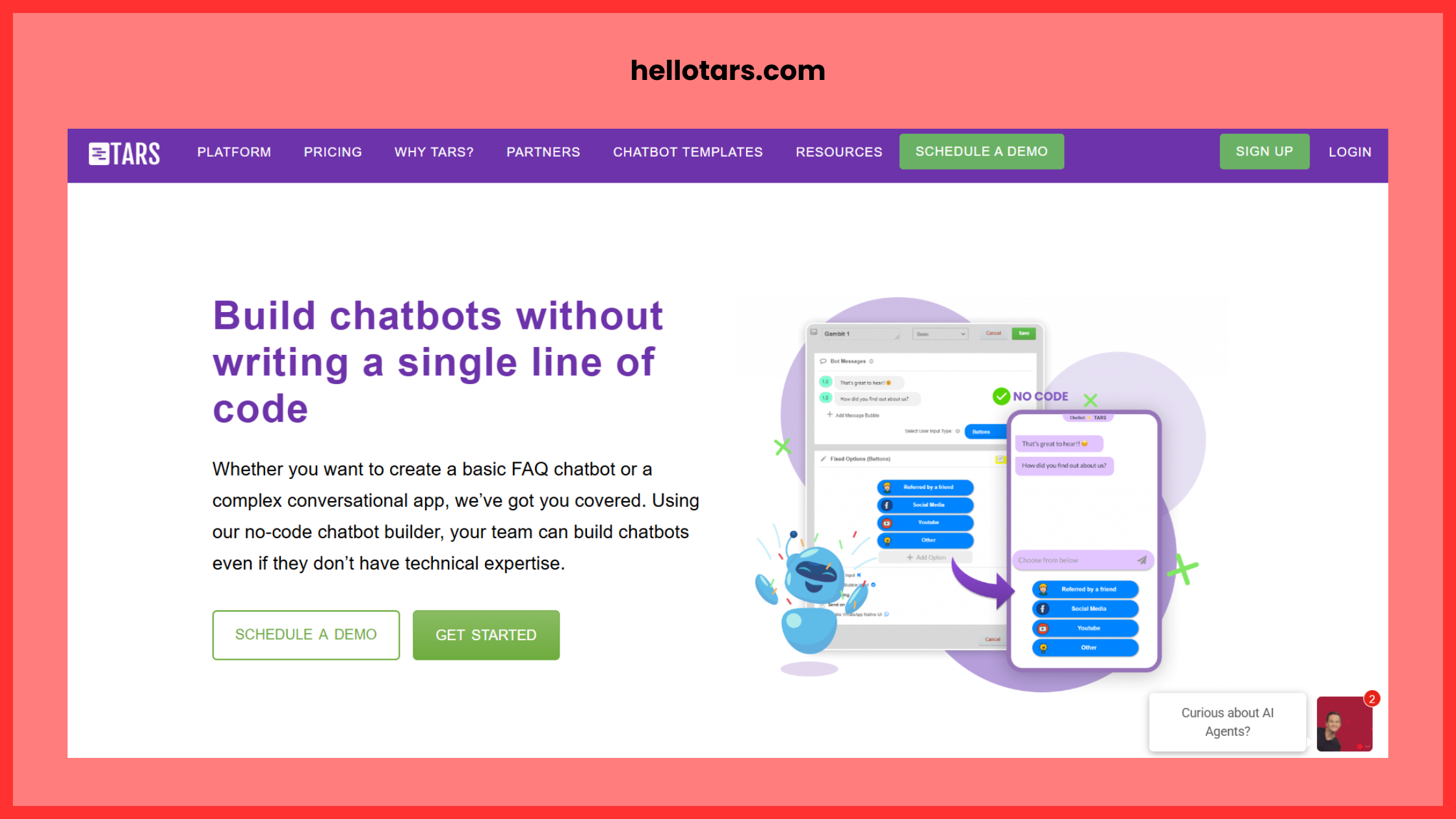
Tars is a no-code chatbot builder focused primarily on web-based conversational landing pages. The drag-and-drop builder lets you create flows and embed them easily.
Why it’s good: Quick to build, easy to embed, good for lead-generation bots.
Best for: Marketing teams focusing on capturing leads or doing simple flows (e.g., FAQ, appointment booking).
3. ManyChat: Best Smart Chatbots
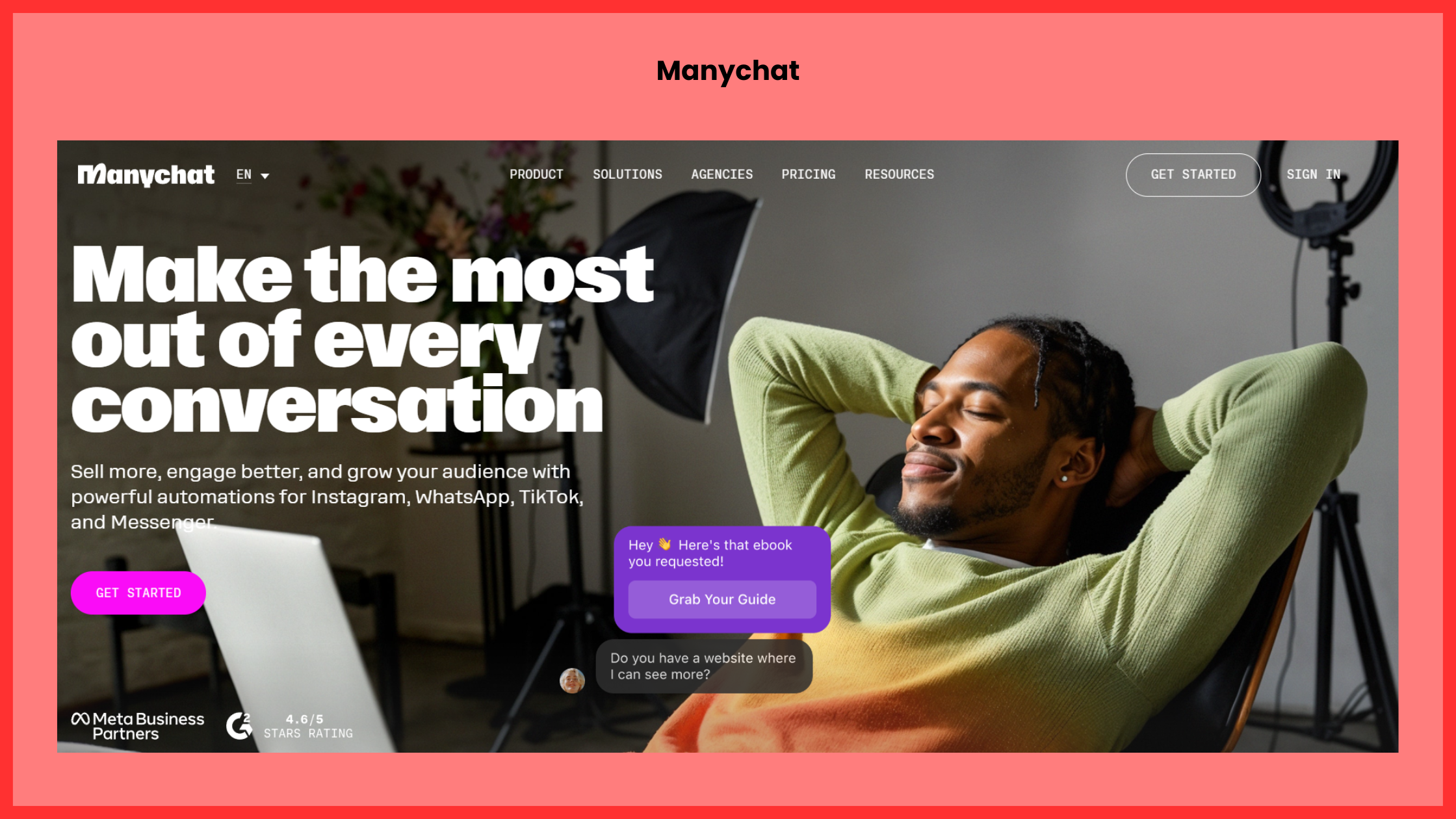
ManyChat is widely used for building chatbots for Facebook Messenger, Instagram, SMS, WhatsApp (depending on region). It has a visual flow builder and allows automation of sequences, broadcasts, segments.
Why it’s good: Great channel support (especially for social messaging), lots of templates, good for marketing automation.
Best for: Businesses with strong presence on messenger platforms wanting to engage users there.
4. Chatfuel: Best Smart Chatbots
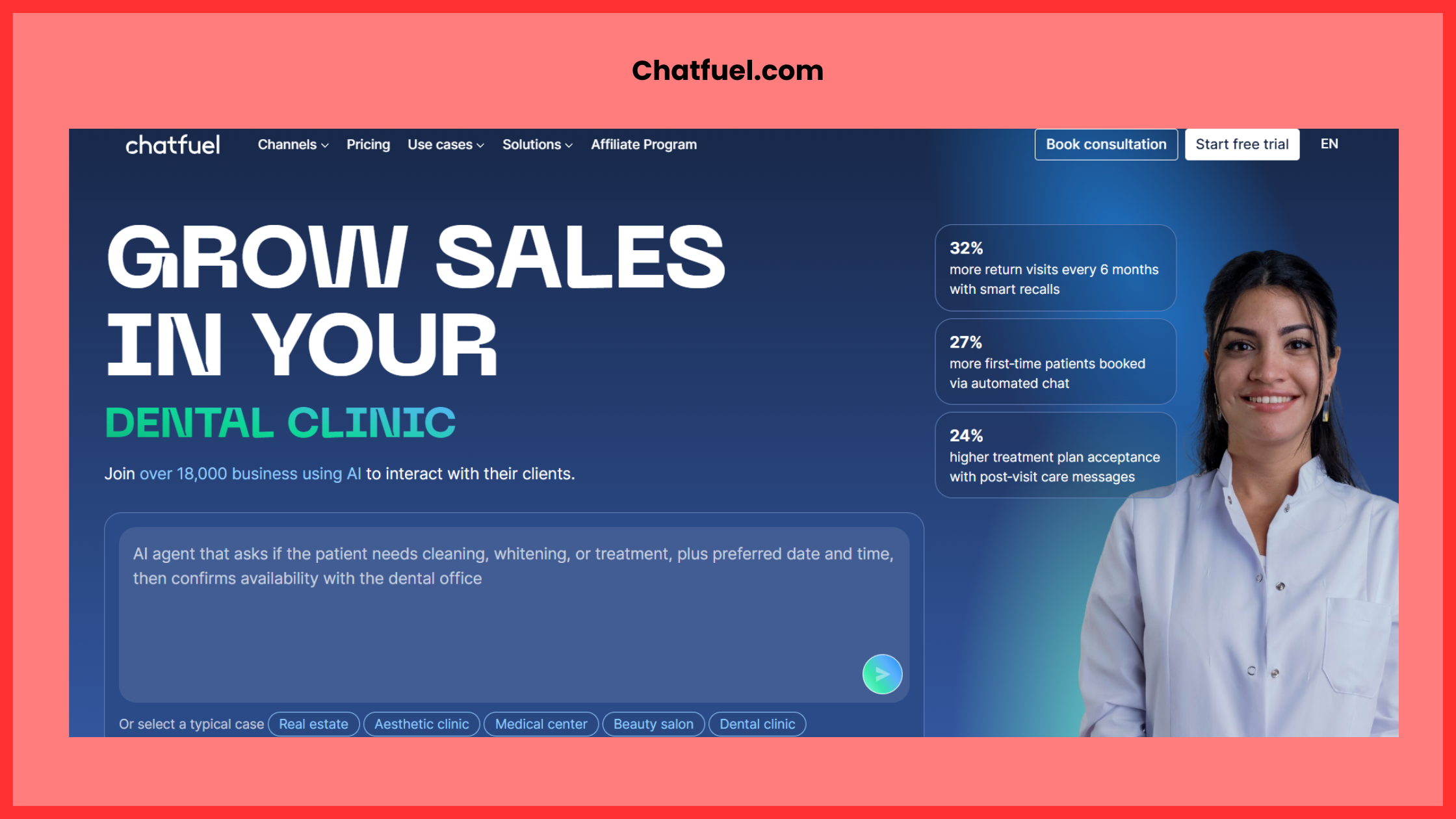
Chatfuel is another popular no-code platform for building chatbots on Facebook Messenger and other social channels. It offers a visual interface, templates, and supports user segmentation.
Why it’s good: Mature product, strong support for messenger bots, lots of pre-built modules.
Best for: Social-media-first businesses looking to automate conversations on those platforms.
5. Landbot: Best Smart Chatbots
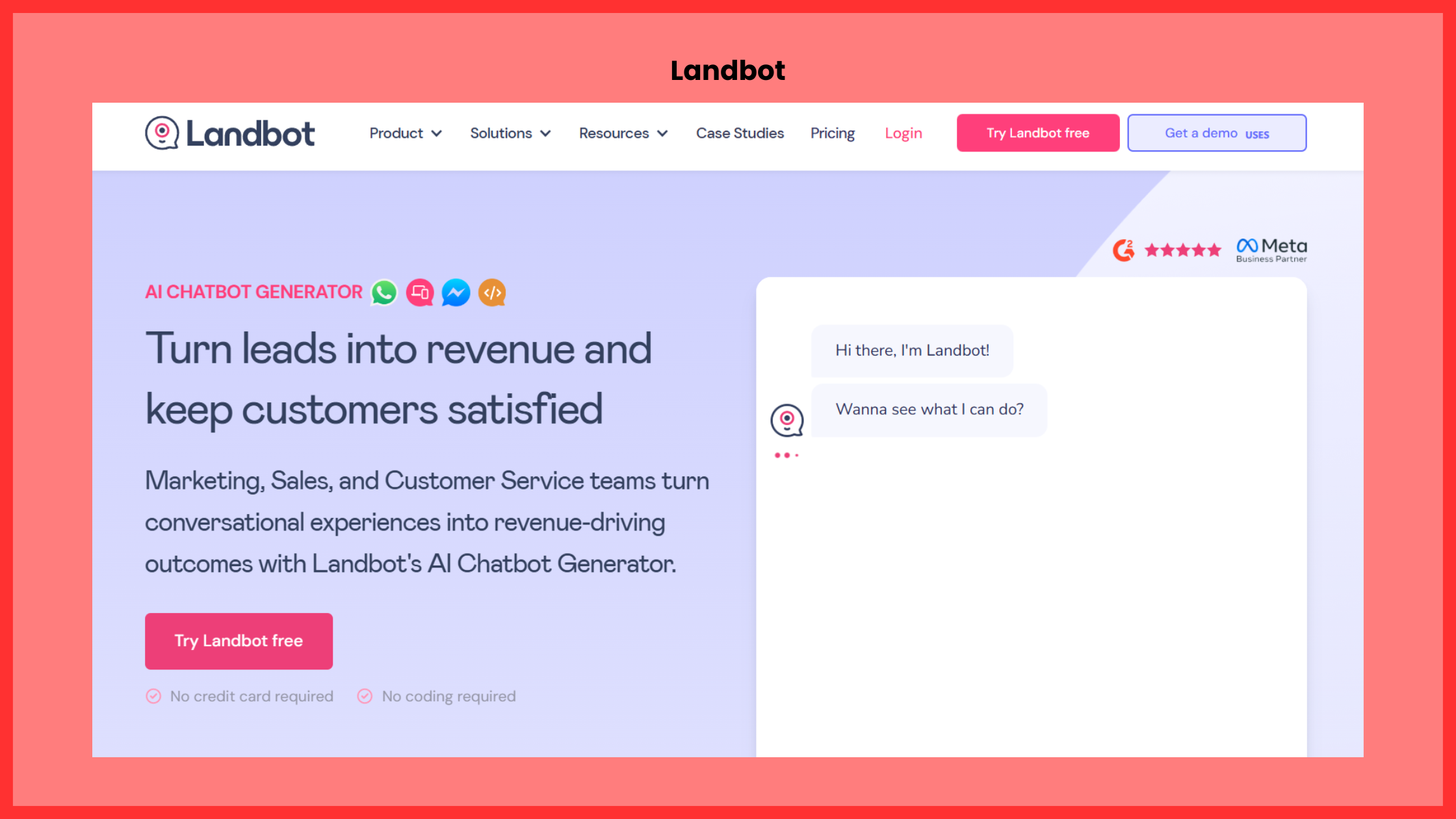
Landbot offers a conversational “landing page” style chatbot builder which can be embedded on websites or used via WhatsApp / Messenger. The UI is quite intuitive and friendly for non-tech teams.
Why it’s good: Easily embeds in website, simple to get started, good UI for building flows.
Best for: Website conversion bots (lead capture, survey, FAQ) and teams that want quick deployment.
6. Flow XO: Best Smart Chatbots
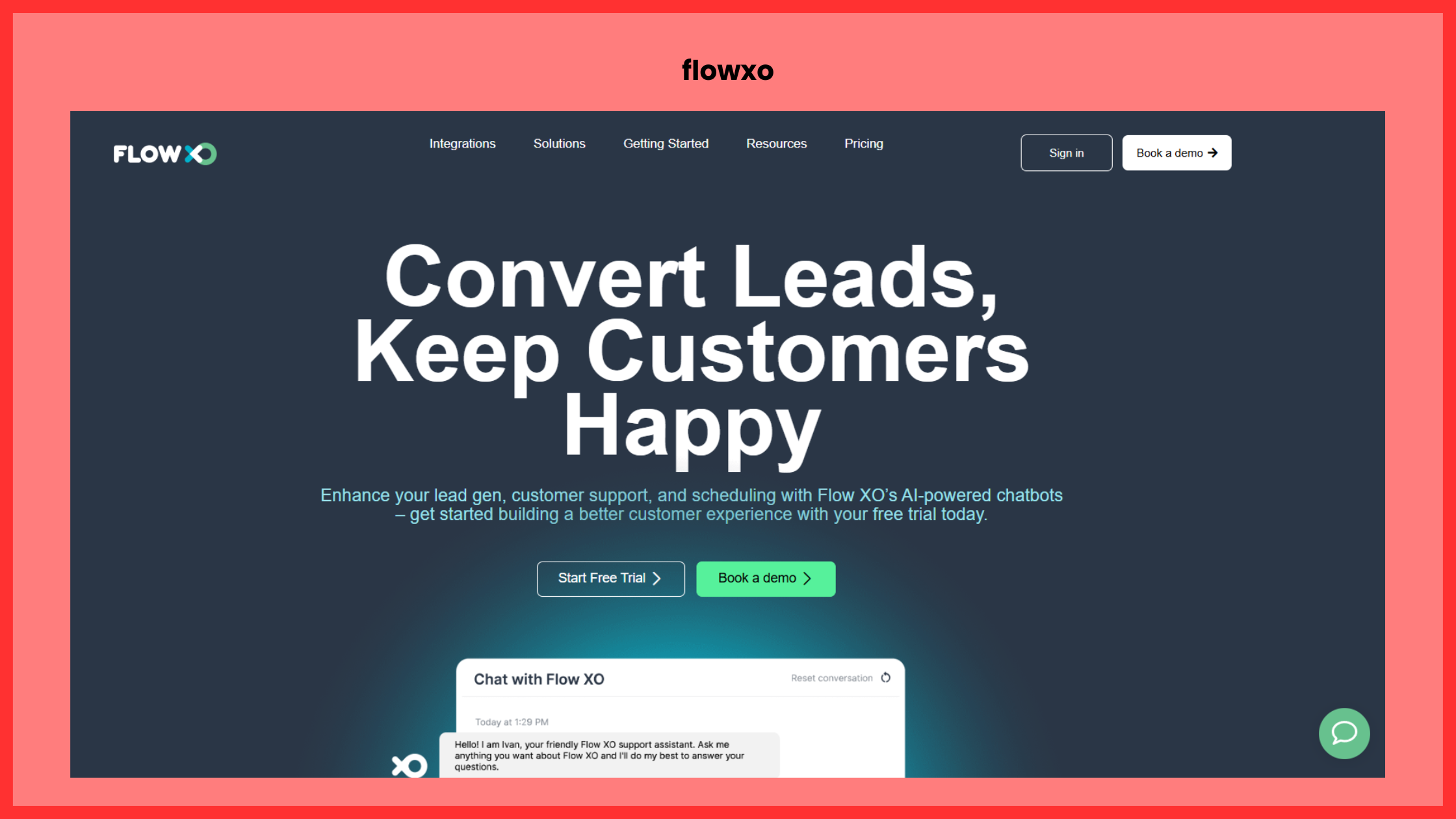
Flow XO is a no-code automation platform which supports chatbots across multiple channels: Facebook Messenger, Slack, Telegram, and web chat. It also supports webhooks and more advanced logic.
Why it’s good: Multi-channel support + workflow automation in one.
Best for: Businesses that want their chatbot to tie into other workflow/automation systems (e.g., CRM, email, Slack).
7. Customers.ai: Best Smart Chatbots
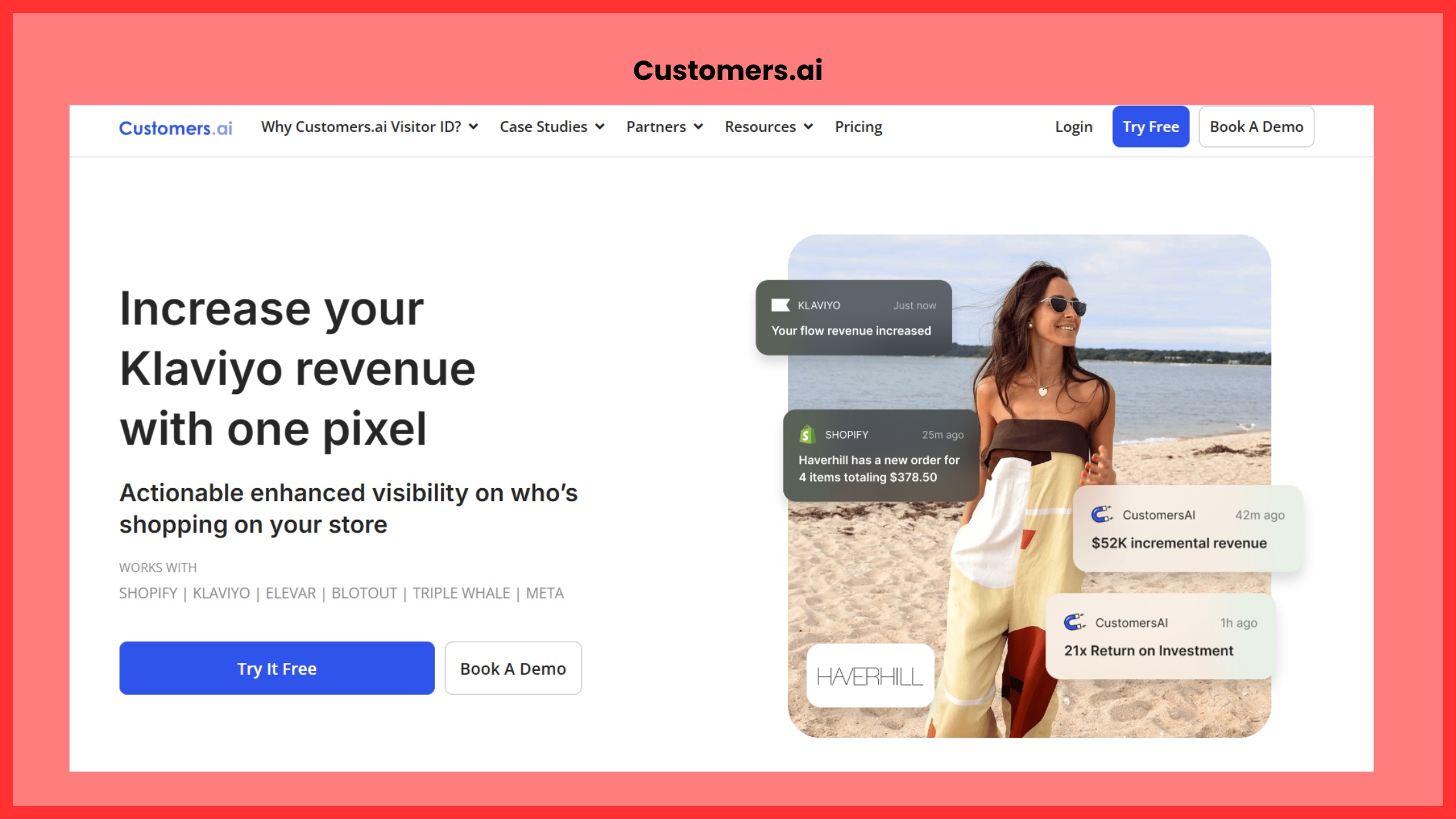
MobileMonkey combines chatbot building (for Facebook Messenger, Instagram, web chat) with marketing automation features — segmentation, drip campaigns, leads.
Why it’s good: Focused on marketing & lead generation, rather than purely “chatbot for support”.
Best for: Marketing teams wanting to nurture users via chatbots and campaigns.
Also Read: 10 Best Tools for Social Media Marketing in 2025
8. Chatbot.com: Best Smart Chatbots
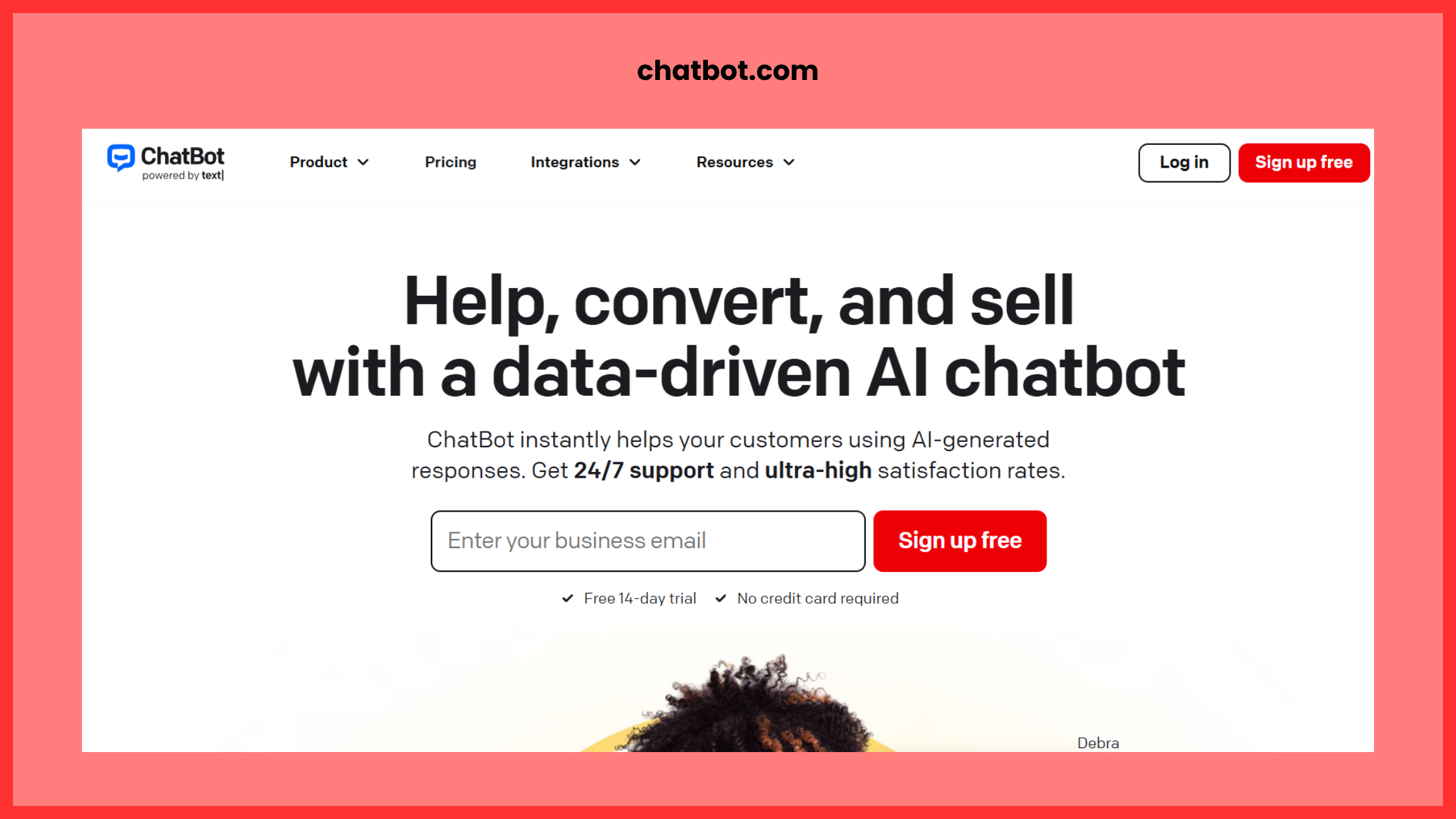
Chatbot.com is a user-friendly no-code platform that allows creation of chatbots for website live chat, Facebook, and email. It has analytics, integrates with many apps (Zapier etc).
Why it’s good: Simplicity, ready-made templates, strong ecosystem of integrations.
Best for: Smaller businesses or teams that want to add a chatbot quickly to a site without heavy technical overhead.
9. BotStar: Best Smart Chatbots
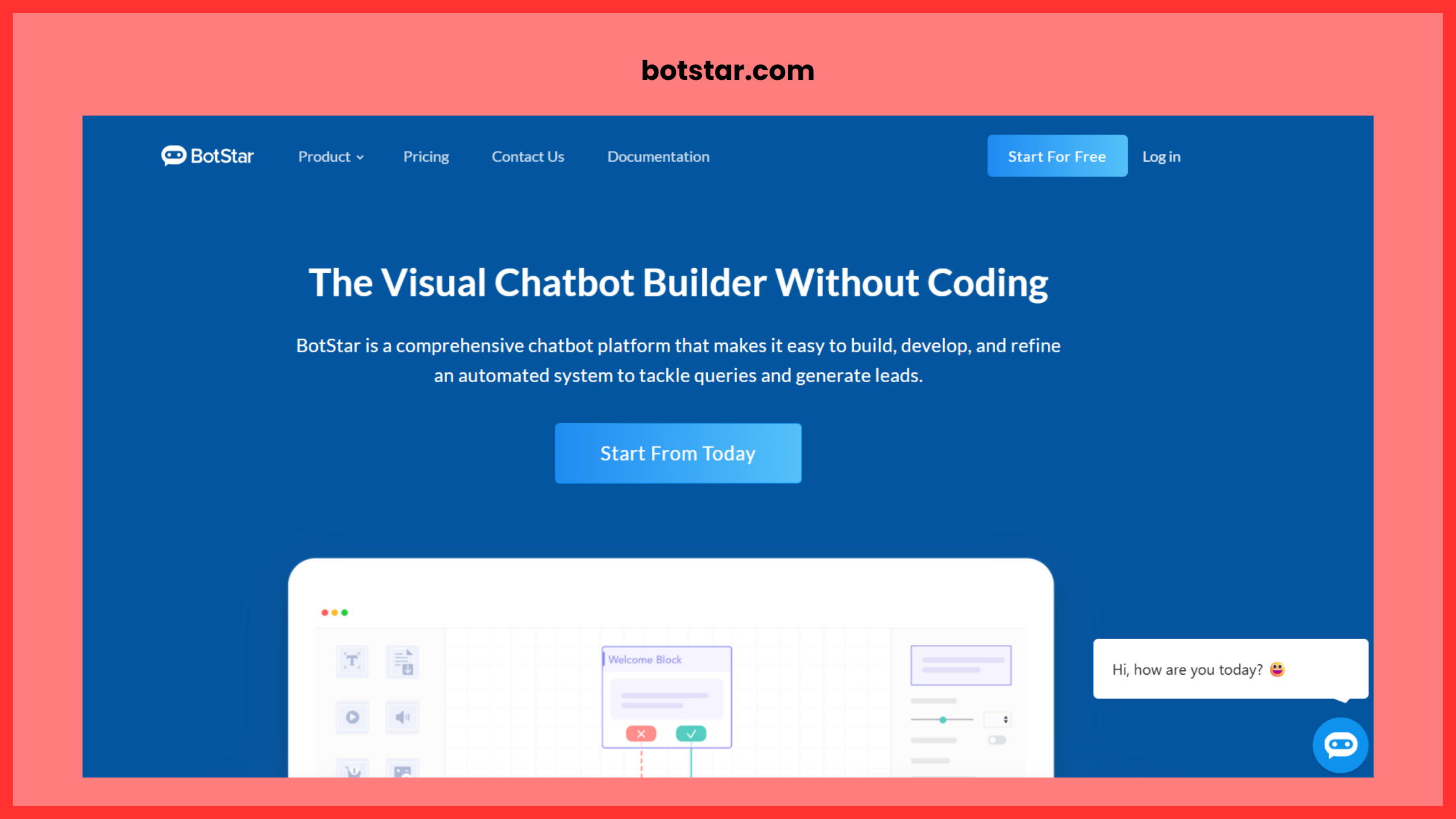
BotStar offers drag-and-drop conversation builder, supports website chat, Facebook Messenger, LINE, and other channels. It also includes dashboards and analytics.
Why it’s good: Good channel coverage, visual builder, decent analytics.
Best for: Multi‐channel chatbots where you’ll want to track performance across platforms.
10. Crisp Chatbot / Crisp + Chatbot: Best Smart Chatbots
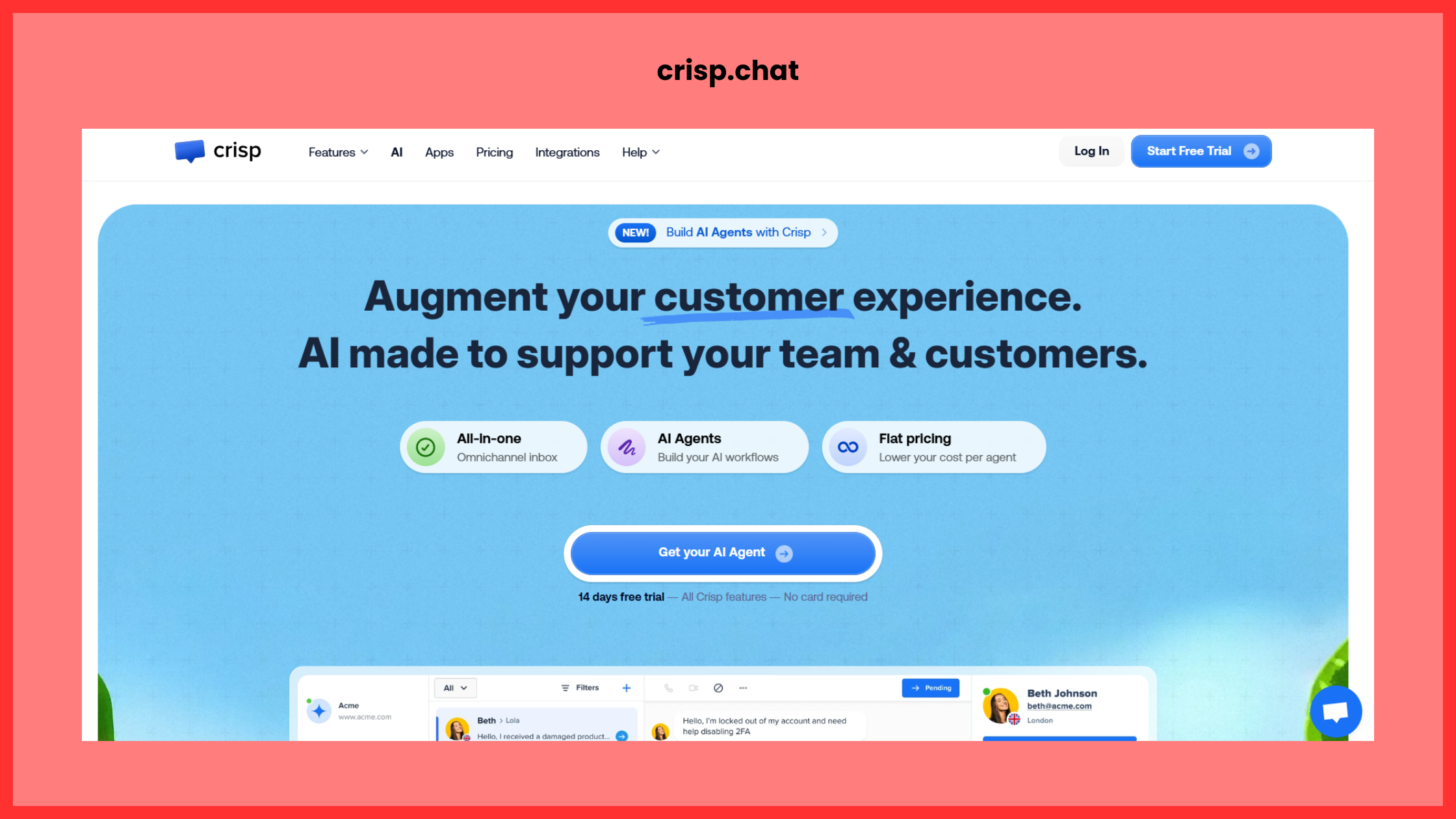
Crisp is primarily known as a live-chat + help-desk platform, but it offers a chatbot builder (Crisp Chatbot) which allows non-coders to build conversational flows that integrate with live chat fallback when needed.
Why it’s good: If your support team is already using live chat, this is a nice “bot plus human” path.
Best for: Customer-support oriented bots, where escalation to a human agent may be required.
How to choose & implement — a quick roadmap
- Define your goal: Are you building a chatbot for lead generation? Customer support? E-commerce sales? The goal determines the depth and complexity required.
- Select channels: Will the chatbot live on your website, or on WhatsApp/Facebook, or a combination? Pick a tool that supports target channels.
- Map your flow: Even before picking a tool, sketch the conversation flow: user greeting, intent identification, responses, fallback, escalation.
- Build & test: Use the no-code interface to build the flows; test internally with sample users; gather feedback.
- Integrate: Hook up integrations: CRM (to capture leads), email (to follow up), analytics (to measure performance).
- Launch & monitor: Go live, monitor KPIs (completion rate, user satisfaction, escalation to human, conversion) and collect user feedback.
- Optimize continuously: Use analytics to find where users drop off or misunderstand the bot; refine flows, add intents, improve NLP where supported.
- Scale & evolve: As usage increases, you may want richer NLP, multi-language support, richer media (audio, video) or deeper integrations.
Final thoughts
No-code chatbot builders have matured significantly — what used to require a developer and months of work can now be done in days or weeks by non-technical teams. That said: the chatbot is only as good as the conversation you design, the data you feed it and the way you integrate it into your overall user journey.
Pick a tool aligned with your objectives, invest time in mapping good flows (rather than going straight to bot-building), and use monitoring/analytics to improve over time. With the right approach, you’ll have a smart chatbot that boosts engagement, reduces manual workload and delivers real value.