
AI is changing the way brands shoot product images. Instead of long shoots involving elaborate setups, brands can now create sharp, high-quality images within minutes. Smart tools utilize algorithms to build lifelike scenes, perfect lighting, and crisp detail, starting with just a short prompt or even a simple photo. They seamlessly adapt to whatever style is desired, highlight key features, and offer innumerable variations, all without a single additional shoot. Thus, one can enjoy quick turnarounds, reduced costs, and ample space to try something new. It does away with constraints of budget or time for marketers/designers/small business owners to easily create visuals that grab attention and boost sales.
| Tool | Key Strengths | Notable Limitations | Unique Features |
|---|---|---|---|
| Adobe Firefly | Deep Photoshop/Illustrator integration; high-quality generative fill; strong for brainstorming and prototyping | Limited templates for specific products; certain save/export constraints for prompted variations | Pre-trained on licensed assets for commercial safety; supports 100+ languages |
| Photoroom | Large template library; virtual model generation; powerful batch editing | Watermark/export limits on free plan; advanced tools gated by paid tiers | Product Beautifier and Product Staging tailored to e-commerce workflows |
| Pebblely | Beginner-friendly; natural lighting/reflections; quick bulk edits | Occasional unrealistic placement; limited for complex creative control | 100+ instant templates across fashion, beauty, and jewelry niches |
| Flair.ai | Drag-and-drop canvas; 3D props & AI human models; brand consistency tooling | No mobile app; can error on complex scenes/backgrounds | Real-time team collaboration with shared asset storage |
| Claid.ai | Fast cleanup (background, color, resolution); API for bulk/automation | Free trial only 5 uploads; fewer advanced creative features vs. full graphic suites | Custom AI that learns your products for tailored lifestyle/on-model shots |
| Pixelcut AI | Easy background removal & 4K upscaling; quick one-tap object erasing | Some features app-only; outputs can be less nuanced vs. studio shoots | Rich style presets (seasonal/bold) and template inspirations |
| Zeg AI | Turns 1–3 photos into 3D models; rapid scene staging | Restricted advanced editing; longer renders on complex scenes | Exports 4K images & videos; extensive props and ready-made scenes |
| Magic Studio | Text/preset-driven scene generation; very easy for non-designers | Limited deep customization; occasional blending inconsistencies | 4K upscaling with bulk workflows for social, ads, and storefronts |
| Evoto AI | Advanced retouching (skin, clothing, facial features); very fast batch edits | Paid plan needed for extended edits/exports; cost can rise with volume | High-quality background removal with shadow retention; fine color grading |
| Luminar Neo | Layer-based, non-destructive workflow; creative effects and presets | Less ideal for very large libraries; import UX could be simpler | Special tools (bokeh, sky replacement); RAW support; plugins for PS/LR |
Adobe Firefly
| WEBSITE | adobe.com/firefly |
|---|---|
| Rating | 4.6 |
| Free Trial | Yes |
| Best For | Designers, marketers, and creators seeking AI-powered image generation and creative content tools integrated with Adobe’s ecosystem. |
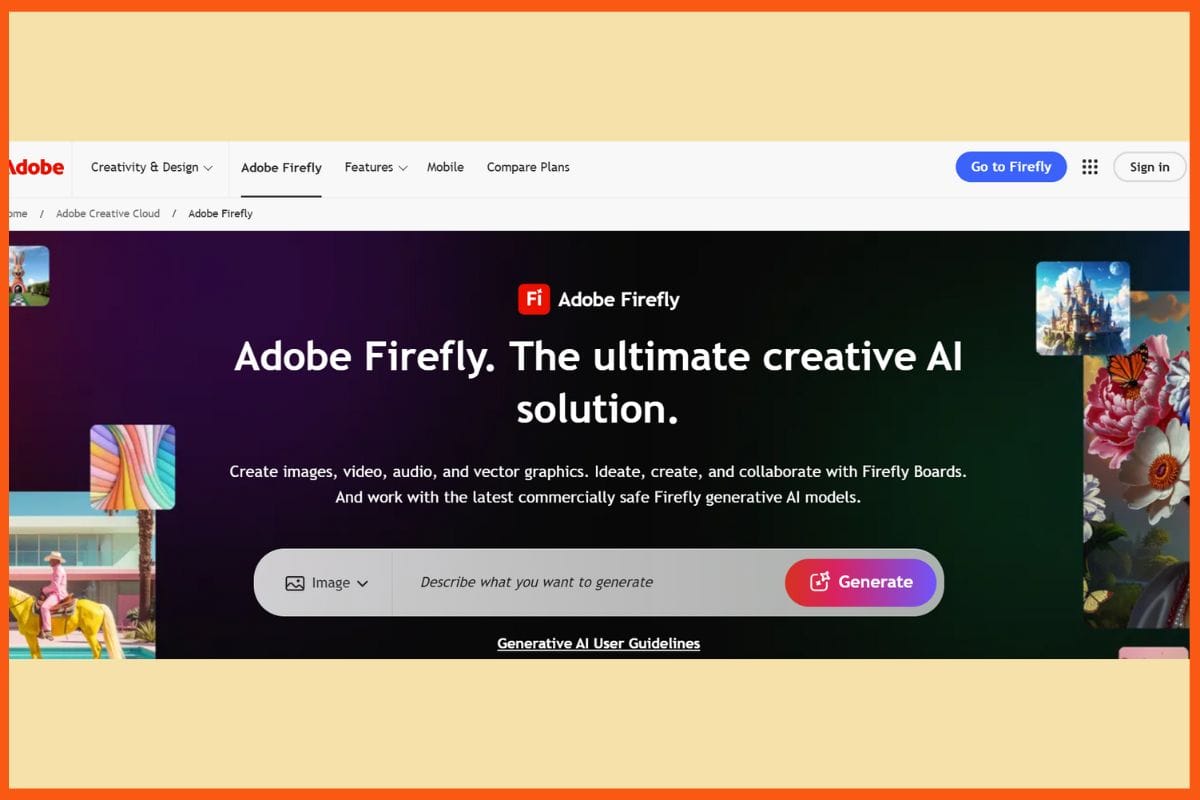
Adobe Firefly is an artificial intelligence tool of Adobe for the creation of product photography. It is useful for both creative professionals and e-commerce. You can turn simple text into images or use generative fill to add or replace parts of any scene. This way, it keeps you in sync mode for styles, refines details, and designs custom looks seamlessly. Firefly is integrated into Photoshop and Illustrator, allowing quick testing of ideas via the prompt, style setting, and aspect ratio. It excels as a brainstorming, prototyping, and branding tool. More than a hundred languages are supported, and can create images within seconds with varying result types per prompt.
Pros
- Excellent for fast editing and high-quality creative output.
- Has safety for commercial purposes-pre-trained on licensed assets.
- Works perfectly in Adobe ecosystem.
Cons
- Limited templates for specific products.
- Cannot save images, prompted or exclude objects.
Pricing
| Plan | Pricing |
|---|---|
| Firefly Standard | $9.99/month/licence |
| Firefly Pro | $29.99/month/licence |
| Firefly Premium | $199.99/month/licence |
Photoroom
| WEBSITE | photoroom.com |
|---|---|
| Rating | 4.5 |
| Free Trial | Yes |
| Best For | Small business owners, e-commerce sellers, and creators needing AI-powered background removal and professional product image editing. |
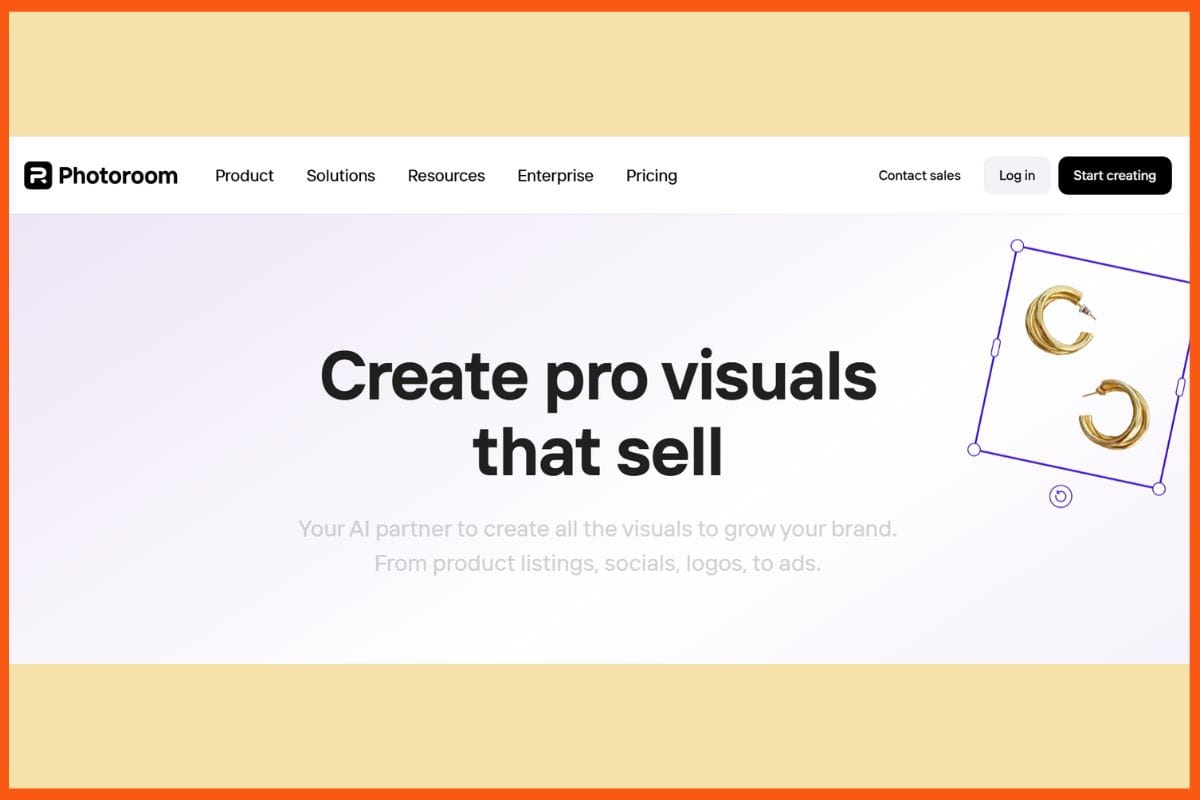
Photoroom is an intuitive AI photo editor aimed at product photographs. It empowers you to create studio-quality images using just a phone or a computer. Erase backgrounds in seconds, make AI backgrounds, and expand and retouch photos quickly. Its tools range from Product Beautifier, to enhance products, Product Staging to include them in real-life settings, and Virtual Model, for creating AI models for clothing. It serves well in e-commerce, social, and online store activities. Batch editing, ready-to-use templates, and team features save time and ensure consistency in work. Photoroom gives brands and entrepreneurs easy access to create sharp and catchy photos that are certain to garner attention while boosting their sales.
Pros
- Batch editing for enhanced productivity
- Huge template library
- New tools for beautiful lifestyle scenes and model visualization
Cons
- The free plan has export and watermark restrictions.
- Advanced features are chargeable.
Pricing
| Plan | Pricing |
|---|---|
| Pro | $12.99/month (single seat) |
| Teams | $12.99/month (3 seats included) |
| Enterprise | Contact Sales |
 StartupTalkyVivek Dev Jacob
Pebblely
| WEBSITE | pebblely.com |
|---|---|
| Rating | 4.3 |
| Free Trial | Yes |
| Best For | Creators and marketers looking for AI-powered image generation, editing, and creative content tools. |
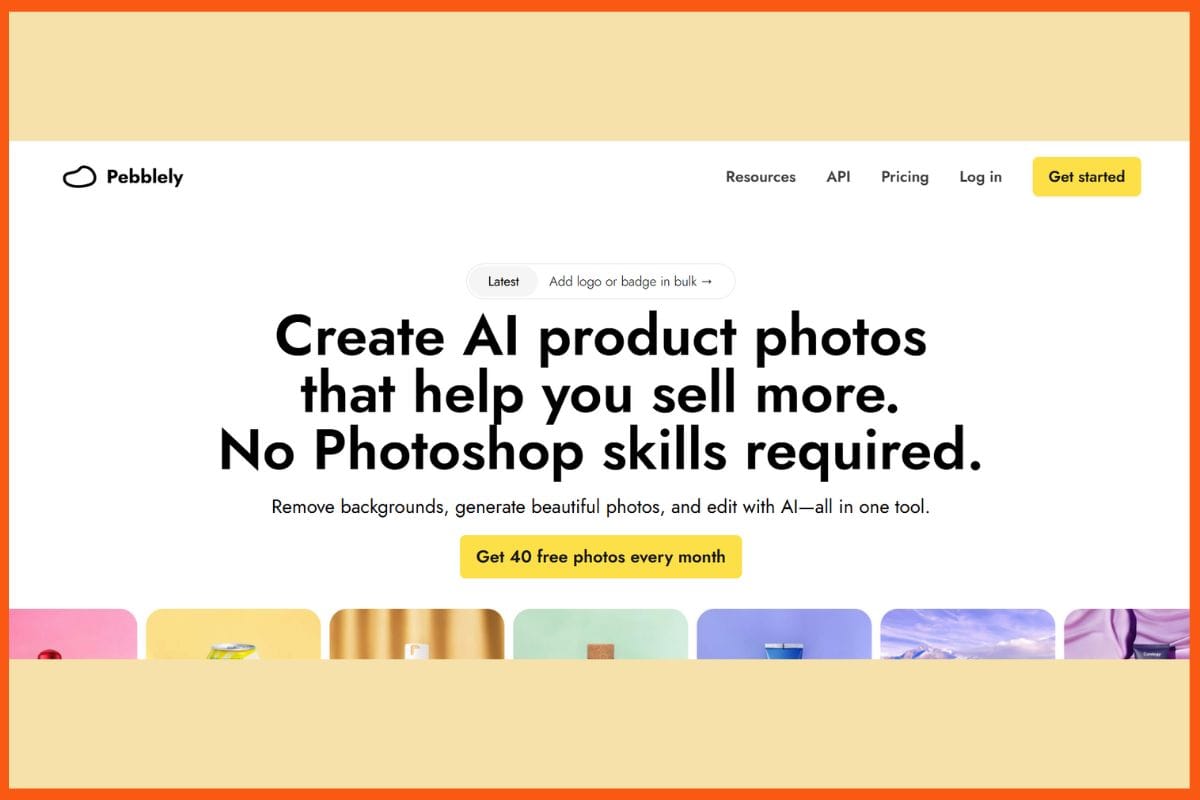
Pebblely is an AI tool that sets itself apart with its speed and simplicity for product photographers. It helps creators, marketers, and online sellers produce jaw-dropping images in a matter of seconds. No design skills are needed! It's nifty technology removes backgrounds, adds natural lightning, shadows, and reflections; and best of all, it has more than 100 templates for immediate use in fashion, beauty, jewelry, and loads more! You may bulk-edit 25 image files, choose an AI background or upload a custom one, extend your image for use in ads or banners, and set branding elements such as logo placement. With immediate downloads in numerous formats, Pebblely makes that.
Pros
- Easy to use for beginners and fast editing.
- High-definition output with advanced lighting, reflections
- Flexibility for e-commerce, socialized, and marketing visuals.
Cons
- Sometimes the product placement becomes a little off and unrealistic
- Fine-tuning limits a few complex creative needs.
Pricing
| Plan | Pricing |
|---|---|
| Basic | $19/month |
| Pro | $39/month |
Flair.ai
| WEBSITE | flair.ai |
|---|---|
| Rating | 4.4 |
| Free Trial | Yes |
| Best For | Designers, marketers, and content creators seeking AI-powered design, branding, and social media content generation. |

Flair.ai is an artificial intelligence solution for making quick and easy product photography. Brands and creators are able to take studio-quality images on demand, without needing costly shoots or special talents. You can create, validate, and improve visual content for e-commerce, ads, or catalogs by using its drag-and-drop canvas, huge prop library, and straightforward templates. It also has on-model shots of diverse AI human models, auto lighting, and camera adjustments. Teams can work on real-time collaboration, asset storage, keeping a consistent brand style, and connecting through API. Flair.ai enables quick, professional, branded images prepared for any marketing channel for marketers, designers, and sellers.
Pros
- AI photography on-model for apparel and lifestyle images
- Easier with a drag-and-drop editor for 3D props and templates
- Retaining product-specific data as well as custom branding
Cons
- There is no mobile app; it's only desktop/web.
- Might give errors sometimes on complex backgrounds.
Pricing
| Plan | Pricing |
|---|---|
| Pro | $10/month |
| Pro+ | $35/month |
| Scale | $55/month |
| Enterprise | Custom |
Claid.ai
| WEBSITE | claid.ai |
|---|---|
| Rating | 4.2 |
| Free Trial | Yes |
| Best For | Teams and individuals looking for AI-powered document summarization, content generation, and productivity enhancement. |
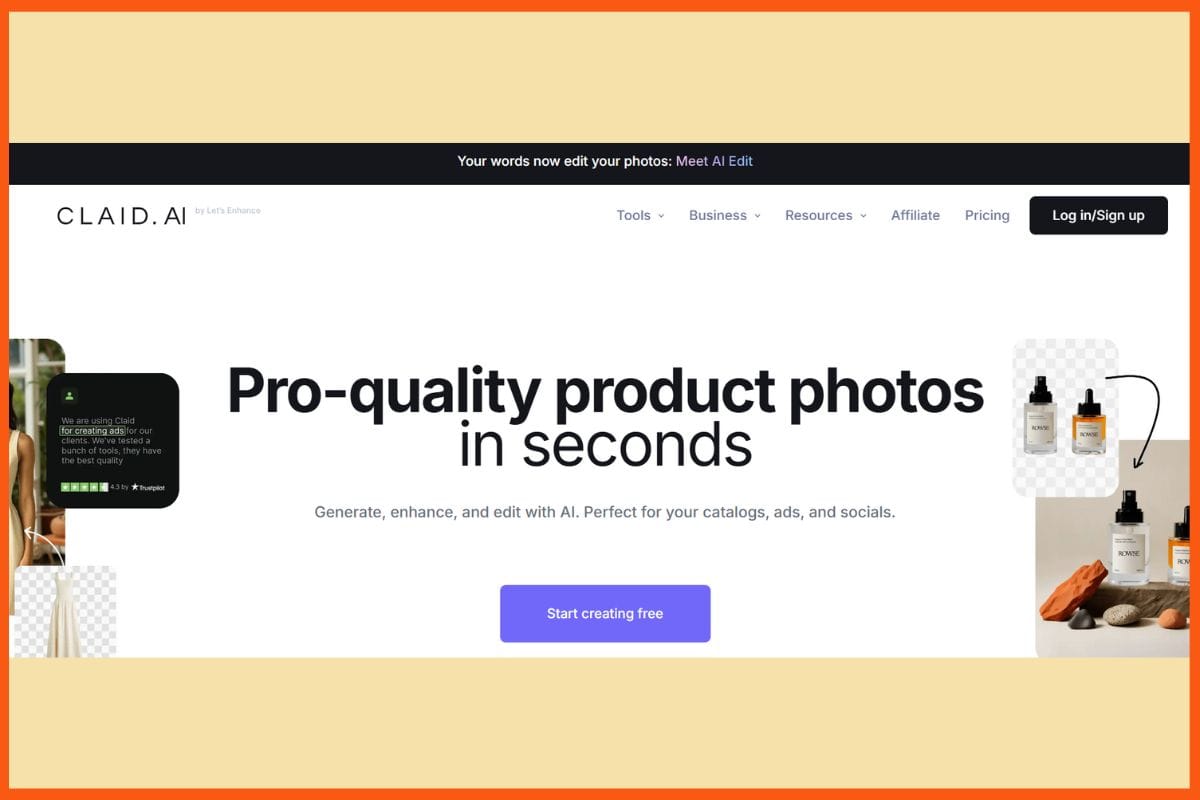
Claid.ai shoots product photos idle an easy and quick way. Upload your item, select the background of your choice by describing it, choosing from the set of templates, or creating your own, and within seconds, you get sharp, lifelike material. You can clean backgrounds, fix colors, pump resolution, and create natural lighting so every shot appears bright and real, while Batch post-processing and an API would allow you to process hundreds of images in an instant while maintaining the same style and brand appearance. At the same time, custom AI would know your products and create on-model or lifestyle images exactly on demand.
Pros
- Cleans and enhances photos in seconds.
- Simultaneous repair of background, color, and quality problems.
- Templates and outpainting offer creative control.
Cons
- Free trial limited to only 5 uploads.
- Some advanced features are probably not included, as compared to wider graphic tools.
Pricing
| Plan | Pricing |
|---|---|
| Essentials | $9/month |
| Pro | $35/month |
| Business | Custom |
StartupTalkyNiku Mandal
Pixelcut AI
| WEBSITE | pixelcut.ai |
|---|---|
| Rating | 4.5 |
| Free Trial | Yes |
| Best For | E-commerce sellers, content creators, and marketers looking for AI-powered image editing, background removal, and professional product visuals. |

Pixelcut AI makes it as simple as possible to create product photos. Just take a photo of the product, select a style based on your needs-a classic, seasonal, or bold- then watch Pixelcut quickly and automatically place it into sharp, stunning scenes. Remove backgrounds, correct colors, upscale to 4K, erase objects, and expand with just simple clicks or prompts. You will get real-life photo editing plus dozens of backgrounds in no time, all bundled with batch editing and team tools. Pixelcut is really a boon for creators and online sellers, with mobile and desktop apps that let you create, edit, and share images from anywhere.
Pros
- In one tap, any object can be erased for a perfect-looking touch-up.
- A wide variety of scene style inspirations and templates.
- Watermark-free export with a free plan.
Cons
- Results are at times less nuanced in comparison with studio shoots.
- Some features will only work via an app, not via a browser.
Pricing
| Plan | Pricing |
|---|---|
| Pro | $10/month |
| Pro+ | $30/month |
| Max | $60/month |
Zeg AI
| WEBSITE | zeg.ai |
|---|---|
| Rating | 4.3 |
| Free Trial | Yes |
| Best For | Businesses and content creators looking for AI-powered video editing, social media content generation, and marketing visuals. |
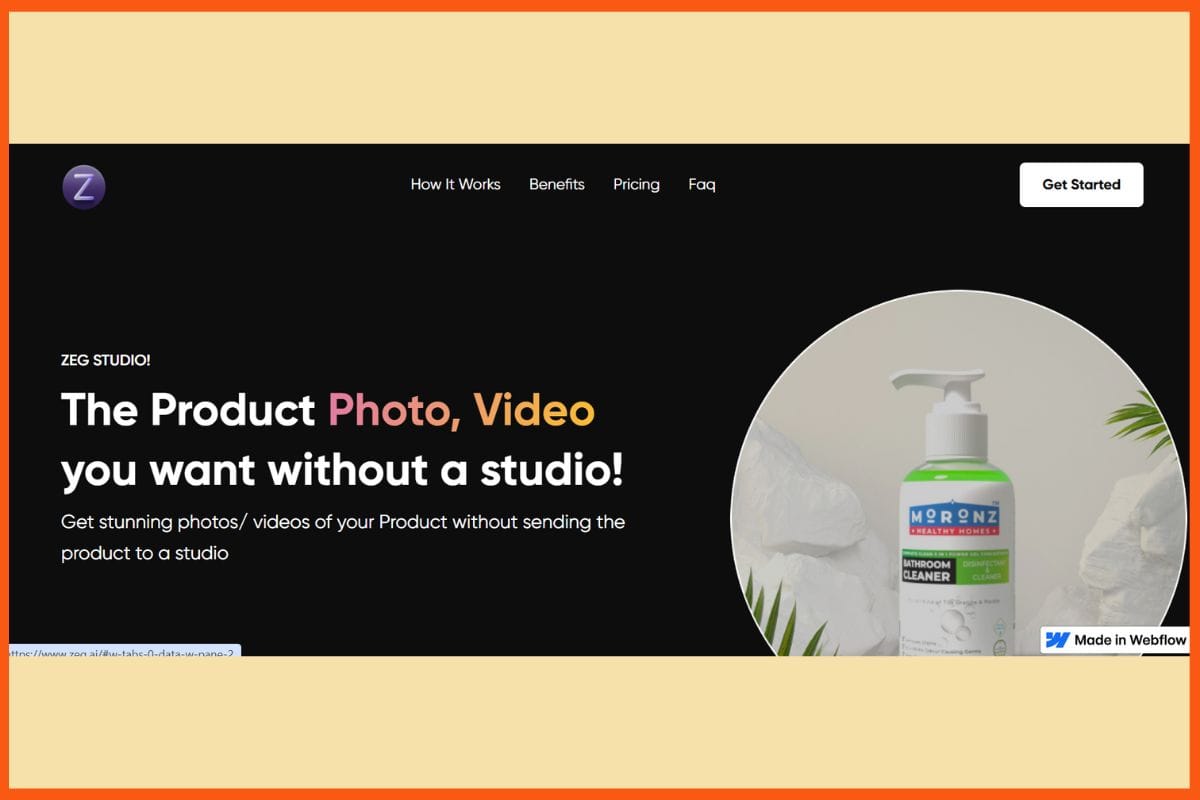
Zeg AI has made it quick and easy to make product photos. Upload 1-3 images, and Zeg converts those into sharp, lifelike 3D models. You can drag your product into over 100 ready-made scenes, tweak things about with props, add your logo, and choose the style-from studio to lifestyle; all without actual photo shooting. This also renders 4K images and videos for the online market, social, and print at a speed that is faster than classical ways. You can do all that while sharing, collaborating, and branding with a zero-carbon footprint. Zeg AI is designed for e-commerce, marketers, and creators needing standout visuals without the fuss, giving you the perfectly crafted product shots in minutes, not days.
Pros
- Quick generation-save 3D renders in minutes, not hours
- More than a thousand props to over a hundred backgrounds.
- Very easy branding: logos, texts, and templates.
Cons
- More advanced editing options are restricted.
- Rendering could be longer for complex scenes.
Pricing
| Plan | Pricing |
|---|---|
| Company | $200/5 photos |
| Enterprise | Custom Plan |
Magic Studio
| WEBSITE | magicstudio.com |
|---|---|
| Rating | 4.4 |
| Free Trial | Yes |
| Best For | Designers, marketers, and creators seeking AI-powered image generation, editing, and creative content tools. |
The fact that Magic Studio provides product image editing accessible to the masses is wonderful. Just upload your product, remove the backdrop, or brush out any obtrusive element, and you're ready to generate realistic product images within seconds via text instructions or preset themes. Its AI engine allows the scaling of images to 4K, scene insertion, and commercial upscaling down to authentic settings. Magic Studio even has bulk editing and templates for creating fast social, advertisement, or shop visuals. No design mindset needed: its intuitive interface is for both beginners and seasoned pros. Magic Studio brings the dazzling finish of editing within reach for brands, creators, and sellers.
Pros
- Rapid AI-assisted editing and upscale scenes to a resolution of 4K.
- Generate images using texts or select preset themes.
- No creative experience needed; very novice-friendly.
Cons
- Limited customization and control for users performing advanced edits.
- Blending and preservation of products interact inconsistently at times.
Pricing
| Plan | Pricing |
|---|---|
| Pro | $14.99/month |
Evoto AI
| WEBSITE | evoto.ai |
|---|---|
| Rating | 4.2 |
| Free Trial | Yes |
| Best For | Creators and marketers looking for AI-powered image editing, background removal, and visual content enhancement. |
Ironically, Evoto AI makes you look much slimmer in product images. You can do that in a second: Upload a photo, drag your way to the tools to take care of background removal, shadow adjustment, or color tuning. The image is now product-ready and all shiny: Web, ads, social, whatever. Wrinkles can be blitzed out of existence, so can bad hair, smirks, blemishes, and even glare off the specs. Batch processing makes it possible to handle dozens of pictures in your e-commerce catalog. Live Editing and Drag and Drop mean that beginners and the trained can get their job done easily. With the AI-assisted photo-retouching tool for faces, clean backgrounds, and in-depth color grading.
Pros
- Incredible speed for batch edits of groups of images
- Highly advanced AI background removal, with shadow retention
- Intelligent retouching of skin tones, clothes, and facial features
Cons
- Further edits or exporting will require the paid plan
- Pricing can get expensive with bulk use.
Pricing
| Plan | Pricing |
|---|---|
| Standard Plan | $80/year |
| Basic Plan | $134/year |
| Basic Plus Plan | $242/year |
| Standard Plan | $521/year |
| Standard Plus Plan | $1,205/year |
Luminar Neo
| WEBSITE | skylum.com/luminar-neo |
|---|---|
| Rating | 4.5 |
| Free Trial | Yes |
| Best For | Photographers and creators seeking AI-powered photo editing, retouching, and enhancement tools. |
With Luminar Neo, you'll spend little time with product photography editing. The application allows you to upload images and has smart features that take care of all the heavy-lifting tasks like erasing the background of the image, adjusting the colors, deleting imperfections, or even upscaling them to superb-clear details. Dozens of tools for photographing the sky, adding bokeh, balancing tones in images, and even enhancing photos via presets and overlays for extra effects. Batch processing, raw support, and layer-based edits mean you can upgrade a hundred pictures at once. Luminar Neo works on Mac or PC and even plugs into Photoshop or Lightroom.
Pros
- Quick corrections and creative effects
- Non-destructive, layer-based workflow for errant editing.
- intelligently erase, expand, swap objects.
Cons
- not targeted for very large photo libraries.
- It would be nice if it had a simpler interface for importing images.
Pricing
| Plan | Pricing |
|---|---|
| Cross Device Perpetual Licence | $159 |
| Perpetual Max Licence | $179 |
Conclusion
AI has revolutionized product photography as a fast, smarter, and creative process. Photography that seemed once to require expensive shoots and time-consuming setups could now be executed with exactness and flair in a few minutes. Intelligent systems provide realistic lighting to flawless backgrounds to giving never-ending variations of scenes within the reach of professionals, amateurs, or pros alike, with skill or budget limitations. You will allow them to concentrate on the storyline and branding, instead of fixating on the technical hurdles, and yet they will deliver stunningly consistent images across every platform. The advance of technology will progressively close the gap between concept and ready-to-use image.
StartupTalkyNitin Konde
FAQs
What are the main benefits of using AI for product photography?
Benefits include faster turnaround, reduced production costs, consistent quality, creative flexibility, and the ability to test multiple styles or backgrounds without reshooting.
Which AI tools are best for creating professional product images?
Some top AI product photography tools include Adobe Firefly, Photoroom, Pebblely, Flair.ai, Claid.ai, Pixelcut AI, Zeg AI, Magic Studio, Evoto AI, and Luminar Neo.
Are AI-generated product images suitable for e-commerce?
Yes, AI tools can produce sharp, consistent, and optimized visuals for online stores, marketplaces, and social media ads, helping boost engagement and sales.
Original Article
(Disclaimer – This post is auto-fetched from publicly available RSS feeds. Original source: Startuptalky. All rights belong to the respective publisher.)