
9 AI Wireframe Generators That Sketch Your App in Seconds
Turn a short prompt, sketch or screenshot into an editable layout.

Key Takeaways
- Best for Figma users: UX Pilot
- Best for teams: Miro
- Best sketch-style look: Balsamiq
- Best for code next: v0
These 9 AI wireframe generators turn a short description, a sketch or a screenshot into an editable layout for your website or app in minutes.
Top 9 AI wireframe generators at a glance
| Tool | Best for | Free plan |
|---|---|---|
| 1. UX Pilot | Text to Figma screens | Yes |
| 2. Miro | Team brainstorming | Yes |
| 3. Banani | Multi-screen app ideas | Yes |
| 4. Balsamiq | Classic low-fi wireframes | 14-day trial |
| 5. MockFlow | Website and app wireframes | Yes |
| 6. Mockitt | Budget prototyping | Yes |
| 7. Polymet | Design plus code | Yes |
| 8. Magic Patterns | Fast clickable prototypes | Yes |
| 9. v0 | Wireframe to working app | Yes |
Jump toUX PilotMiroBananiBalsamiqMockFlowMockittPolymetMagic Patternsv0
The 9 best AI wireframe generators in 2026
1. UX Pilot
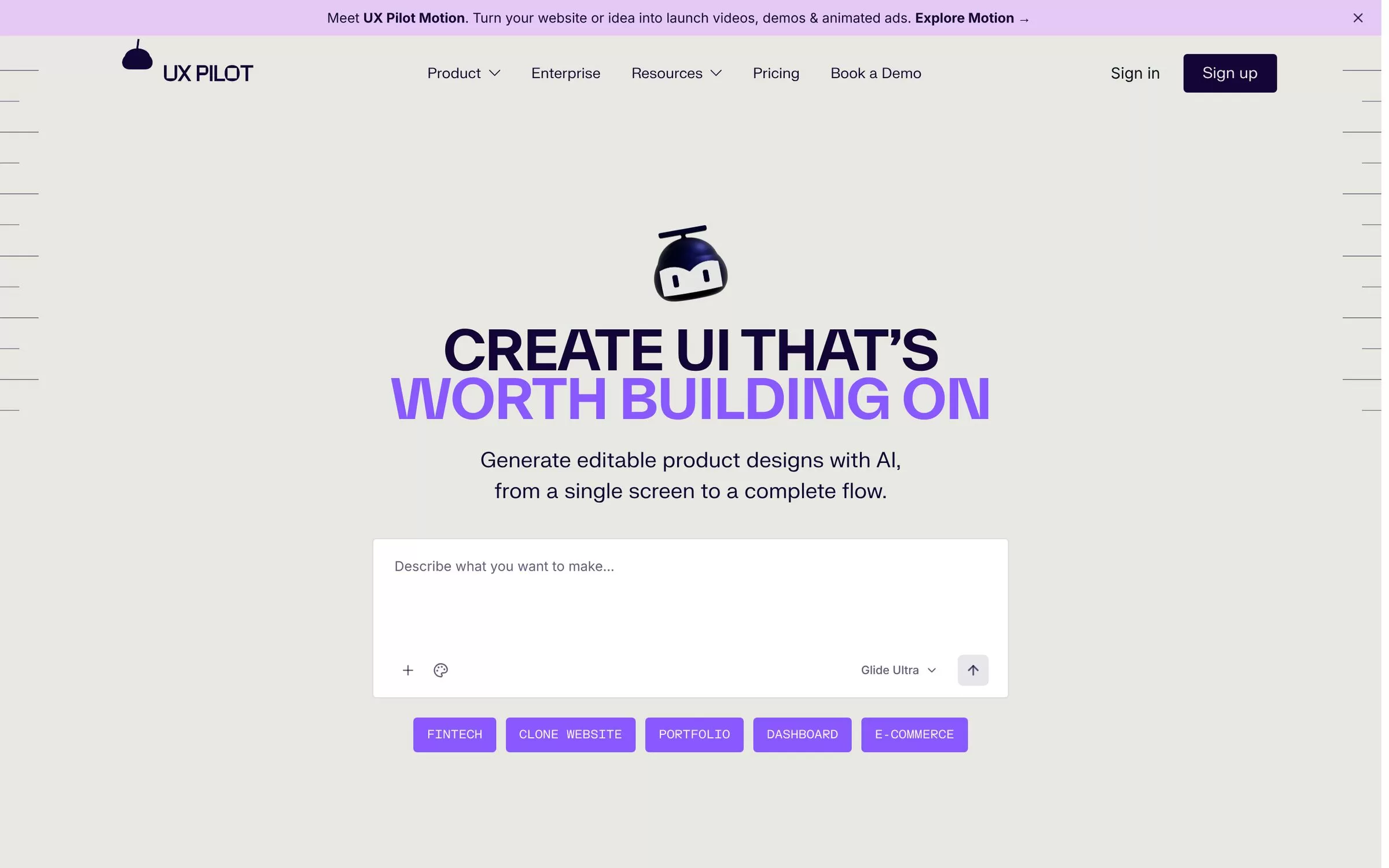
UX Pilot turns a text prompt into low to high fidelity wireframes, then into finished screens. You can also upload sketches, PDFs or screenshots, and paid plans export the result to Figma or as code.
Best for: Designers who work in Figma
Free plan: Yes, with daily credits and one project
Price: Paid plans listed on the UX Pilot website
Website: uxpilot.ai
2. Miro
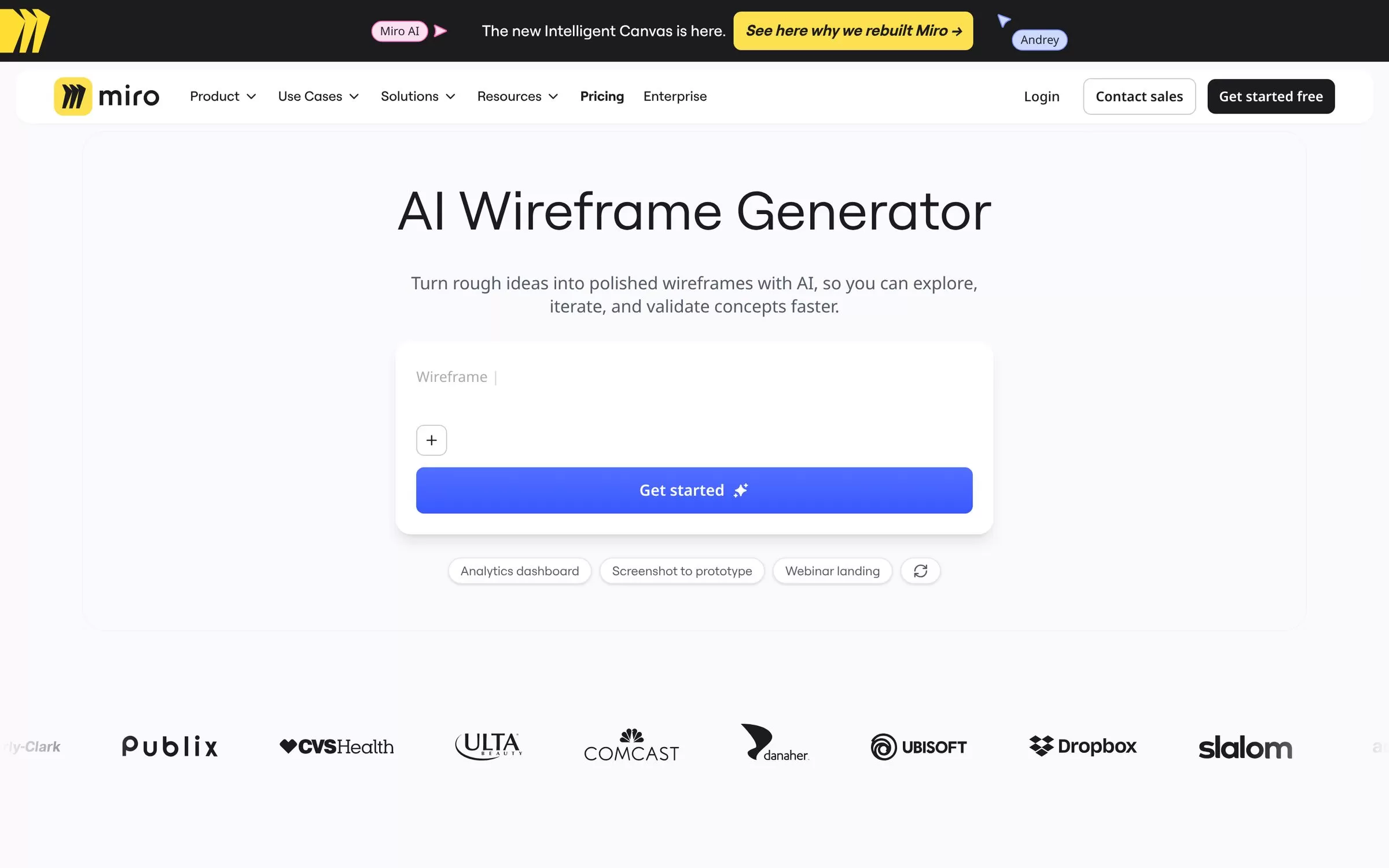
Miro's AI wireframe generator turns a written description into an editable wireframe for a website or app. It sits on a shared board, so your whole team can comment and change it together.
Best for: Teams that plan on one board
Free plan: Yes, 3 editable boards and a limited AI trial
Price: Starter from $8 per member a month, billed yearly
Website: miro.com
3. Banani
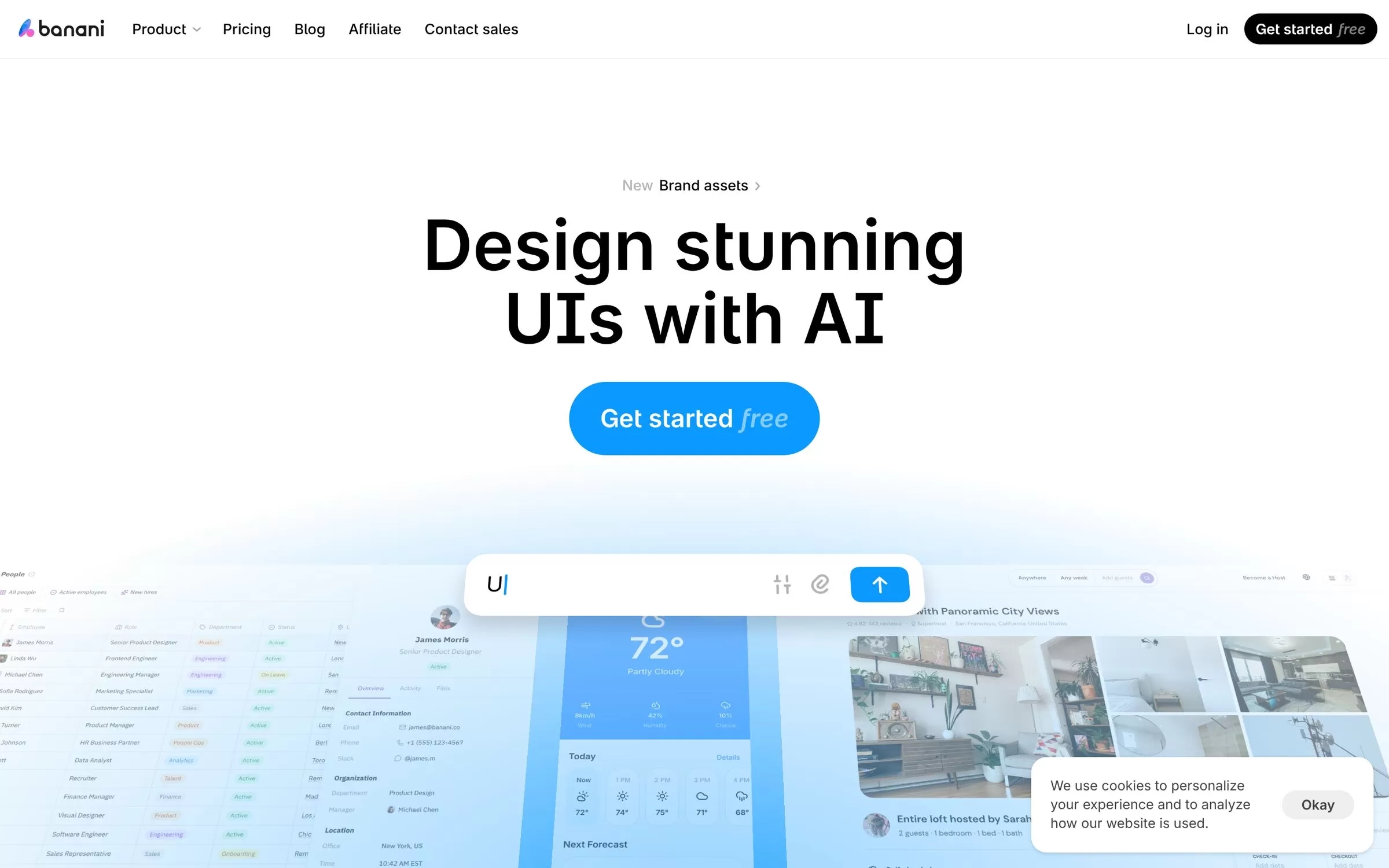
Banani turns a plain-language description into editable, multi-screen prototypes. You can also drop in images, screenshots or Figma links, and paid plans export to Figma or HTML and CSS.
Best for: Founders sketching a new app
Free plan: Yes, 12 monthly credits plus 3 daily credits
Price: Plus at $12 a month billed yearly, or $20 billed monthly
Website: banani.co
4. Balsamiq
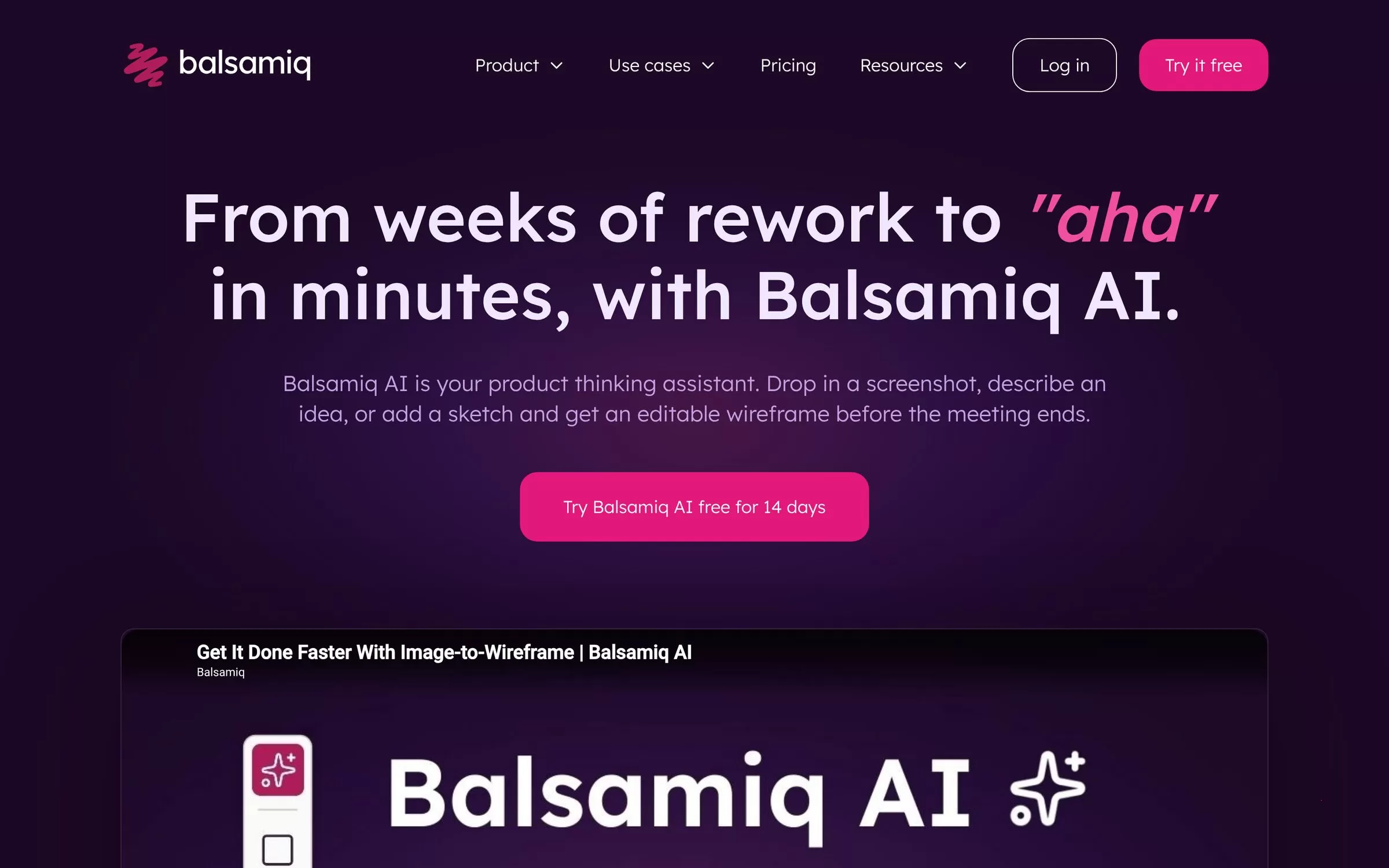
Balsamiq AI creates wireframes from a text description, and turns screenshots or hand-drawn sketches into editable wireframes. It keeps wireframes intentionally rough, so the conversation stays on the problem you are solving.
Best for: Low-fidelity product planning
Free plan: No, 14-day free trial
Price: Starter at $16 per editor a month, billed annually
Website: balsamiq.com
5. MockFlow
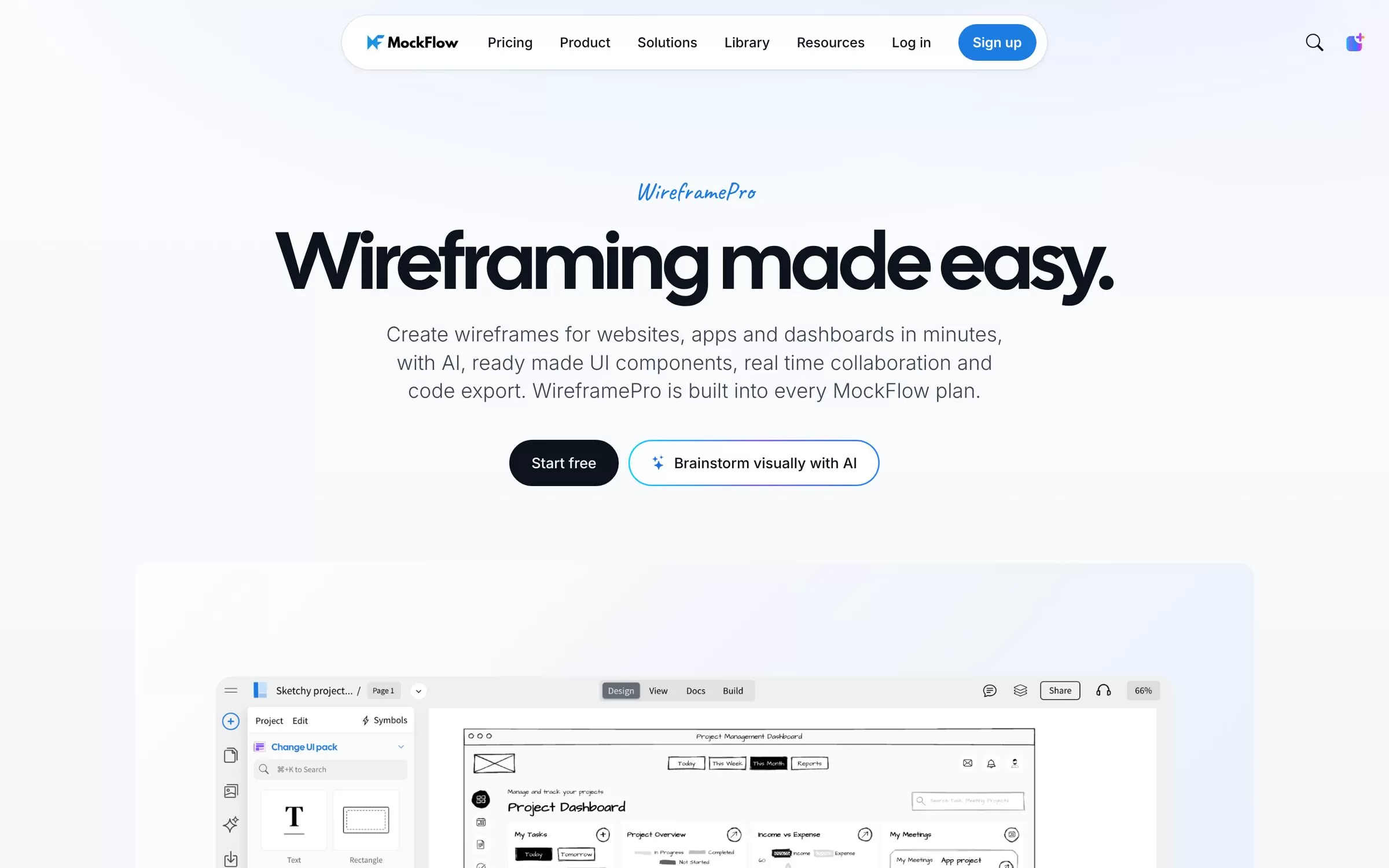
MockFlow's WireframePro creates wireframes for websites, apps and dashboards from a text prompt, a screenshot or a URL. Its AI helper, Mida, can also build flowcharts and sitemaps on the same board.
Best for: Website and dashboard layouts
Free plan: Yes, up to 4 projects and 100 AI credits a month
Price: Plus and Max plans, priced per editor, listed on the MockFlow website
Website: mockflow.com
6. Mockitt
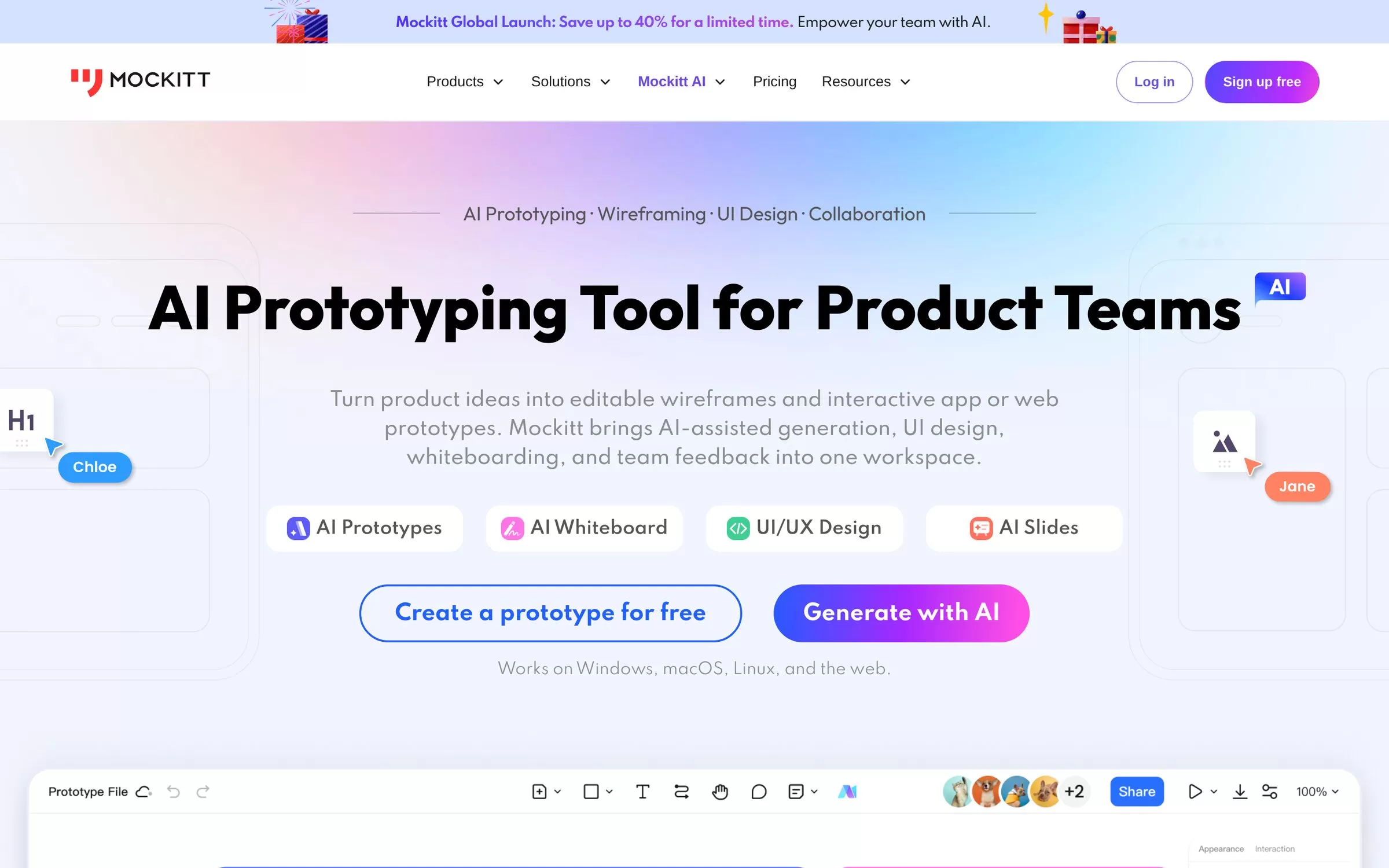
Mockitt uses a prompt or a reference image to create an editable UI draft, which your team can refine together. It also has a lifetime plan for people who prefer a one-time payment.
Best for: Small teams on a budget
Free plan: Yes, 3 files and 200 AI credits
Price: Pro at $10 a month, or $6 a month billed annually
Website: mockitt.com
7. Polymet
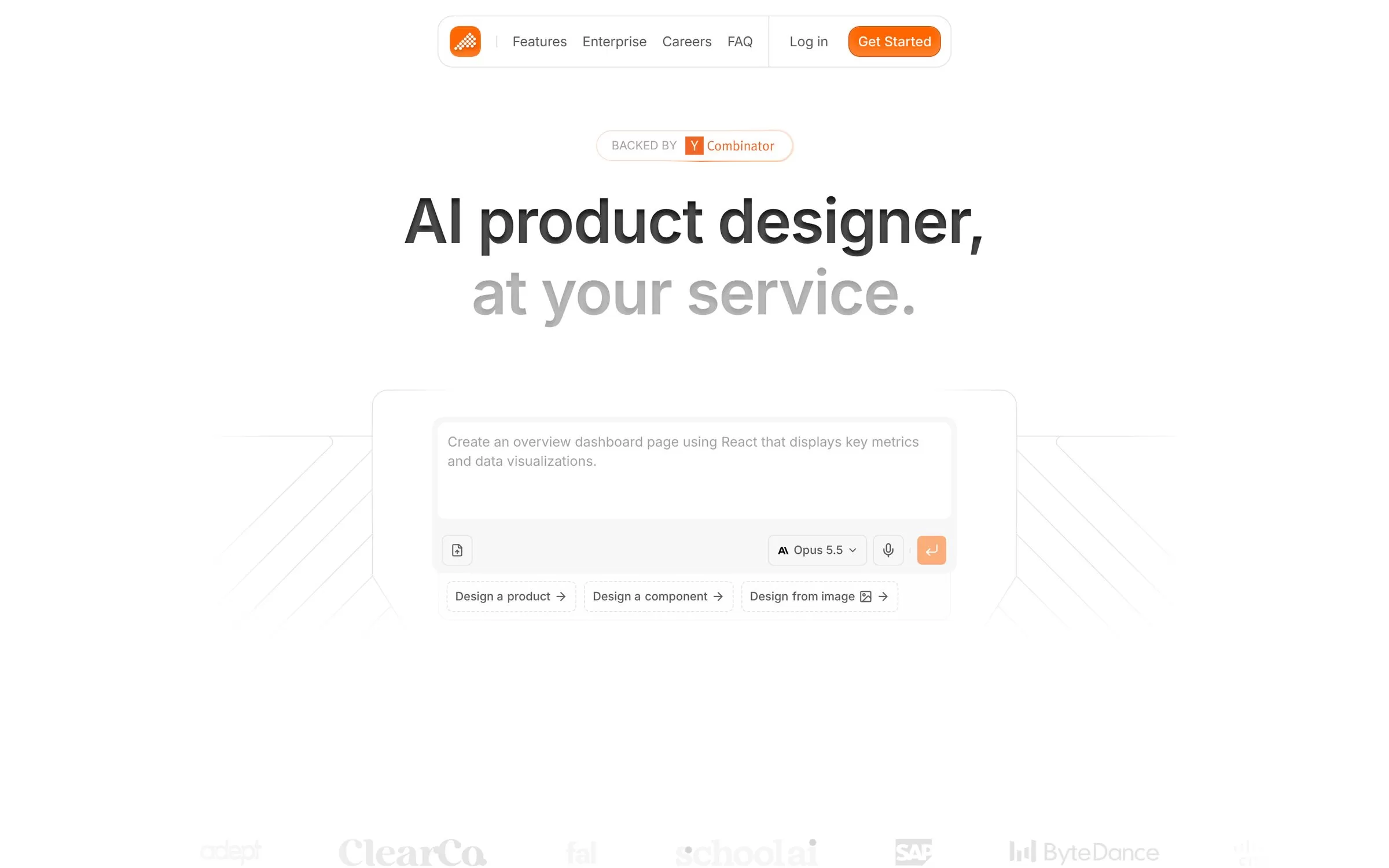
Polymet is an AI product designer that creates pages, components and prototypes, along with front-end code. It can import from and export to Figma on every plan.
Best for: Startups that want design and code
Free plan: Yes, 500 credits every 30 days
Price: Pro from $25 a month
Website: polymet.ai
8. Magic Patterns
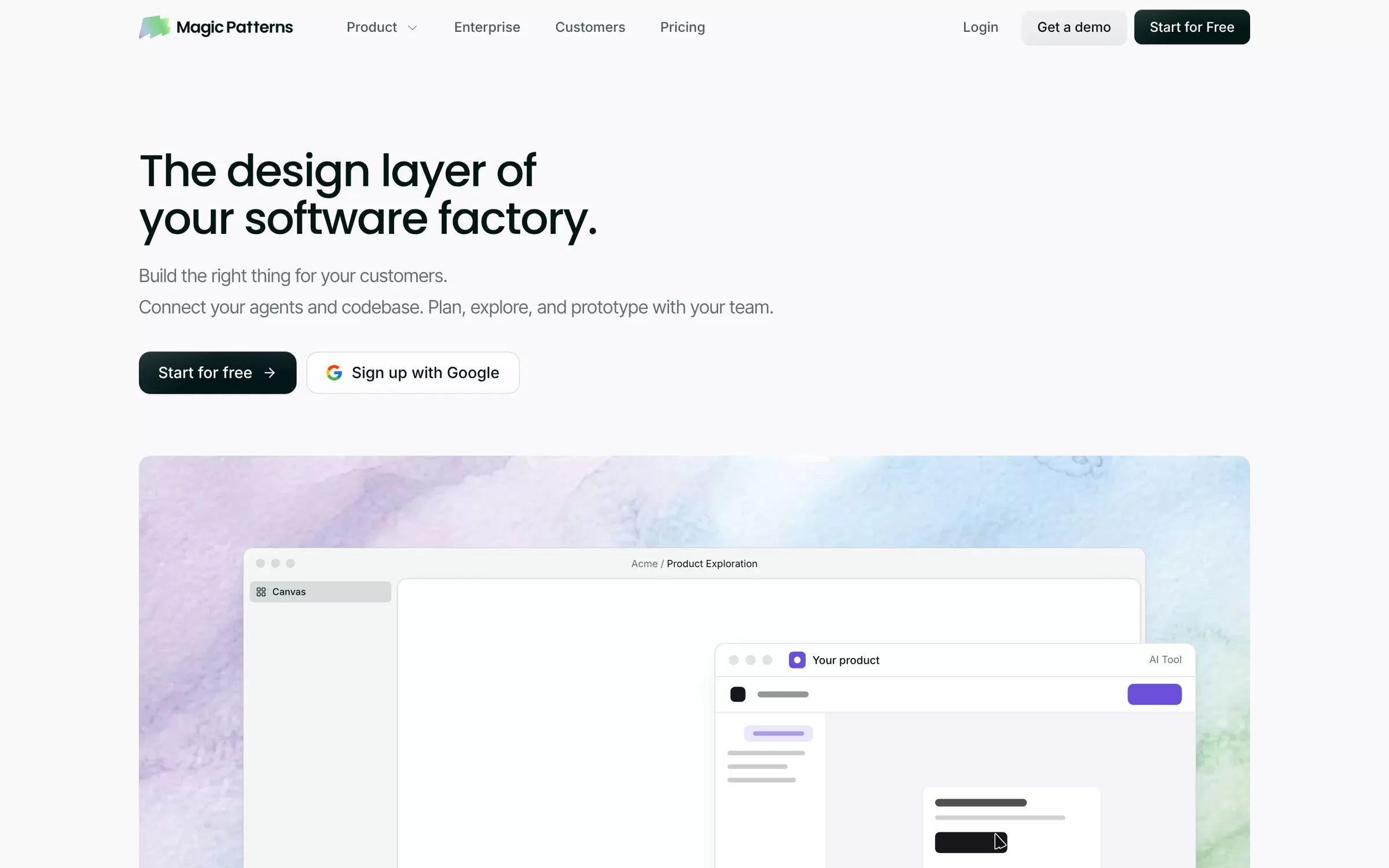
Magic Patterns helps product teams plan, explore and prototype ideas with AI, and connects to your agents and codebase. Designs can be exported to Figma.
Best for: Product managers testing ideas
Free plan: Yes, with monthly free credits
Price: Starter at $20 a month for 1,000 credits
Website: magicpatterns.com
9. v0
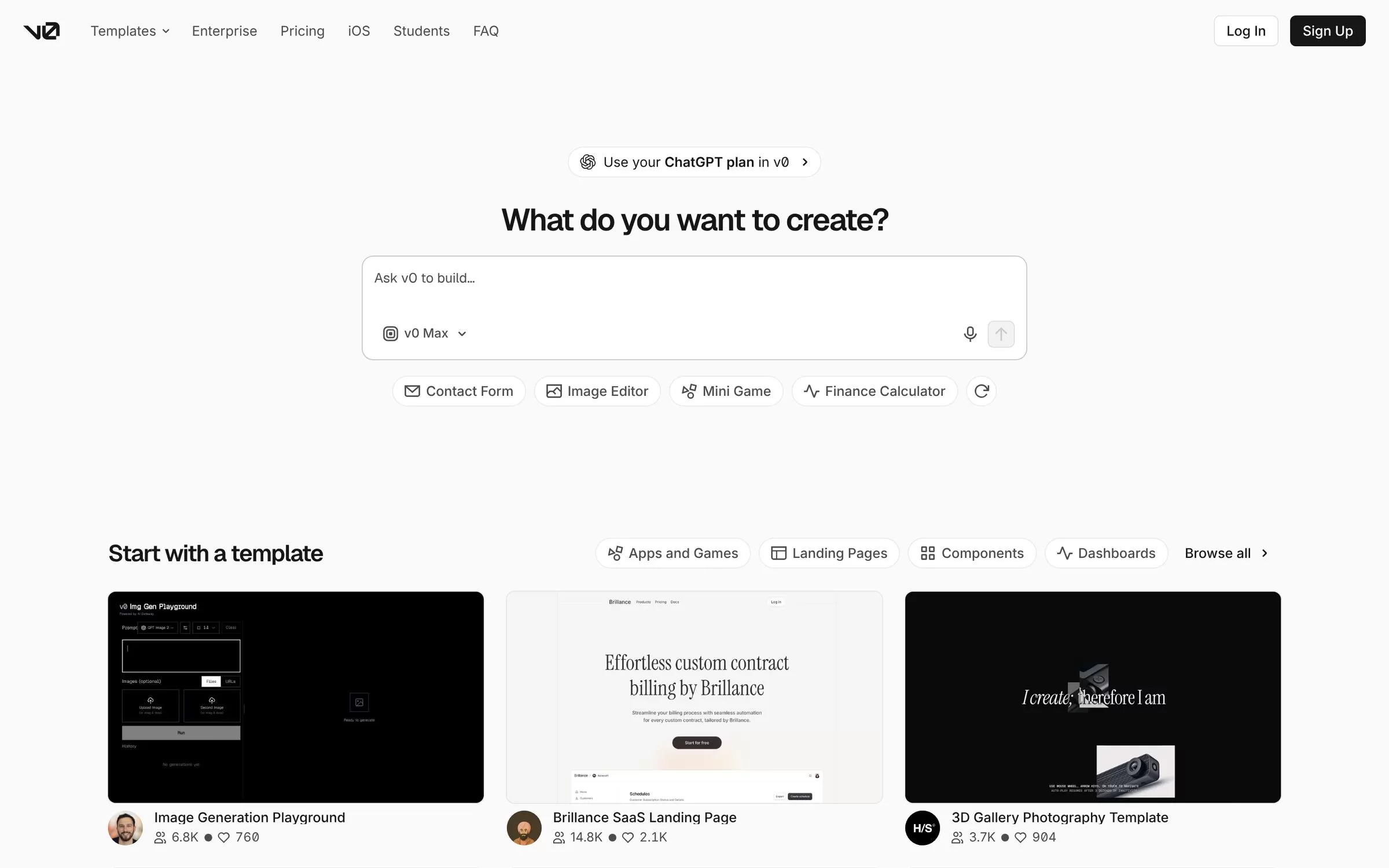
v0 by Vercel is an AI agent that builds real code and full-stack apps from a prompt. It can create high-fidelity UIs from your wireframes or mockups, ready to deploy.
Best for: Developers and technical founders
Free plan: Yes, with a daily message limit
Price: Plus at $30 per user a month
Website: v0.app
Free AI wireframe generators
Eight of the nine tools have a free plan. MockFlow, Banani and UX Pilot give you monthly or daily AI credits, Miro gives you 3 editable boards, and Polymet gives you 500 credits every 30 days. Balsamiq is the only one with just a 14-day free trial.
AI wireframe generators that work with Figma
If your designer works in Figma, pick a tool that exports to it. Polymet and Magic Patterns export designs to Figma, UX Pilot and Banani do it on paid plans, and MockFlow does it on its Max plan.
How to pick the right AI wireframe generator
Start with what you already have. If you have a rough sketch or a screenshot of a page you like, use a tool that reads images, such as Balsamiq, UX Pilot or MockFlow. If you only have an idea, type it into Banani or Miro. If you want working code next, try v0 or Polymet.
Final verdict
For most founders, UX Pilot or Banani is the quickest way from an idea to clean screens. Teams that plan together will like Miro, and anyone who wants simple, sketch-style wireframes should try Balsamiq. Start on a free plan, make three versions of your main screen, and share them before you spend on design.


