Artificial Intelligence is revolutionizing the video editing industry, transforming tedious tasks into seamless, automated processes. From generating subtitles to removing backgrounds and even creating entirely new video sequences, AI Video Editing tools are changing how professionals, marketers, and creators produce content.
In 2025, several platforms stand out for their ability to combine ease of use, powerful automation, and creative flexibility. Below are the Top 7 AI Video Editing Tools to Watch in 2025, with overviews, best use cases, and pricing details.
1. Adobe Premiere Pro: Best AI Video Editing Tool
Overview:
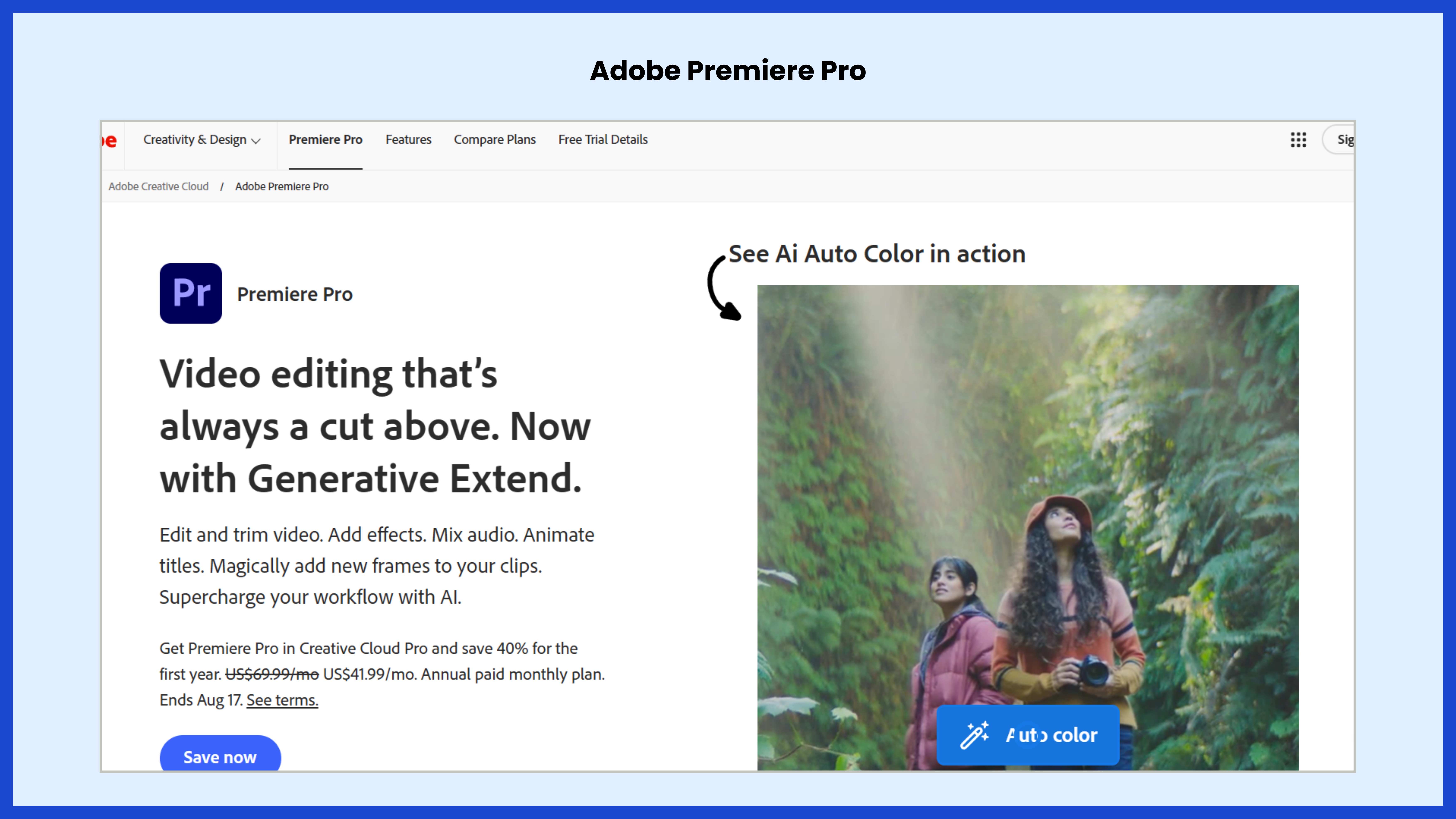
Adobe Premiere Pro remains the industry benchmark for professional video editing, and with the integration of Adobe Sensei and Firefly AI, it has become even more powerful. It offers features like automatic captions, noise reduction, smart reframing, color correction, and generative fill to expand or modify visuals seamlessly. Text-based editing allows editors to cut and rearrange clips by simply editing transcripts.
Best For:
Professional filmmakers, agencies, YouTubers, and advanced editors looking for precision and creative freedom.
Link: https://www.adobe.com/products/premiere.html
Adobe Premiere Pro Pricing:
- Single App Plan: $22.99/month (billed annually)
- Creative Cloud All Apps: $59.99/month (billed annually)
- Free Trial Available
2. DaVinci Resolve Studio: Best AI Video Editing Tool
Overview:
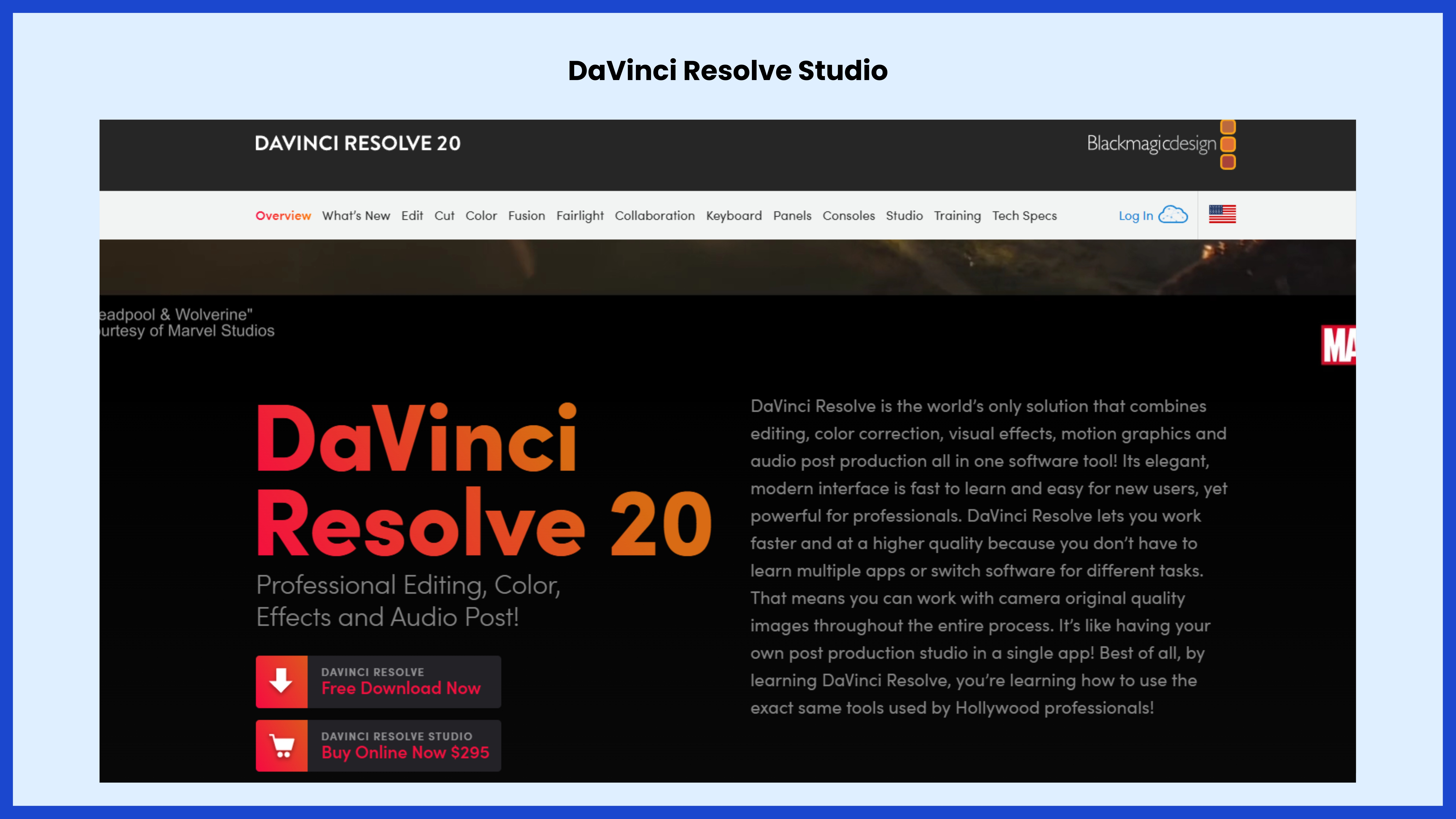
DaVinci Resolve has grown from being the top color-grading tool into a full editing powerhouse. Its AI engine, DaVinci Neural Engine, powers features such as smart reframing, auto-subtitles, magic mask for subject isolation, object removal, and advanced voice isolation. The free version is already one of the most capable editors, while the Studio version adds professional AI features and higher-quality processing.
Best For:
Independent filmmakers, production houses, and editors who want a one-time license instead of monthly subscriptions.
Link: https://www.blackmagicdesign.com/products/davinciresolve
DaVinci Resolve Pricing:
- Free Version: $0 (robust editing capabilities included)
- Resolve Studio License: $295 (one-time payment, lifetime access)
Also read: Top 6 AI Image Tools Every Business Should Know in 2025
3. Descript: AI Video Editing Tool
Overview:
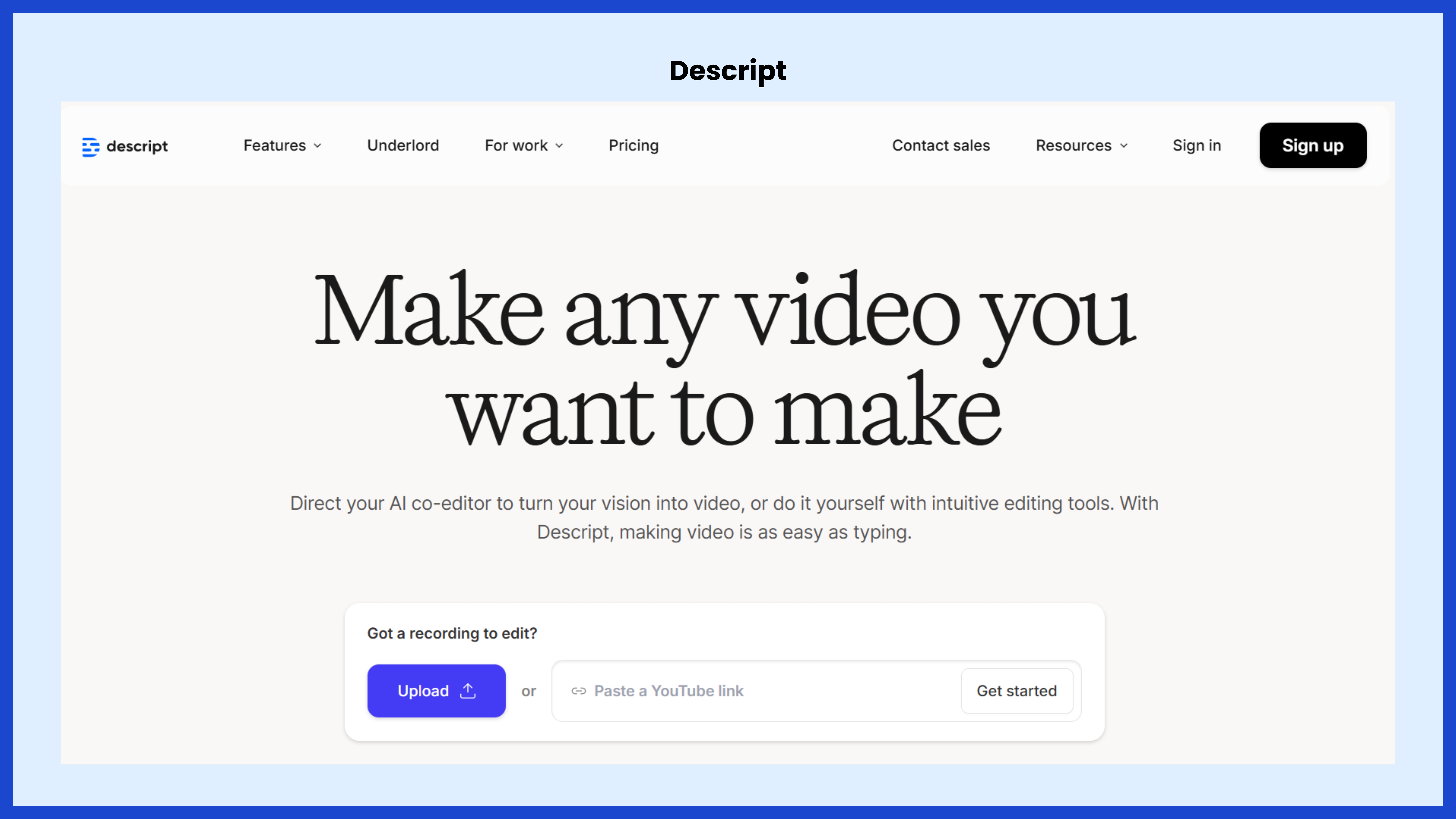
Descript is a text-first video editor that allows you to edit video by editing its transcript. It automatically generates captions, removes filler words, and syncs changes in text to the video timeline. The Overdub feature clones voices to fix mistakes without re-recording, while Studio Sound improves audio quality significantly.
Best For:
Podcasters, educators, trainers, and marketers who produce interviews, explainer videos, and training content.
Link: https://www.descript.com
Descript Pricing:
- Free Plan: Limited features, basic transcription
- Hobbyist: $16/month (billed annually)
- Creator: $24/month (billed annually)
- Enterprise Plan: Custom pricing for teams
4. Runway: AI Video Editing Tool
Overview:
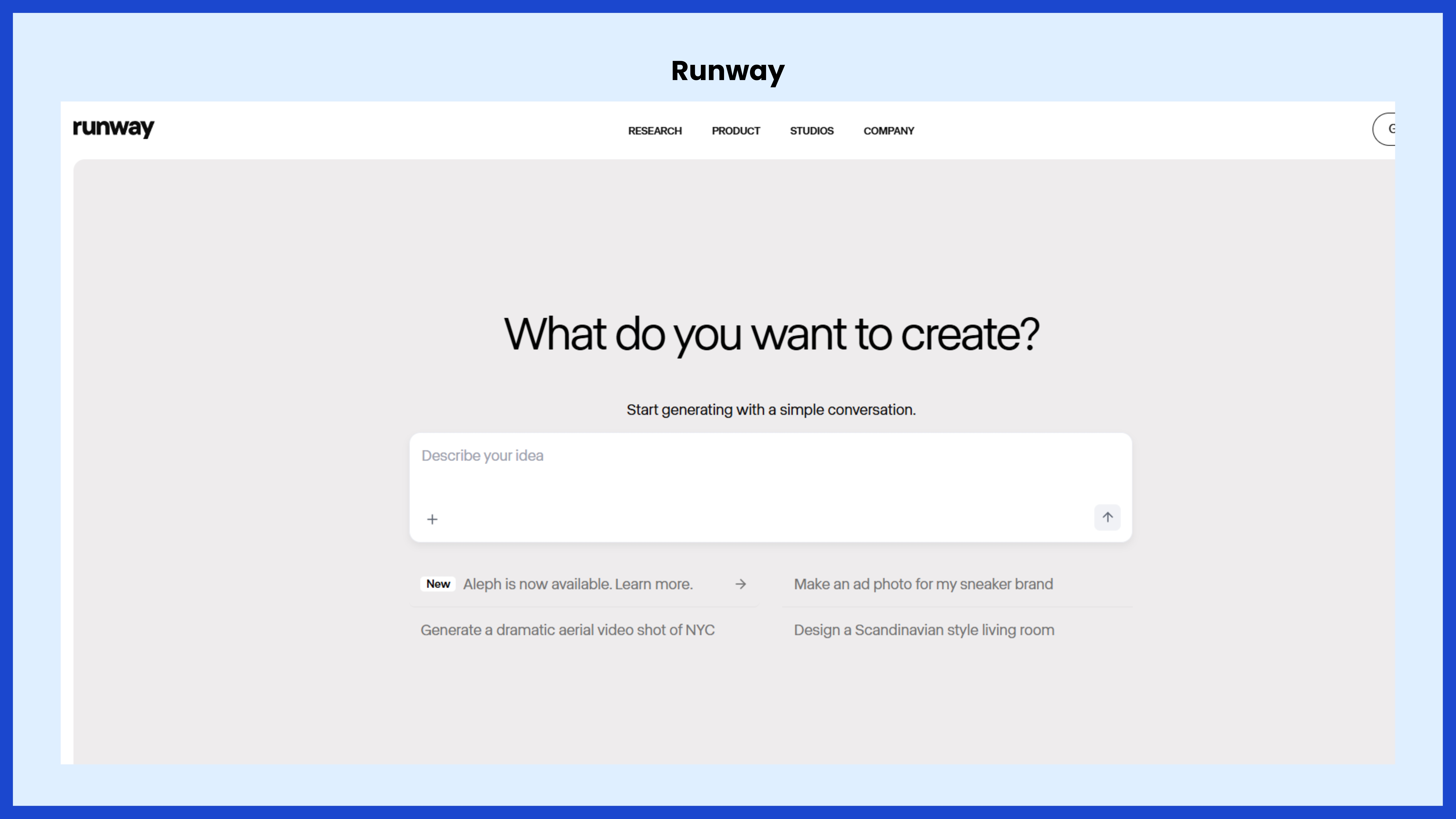
Runway is one of the most innovative AI-driven creative platforms, enabling text-to-video, image-to-video, motion tracking, and background removal. It has become popular for generating b-roll, conceptual visuals, and stylized sequences with minimal effort. Runway’s Gen-3 AI models can generate realistic video clips, making it a hybrid tool for creation and editing.
Best For:
Creative professionals, advertisers, and social media marketers who need experimental or AI-generated content.
Link: https://runwayml.com
Runway Pricing:
- Free Plan: Limited exports and features
- Standard Plan: $15/month (billed annually)
- Pro Plan: $35/month (billed annually)
- Enterprise Plan: Custom pricing
5. CapCut
Overview:
Initially developed as a companion app for TikTok, CapCut has evolved into a powerful cross-platform editor. Its AI tools include auto-captions, noise reduction, smart cutouts, and advanced filters. CapCut’s library of trending templates and music integrations makes it particularly appealing to social media creators producing content daily.
Best For:
Influencers, short-form content creators, and digital marketers focused on platforms like TikTok, Instagram Reels, and YouTube Shorts.
Link: https://www.capcut.com
CapCut Pricing:
- Free Plan: Basic editing features and templates
- CapCut Pro (Individual): Around $9.99/month (varies by region)
- CapCut Teams: Starts around $12.99/month per user
6. VEED.IO
Overview:
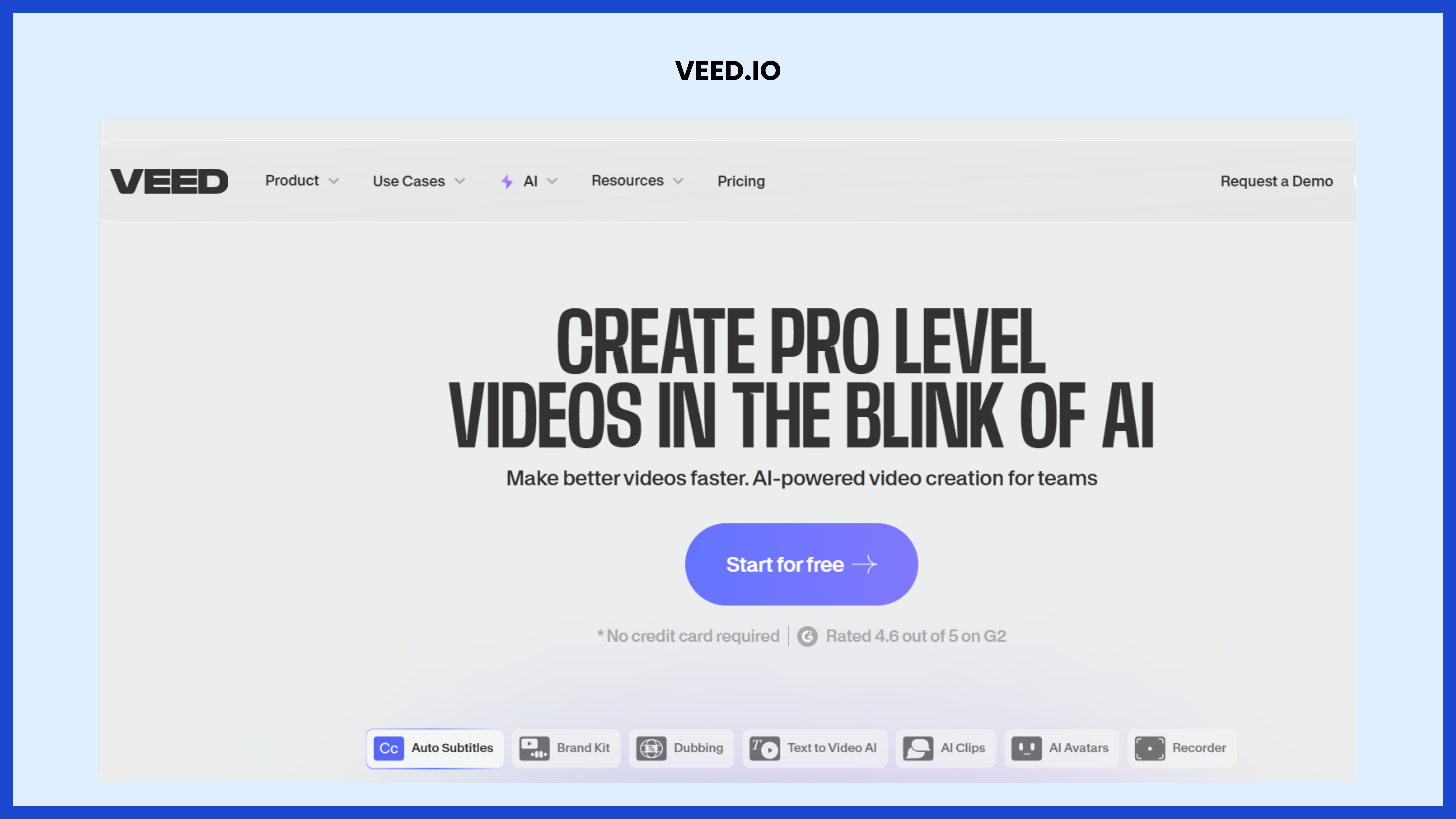
VEED.IO is a cloud-based editor designed for speed and simplicity. It leverages AI to generate subtitles, translate captions into multiple languages, create avatars, and even generate short videos from scripts. Collaboration features allow teams to edit projects together from anywhere.
Best For:
Startups, agencies, and remote teams that need a browser-based collaborative editor with strong AI automation.
Link: https://www.veed.io
VEED.IO Pricing:
- Lite Plan: ₹ 499 per Editor / month, billed yearly
- Pro Plan: ₹ 1199 per Editor / month, billed yearly
- Enterprise Plan: Custom pricing for organizations
7. Wondershare Filmora
Overview:
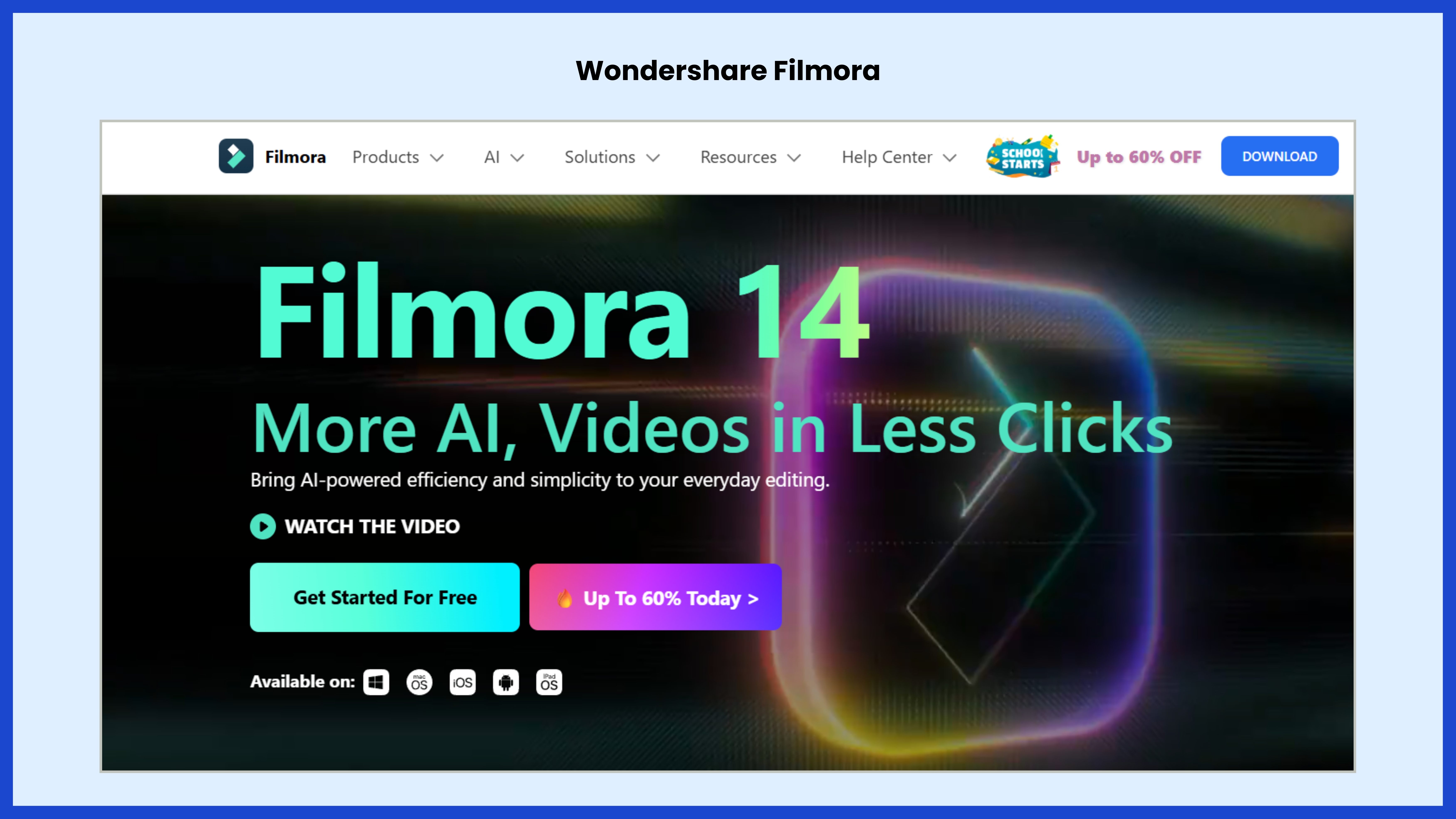
Filmora has established itself as a beginner-friendly yet powerful editing solution. Its AI-driven tools include text-to-speech, smart cutout, audio denoise, motion tracking, and idea-to-video generators. With a wide selection of templates, transitions, and effects, Filmora is excellent for solo creators and small businesses.
Best For:
Beginners, small businesses, and freelance content creators who want affordability and ease of use.
Link: https://filmora.wondershare.com
Filmora Pricing:
- Annual Plan (Individual): Around $49.99–$69.99/year
- Perpetual Plan (Individual): One-time payment, varies by region
- Business Plans: Custom pricing depending on team size and needs
Final Thoughts
The landscape of video editing in 2025 is not about replacing human editors but empowering them with smarter tools. AI handles the repetitive and technical aspects—like cutting, reframing, captioning, and enhancing—so that creators can focus more on storytelling and creativity.
- For professionals and filmmakers: Adobe Premiere Pro and DaVinci Resolve Studio remain the strongest contenders.
- For content creators and podcasters: Descript offers unmatched speed in editing dialogue-heavy videos.
- For experimental and artistic projects: Runway opens doors to AI-generated content.
- For social-first creators: CapCut and VEED.IO provide the fastest ways to create and publish.
- For beginners and small businesses: Wondershare Filmora balances simplicity with affordability.
As AI continues to evolve, the most successful editors in 2025 will be those who combine the precision of traditional tools with the power of AI-driven automation.